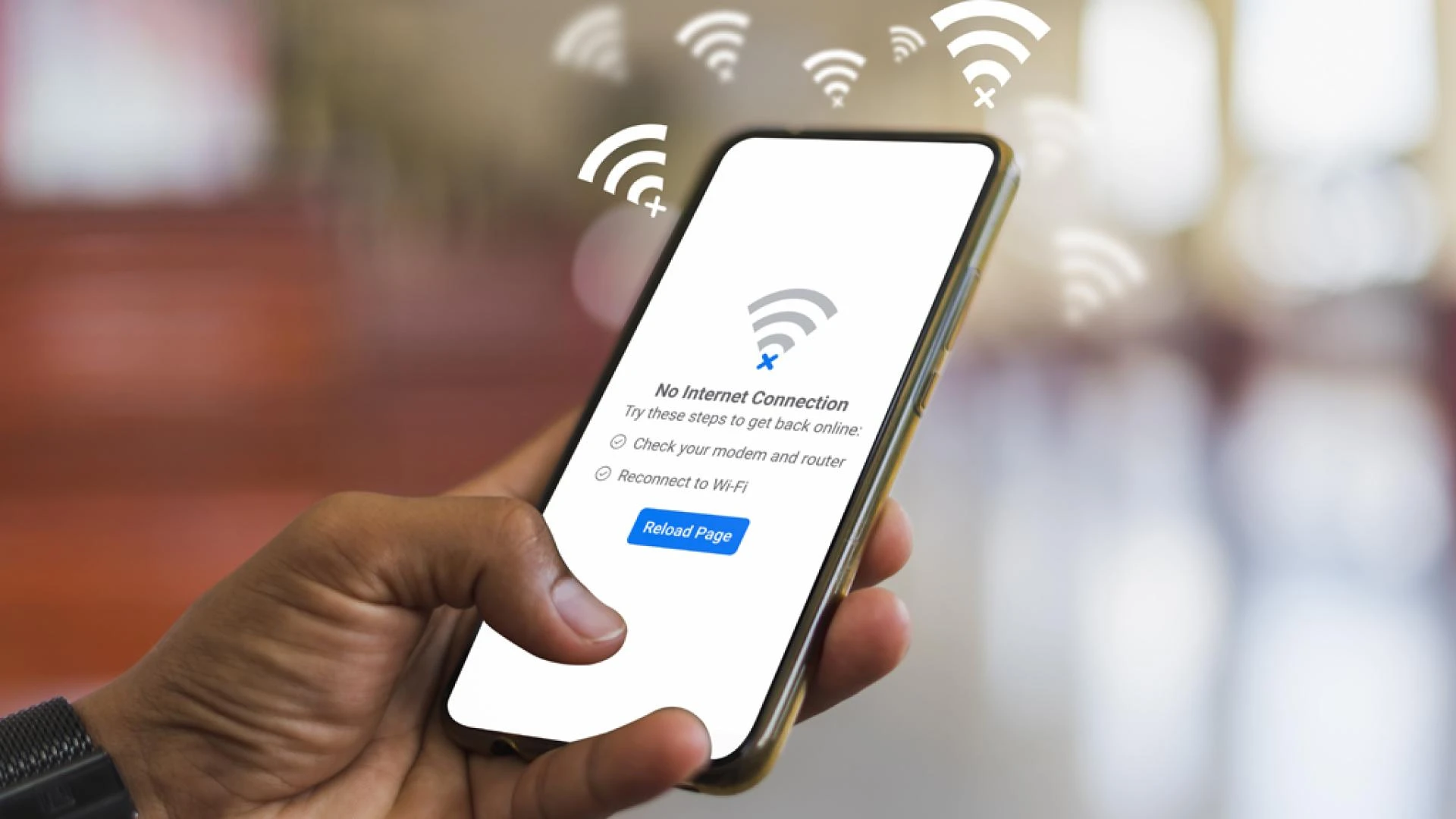

Are you tired of dealing with frustrating Wi-Fi connection issues on your smartphone? Don't worry, you're not alone. Many people in Dubai, UAE, face similar struggles when it comes to staying connected to the internet on their mobile devices. In this article, we will discuss some common Wi-Fi problems and provide you with practical solutions to help you get back online quickly and easily.
Common Wi-Fi Connection Problems
1. Slow Connection Speeds: Is your Wi-Fi connection painfully slow, making it difficult to browse the web or stream videos? This could be due to a variety of factors, such as network congestion, distance from the router, or interference from other electronic devices.
2. Intermittent Connection: Do you find that your Wi-Fi signal is constantly dropping in and out, leaving you frustrated and disconnected? This can be caused by issues with your router, modem, or even your smartphone settings.
3. Unable to Connect: Are you having trouble connecting to Wi-Fi networks altogether? This could be due to incorrect network settings, outdated software, or even a faulty Wi-Fi antenna on your smartphone.
How to Fix Wi-Fi Connection Problems
1. Check Your Network Settings
The first step in resolving Wi-Fi connection problems on your smartphone is to check your network settings. Make sure that your Wi-Fi is turned on, and that you are connected to the correct network. You can also try forgetting the network and reconnecting to see if that resolves the issue.
2. Restart Your Router and Smartphone
Sometimes, simply restarting your router and smartphone can help alleviate Wi-Fi connection issues. Turn off both devices, wait a few minutes, and then turn them back on. This can help reset any network glitches that may be causing the problem.
3. Move Closer to the Router
If you are experiencing slow connection speeds or intermittent Wi-Fi signal, try moving closer to the router. Walls, furniture, and other obstacles can interfere with the signal, so being in close proximity to the router can help improve your connection.
4. Update Your Software
Outdated software can often cause Wi-Fi connection problems on smartphones. Make sure that both your smartphone's operating system and your router's firmware are up to date. This can help fix any bugs or compatibility issues that may be affecting your connection.
5. Reset Network Settings
If all else fails, you can try resetting your smartphone's network settings to default. This will erase all saved Wi-Fi networks and passwords, so make sure you have this information handy before proceeding.
6. Contact Your ISP
If you have tried all of the above solutions and are still experiencing Wi-Fi connection problems, it may be time to contact your internet service provider. They can help diagnose any issues on their end and provide you with further assistance in resolving the issue.
Conclusion
Dealing with Wi-Fi connection problems on your smartphone can be frustrating, but with a few simple troubleshooting steps, you can get back online in no time. Remember to check your network settings, restart your devices, and update your software regularly to ensure a smooth and reliable connection. Don't hesitate to reach out to your ISP for additional support if needed. For more details about mobile repair in Dubai, call our toll-free number 045864033.




















Sign in to leave a comment.