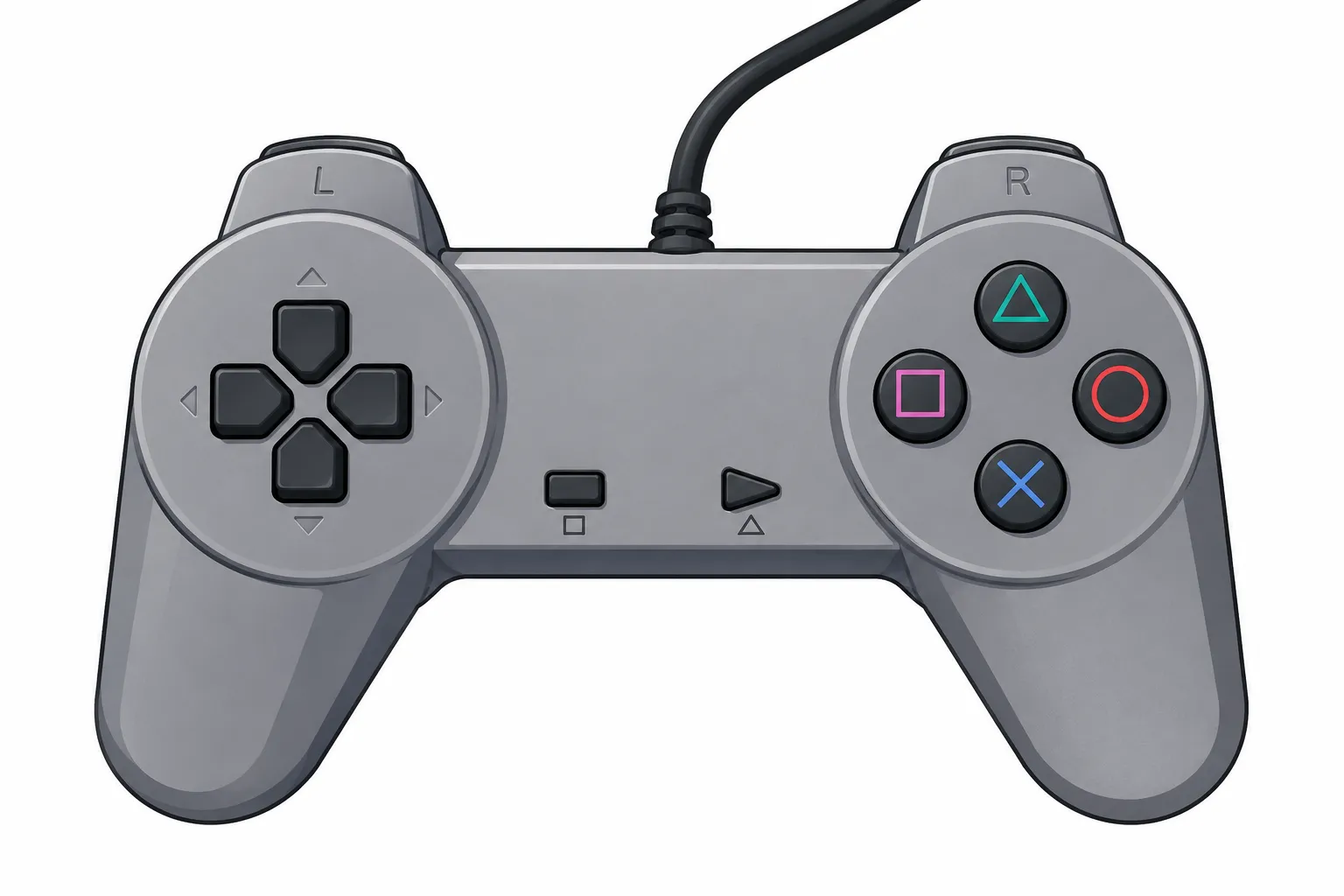

The PlayStation 2 is one of the most memorable consoles in gaming history. Even years after its original release, many players still enjoy returning to classic PS2 games because of their unique gameplay, memorable characters, and large variety of genres. From action and racing games to sports, adventure, and role-playing titles, the PS2 library has something for almost every type of player.
For people who no longer have access to the original console, emulation can provide another way to experience these classic games. A PS2 emulator allows compatible games to run on devices such as computers and, depending on the emulator and hardware, Android smartphones. However, getting good results requires more than simply installing an emulator. Proper configuration can make a significant difference in compatibility and performance.
Choosing a PS2 Emulator
The first step is selecting an emulator that supports your operating system and hardware. PC users have several options, while Android users should check whether their phone has enough processing power and graphics capability for the games they want to run.
It is important to download emulator software from a trustworthy source. Before installing anything, check that the emulator supports your operating system and review its configuration requirements. A more powerful device generally provides better performance, especially when running games at higher resolutions.
Understanding the BIOS
The BIOS is an important part of PS2 emulation. It is firmware associated with the original PlayStation 2 hardware and is required by many PS2 emulators before games can start.
Users should obtain BIOS files from hardware they legally own rather than downloading copyrighted firmware from unknown sources. Once the appropriate BIOS has been obtained, it can usually be imported through the emulator's BIOS or system settings.
Different PS2 consoles were released for different regions, so BIOS versions can also be associated with regions such as North America, Europe, and Japan. Choosing a compatible region can help avoid unnecessary compatibility issues when configuring an emulator.
For additional information about PS2 BIOS, emulator setup, and related guides, you can also visit ps2bios.com.br/.
Setting Up the Emulator
After installing the emulator and preparing the BIOS, the next step is configuration. Most emulators provide settings for graphics, audio, controls, memory cards, and other system features.
Graphics settings are particularly important because they can have a major effect on performance. A powerful PC may be able to run games at a higher internal resolution, while a lower-end Android device may need more conservative settings.
For beginners, it is usually better to start with the emulator's recommended or default configuration. Once the game is running correctly, individual settings can be adjusted gradually. Changing several options at once can make troubleshooting more difficult because it becomes unclear which setting caused a particular problem.
Controller and Gameplay Settings
A comfortable controller configuration can make a big difference when playing older console games. On a PC, players can often connect a USB controller or another compatible gamepad. Android users may also be able to connect supported Bluetooth or USB controllers.
If a controller is not available, touchscreen controls can work for some games, although they may not provide the same experience as a physical gamepad. Mapping buttons carefully is especially important for games that use both analog sticks, shoulder buttons, and pressure-sensitive controls.
Players should also check memory-card settings before starting a long game. Creating a virtual memory card allows progress to be saved in much the same way as on the original console.
Improving Performance
Performance problems are among the most common challenges when using a PS2 emulator. A game may experience slowdowns, audio problems, graphical glitches, or inconsistent frame rates depending on the hardware and configuration.
If performance is poor, start with simple adjustments. Lowering the internal resolution can reduce the workload on the graphics processor. Closing unnecessary background applications can also free system resources.
On Android devices, keeping the phone cool can be helpful during longer gaming sessions. Mobile hardware may reduce performance when the device becomes too warm, so ventilation and reasonable graphics settings can contribute to a more stable experience.
Keep Your Setup Organized
Keeping emulator files organized makes future troubleshooting much easier. Store BIOS files, memory-card data, configuration files, and legally obtained game backups in clearly labeled folders.
It is also useful to keep backup copies of important save files. A corrupted memory-card file or accidental configuration change can otherwise result in lost progress.
Final Thoughts
PS2 emulation can be an enjoyable way to revisit classic games while learning more about emulator configuration and computer or mobile hardware. The best results usually come from taking the setup process slowly, using reliable software, selecting appropriate settings, and making adjustments based on the capabilities of your device.
Most importantly, beginners do not need to change every setting immediately. Start with a basic configuration, test a game, and make small changes when necessary. With a little patience and experimentation, players can create a comfortable setup for enjoying their favorite PS2 classics on compatible modern hardware.






















Sign in to leave a comment.