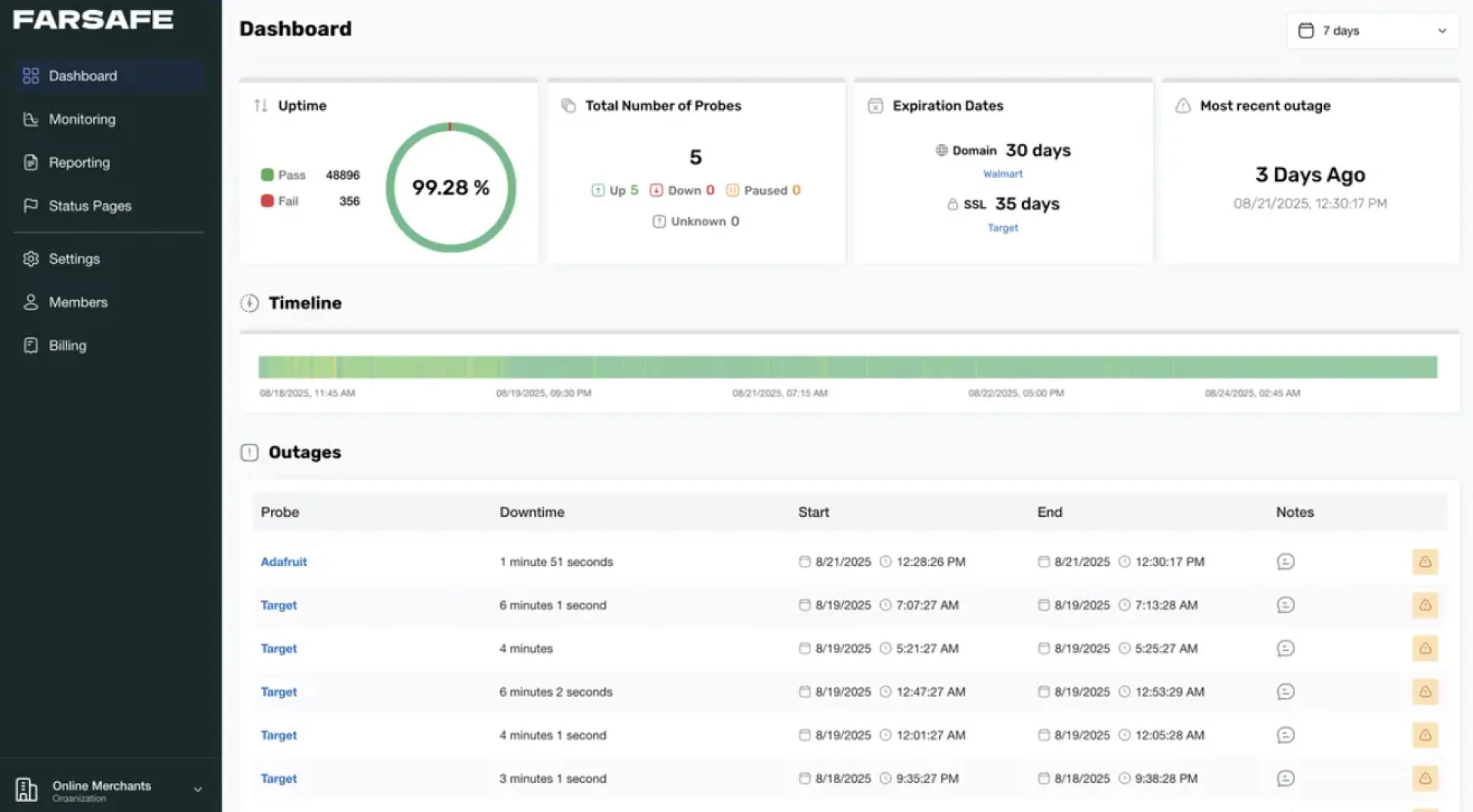

Web site downtime does not always announce itself. A page can load slowly, a checkout can fail intermittently, or an entire site can go offline while you remain unaware. For small business owners, bloggers, and SaaS founders, even short outages can result in lost leads, missed sales, and reduced trust.
Free web site monitoring allows you to detect these problems automatically. With the right setup, you can begin monitoring your site in minutes without installing software, writing code, or paying for a subscription.
This tutorial explains exactly how to set up free web site monitoring in five minutes using a generic, tool-agnostic approach. No brand names are required. The process applies to any free monitoring service that follows standard industry practices.
What Free Web Site Monitoring Actually Does
Before setting anything up, it is important to understand what monitoring means in practical terms.
Free web site monitoring checks whether your site is reachable from the internet. At scheduled intervals, an automated system sends a request to your web site and evaluates the response. If the site fails to respond correctly, the system records the failure and can notify you.
Most free monitoring setups focus on availability, not performance optimization or deep diagnostics. That makes them ideal for:
- Detecting downtime
- Confirming your site is reachable
- Receiving alerts when availability changes
- Establishing a basic uptime history
This is sufficient for many small businesses and early-stage SaaS projects.
What You Need Before You Start
The setup itself is simple, but having the following ready will help you complete it quickly:
- Your full web site URL, including https if applicable
- Access to an email inbox for alerts
- A decision on how often checks should run
- A clear understanding of what counts as downtime for your site
No technical background is required beyond basic familiarity with your own web site.
Step 1: Choose the Page You Want to Monitor
Start by deciding which URL represents your site’s availability.
For most cases, this should be:
- The homepage
- A primary landing page
- A login page or application entry point for SaaS products
Avoid pages that are intentionally restricted or require authentication unless you understand how monitoring requests will be handled. Publicly accessible pages provide the most reliable signal.
Copy the exact URL, including protocol and any subdomain.
Step 2: Configure the Monitoring Check
Once inside a free web site monitoring service, you will typically see an option to create a new check or monitor.
During this step, you will define how availability is tested. Focus on the following settings.
Check Type
Select a basic availability or uptime check. This sends a standard web request to your site and verifies that it responds.
Response Criteria
Set the expected result as a successful response. In most systems, this means:
- The page responds within a reasonable time
- The server returns a valid success status
Avoid advanced conditions at this stage. Keep the rule simple and reliable.
Step 3: Set the Check Frequency
Monitoring frequency determines how often your site is checked.
Common free options include:
- Every 5 minutes
- Every 10 minutes
- Every 15 minutes
For most small sites, a five-minute interval provides a good balance between awareness and simplicity. This allows you to detect issues quickly without generating unnecessary alerts.
Select the shortest interval available within the free tier.
Step 4: Configure Alert Notifications
Monitoring without alerts defeats the purpose. Alerts ensure you know when your site becomes unavailable.
At minimum, enable:
- Email notifications
If additional channels are available at no cost, you may also enable them, but email alone is sufficient for most users.
Make sure to:
- Enter an email address you check regularly
- Confirm the notification settings if required
- Test alert delivery if the option exists
You want certainty that alerts will reach you when they matter.
Step 5: Save and Activate Monitoring
After reviewing your settings, activate the monitoring check.
Within moments, the system should begin running scheduled checks. Many services will display an initial status indicator showing whether your site is currently reachable.
At this point, free web site monitoring is active.
You have completed the technical setup.
How to Verify Everything Is Working
Before relying on the system, confirm that it behaves as expected.
You can do this by:
- Reviewing the first successful check result
- Confirming timestamps update on schedule
- Checking that your email address is verified
Some users temporarily block access to their site to test alerts, but this is optional. If you choose to do this, remember to restore access immediately.
What Free Monitoring Can and Cannot Do
Understanding limitations helps avoid incorrect assumptions.
Free web site monitoring is effective for:
- Detecting complete outages
- Confirming site reachability
- Maintaining basic uptime visibility
It is not designed for:
- Diagnosing root causes
- Monitoring internal application logic
- Measuring user experience quality
- Replacing full performance monitoring
As your site grows, you may eventually require more advanced visibility. For now, free monitoring provides a strong baseline.
How This Helps Your Business or Project
For small business owners and founders, the benefits are practical and immediate.
You gain:
- Early awareness of outages
- Evidence when hosting issues occur
- Confidence that your site is being watched continuously
- A basic uptime record you can reference internally
This is especially valuable if your site supports lead generation, transactions, or customer access.
Common Mistakes to Avoid
Even simple setups can fail if configured incorrectly.
Avoid these issues:
- Monitoring a page that blocks automated requests
- Ignoring alert configuration
- Using excessively long check intervals
- Assuming monitoring replaces regular site maintenance
Monitoring is a safety net, not a substitute for responsible site management.
Next Steps After Setup
Once free web site monitoring is running, review its data periodically.
Look for:
- Patterns in downtime
- Timeframes when issues occur
- Correlation with updates or traffic spikes
If downtime becomes frequent or costly, that data will justify further action.
Take Action Now
Web site issues rarely wait for a convenient moment. Setting up free web site monitoring takes minutes and delivers ongoing visibility.
If your site supports your business in any way, there is no practical reason to leave availability unchecked.
Set up monitoring today, confirm alerts are working, and ensure you are notified the moment your site becomes unavailable.
































Sign in to leave a comment.