
Data collection is critical for digital strategy, but traditional client-side tracking is failing. This method relies heavily on the user’s browser to execute tracking scripts and send data to third-party platforms. Browsers have limited this capability. Privacy features like Apple's Intelligent Tracking Prevention (ITP) and Firefox’s Enhanced Tracking Prevention (ETP) automatically block third-party cookies or restrict their durability. Additionally, popular ad blockers often prevent tracking scripts from loading altogether. The resulting data loss, sometimes exceeding 30% of conversion value, makes it very difficult to measure campaign performance accurately.
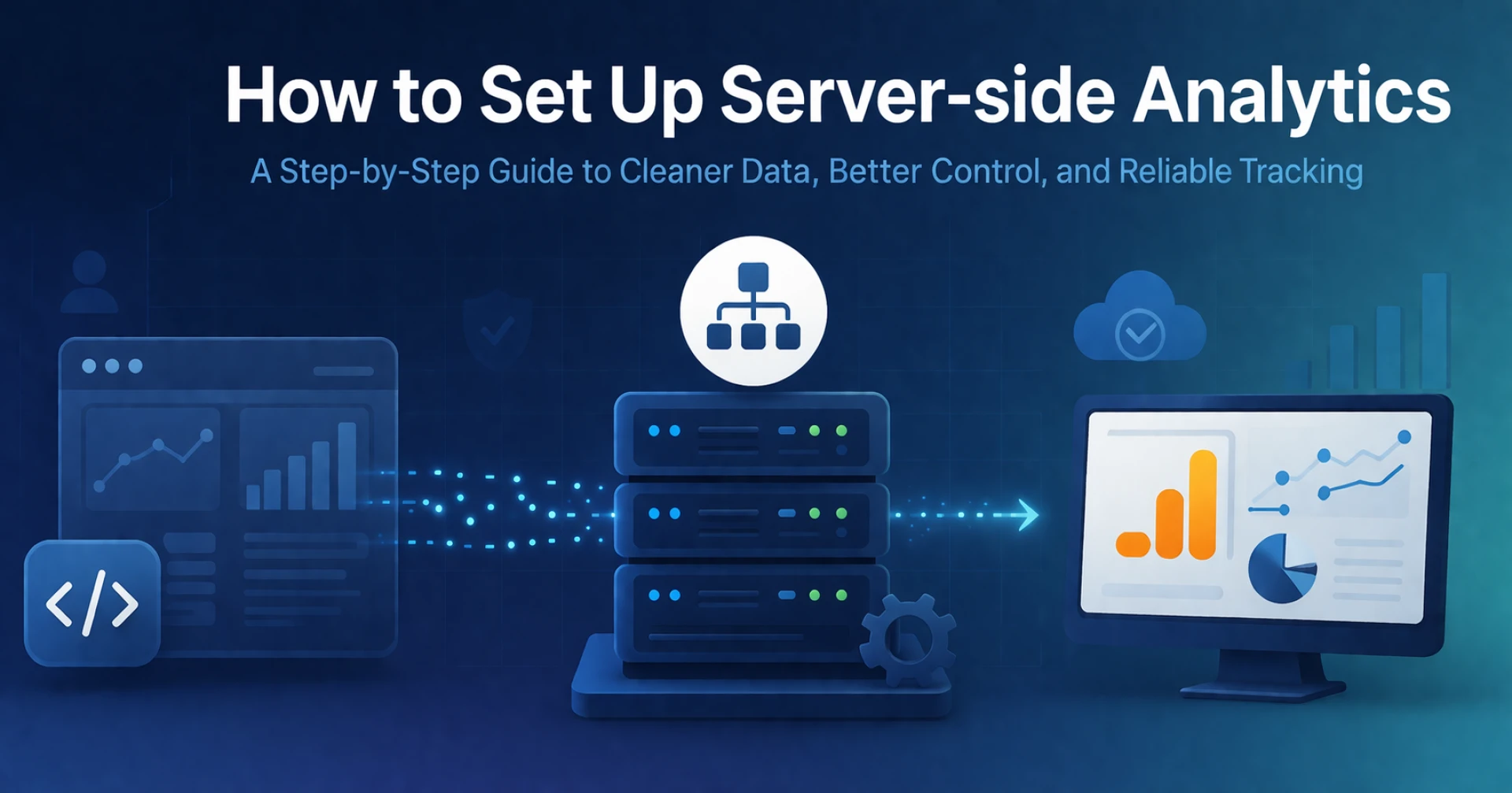
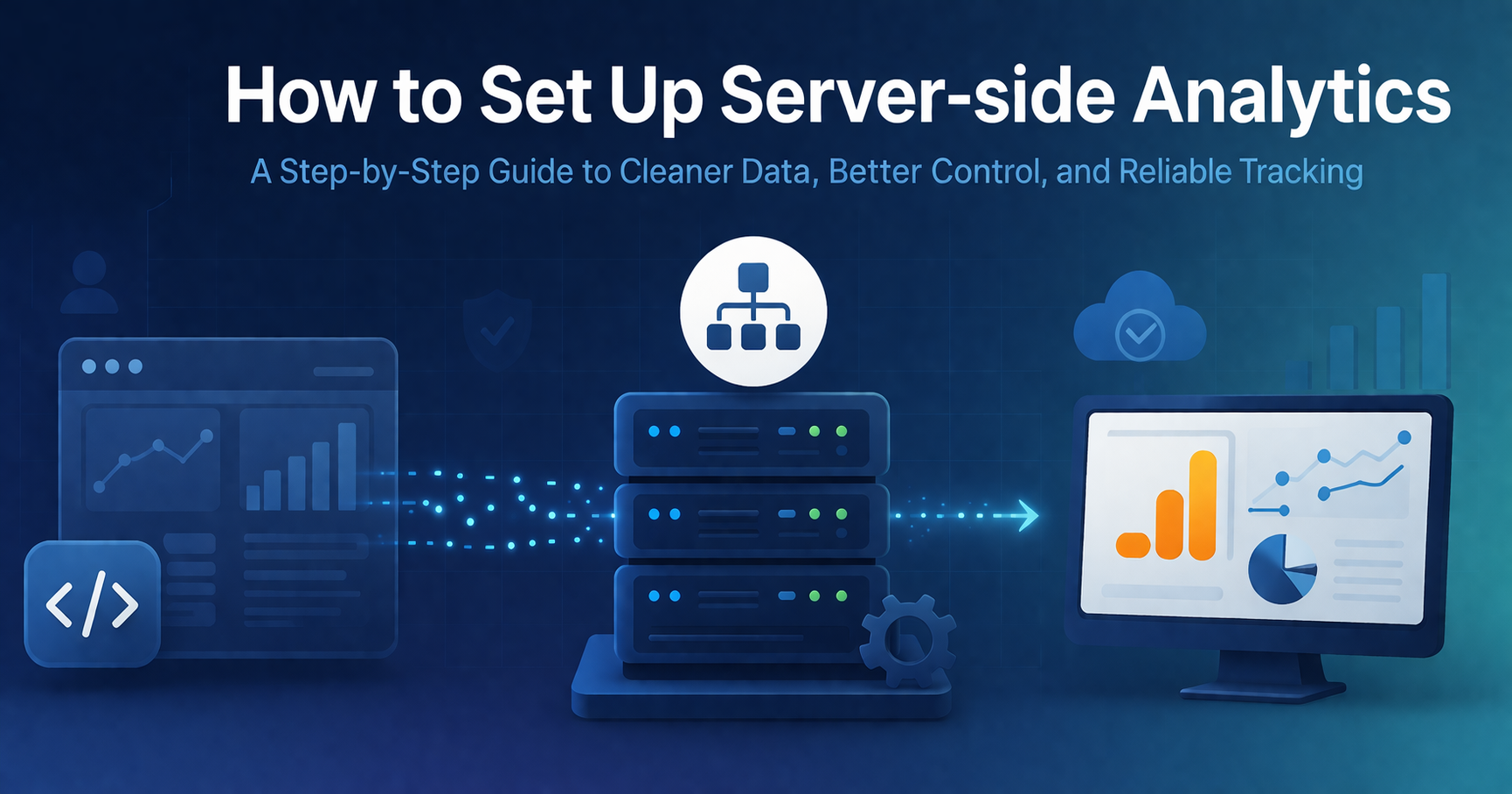
To address these challenges, many organizations are shifting to server-side analytics. This approach moves the tracking process off the user’s device and onto a controlled, private server. This guide provides a structured overview of the components required to build this new data architecture and detailed steps to complete a successful implementation.
Choosing the Technology Stack
The foundational decision is selecting the intermediary between your website and third-party vendors (like GA4, Facebook, and Google Ads). The industry standard for most marketing teams is Google Tag Manager (GTM), which now offers a specialized "Server" container type. Other options exist, such as using a Customer Data Platform (CDP) like Segment or Tealium, but GTM provides a familiar interface and excellent integration with the Google ecosystem.
A complete server-side analytics ecosystem requires three core components:
- Web Container: The traditional GTM container running on your website. Its role is simplified: it captures basic user interactions and sends them as light data packets to your server instance.
- Server Container: The new GTM container type that runs on your cloud infrastructure. It acts as the routing station, receiving the web container's data, processing it, and forwarding it to the appropriate platforms (e.g., GA4, Meta Conversion API).
- Cloud Hosting: This provides the computing infrastructure (e.g., Google Cloud Platform, AWS, or Azure) where your server container actually resides. Google Cloud Platform (GCP) provides an automated setup, making it the fastest option for deployment.
Provisioning the Cloud Infrastructure
If you are using Google Tag Manager, the server container must be hosted on a cloud environment. Setting this up is straightforward in GCP.
- Step 1: Create a Server Container in GTM: In your GTM account, create a new container and select "Server" as the platform type. Give it a descriptive name.
- Step 2: Connect to Google Cloud: Upon creation, GTM will prompt you to provision your tagging server. Google Cloud is the natural fit for this and offers an automated, one-click provisioning process. This will create a GCP project, deploy the server container, and link the two platforms. This setup uses a "flexible" environment, which balances cost and scalability.
Mapping the Custom Domain (The Most Vital Step)
This step is critical for data accuracy and privacy. A default server container setup uses a generic Google-provided URL (e.g., your-project-id.appspot.com). While this functions, it does not provide the first-party context browsers require to respect cookies.
- Step 3: Map a Sub-domain: You must create a sub-domain of your main website (e.g., tracking.yourdomain.com) and map it to your tagging server. In the Google Cloud Console, you enter this sub-domain and update your DNS records with your registrar (usually by adding an A or AAAA record pointing to the provided IP addresses). This makes the traffic from the user’s browser to your tagging server appear as a first-party request, significantly improving data durability and bypassing many blocking mechanisms.
Configuring the End-to-End Flow
With the infrastructure in place, you now need to reconfigure your existing tracking to use this new data path.
- Step 4: Configure the Web Tag: You do not discard your client-side GTM. You update it. For a GA4 implementation, locate your GA4 Configuration tag (or Google Tag). In the configuration settings, find the "Server Container URL" field. Enter your new custom sub-domain URL (e.g., https://tracking.yourdomain.com). This tells the web tag: "Capture this event, but do not send it to Google directly. Send it to my new private server instance instead."
- Step 5: Define Clients in the Server Container: The server container needs to understand the incoming requests. It uses "Clients" to do this. Clients receive, normalize, and interpret the incoming data. GTM automatically includes a GA4 Client that is pre-configured to handle data sent from a GA4 web tag. Ensure this Client is active.
- Step 6: Create Server-Side Tags: Now you create the tags that will actually send the data. In the server container, create a new tag and select "Google Analytics: GA4" as the type. Set a trigger for this tag to fire on all events handled by the GA4 Client. This means whenever your server receives an incoming GA4 request, it immediately processes it and forwards that data to Google Analytics 4 over a secure, server-to-server connection. You can repeat this process for other conversions, such as setting up the Meta Conversion API tag.
Testing and Best Practices
Testing is crucial to ensure that data is flowing correctly and that the server-side tag mappings are accurate.
- Step 7: Preview and Debug: Both the web and server GTM containers have preview modes. Open both. Visit your website. In the web GTM preview, you should see your configuration tag send a request to your custom domain. In the server GTM preview, you should see that request arrive. Click on it to verify that the server-side GA4 tag fired successfully. You must cross-reference this with the "Realtime" view in GA4 to confirm data is reaching the final destination.
Maintaining the Infrastructure
Transitioning to server-side measurement also involves ongoing responsibility. You must account for cloud hosting costs, which will fluctuate based on your traffic volume. You must also maintain the server instance. Google manages the core infrastructure, but you or your team must ensure that the instance scales appropriately to handle traffic peaks and that the custom domain SSL certificate renews correctly. This setup requires ongoing technical oversight.
Long-Term Resilience
Setting up server-side measurement is a proactive investment. While it requires technical resources and incurs hosting costs, the benefits of accurate data, improved site performance, and control over user privacy are significant competitive advantages. Client-side tracking capabilities are eroding. Adopting this architecture ensures your organization maintains a resilient and complete data collection system well into the future.




























Sign in to leave a comment.