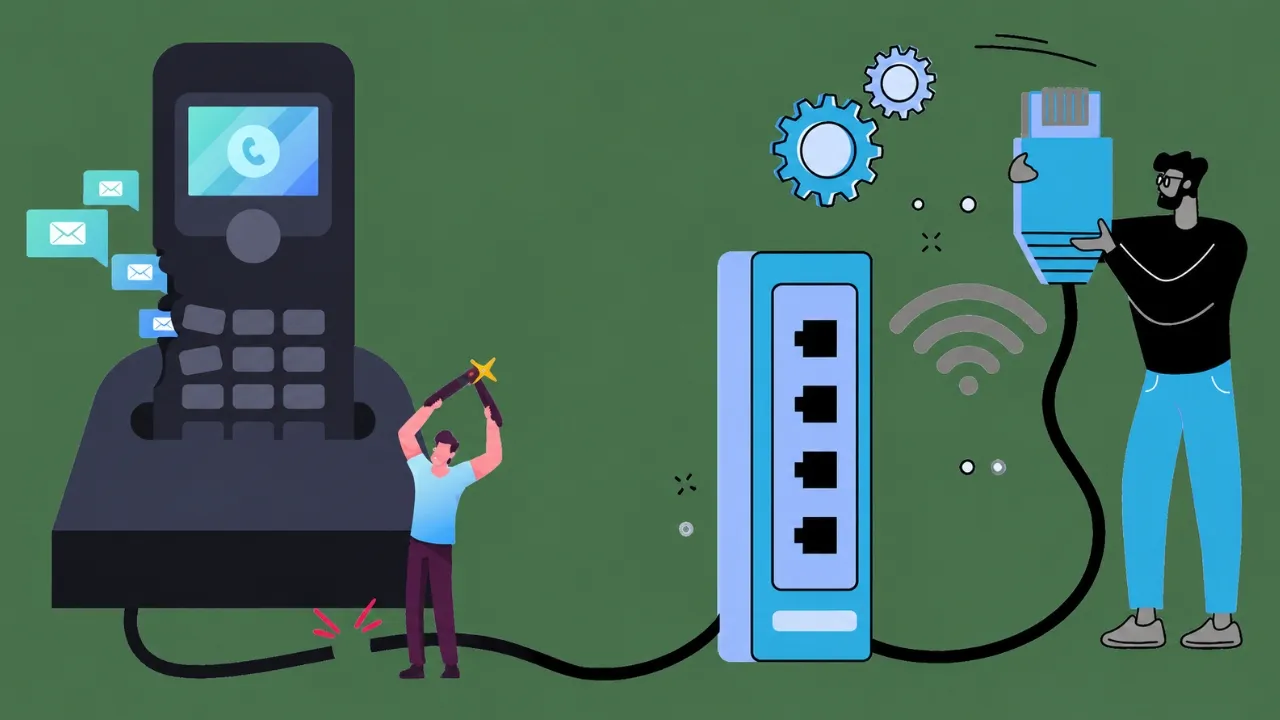

Learn how to use a VoIP phone, connect it to your router, make calls, transfer calls, check voicemail, and fix common setup issues.
Learning how to use a VoIP phone is simple once your handset is connected to the internet. A VoIP phone looks much like a normal desk phone, but it sends calls through your broadband connection rather than a traditional landline. You can use it to make calls, answer customers, transfer callers, place calls on hold, and check voicemail.
How to Use a VoIP Phone Before Making Your First Call
Before using your phone, check that you have the right equipment. Most VoIP desk phones connect directly to a router with an Ethernet cable. Some phones use Wi-Fi, but a wired connection is often more stable for business calls.
To get started, you usually need:
- A working broadband connection
- A router with an available LAN port
- A VoIP desk phone
- An Ethernet cable
- A power adapter or Power over Ethernet connection
- Login or SIP details from your VoIP provider
When learning how to use a VoIP phone, start with the cable connection. Plug one end of the Ethernet cable into the LAN or network port on the back of the phone. Plug the other end into a LAN port on your router. Connect the power adapter if your phone does not receive power through the Ethernet cable.
Your phone may take a few minutes to start. Once the screen is active, check for your extension number, account name, or a connected status message.
How to Use a VoIP Phone to Make and Answer Calls
The basic steps are similar to using a traditional office phone. Pick up the handset, enter the phone number, and press the dial or send button. You can also use the speakerphone button for hands-free calls.
Here is how to use a VoIP phone for common daily tasks:
- Answer a call: Lift the handset or press the answer button.
- End a call: Put the handset down or press the end-call button.
- Place a caller on hold: Press the hold button. Press it again to return to the call.
- Mute your microphone: Press mute when you need to speak privately.
- Use speakerphone: Press the speaker button before or during a call.
- Redial a number: Press the redial button to call the last number again.
If you are learning how to use a VoIP phone in a small office, test these buttons before handling customer calls. A short test call helps you feel more confident.
How to Use a VoIP Phone to Transfer Calls
Call transfers are useful when a customer needs another person or team. Most VoIP phones support two common transfer methods.
A blind transfer sends the caller straight to another extension. Press the transfer button, enter the extension number, and confirm the transfer.
An attended transfer lets you speak to your colleague first. Place the caller on hold, press transfer, dial the extension, explain the reason for the call, and complete the transfer.
When checking how to use a VoIP phone, ask your provider which transfer method is enabled on your handset. Button names can vary between phone models.
How to Use a VoIP Phone for Voicemail
Voicemail helps you capture calls when you are busy or away from your desk. Press the voicemail button or dial the voicemail extension given by your provider. Enter your PIN when asked.
You can then listen to messages, save important recordings, delete old messages, or update your greeting. Some systems can also send voicemail messages to your email inbox.
How to Use a VoIP Phone When Calls Sound Poor
If calls drop, echo, or sound unclear, check your internet connection first. Make sure the Ethernet cable is firmly connected. Restart the phone and router if needed. Avoid running large downloads during important calls.
A router with Quality of Service settings can give voice traffic priority. Ask your provider for help if problems continue.
Frequently Asked Questions
Can I plug a VoIP phone directly into my router?
Yes. Connect the phone’s network port to a LAN port on your router with an Ethernet cable. Add power if your handset does not use Power over Ethernet.
Does a VoIP phone need an internet connection?
Yes. A VoIP phone sends calls through an internet connection. A stable broadband service helps keep calls clear and reliable.
Can I use a VoIP phone without a computer?
Yes. A desk VoIP phone can connect directly to your router. You do not need to keep a computer switched on.
Can I use my old phone with VoIP?
Yes, in many cases. You may need an analogue telephone adapter, also called an ATA, to connect a traditional handset to your router.
Can I use a VoIP phone over Wi-Fi?
Yes, if your VoIP phone supports Wi-Fi. A wired Ethernet connection is often better for stable office calls.
Why is my VoIP phone not working?
Check the internet connection, Ethernet cable, power supply, router, and account details. Restart the phone. Contact your provider if the issue remains.
Conclusion: How to Use a VoIP Phone With Confidence
Knowing how to use a VoIP phone can make daily calls much easier. Connect the handset to your router, test the main buttons, set up voicemail, and practise transferring calls. Once the setup is complete, your VoIP phone works as a simple and flexible business communication tool.























Sign in to leave a comment.