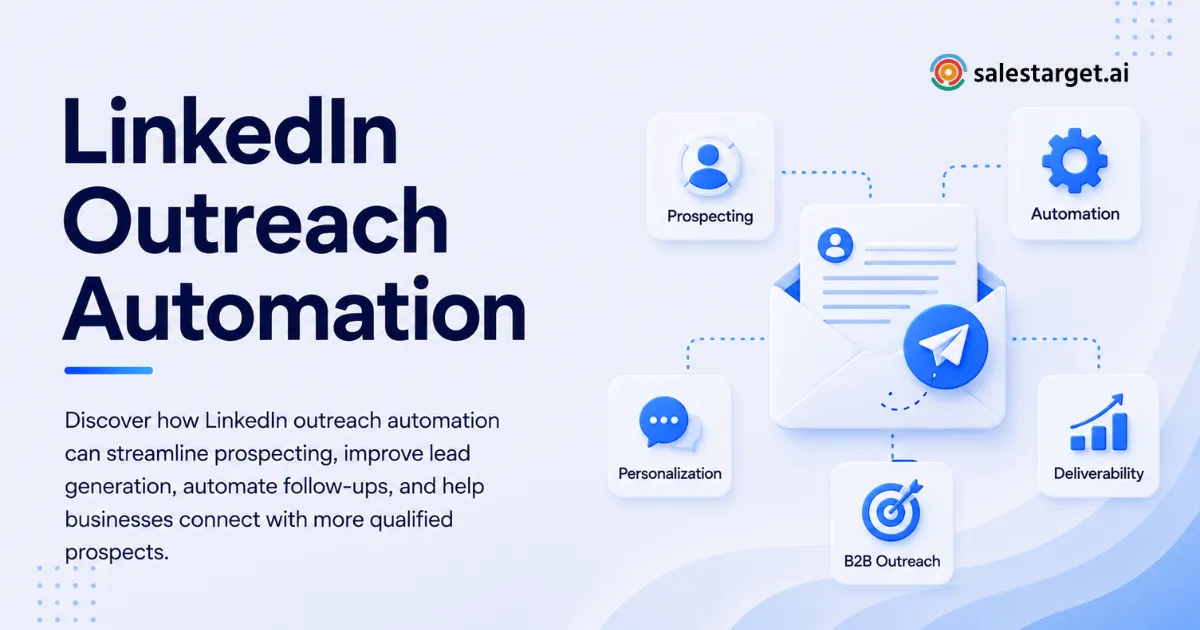

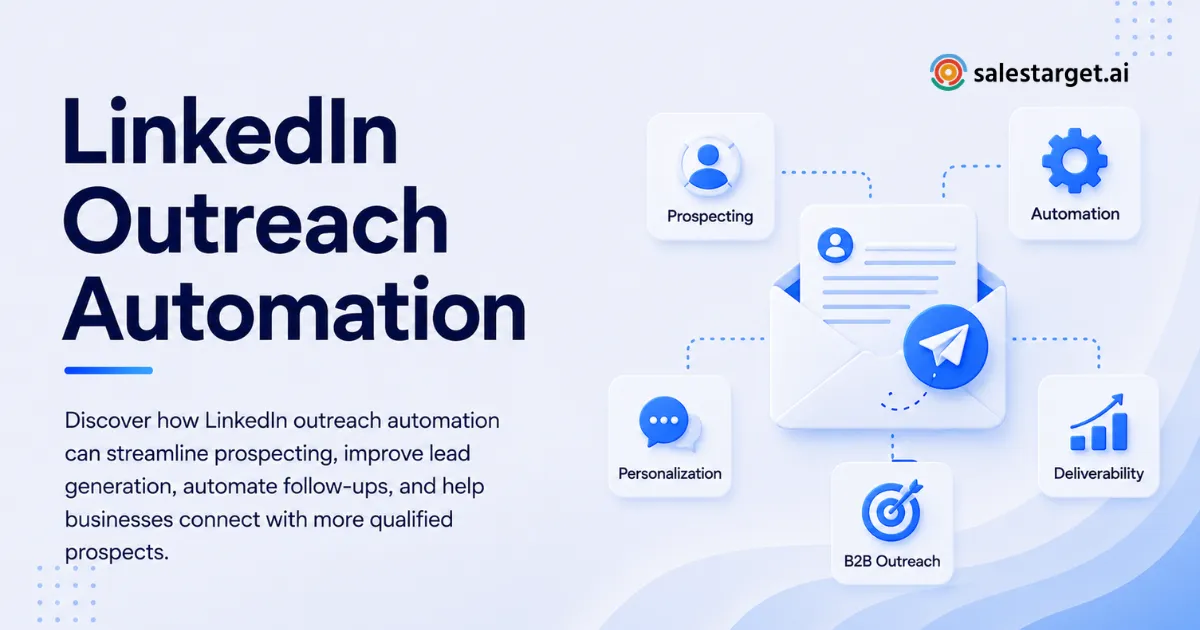
Wasting hours researching prospects, writing individual messages, and following up manually defeats the point of automation. But sending the same generic message to hundreds of prospects creates another problem: your outreach starts sounding like spam.
The answer is to automate the repetitive work while keeping the parts that make outreach feel human. An Automated LinkedIn Outreach Tool can handle prospect selection, connection requests, follow-ups, timing, and workflow management, while personalization comes from relevant prospect data, thoughtful messaging rules, and human review.
Why Does Personalization Matter in Automated LinkedIn Outreach?
Personalization matters because prospects can quickly recognize a copied sales message. A message that mentions only a person's first name but says nothing relevant about their role, company, market, or current priorities rarely feels personal.
Good outreach starts with relevance. The prospect should have a reason to believe the message was written for them, not pulled from a campaign template.
This does not mean every message needs a completely different sales pitch. A better approach is to create a consistent campaign structure and personalize the context inside that structure.
For example, an SDR targeting SaaS sales leaders could keep the same campaign objective but change the opening based on company growth, hiring activity, technology, role, or another useful signal. The structure stays efficient, but the reason for contacting each person changes.
That distinction is where automation becomes useful. You are automating the process, not removing judgment from the process.
How Does an Automated LinkedIn Outreach Tool Keep Messages Personal?
An Automated LinkedIn Outreach Tool keeps personalization intact by combining structured campaign rules with prospect-level information. Instead of inserting only a name into one fixed template, the workflow can use details about the prospect, company, role, industry, and relevant buying signals.
The quality of the data matters just as much as the message itself. If your prospect data is incomplete, the automation can produce inaccurate or irrelevant personalization.
A practical personalization system should consider four layers:
Identity: Use the prospect's name, role, company, and relevant professional details.
Context: Connect the message to something meaningful about the prospect's business or position.
Reason: Give the prospect a clear reason for the conversation instead of immediately pushing a product pitch.
Timing: Match the message sequence to the prospect's actions. A person who accepts a connection should not receive the same follow-up as someone who has not responded.
This approach makes automation less about sending more messages and more about sending messages with better context.
What Should You Automate and What Should Stay Human?
The best LinkedIn automation removes repetitive work without handing every sales decision to software.
Automate tasks that follow predictable rules. Lead filtering, sequence scheduling, connection requests, follow-up timing, engagement tracking, and campaign reporting are good candidates. These activities consume time but do not always require a rep to make a fresh decision.
Keep high-value conversations human. Replies, objections, pricing questions, complex account situations, and conversations with high-value prospects deserve individual attention.
A useful rule is simple: automate actions, not relationships.
If a prospect replies with a detailed question, stop the automated sequence and let a salesperson take over. If a prospect shows strong buying intent, move them into a higher-priority workflow. If the prospect is clearly outside your ideal customer profile, remove them instead of forcing another follow-up.
This balance gives teams the efficiency of LinkedIn outreach automation without making every interaction feel machine-generated.
Ready to reduce repetitive prospecting work without sacrificing message quality? SalesTarget.ai brings prospect data, personalization, LinkedIn sequences, and CRM activity into one outbound workflow. Use it to automate routine touches while giving reps the context they need for real conversations.
How to Build Personalized LinkedIn Outreach Automation Step by Step
A personalized campaign should be built around the prospect's reason for being contacted, not around the number of messages you can send.
Step 1: Define a Narrow Prospect Segment
Start with a specific audience. Instead of targeting every sales leader, define the type of company, role, industry, size, geography, or business situation that makes the prospect relevant.
A narrow audience gives your campaign a stronger message. It lets you create personalization rules that actually fit the people receiving the outreach.
Step 2: Add Useful Prospect Context
Collect information that can influence your message. Professional role, company information, industry, business signals, and relevant activity can provide useful context.
Avoid collecting information simply because it is available. Every data point should answer one question: does this help explain why the prospect should care?
Step 3: Create a Message Framework
Build a short structure instead of one rigid script. A useful framework can include a relevant observation, a reason for reaching out, a concise value point, and a low-friction question.
The framework gives your team consistency. The prospect-specific context gives the message personality.
Step 4: Add Conditional Follow-Ups
Do not send the same sequence to everyone. If someone accepts a connection but does not respond, use one follow-up path. If someone replies, stop the automated sequence. If someone takes another meaningful action, move them into a different workflow.
Conditional logic prevents automation from continuing after the conversation has already changed.
Step 5: Review Before Scaling
Run a small campaign first. Read the actual messages the system produces and look for awkward references, weak personalization, incorrect assumptions, or repetitive language.
Fix the rules before increasing campaign volume. Scaling a poor workflow only creates more poor outreach.
How Does LinkedIn Outreach Automation Compare With Manual Prospecting?
Manual prospecting gives salespeople maximum control, but it can consume a large part of the workday. Automation provides consistency and saves time, but poor setup can produce repetitive messages.
| Approach | Main Strength | Main Risk |
|---|---|---|
| Manual outreach | High individual control | Slow execution |
| Basic automation | Faster repetitive tasks | Generic messaging |
| Personalized automation | Scale plus relevant messaging | Requires quality data and campaign setup |
| Human-led automation | Automation for routine work with human conversation | Requires clear handoff rules |
For most B2B teams, the strongest model is not fully manual or fully automated. It is a human-led workflow where software handles repetitive actions and salespeople handle decisions that need judgment.
That approach is particularly useful for LinkedIn prospecting automation, where targeting quality and conversation context directly affect the usefulness of every outreach touch.
What Are the Benefits of Personalized LinkedIn Lead Generation?
Personalized LinkedIn lead generation can improve the quality of your prospecting process by connecting outreach with relevant account and contact information.
The first benefit is better targeting. Instead of building campaigns around broad lists, sales teams can segment prospects based on firmographic and professional criteria.
The second benefit is stronger message relevance. When the campaign has useful context, the salesperson does not need to start every conversation from scratch.
The third benefit is better follow-up management. Automated workflows can track who was contacted, who accepted, who replied, and who needs attention.
The fourth benefit is better visibility. When outreach activity reaches the CRM, sales leaders can see which prospects entered the pipeline and where follow-up is being missed.
The important point is that automation does not create personalization by itself. Good data, clear segmentation, relevant messaging, and sensible workflow rules create personalization. Automation makes that system repeatable.
What Best Practices Keep Automated Messages Human?
Personalized outreach works better when the message sounds like something a salesperson would actually send.
Keep the opening relevant and short. A prospect does not need a paragraph explaining everything you discovered about their company. One useful observation is usually stronger than five forced details.
Avoid fake personalization. Mentioning a company name or job title does not make a message personal if the rest of the message could have been sent to anyone.
Give the prospect a reason to respond. Instead of immediately asking for a meeting, ask a question connected to the problem your audience is likely dealing with.
Create stopping rules. A sequence should stop when a prospect replies, asks not to be contacted, becomes irrelevant, or moves into a sales conversation.
Review campaign performance by more than connection volume. Acceptance rate, reply quality, positive conversations, meetings, and pipeline progression give a much better view of outreach quality.
Most importantly, give high-value prospects more human attention. Automation should help reps decide where to spend their time, not remove that decision.
If your team spends too much time switching between prospect databases, LinkedIn campaigns, and CRM records, SalesTarget.ai can bring those steps into one workspace. Use the platform to identify prospects, personalize outreach, coordinate follow-ups, and keep sales activity connected to the CRM.
What Mistakes Make Automated Outreach Feel Generic?
One common mistake is using first-name personalization as the entire strategy. "Hi John" is not meaningful personalization when the next sentence is identical for 500 people.
Another mistake is adding too much information. A message stuffed with company details can feel more automated than a short, relevant observation.
Ignoring negative signals is another problem. If someone says they are not interested, continuing the sequence damages the conversation. Your workflow should have clear exit conditions.
Teams can make another mistake by measuring activity instead of outcomes. A campaign that sends thousands of messages but produces weak conversations is not efficient outreach.
Poor segmentation can create the same issue. If the audience contains different industries, roles, and problems, one message may not be relevant to everyone.
A less obvious mistake is failing to refresh personalization inputs. A campaign can start with useful information and become stale as prospects change roles, companies change priorities, or old signals lose relevance. Review important campaign data before launching another outreach cycle.
How Can SalesTarget.ai Help You Personalize Outreach at Scale?
SalesTarget.ai combines B2B prospect data, LinkedIn outreach, email outreach, validation, CRM workflows, and AI assistance in one workspace.
Its Lead Explorer includes 840M+ professional profiles, 146M+ business entities, 4,000+ intent signals, and 50+ data sources, giving sales teams a large data layer for segmentation. One-click enrichment can provide professional email, personal email, phone, and mobile information.
For LinkedIn campaigns, SalesTarget.ai can automate connection requests, direct messages, follow-ups, and engagement actions. Its AI personalization can adapt messaging based on profile, role, and industry. Conditional sequences can change based on replies, actions, or no response.
The workflow can run with timezone-aware scheduling, human-like delays, rate limits, warm-up logic, and auto-pause safeguards. This gives sales teams more control over how automated activity runs.
The bigger advantage is coordination. A prospect can move from Lead Explorer into a LinkedIn and email sequence, then into the CRM without requiring separate systems for every stage.
SalesTarget.ai's AI Copilot can help teams find leads, create sequences, query CRM information, track campaign revenue, and assign tasks through conversational commands.
For teams that want automation without losing context, this matters. The goal is not to make every interaction automated. The goal is to make the repetitive parts automated so salespeople can spend more time on conversations that need a human response.
For a closer look at its personalized LinkedIn outreach automation, SalesTarget.ai gives teams a single workflow for prospecting, messaging, follow-ups, and sales tracking.
Final Thoughts
Personalization and automation are not opposites. The real problem is weak data, broad targeting, rigid templates, and sequences that continue without considering prospect behavior.
A strong Automated LinkedIn Outreach Tool should help your team find relevant prospects, use meaningful context, personalize messages, adjust follow-ups based on actions, and hand conversations back to salespeople at the right moment.
SalesTarget.ai fits this model by combining prospect intelligence, AI-powered personalization, LinkedIn and email outreach, validation, conditional workflows, and CRM management in one platform.
If your team is spending hours on repetitive prospecting but does not want to sacrifice the personal side of sales, start by building one focused campaign in SalesTarget.ai. Automate the repetitive steps, keep meaningful conversations human, and use the resulting data to improve your next campaign.























Sign in to leave a comment.