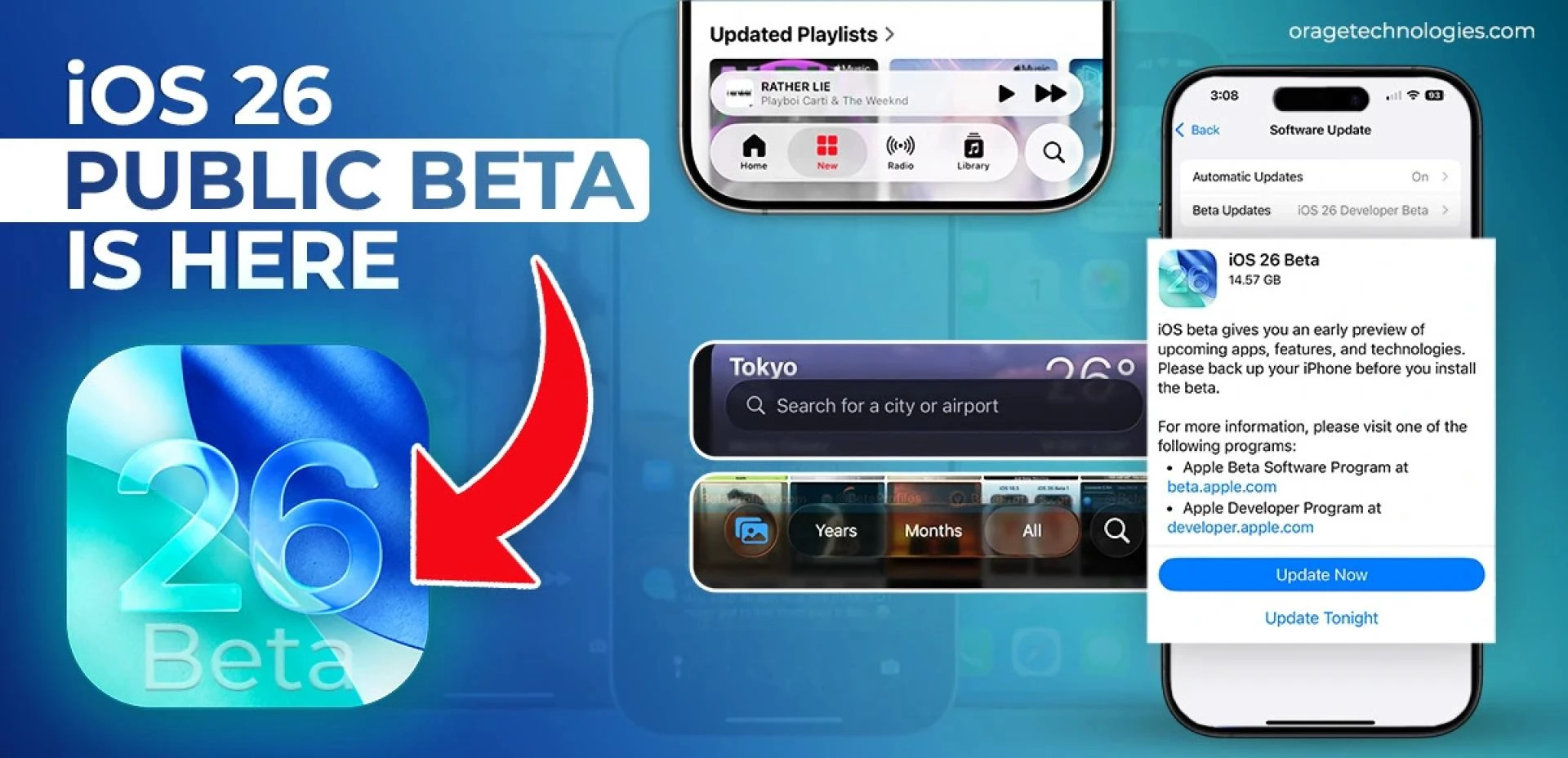

Apple’s iOS 26 public beta has arrived—quietly impressive and confidently polished. Rather than reinventing the wheel, Apple’s latest update focuses on making everyday interactions smoother, smarter, and more personal. Unveiled shortly after WWDC 2025, iOS 26 is less about flashy overhauls and more about meaningful refinements.
If you’ve been wondering, “Should I install the iOS 26 public beta?” this guide will help you decide—while highlighting the most important updates worth knowing.
A Smooth, Subtle Visual Overhaul
The most immediate change in iOS 26 is its updated design language: Liquid Glass. It brings translucent overlays, adaptive lighting effects, and responsive surface animations to menus and interfaces. This creates a layered visual depth—menus now feel like they float above your content rather than being statically anchored.
It’s not just a cosmetic update—it’s a rethinking of how visual structure supports usability. Once you adjust to the new look, it feels more fluid and modern than any previous version of iOS.
Gesture Controls: Natural and Effortless
Apple has continued refining touch interactions. Tap-and-hold gestures now support a dual-layer system:
- A light tap shows quick actions
- A deeper press reveals full contextual options
In addition, Swipe to go back no longer requires edge gestures—you can now swipe from anywhere on the screen, a huge win for both left-handed users and accessibility.
These subtle tweaks reduce friction and make navigating iOS feel far more intuitive.
A More Expressive Lock Screen
The lock screen now adapts to you. The clock automatically resizes based on your wallpaper layout, while widgets can be freely moved—even closer to the notification stack for quicker access.
For music lovers, animated album artwork appears when playing tracks through Apple Music or compatible apps, giving your lock screen both visual flair and functional value.
Camera and Photos Get Smarter
The Camera app has been simplified—Photo and Video modes take center stage, with others like Portrait or Slo-Mo available via a quick swipe. New support for AirPods as a remote shutter adds surprising utility for photographers and content creators alike.
In the Photos app, iOS 26 now intelligently recognizes events—like concerts or shows—and groups related images with extra details like setlists or venue information. These smart features add depth and organization to your photo library without any extra effort.
The Phone App Grows Up
Apple has made real strides in one of the most-used apps: the Phone app. Here’s what’s new:
- A consolidated view combining favorites, recents, and voicemail
- AI-powered spam call filtering
- Smart call screening that prompts unknown callers to state their name before ringing
- Hold Assist, which alerts you when a real person returns to the line
These aren’t just nice-to-haves—they’re real productivity gains.
Thoughtful Hidden Features That Matter
Some of the best updates in iOS 26 are small but impactful:
- Export Notes as Markdown—ideal for developers and writers
- Battery usage graphs now show performance relative to daily averages
- In Messages, you can copy just part of a text bubble
- The new Passwords app includes version history for saved credentials
- Maps privately stores visited places by category and location
These are the kinds of subtle upgrades that enhance the way you use your phone without you even realizing it at first.
So... Should You Install the iOS 26 Public Beta?
If you’re a tech-savvy user or developer who enjoys exploring new features early—and you’re fine tolerating the occasional beta bug—this is one of Apple’s more stable public betas to date.
But if you value stability above all else or rely on your iPhone for work-critical tasks, it’s better to wait for the official release later this year.
Final Verdict: Evolution, Not Revolution
iOS 26 isn’t about flash. It’s about finesse.
Compared to iOS 25, this release refines the iPhone experience in smarter ways:
- Better gestures
- Cleaner visuals
- Tighter intelligence
Rather than reinventing what your iPhone can do, Apple is refining how you do it—with more elegance, more customization, and less effort.
And sometimes, that kind of progress is the most meaningful of all.




























Sign in to leave a comment.