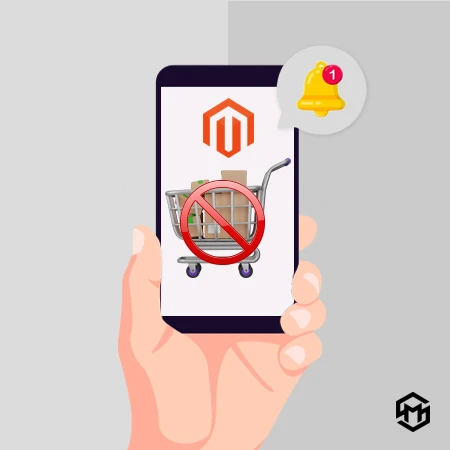

Customers will get frustrated and exit your website if you have an out-of-stock product on your website. To not let this happen, add MageSpark’s Extension for Magento 2 Out of Stock Notification to your website and you can notify your customers that the product is Back in Stock. The extension also helps you identify product demand.
Key Features
Guests or Not Logged-in customers can also receive Back In Stock notifications.Sends an email alert automatically when a product is restocked.Supports the "Notify Me" button on the product pages, category pages, and search result pages.Allows children products from grouped products, bundle products, and customizable products to get stock alerts.From the backend, you can manage every subscriber for the out-of-stock notification.Use the analytics from the admin panel to examine user activity.Visitors get disappointed if the product they are looking for on your website is out of stock. And at the end, they will leave your site and will move toward your competitors. So here, you’ve lost your potential customer. Now due to fluctuations in the market and higher product demand, sometimes products go Out of Stock, and on the customers' end, it’s really disappointing. So what we can do about it?
As a solution, MageSpark has developed a Magento 2 Out of Stock Notification Extension. Our extension allows your customers to subscribe to the Back In Stock Alerts for the products which are Out of Stock in their store. It will help you retain your customers for the product which is Out of Stock. Let's understand it through 2 situations.
For More Information:- https://www.magespark.com/magento-2-out-of-stock-notification-extension.html?utm_source=writeupcafe&utm_medium=article&utm_campaign=october-2022























Sign in to leave a comment.