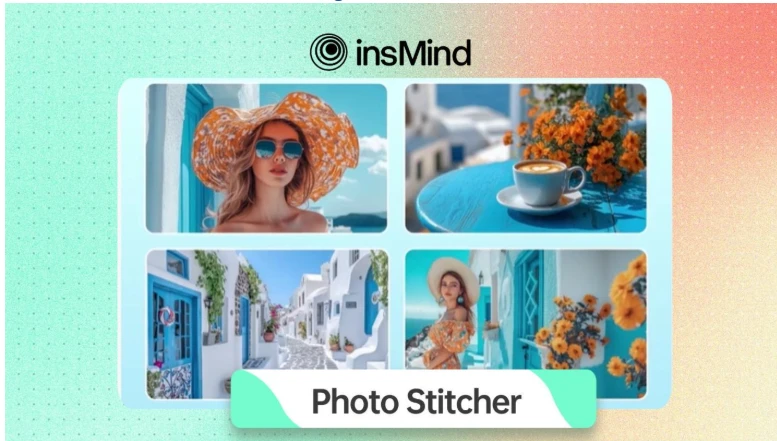

Whether you're a professional or a casual user, photo stitching is a useful technique for making beautiful panoramas and collages. By providing a user-friendly platform that enables you to effortlessly merge photographs into a single, stunning artwork, insMind’s Online Photo Stitcher streamlines the process. If you are prepared to easily build beautiful photo mosaics, unlock your creative potential by reading about this toolkit in this article.
Part 1. The Most Advanced Tool to Stitch Photos Together Online
insMind offers a powerful AI-driven platform designed for advanced photo editing and design. Its new Photo Stitching Tool stands out among all other versatile tools, as it allows users to easily combine multiple images into a single grid. With its intuitive interface, you simply upload your photos and handle the alignment and blending with manual sliders, ensuring high-quality, smooth results.
Therefore, this AI tool is perfect for those who need quick and efficient photo stitching because you can set the size and position of each photo by manually entering the numbers. Moreover, you can use up to 16 pictures to add in a single collage.
Part 2. How to Easily Stitch Photos Together with insMind?
If you’re wondering “how to stitch photos together” with insMind, adhere to the following steps:
Step 1. Upload the Photos in the Tool
Open the Photo Stitching tool and access the “Upload a Photo” button to upload your targeted images.
Step 2. Select the Grid to Adjust Photos
From the left side bar, choose the style of grid you like and arrange your photos manually in it.
Step 3. Download Your AI Collage
Once the images have been set in the collage, simply tap the "Download" button and save it after configuring the download settings.
Part 3. Creative Ways to Stitch Photos Together Online
Collages are not just about combining two pictures; rather, you can get creative with them in the following ways:
- Before-and-After Comparisons: Users can stitch images together to present transformations, such as personal fitness progress, giving a powerful visual story.
- Instagram Carousels: Combining multiple images into a panoramic shot that fits perfectly within collages can make an interesting visual narrative.
- Mood Boards & Aesthetic Collages: To convey specific aesthetics for design projects or personal branding, people craft visually cohesive mood boards for planning or inspiration.
- Custom Meme Templates & Comics: You can combine images with witty captions to craft engaging content, personalized memes, or comic strips.
- Personalized Gifts: Print-stitched photos onto posters or merchandise as a unique gift idea are perfect for creating memorable prints for special occasions.
Part 4. Other Innovative AI Features to Explore in insMind
Now that you already know how to join two photos together using insMind, let’s discover a few other features it has to offer:
Photo Grid Maker
Your business depends a lot on the images of the products you are selling, so you can use insMind to stylize them with pre-given styles. It lets you adjust the Vertical and Horizontal Spacing of the product with the manual sliders.
Photo Montage Maker
Through this feature, you can combine multiple pictures in a style and complete personalization. For this reason, there are margin, padding, and cornet radius sliders, which let you change the appearance of the montage to your desired extent.
Combine Images
On a scale of 0 to 100, this tool allows you to set the Opacity of the images, giving you full control over the combined visuals. Moreover, you can select a background of your choice, which reflects in case you decide to adjust the Corner radius of the merged images.
Shape Image
This tool allows you to arrange your image in a shape that you can select from the Basic or Irregular category. In addition, the smoothness and sides of the image can be set manually from 1 to 12 and 1 to 100, respectively.
Annotate Image
Whether you want to add text or stickers, this tool allows you to customize your pictures fully. You can select a color for your text from the color gradient and flip the picture horizontally and vertically as per your need.
Conclusion
In conclusion, with insMind's Photo Joiner, stitching photos together is a simple and creative way to combine multiple images into one. This tool offers smooth cooperation and customization options for personal projects, social media, or professional use.
Whether you want to add text and stickers or make different layouts, insMind can do it all. Now, if you are ready to create your own stunning photo collages, try insMind's Photo Stitcher today and design beautiful images effortlessly.

























Sign in to leave a comment.