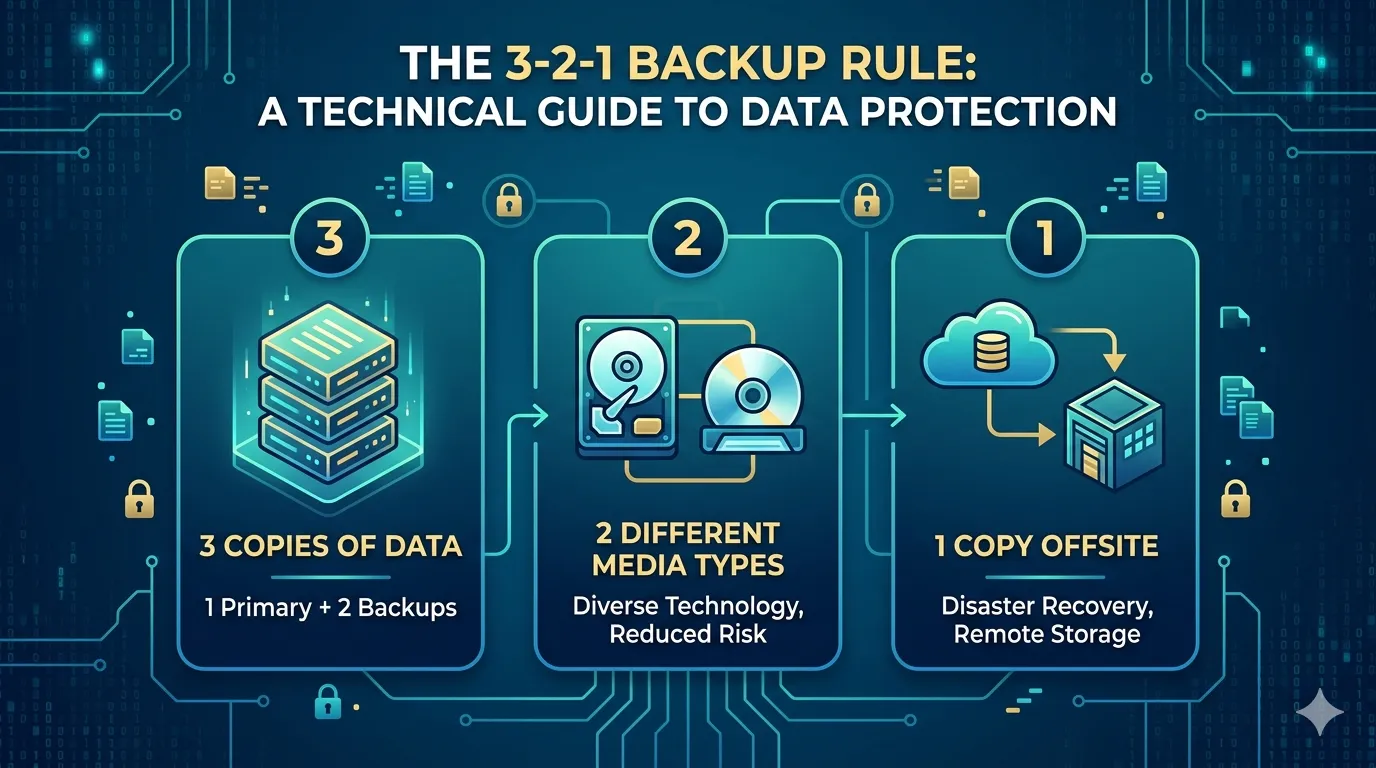

Data loss is a mathematical certainty for any system operating over a long enough timeline. Hardware drives fail, bad actors deploy ransomware, and human error corrupts databases. Relying on a single storage instance is a critical vulnerability. To mitigate these risks, IT professionals and system administrators rely on a foundational framework for data resilience: the 3-2-1 backup rule.
The 3-2-1 backup methodology is a systematic approach to data redundancy. It eliminates single points of failure by diversifying where and how data is stored. For technology enthusiasts managing home labs, or enterprise architects securing petabytes of customer information, this rule provides a verified blueprint for disaster recovery.
By understanding and applying this architecture, you ensure your data remains accessible and intact, regardless of the hardware or software catastrophes that may occur.
The "3" in 3-2-1: Three Copies of Your Data
The first pillar of this strategy requires maintaining three total copies of your data. This consists of your primary production data and two independent backup copies.
Redundancy is the core objective here. If a primary solid-state drive (SSD) fails, you have an immediate secondary copy to restore operations. However, if that secondary copy becomes corrupted during a rebuild process, a third copy guarantees you are not left empty-handed. Statistically, the probability of three independent data repositories failing simultaneously is exceptionally low, provided they are managed correctly.
The "2" in 3-2-1: Two Different Media Types
Storing three copies of your data on the same physical server or storage array defeats the purpose of redundancy. The second rule dictates that backups must utilize at least two distinct storage mediums.
For instance, you might keep your primary data on an NVMe drive inside your workstation, while the first backup resides on a Network Attached Storage (NAS) device configured in a RAID array. A localized power surge could easily destroy both the workstation and an external hard drive plugged into the same uninterrupted power supply (UPS). Utilizing different media types—such as optical disks, magnetic tape, or distinct network-isolated storage clusters—isolates your data from hardware-specific and environment-specific failures.
The "1" in 3-2-1: One Offsite Copy
Physical security is just as critical as digital security. The final requirement of the 3-2-1 rule is isolating one backup copy geographically away from your primary location.
If a fire, flood, or severe electrical event destroys your server room or home office, all local backups will be lost instantly. An offsite copy ensures continuity. Historically, this meant rotating physical tape drives to a secure vault. Today, this is primarily achieved through cloud object storage, such as AWS S3, Google Cloud Storage, or dedicated backup providers like Backblaze. This offsite instance serves as the ultimate failsafe for complete disaster recovery.
Benefits of the 3-2-1 Architecture
Implementing this systematic approach yields significant operational advantages:
- Reliable Data Recovery: You can restore systems rapidly using local backups, minimizing costly downtime.
- Disaster Preparedness: You remain protected against site-wide physical destruction.
- Ransomware Mitigation: An offsite, immutable cloud backup prevents malicious encryption algorithms from compromising your last line of defense.
- Operational Peace of Mind: Knowing your infrastructure can survive catastrophic failure allows you to focus on system optimization rather than emergency triage.
How to Implement the 3-2-1 Rule
Translating this concept into a functional architecture requires the right combination of hardware and software. Follow these practical steps to build your backup pipeline:
- Automate the Process: Manual backups are prone to human oversight. Utilize enterprise-grade software like Veeam, Macrium Reflect, or open-source tools like BorgBackup to schedule automated snapshots.
- Establish Local Redundancy: Set up a NAS device on your local network. Configure your software to run daily incremental backups to this device.
- Configure Cloud Syncing: Route your local backup software to push a secondary, encrypted copy of your data to a cloud storage provider. Ensure you enable object lock or immutability features to prevent ransomware from modifying the cloud copy.
- Test Your Restores: A backup is only valid if it can be successfully restored. Schedule routine data recovery drills to verify the integrity of your files and the speed of your backup appliance recovery pipeline.
Build a Bulletproof Disaster Recovery Plan
Robust backup strategies separate resilient architectures from fragile ones. The 3-2-1 backup rule is not merely a theoretical best practice; it is a mandatory framework for anyone serious about technology infrastructure. By maintaining three copies of your data across two different media types with one securely offsite, you neutralize the most common vectors of data loss.
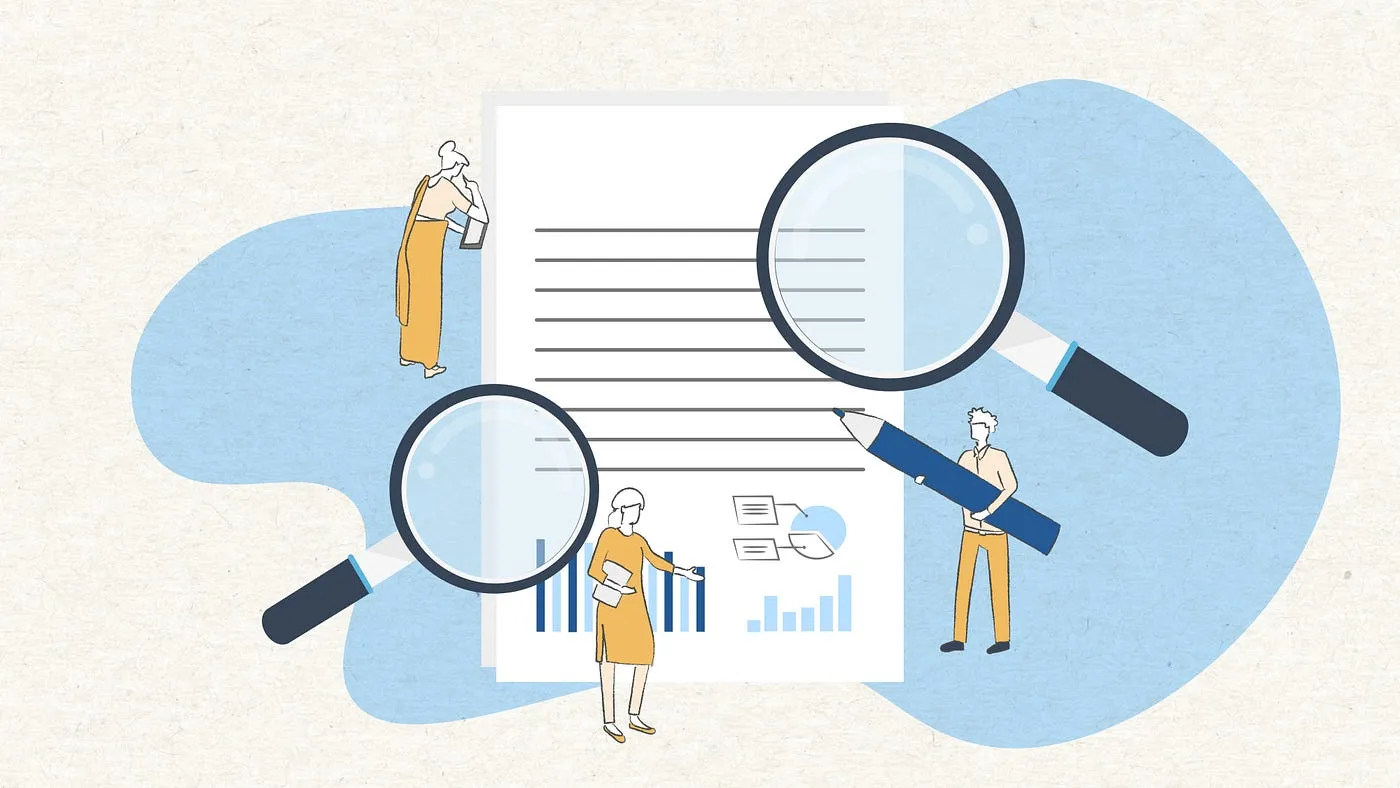
Audit your current storage systems today. Identify your single points of failure, provision the necessary local and cloud storage, and automate your backup pipeline to secure your digital assets for the long term.



























Sign in to leave a comment.