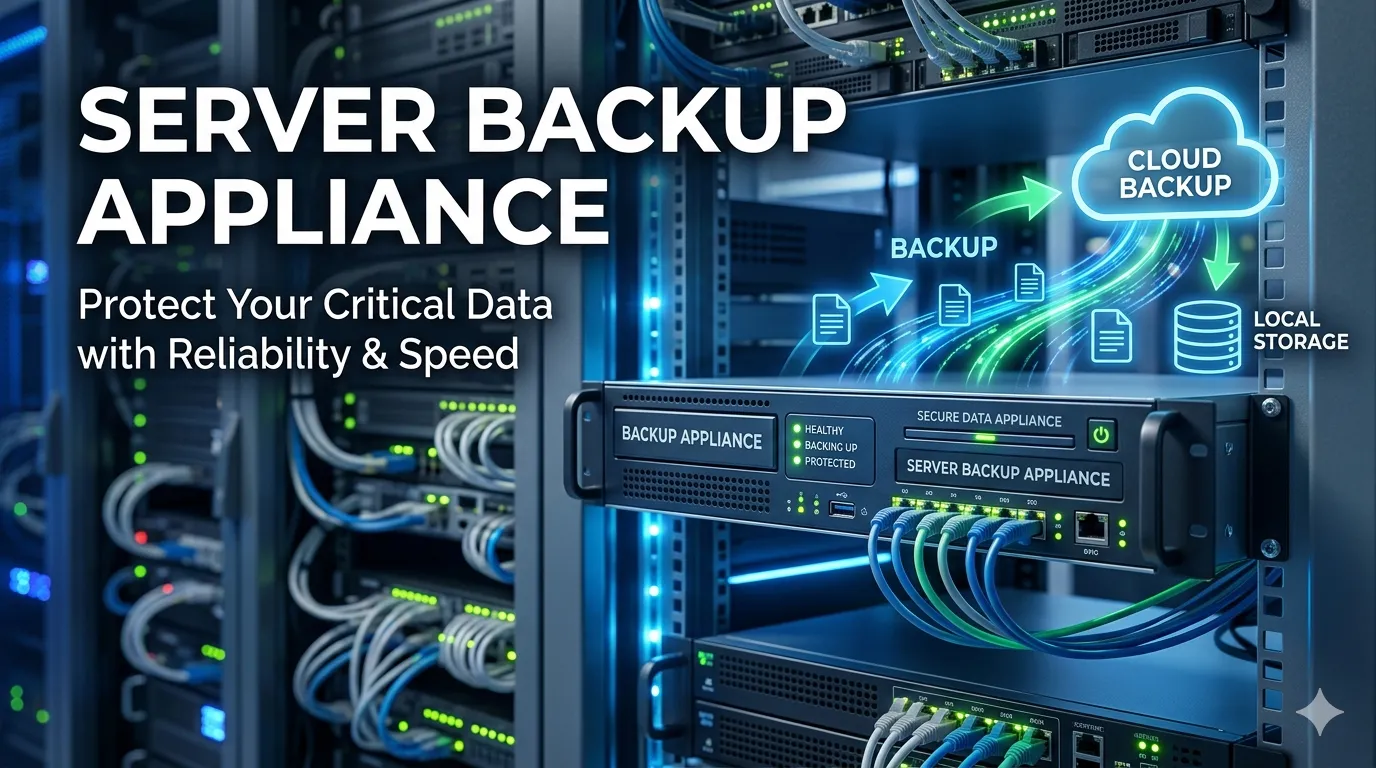

Enterprise data environments require recovery architectures that minimize latency and guarantee structural integrity. Relying on legacy tape workflows or decentralized cloud-only repositories often introduces unacceptable Recovery Time Objectives (RTO) and Recovery Point Objectives (RPO). A purpose-built server backup appliance (PBBA) consolidates compute, storage, and specialized data protection software into a single, optimized node.
By functioning as a turnkey solution, a server backup appliance eliminates the integration friction typically associated with heterogeneous storage environments. This guide details the architectural advantages of these systems, evaluating their advanced features, security mechanisms, and deployment protocols to help infrastructure engineers harden their disaster recovery postures.
Key Features and Benefits
Modern server backup appliance(s) are engineered to process massive datasets efficiently, bypassing the bottlenecks inherent in standard network-attached storage (NAS) devices.
Advanced Data Reduction
Hardware-accelerated inline and post-process deduplication significantly reduces the storage footprint of enterprise workloads. By analyzing data blocks at the byte level before writing them to disk, a high-end server backup appliance maximizes usable capacity and accelerates replication across wide area networks (WANs).
Immutable Storage Tiers
With ransomware threats targeting backup repositories directly, advanced appliances incorporate Write-Once-Read-Many (WORM) storage protocols. These immutable storage tiers cryptographically lock backup images, preventing malicious encryption or administrative deletion until a predefined retention period expires.
Flash-Optimized Recovery
Traditional backup targets often struggle with high input/output operations per second (IOPS) during a mass restoration event. Cutting-edge appliances utilize NVMe solid-state drives for their cache and primary recovery tiers. This allows administrators to boot virtual machines directly from the appliance, achieving near-instantaneous recovery.
Why Choose a Server Backup Appliance?
Building a bespoke backup infrastructure requires sourcing compatible hardware, provisioning storage arrays, and licensing third-party backup software. This fragmented approach often leads to compatibility issues and complex troubleshooting pathways.
A server backup appliance delivers tightly integrated hardware and software. This convergence guarantees optimal hardware tuning for the specific backup software engine it runs. Consequently, IT teams experience highly predictable performance metrics. When firmware updates or patches are required, the appliance manufacturer provides a unified update package, eliminating the risk of version mismatch between the OS, the storage controller, and the backup application.
Furthermore, these appliances simplify vendor management. In a critical downtime scenario, support teams only need to contact a single vendor to resolve both hardware and software issues, accelerating the path to operational restoration.
Implementation and Best Practices
Deploying a server backup appliance requires precise network planning and logical segmentation to ensure maximum throughput and security.
Network Segmentation and Isolation
Never expose your backup appliance to the primary production network. Implement strict Virtual Local Area Network (VLAN) isolation. Management interfaces should be accessible only via a dedicated out-of-band management network, utilizing multi-factor authentication (MFA) and role-based access control (RBAC).
Hypervisor and API Integration
Leverage hypervisor APIs—such as VMware vStorage APIs for Data Protection (VADP)—to facilitate agentless, application-consistent snapshots. This minimizes CPU and memory overhead on the host servers during backup windows. Ensure your appliance is configured to truncate transaction logs for critical databases (like Microsoft SQL or Oracle) post-backup to maintain application health.
Enforcing the 3-2-1-1-0 Rule
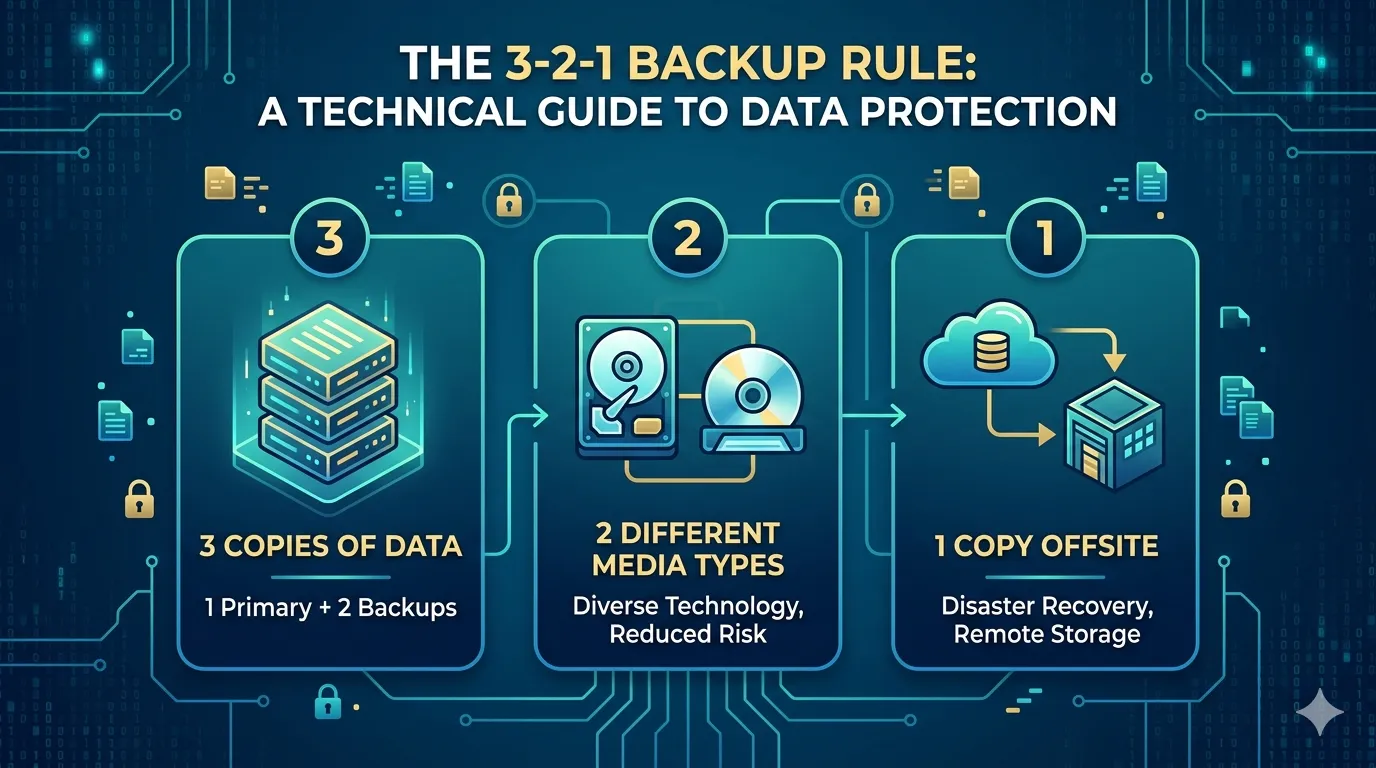
While a local server backup appliance acts as your primary rapid-recovery target, it must integrate seamlessly into a broader 3-2-1-1-0 architecture. Configure the appliance to automatically replicate deduplicated backup sets to an offsite location or immutable cloud bucket. Regularly schedule automated verification jobs to ensure zero errors (the "0" in the framework) exist within the stored backup files.
Next Steps for Elevating Enterprise Backup
Securing continuous business operations requires moving past fragmented storage silos. A server backup appliance provides the processing power, storage efficiency, and security protocols necessary to meet stringent enterprise service level agreements.
To determine the correct data backup appliance for your environment, conduct a thorough audit of your current data ingest rates, daily change rates, and required retention policies. Evaluate vendors based on their deduplication ratios, immutable storage capabilities, and the seamlessness of their hypervisor integrations. Upgrading to a specialized appliance is a decisive step toward absolute data resilience.




























Sign in to leave a comment.