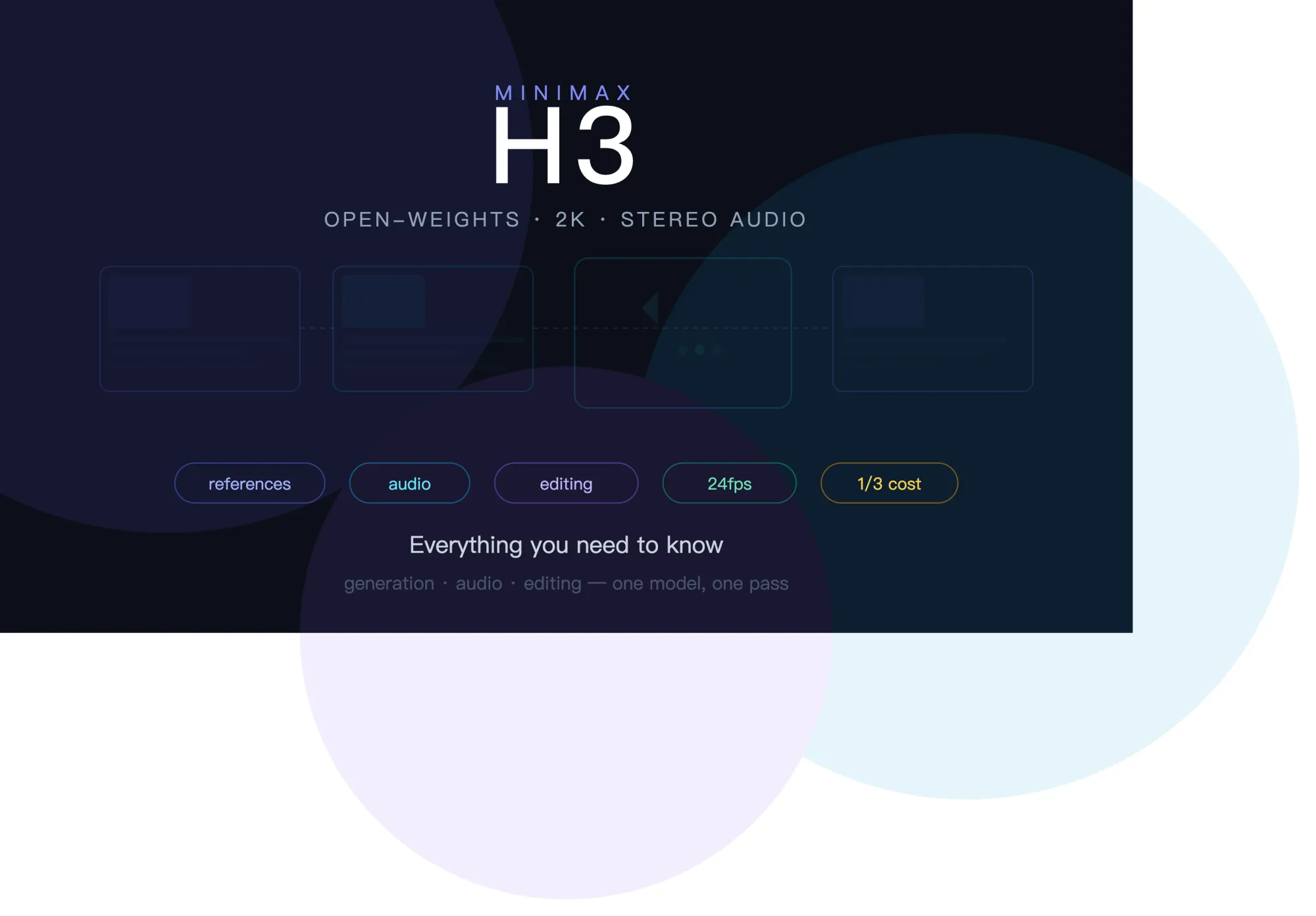

MiniMax released H3 on July 31, 2026, and it packs enough into a single model that it takes some effort to unpack. This article covers the full picture — what the model does, how the reference system works, what it costs, where it excels, where it falls short, and why the open-weights announcement has the AI video community paying close attention.
The Model in Brief
MiniMax H3 is a unified multimodal video generation model. The technical name is Hailuo 3.0. It accepts text, images, video clips, and audio files as combined input and returns native 2K video (2560×1440) at 24fps with synchronized stereo audio. Clips run 5 to 15 seconds, extendable to roughly 30 seconds. Six aspect ratios are supported (21:9 through 9:16) plus an adaptive mode where the model selects framing automatically based on your references.
The critical distinction from previous-generation models: H3 does not separate generation, editing, and audio into different tools. All three happen in one model, in one pass. You generate a video with sound, review it, and edit specific elements without regenerating the whole thing. This collapses a multi-tool workflow into a single interface.
The Reference System Explained
Each generation accepts up to 12 files: 9 images, 3 video clips, and 3 audio clips. One constraint worth noting early — audio files cannot be submitted alone; they must accompany at least one image or video.
What makes this system powerful is role assignment. In your prompt, you explicitly tell the model what each file is for. An image might be a character identity anchor, a wardrobe reference, an environment backdrop, or a style guide. A video might supply camera movement to replicate or existing footage to edit. An audio file might carry a voice to clone, music to sync to, or ambient sound to match.
This role clarity is what separates H3 from models that accept multiple inputs but interpret them ambiguously. When the model knows that image one is "the character's face" and image two is "the outfit they should wear," it resolves them differently than if both images were dumped in without instruction.
Practical role types include identity (lock a face or character design), wardrobe (clothing to apply), style (color palette, texture, aesthetic direction), environment (background setting), motion (choreography or camera path from a video clip), edit target (existing clip to modify), voice (vocal characteristics to replicate), music (rhythmic structure to sync visuals to), and ambience (environmental audio to match).
Three Generation Modes
H3 routes to one of three modes based on your input.
Text-to-Video activates when you submit only text. No media files. The model generates everything from your written description.
First and Last Frame activates when you designate images as the literal start or end point of the clip. The model creates the transition between them. The prompting principle here: describe the change, not the two states. "Sunrise gradually fills the room as the character wakes" works better than describing the dark room and the bright room separately.
Reference-to-Video activates when your files serve as creative references rather than fixed frames. This is where identity locking, motion transfer, style matching, voice cloning, and clip editing all happen. Most professional workflows land here.
Native Audio: The Underrated Feature
Every H3 generation includes stereo audio produced in the same rendering pass as the video. Dialogue, sound effects, and ambient noise are all generated simultaneously, timed to on-screen action. This is not a post-processing step. The audio and video are architecturally integrated.
For creators, this eliminates an entire production phase. Previously, AI-generated video was silent by default. You would generate the video, then open a separate tool to add sound effects, find a music track, sync dialogue, and mix everything together. H3 delivers a finished audio-visual clip in one step.
The quality of the audio responds directly to how specifically you direct it. Vague instructions ("add appropriate sounds") produce generic results. Specific direction ("footsteps on wet concrete, rain hitting a metal awning overhead, distant car horn at the 4-second mark, no music") produces layered, believable soundscapes.
Audio references work the same way as visual references — upload a voice recording and the model synthesizes speech matching those vocal characteristics. Upload a music track and the model syncs visual transitions to the beat structure. Stereo separation is supported, adding spatial dimension to the sound design.
Instruction-Based Editing
This feature changes the revision workflow fundamentally. When a generated clip is mostly right but needs targeted changes, you attach it as a reference and describe only what should be different.
The model modifies the specified elements while preserving everything else — framing, motion, performance, timing, and any other aspect you did not mention. This means a client can approve the camera work and character performance, request a background change, and get exactly that change without risking the parts they already signed off on.
Editable elements include characters, objects, backgrounds, lighting, sound, and pacing. Artificial Analysis currently ranks H3 as the top AI model globally for video editing.
The practical principle: change one element per edit pass. Requesting multiple simultaneous changes makes it harder to evaluate what worked. Sequential single-element edits produce more controlled results.
What It Costs
MiniMax positions H3 at roughly one-third the cost of mainstream competitors at comparable resolution. Early access reports indicate approximately one dollar per 15-second 2K clip. Some partner platforms report pricing around $0.13 per second. A 768p mode offers lower costs for drafting and prompt testing.
The cost optimization strategy most creators adopt: test prompt and reference combinations in 768p, lock in the creative direction, then render the final version in 2K. This minimizes the number of full-resolution generations while preserving creative exploration.
Where It Leads and Where It Trails
Being straightforward about positioning: H3 is ranked first globally for video editing by Artificial Analysis. In text-to-video generation, Google Veo 3.1 and ByteDance Seedance 2.0 score higher on some benchmarks. Kling 3.0 supports native 4K, doubling H3's resolution ceiling. Veo 3.1 leads in high-fidelity dialogue audio at 48kHz.
H3's unique position comes from bundling capabilities that no single competitor currently matches: omni-reference control across four modalities, single-pass stereo audio, and instruction-based editing, all in one model at a significantly lower price point. Other models may lead in individual dimensions, but none offers the same integrated package.
Important caveat: H3 launched days ago. Independent arena scores have not been established. Public leaderboards still show the predecessor Hailuo 2.3. Quality comparisons should be treated as preliminary.
The Open-Weights Factor
MiniMax announced that H3's model weights will be released openly, subject to applicable regulations. No firm date or license terms have been confirmed. The stated timeline is "in the coming days."
If this materializes, H3 becomes the first frontier-class video generation model available as open weights. Every major competitor — Veo, Seedance, Kling, Sora — remains proprietary and API-only. The implications for the community would be substantial: local deployment without per-generation costs, fine-tuning for specific use cases, and community-built extensions and toolchains.
Practical Starting Point
Begin with one image reference and a clear text prompt. The seven-element structure (subject, action, environment, camera, lighting, style, sound) provides a reliable framework. Assign explicit roles to every reference file. Direct sound as deliberately as you direct the camera. Use 768p for drafts, 2K for finals. Edit rather than regenerate when a clip is close.
The model rewards specificity and structured thinking. The gap between a mediocre H3 result and an excellent one is almost entirely in how clearly you communicate your intent through references and prompt structure.


























Sign in to leave a comment.