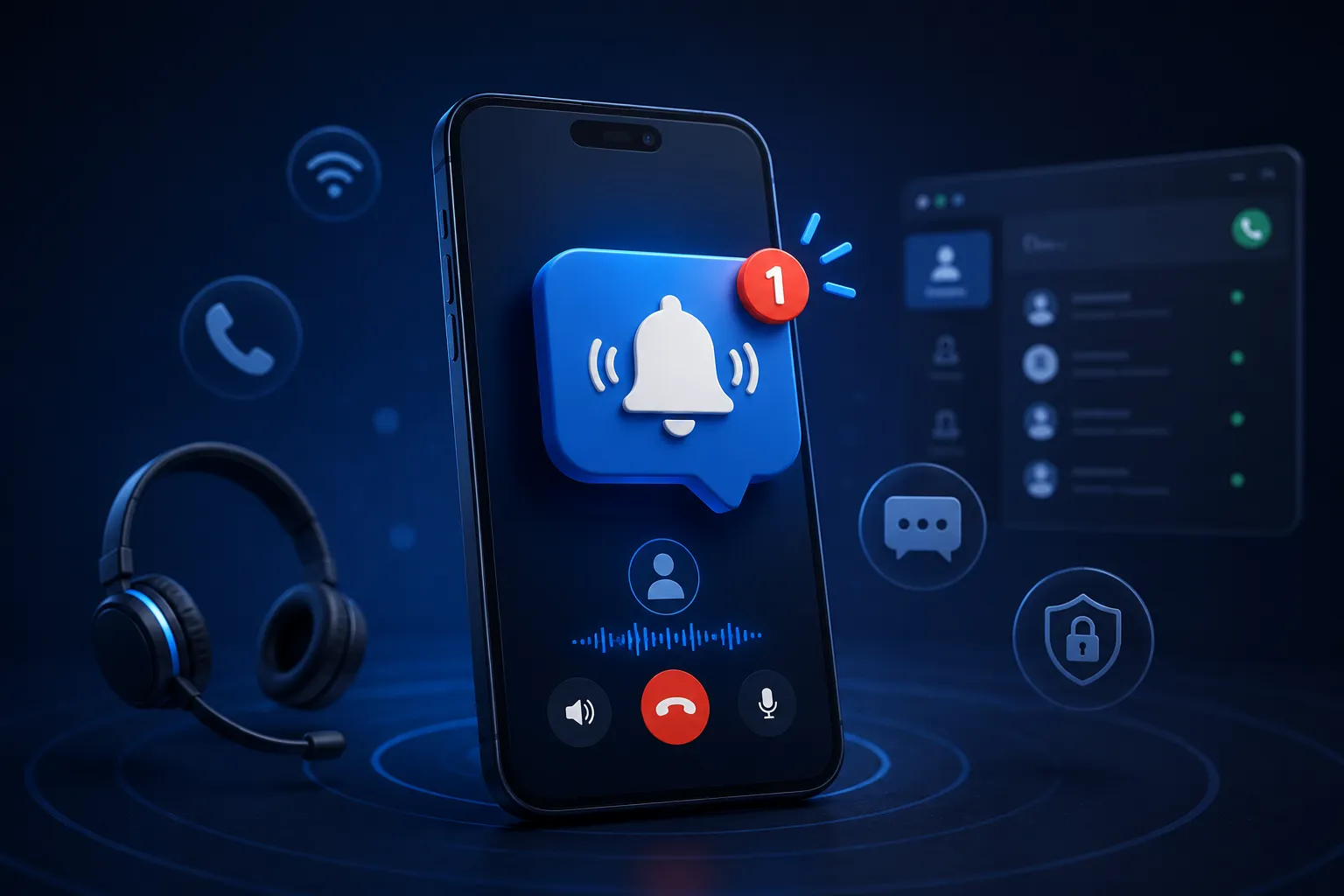

Push notifications are what let a mobile softphone ring when the app is closed or the phone is locked. Without them working properly (APNs on iOS, FCM on Android), the operating system suspends the app and incoming calls never ring. It's the feature that decides whether a mobile softphone is usable at all, ahead of call quality, features, or design.
Most people shopping for a mobile softphone look at the wrong things first. They compare call quality, feature lists, how the app looks. All reasonable. But there's one feature underneath all of it that decides whether any of the rest matters, and it almost never makes the top of the comparison. Push notifications.
It's not glamorous. Nobody demos it. But if push doesn't work, the softphone drops calls, people stop trusting it, and every other feature becomes irrelevant. Here's why this one quiet feature matters more than anything else.
What are push notifications in a mobile softphone?
Push notifications in a mobile softphone are the mechanism that wakes the app when a call comes in, using Apple Push Notification service (APNs) on iOS and Firebase Cloud Messaging (FCM) on Android. When someone calls, the server sends a push to the device, the operating system wakes the app, and the phone rings like a normal call. Without this, an app running in the background has no reliable way to receive incoming calls.
Put simply, push is how a softphone stays reachable when it isn't open on the screen, which is nearly all the time.
Why it matters more than call quality or features
The reason comes down to how phones handle background apps.
Both iOS and Android shut down backgrounded apps to protect battery life. It's good for your battery and difficult for anything that needs to stay reachable. A softphone that tries to keep a connection alive in the background is working against the operating system, and the operating system wins that one every time. The app freezes, its registration goes stale, and a call that comes in rings a phone that stays completely silent.
Push handles it the right way. Rather than the app struggling to stay awake, the server sends a push the moment a call arrives, and the phone wakes the app just for that call. It only needs to be active when there's actually a call happening.
This is why push sits above everything else. A softphone with excellent audio and a polished design that misses calls is useless to a business. An ordinary-sounding one that rings every single time is a working phone. Reliability comes first, and push is what makes reliability possible on a mobile device.
The simple test that reveals the truth
Here's the frustrating part. "Supports push notifications" on a feature list tells you almost nothing. A lot of softphones claim it and still miss calls once they're in real use. The only way to actually know is to test it yourself.
The test is easy. Lock the phone. Leave it for an hour so the operating system fully suspends the app. Then call the number.
If it rings like a normal call, push is working. If it doesn't ring, or arrives late, or shows up as a delayed notification, the softphone is relying on a background connection the OS has already shut down. That single test rules out a surprising number of options that look perfectly good on paper.
For any business choosing a mobile softphone, run this test before comparing anything else. If the app can't pass it, the rest of the comparison doesn't matter.
Why push notifications fail in the real world
Knowing the common failure points makes it clearer what to watch for.
The most frequent cause is a softphone leaning on a persistent background connection instead of using push at all. The OS suspends it, and calls stop arriving.
Another is half-finished platform work. Push on iOS needs proper VoIP push handling tied into the native call interface, and Android needs its own equivalent. Softphones that only implement part of this get results that work sometimes and fail other times, which is arguably worse than failing consistently.
And people forget push has a server side. Something has to actually send the push when a call arrives. If that piece isn't set up, even a well-built app stays silent. On Android, aggressive battery-saver settings add another layer that good softphones plan around and weaker ones ignore.
What good push implementation delivers
When push is built properly, the whole thing is invisible to the user. A call arrives, the server sends a push, the app wakes, the call appears on the lock screen looking like any normal call, and the user answers. They have no idea any of that machinery ran. The phone simply rang.
That invisibility is the mark of doing it right. For businesses and service providers who need this working reliably across a lot of users, a mobile softphone with dedicated push notification handling takes care of the APNs and FCM side properly rather than leaving it to chance. Other options in the space implement it to varying depths, which is exactly why testing it yourself matters before committing.
The bottom line
Push notifications are the least exciting and most important feature in a mobile softphone. They don't win comparisons or demo well, but they decide whether the app works as a phone at all.
Everything else, the call quality, the features, the design, only counts if the phone rings when someone calls. Push is what makes that happen reliably on mobile. So when choosing a mobile softphone, start there. Lock a phone, wait an hour, and call it. The one that passes is worth your attention. The feature list can wait until the phone has proven it actually rings.


























Sign in to leave a comment.