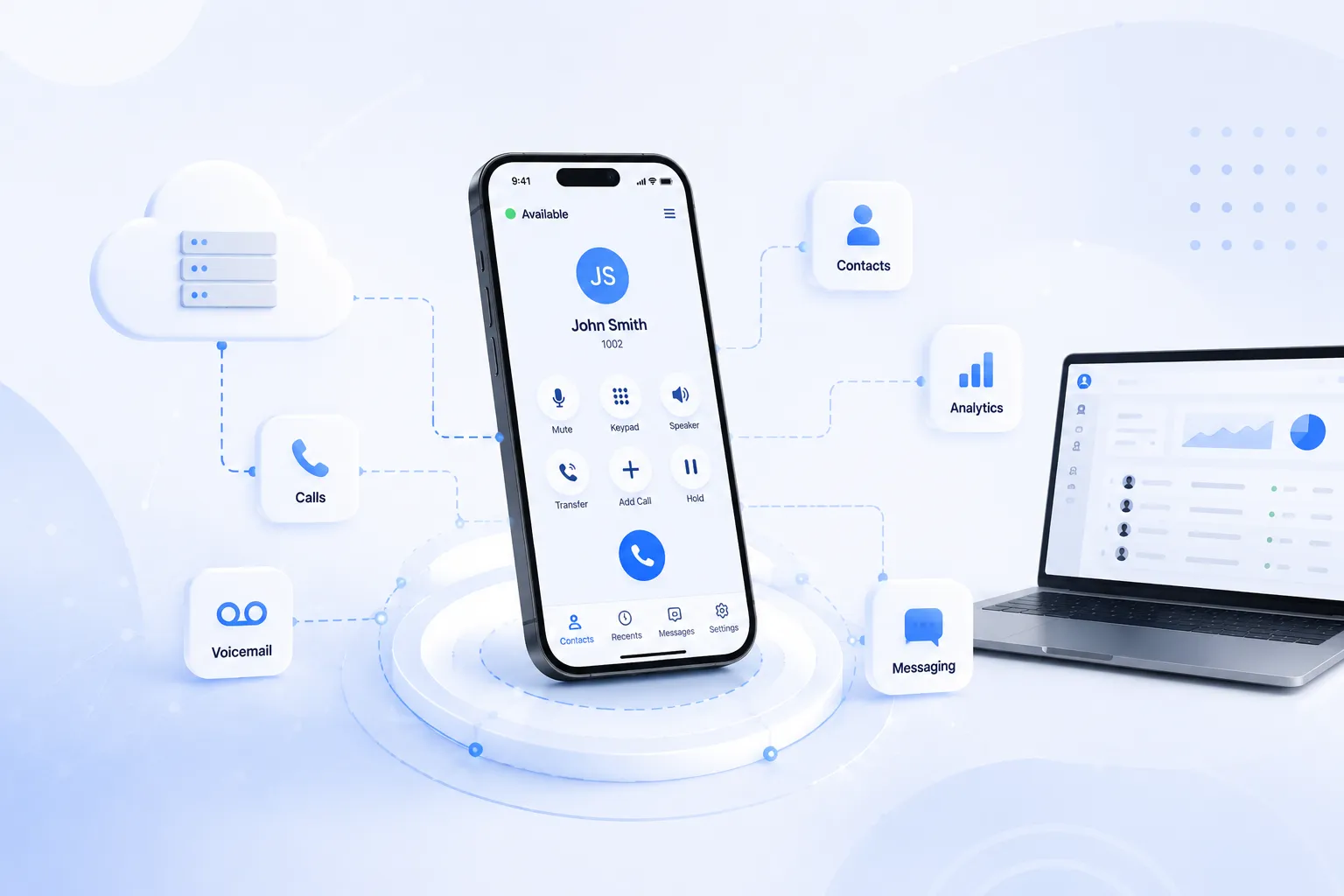

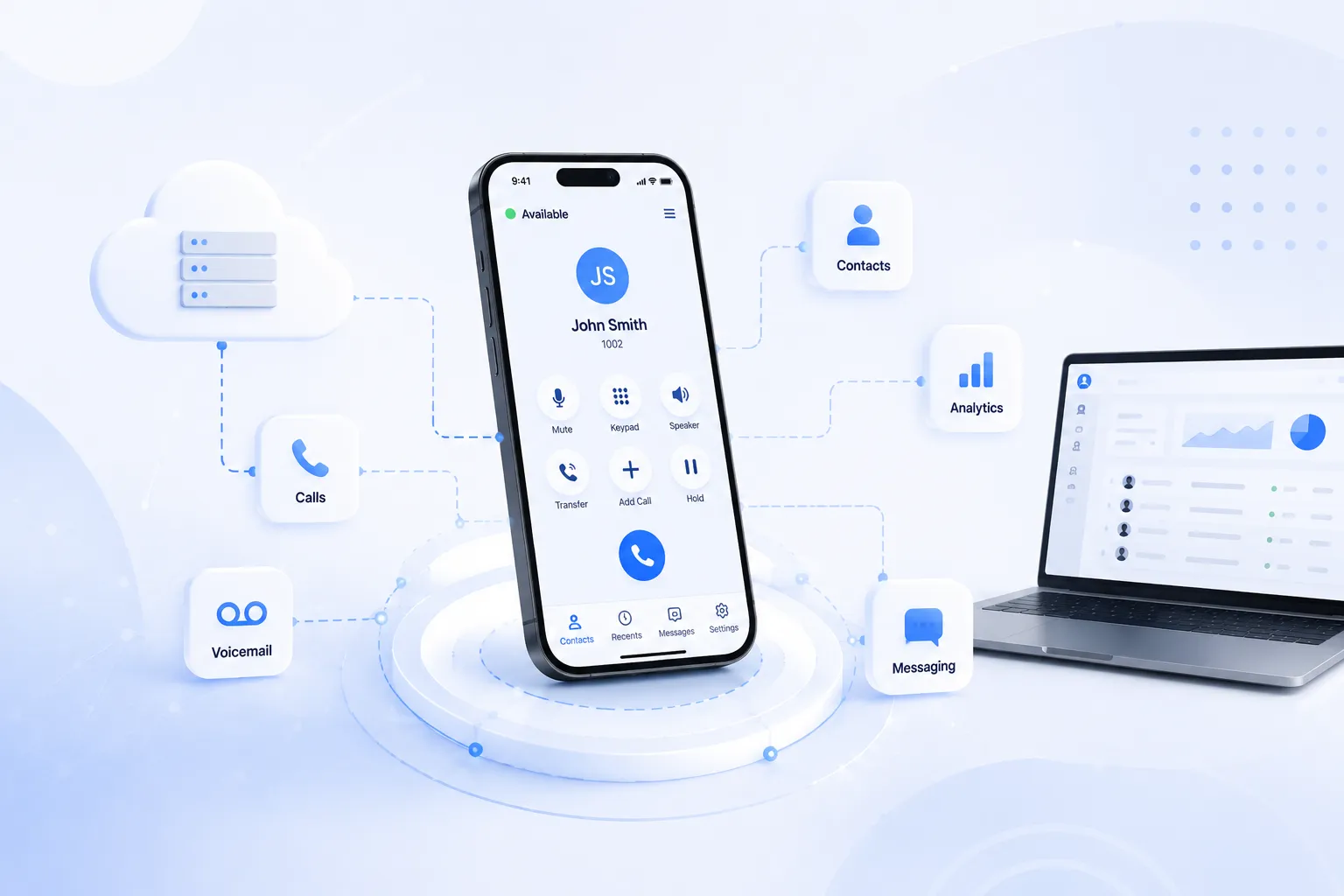
If you're picking a softphone to run on NetSapiens, you'll notice that almost every option claims to "integrate with NetSapiens." The word gets used so loosely it's stopped meaning much. Two softphones can both say it, both demo fine, and deliver completely different experiences once they're in real use.
So it's worth being precise about what integration actually means here, because the difference determines what your customers experience every day.
Connected is not the same as integrated
Here's the distinction that matters. A softphone can be connected to NetSapiens, meaning it registers against the platform and makes and receives calls. That's the baseline, and honestly most softphones clear it.
Being integrated is different. An integrated softphone uses the NetSapiens API layer to treat the platform as the source of truth. Call history, voicemail, contacts, presence, and user settings all come from NetSapiens and sync back to it, rather than living separately on each device.
The gap between the two shows up constantly in daily use, even though it never appears on a feature comparison sheet.
The clearest example: call history
Call history is the easiest way to see the difference.
A connected-but-not-integrated softphone stores your call history locally on the device. So your phone shows the calls your phone made, your desktop shows the calls your desktop made, and neither shows the full picture. You made a call from your desk this morning, but it's missing from your phone, because the phone doesn't know about it.
An integrated softphone pulls call history from the NetSapiens API. Same complete history on every device. A call placed on your desk phone shows up in your mobile app. Nothing is lost when you switch devices. It's a small thing that feels obviously right the moment you notice it, and obviously wrong when it's missing.
The same pattern runs through everything
Once you see the call history example, the rest follows the same logic.
Voicemail on an integrated softphone syncs with the platform, so deleting a message in the app removes it everywhere, and transcripts appear when NetSapiens has them enabled. On a non-integrated client, voicemail state drifts between devices.
Contacts and presence come live from the NetSapiens phone books rather than a separate local list that goes stale. The directory stays current, and presence actually reflects reality.
Click-to-originate lets you place a call from any of your registered devices while controlling it from the app, because NetSapiens knows about all your devices. Tap in the mobile app, ring out from the desk phone.
Answering rules and voicemail greetings can be managed right in the app, with changes syncing back to the platform, so the softphone becomes where you manage your phone, not just where you make calls.
Every one of these comes down to the same principle: NetSapiens is the source of truth, and the softphone reflects it instead of keeping its own separate, drifting copy.
Why this matters for service providers
If you're a service provider or reseller shipping a communication service to customers, the softphone is the part they actually touch. They never see the platform underneath. They judge the whole service by whether the app feels consistent and reliable.
An integrated softphone makes the service feel professional and unified. Everything is where it should be, on every device, always current. A non-integrated one feels disjointed in ways customers can't quite articulate, but definitely notice. They'll say things like "why is my call history different on my phone" or "this feels clunky," which are really just the symptoms of a softphone that keeps its own state instead of reflecting the platform.
This is also where purpose-built NetSapiens softphones separate themselves from generic SIP clients. A softphone built around the NetSapiens integration uses these API surfaces properly rather than working around them, which is what makes the experience feel seamless. Other native options handle it to varying degrees, but the principle holds regardless of vendor: the deeper the API integration, the more integrated the softphone actually feels.
How to check before you commit
The good news is that integration depth is easy to test during evaluation, if you know what to look for.
Make a call on one device and check whether it appears in the softphone on another. Delete a voicemail in the app and see whether it disappears from your other endpoints. Check whether contacts and presence come from NetSapiens or a local list. Try managing an answering rule from the app and see if it syncs back.
For any piece of data the softphone shows you, ask one question: did this come from the platform, or from the device? The more that comes from the platform, the more integrated the softphone is, and the more consistent the experience will be for your customers.
Integration depth is one of those qualities that's invisible until it's missing, then impossible to ignore. Checking for it during evaluation costs you a few minutes. Discovering its absence after deployment costs you a lot more.





























Sign in to leave a comment.