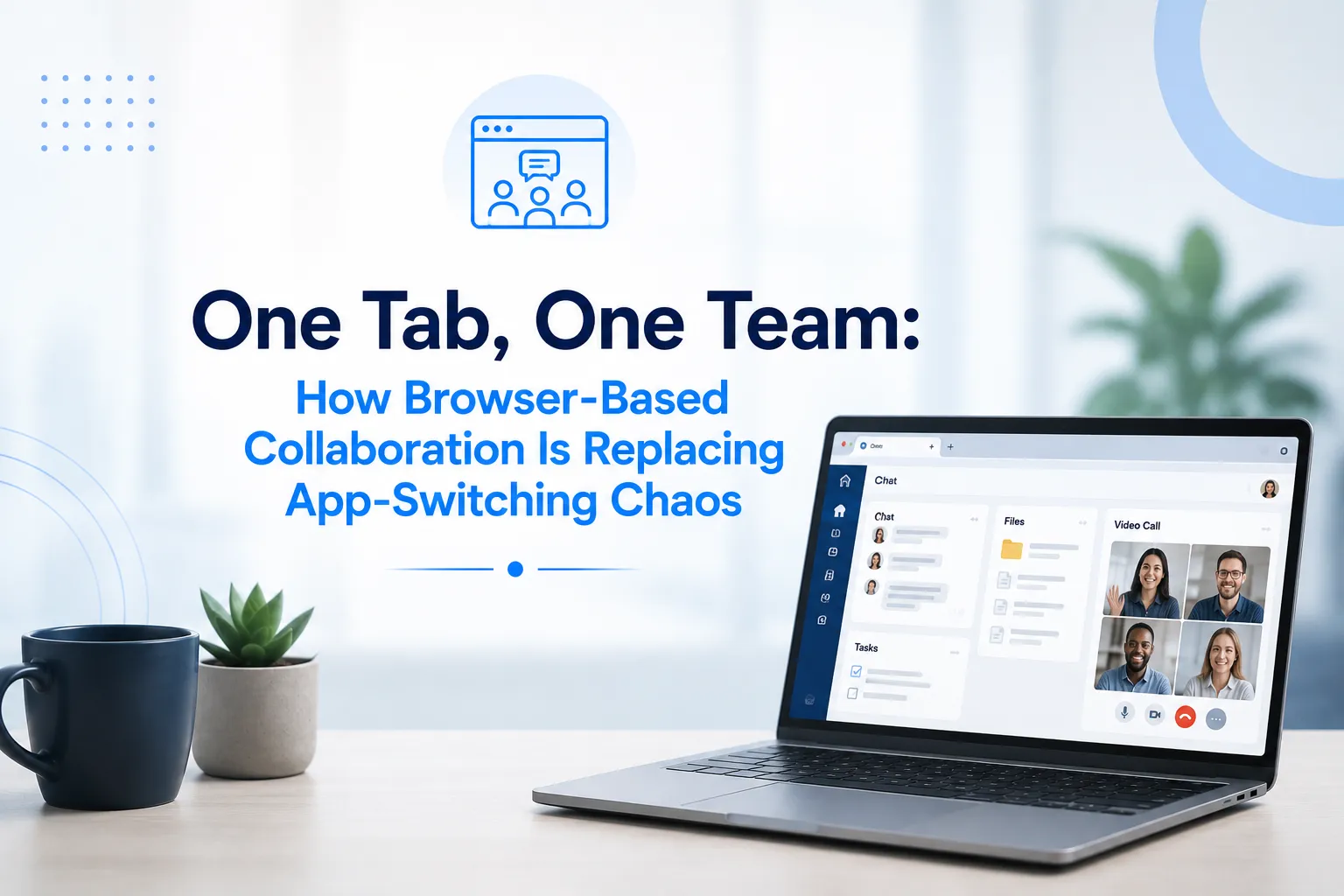

Open up the average knowledge worker's laptop on any given day and you will likely find a dozen or more tabs and apps running at once. A chat tool in one window. A video call in another. A document editor somewhere else. A project tracker buried behind three other tabs. A file storage app that never quite syncs when you need it to. Multiply this across an entire team, and the result is a quiet but constant drain on focus that most people have simply learned to accept as normal.
This constant app switching has a name among productivity researchers: context switching cost. Every time someone moves from one tool to another, their brain needs a moment to reorient, remember what they were doing, and reload the mental context of the new task. Individually, these moments seem trivial. Across a full workday, spread across an entire distributed team, they add up to a significant and largely invisible tax on productivity.
The solution gaining momentum across modern workplaces is deceptively simple: bring everything into one browser based workspace. One tab, one team, one continuous flow of work instead of a scattered mess of disconnected tools.
Why App Switching Became Such a Problem
The rise of remote and hybrid work happened fast, and most organizations adopted tools reactively rather than strategically. A team needed video calls, so they picked one platform. They needed messaging, so they added another. Project management, file storage, and document editing each came from separate vendors, often chosen by different departments at different times with little coordination.
The result is what many teams are living with today: a fragmented toolkit where no single piece talks naturally to the others. Employees end up copying information manually between systems, checking multiple notification centers throughout the day, and losing track of where a particular conversation or decision actually happened.
This fragmentation is not just inconvenient. It actively works against collaboration. When a video call happens in one app, related notes live in another, and follow up tasks get created in a third, the connective tissue between those pieces disappears. Context gets lost, and someone inevitably has to spend time reconstructing what was discussed and decided.
The Browser as the New Workplace
Browser based collaboration flips this model. Instead of juggling separate desktop applications, teams increasingly do their entire workday inside a browser, moving between chat, video calls, shared documents, and task boards without ever closing a tab or opening a new app.
This shift is possible because modern web technology has matured to the point where browser based tools can match, and often exceed, the performance of native desktop applications. Video calls run smoothly directly in the browser. Documents update in real time without needing a separate syncing process. Notifications, files, and conversations stay connected because they live inside the same underlying system rather than being stitched together after the fact.
Strong Web & Video Collaboration Services are central to making this model work well. When video calling and messaging exist as part of the same browser based environment as document sharing and task management, teams gain a genuinely unified workspace rather than a set of tools that merely sit next to each other. A conversation, a shared file, and a follow up video call can all stay connected in one continuous thread instead of scattering across separate platforms.
What Teams Gain From Consolidation
The benefits of moving toward a single browser based workspace go beyond convenience. Teams that reduce their tool sprawl often see measurable improvements in how quickly work moves and how much energy people have left for actual deep focus.
Onboarding becomes simpler when new employees only need to learn one environment instead of memorizing logins, shortcuts, and quirks across five different platforms. Information stays easier to find because conversations, files, and decisions live in one connected space rather than being scattered across disconnected systems. IT overhead also shrinks significantly, since fewer licenses, fewer integrations to maintain, and fewer support tickets around tools that do not talk to each other all translate into real savings.
Perhaps most importantly, employees regain focus. Every unnecessary tab closed and every app no longer needed is one less distraction pulling attention away from meaningful work.
Integration as the Foundation
None of this consolidation works without strong integration underneath it. A browser based workspace is only as good as its ability to connect with the tools businesses already depend on. This is where Microsoft Teams Integration plays such an important role for organizations already invested in the Microsoft ecosystem.
Rather than asking teams to abandon tools they already know well, effective integration brings Teams chat, video calls, and file sharing directly into a broader browser based workflow. Employees do not need to leave their primary workspace to check a message or join a call. Everything stays connected, reducing the friction that normally comes from switching between a familiar platform and a newer, unfamiliar one.
This kind of integration matters because most organizations are not starting from a blank slate. They already have established tools, workflows, and habits. The goal is not to rip everything out and start over, but to weave existing systems into a more cohesive experience that reduces switching rather than adding another disconnected layer on top.
Building a Single Source of Truth
Companies like Omnicaas have built their approach around exactly this need, helping organizations consolidate video communication, messaging, and file collaboration into a single, well integrated browser based environment. Instead of forcing teams to piece together their own patchwork of tools, this kind of unified setup gives everyone a single source of truth for conversations, projects, and decisions.
The value here is not just about reducing the number of open tabs. It is about creating a system where information does not get lost between platforms, where a video call and its follow up notes stay linked together, and where new team members can find what they need without hunting across five different systems to piece together context.
Conclusion
The chaos of constant app switching has quietly cost teams focus, time, and clarity for years, often without anyone naming it directly as the problem. As distributed and hybrid work continue to grow, the organizations that thrive will be the ones that treat tool consolidation as seriously as they treat hiring or strategy.
Browser based collaboration offers a practical path forward. By bringing video calls, messaging, documents, and integrations together into one connected workspace, teams spend less time managing their tools and more time doing the work that actually matters. One tab, one team is not just a catchy idea. It is quickly becoming the standard for how modern, focused teams choose to work.



























Sign in to leave a comment.