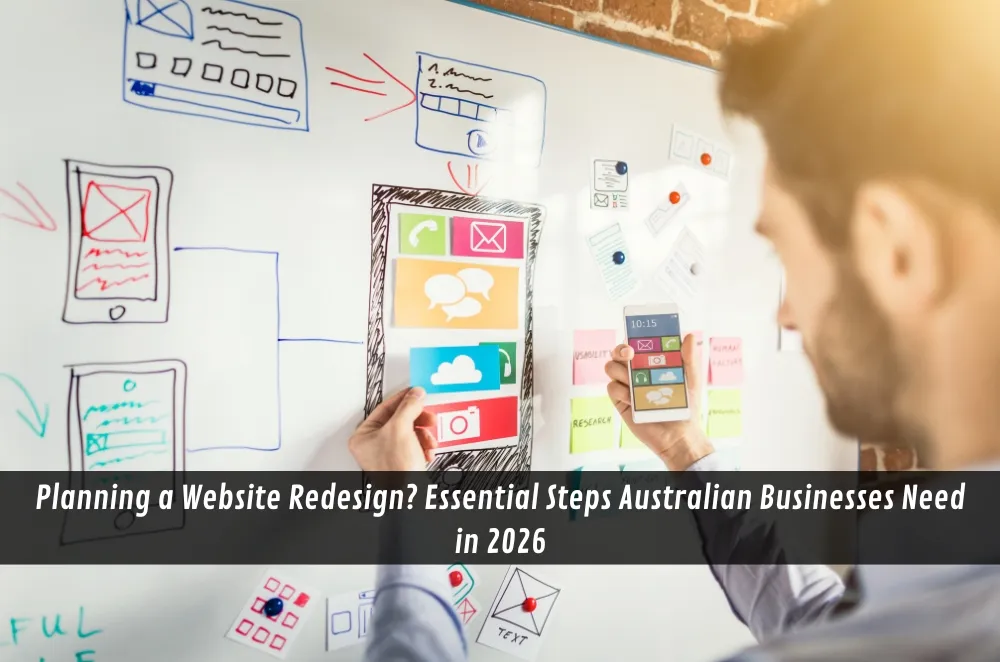

A fresh coat of paint on a shopfront always turns heads. Your website is no different. Whether you’re a growing e-commerce store in Melbourne or a professional services firm in regional NSW, a well-planned redesign can sharpen your brand story, improve customer experience, and boost enquiries. Yet many businesses dive in without a clear roadmap and end up over-budget, off-schedule, or stuck with a pretty site that doesn’t convert.
The following guide breaks down the key considerations Australian organisations should nail before, during, and after a redesign project.
Why a Redesign Matters More Than Ever
User expectations have evolved rapidly. Today, visitors assume lightning-fast load times, seamless mobile navigation, and a polished brand presence. Google’s Core Web Vitals, growing accessibility standards, and the dominance of mobile-first browsing mean a five-year-old site can feel positively antiquated.
If your internal team lacks the bandwidth or expertise to tackle these requirements, partnering with an agency that offers comprehensive website design services can fast-track the transition and reduce costly missteps.
Signs Your Current Site Is Holding You Back
- Slow page speeds and rising bounce rates in Google Analytics
- A dated look that clashes with your current brand assets
- Difficulty updating content because of a clunky or proprietary CMS
- Poor accessibility scores or bad user feedback from people with disabilities
- Drop-off in enquiries despite strong search rankings or ad spend
- Security warnings or an expired SSL certificate
If two or more of these ring true, a redesign is likely overdue.
Mapping Clear Goals Before You Touch the Code
A successful project starts with measurable objectives. Common examples include:
• Increasing online sales by 20 % in 12 months
• Reducing support calls by improving self-service resources
• Raising average session duration by offering richer content formats
• Achieving WCAG 2.1 AA accessibility compliance
Document these targets, assign metrics, and secure stakeholder buy-in early. Doing so keeps creative choices aligned with business outcomes rather than subjective opinions.
Core Elements Every Modern Australian Website Needs
Mobile-first layout
More than 60 % of local traffic arrives via smartphones. Designing for the smallest screen avoids awkward retro-fitting later.
Accessibility and inclusive design
Australia’s Disability Discrimination Act and rising public awareness make accessible design a moral and commercial imperative. Captions, keyboard navigation, and colour-contrast checks are now standard.
Optimised performance
Images compressed, scripts deferred, and hosting tuned for Australia-based audiences (e.g. using an edge network in Sydney or Perth) all contribute to lightning-fast load times.
SEO-friendly architecture
Clear heading hierarchies, clean URLs, and schema markup lay the groundwork for search visibility. Consider an SEO audit during the planning stage rather than as an afterthought.
Compelling storytelling
People remember stories, not features. Case studies, video snippets, or behind-the-scenes photos help visitors connect emotionally with your brand.
Integrated analytics
Google Analytics 4, first-party tracking, and privacy-friendly consent banners provide insights while respecting user data.
Building a Practical Redesign Timeline
- Discovery (2–4 weeks) – content audit, competitor review, goal setting
- Strategy & Information Architecture (2–3 weeks) – sitemap, wireframes, content gaps
- Design (3–5 weeks) – style tiles, prototypes, stakeholder feedback rounds
- Development (4–8 weeks) – CMS build, responsive templates, integrations
- Content Production (runs parallel) – copywriting, photography, video, alt text
- Testing & Quality Assurance (2 weeks) – browser, device, accessibility, performance checks
- Launch & Post-Launch Review (1 week) – DNS changeover, monitoring, hot-fixes
These ranges will vary depending on complexity, but allocating buffer time for revisions keeps stress levels down.
DIY vs Professional Help: Weighing the True Cost
• Budget: Off-the-shelf templates are cheap upfront but can require expensive workarounds later.
• Time: Internal staff hours have an opportunity cost. Could they be generating revenue elsewhere?
• Expertise: User-experience research, accessibility auditing, or custom API integrations often demand specialist skills.
• Support: Ongoing maintenance packages from professionals reduce the headache of security updates and feature requests.
Many organisations choose a hybrid approach—developing basic content internally while relying on external pros for custom design, performance optimisation, or complex integrations.
Content Migration Pitfalls to Avoid
– Neglecting 301 redirects for old URLs, resulting in broken links and lost SEO equity.
– Copy-pasting outdated copy instead of refreshing messaging for 2026 audiences.
– Forgetting downloadable assets (PDFs, e-books) that live outside the CMS.
– Skipping a top-to-bottom spell-check after migration; typos often creep in during bulk imports.
Investing time in a content inventory spreadsheet upfront pays dividends when launch day arrives.
Post-Launch Tasks That Often Get Overlooked
- Submitting the new XML sitemap to Google Search Console
- Monitoring performance metrics weekly for the first month
- Gathering real-user feedback through quick polls or heatmaps
- Updating third-party profiles (LinkedIn, Google Business Profile, directory listings) with new URLs or branding
- Scheduling regular backups and security scans from day one
Treat launch as the starting line, not the finish.
When to Revisit Your Site Again
Technology and customer expectations will keep evolving. Review design, performance, and content quarterly, and plan a major refresh every three to four years—or sooner if business priorities shift radically.
Final Thoughts
A website redesign can feel daunting, but a structured approach strips away the guesswork and sets clear expectations for everyone involved. Define goals, focus on user needs, schedule ample testing time, and bring in expert support where your team’s skillset thins out. Do that, and your next launch won’t just look sharper—it will serve customers better and drive measurable growth well into the future.
FAQs
How often should a small business website be redesigned?
Generally every three to four years, or sooner if you’ve rebranded or your analytics reveal declining engagement.
What is the average cost of a website redesign in Australia?
Budgets range widely—from a few thousand dollars for a brochure-style refresh to well into five figures for complex e-commerce or custom integrations. Creating a firm brief helps agencies quote accurately.
How long does a typical redesign project take?
Allow three to six months for a mid-sized site, including discovery, design, development, content, and testing phases.
What’s the difference between a web designer and a web developer?
Designers focus on layout, branding, and user experience, while developers translate that vision into functional code and integrations. Many agencies provide both skillsets under one roof.



























Sign in to leave a comment.