

Work has changed significantly as businesses adopt remote, hybrid, and distributed teams. Managers now need better ways to understand how work is progressing, where teams spend their time, and whether projects are moving toward their expected outcomes.
Traditional activity tracking can provide useful information, but it does not always explain the bigger picture. Modern businesses are moving toward systems that connect time, tasks, workload, project progress, and business outcomes.
What Is Productivity Management Software?
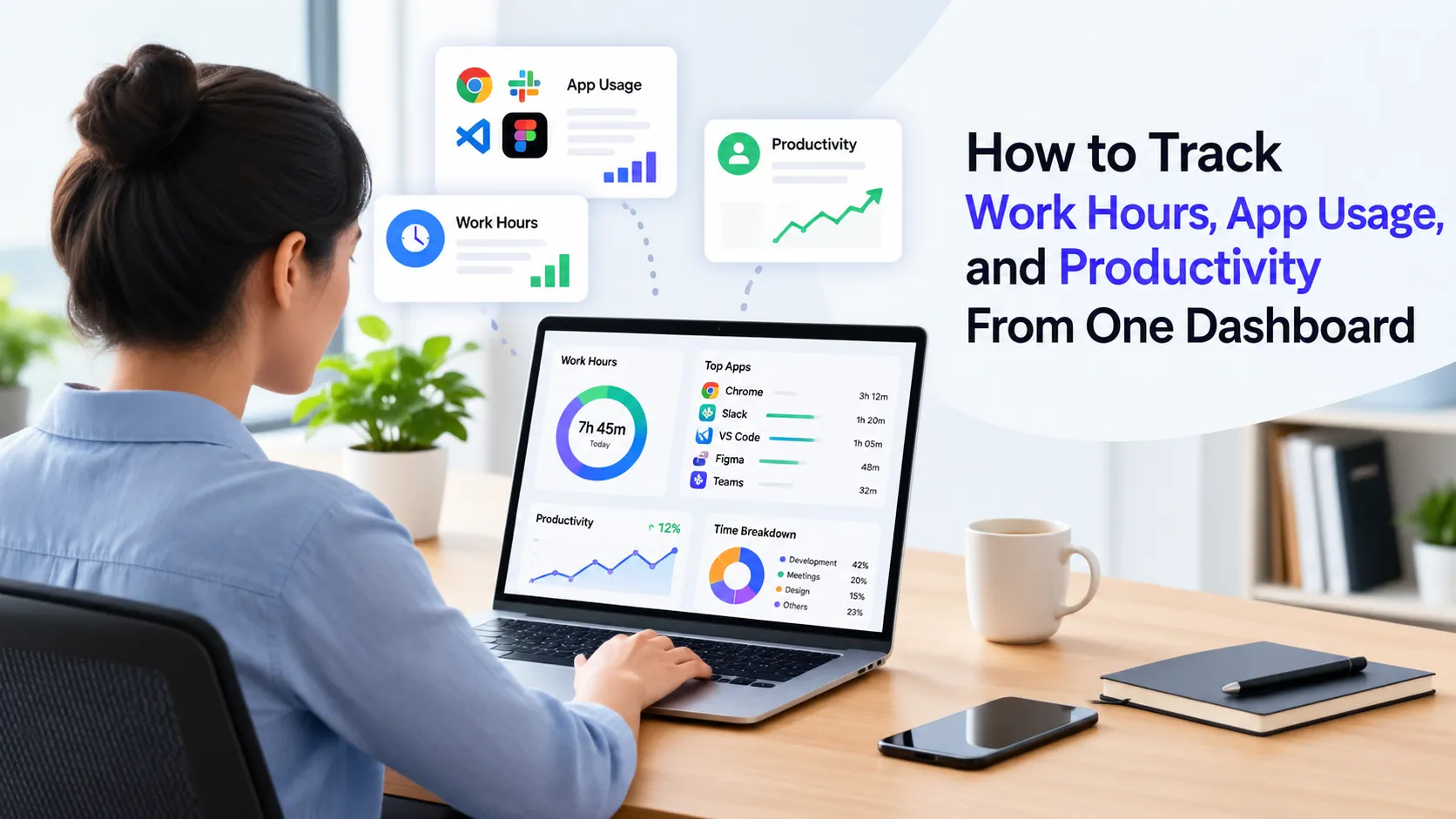
Productivity management software helps businesses track and understand workforce activity, working hours, tasks, projects, workload, and productivity patterns from a centralized system.
Instead of relying on spreadsheets or separate reports, managers can use connected data to understand how work is progressing. Depending on the system, capabilities may include time tracking, automated timesheets, project management, attendance, workload monitoring, productivity insights, and reporting.
The goal is not simply to record employee activity. It is to help businesses identify patterns, improve resource planning, and make better decisions about ongoing work.
Why Activity Tracking Alone Is Not Enough
Activity data can answer basic questions such as how much time was spent working or which applications were used. However, these metrics do not always explain whether work is progressing efficiently.
For example, a team may record high working hours while a project continues to fall behind. Another employee may appear less active but complete high-value tasks efficiently.
This is why productivity measurement needs context. Managers should be able to connect activity with project progress, workload, deadlines, utilization, and business priorities.
Moving Toward Productivity Intelligence
The next step is turning workforce data into useful insights rather than simply collecting reports.
Productivity intelligence software can help businesses identify patterns in workload, utilization, project activity, and workforce performance. These insights can help managers recognize potential issues earlier and decide where attention may be needed.
For service businesses, this can be particularly useful because employee time is closely connected to project costs, client delivery, and profitability.
Instead of asking only, “How many hours were worked?”, managers can ask more meaningful questions:
- Are project hours increasing faster than planned?
- Is workload distributed evenly?
- Which projects may require additional resources?
- Are teams spending time on low-priority work?
- Where could delivery risks emerge?
From Data to Work Intelligence
A broader approach connects workforce signals with business operations.
Work intelligence brings together information about time, tasks, projects, workload, and other work signals to provide a clearer view of how work happens. This helps managers move from retrospective reporting toward earlier identification of operational issues.
For example, increasing project hours combined with slower task completion may indicate a potential delivery problem. Similarly, uneven workloads may highlight capacity issues before they affect deadlines.
Benefits for Modern Service Businesses
A connected productivity approach can help businesses:
- Improve workforce visibility
- Understand employee utilization
- Identify workload imbalances
- Monitor project progress
- Reduce avoidable time leakage
- Support better resource planning
- Improve project profitability
- Make decisions using consistent workforce data
The focus should remain on outcomes rather than surveillance. Good productivity management gives managers useful context while helping employees understand priorities and expectations.
What Is the Future of Productivity Management?
Productivity management is moving beyond simple activity tracking. Businesses increasingly need systems that connect workforce data with project and operational outcomes.
The most valuable approach is not about collecting more data. It is about turning relevant data into clear insights that help managers understand what is happening, why it may be happening, and where action could improve results.
FAQs
What does productivity management software do?
It helps businesses track work time, tasks, projects, workload, and productivity patterns to improve visibility and workforce planning.
How is productivity management different from activity tracking?
Activity tracking focuses mainly on what employees do. Productivity management adds context such as project progress, workload, utilization, and business outcomes.
Can productivity management improve project profitability?
Yes. By comparing time, workload, project progress, and budgets, businesses can identify potential overruns and resource issues earlier.
Is productivity management software suitable for remote teams?
Yes. It can provide visibility into work progress, time, workload, and project activity across distributed teams without requiring everyone to work from the same location.
What should businesses look for in productivity management software?
Look for time tracking, project management, workload visibility, reporting, productivity insights, integrations, and privacy controls that match your business requirements.

















Sign in to leave a comment.