
Introduction
The RC book, also known as the Registration Certificate, is one of the most important legal documents for every vehicle owner in India. It acts as official proof that your vehicle is registered with the Regional Transport Office (RTO) and legally permitted to be driven on Indian roads. In today’s digital era, the government has made it easier for vehicle owners to access their RC details online without visiting RTO offices.
If you are searching for quick methods to download RC book online in India, this guide will help you understand the complete process in a simple and practical way. Whether your physical RC is lost, damaged, or you simply want a digital copy for convenience, online methods allow you to access it instantly.
What is an RC Book?
An RC (Registration Certificate) book is an official document issued by the RTO after a vehicle is registered. It contains important details such as:
- Vehicle registration number
- Owner’s name and address
- Engine number
- Chassis number
- Vehicle class and fuel type
- Registration and expiry details
Earlier, RCs were issued in physical booklet form, but now they are widely available in digital format as smart RC or e-RC.
Importance of Downloading RC Book Online
Having an online copy of your RC book provides several benefits:
- Instant access during traffic checks
- Useful in case of lost or damaged physical RC
- Required for insurance claims and renewals
- Helpful during resale or ownership transfer
- Eliminates dependency on physical documents
- Accepted in digital form under government-approved platforms
A digital RC is legally valid when downloaded from authorized government systems.
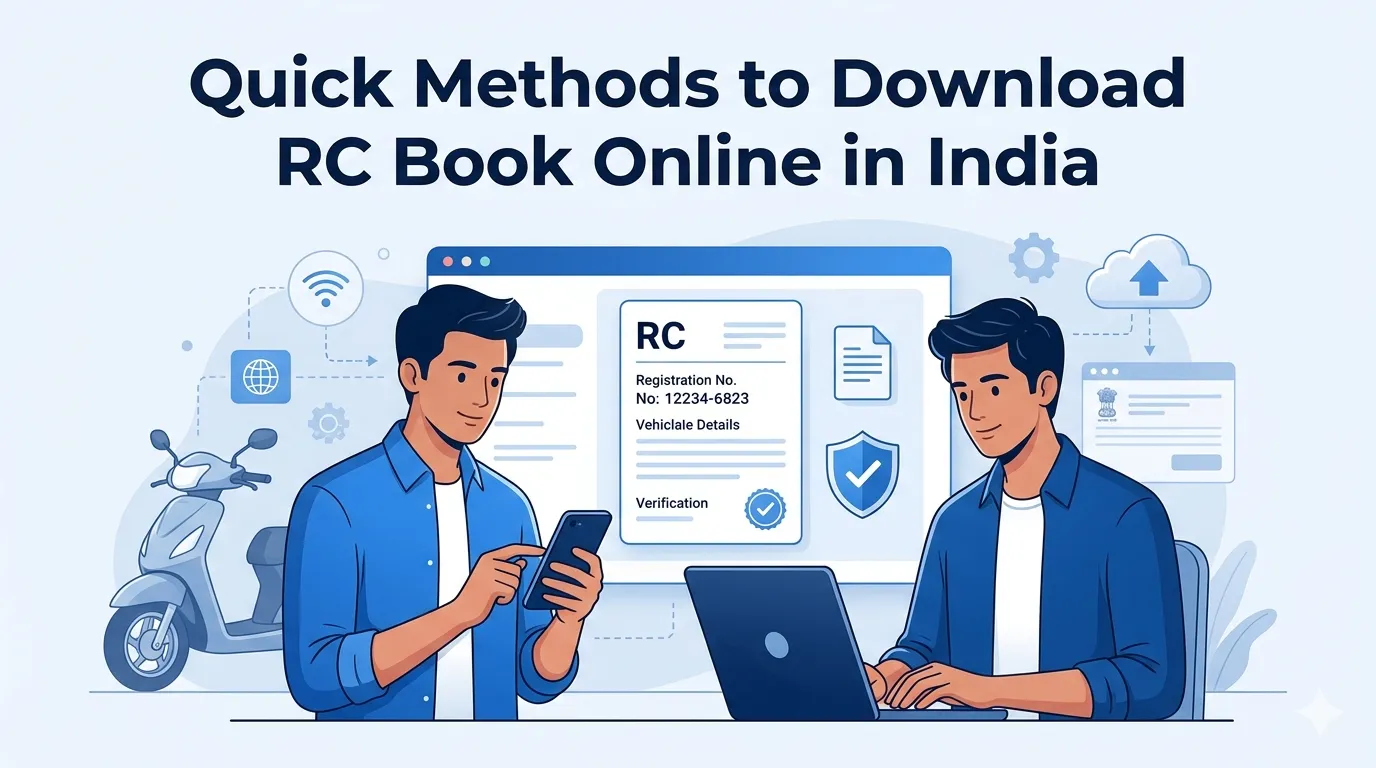
Quick Methods to Download RC Book Online in India
There are multiple trusted ways to download your RC book online. Below are the most reliable methods:
1. Using Parivahan Portal (Government Transport Website)
The Parivahan portal is the official platform for all vehicle-related services in India.
Steps:
- Visit the transport service portal
- Select “Vehicle Related Services”
- Choose your state
- Enter vehicle registration number
- Provide chassis number (last digits) for verification
- View RC details and download RC extract
This method is widely used for accessing verified RC information.
2. Using DigiLocker App
DigiLocker is a secure digital document storage platform provided by the Government of India.
Steps:
- Download and log in to the DigiLocker app
- Select “Issued Documents”
- Choose “Ministry of Road Transport and Highways”
- Enter vehicle registration details
- Your RC book will appear in digital format
- Download or save it for future use
This is one of the fastest and most convenient methods.
3. Through mParivahan App
The mParivahan app is another official mobile application for vehicle-related services.
Steps:
- Install mParivahan app
- Register with mobile number
- Enter vehicle registration details
- Select your RC details
- Download or view digital RC
It also allows you to carry a virtual RC card.
4. RTO Office Request (Offline Support)
If you are unable to access online platforms, you can visit your nearest RTO office.
Steps:
- Visit local RTO with identity proof
- Provide vehicle registration number
- Request RC duplicate or digital copy
- Pay applicable service charges if required
This method is useful for users facing technical issues.
Common Issues While Downloading RC Online
Sometimes users may face difficulties while accessing their RC online:
- Incorrect vehicle registration details
- Mismatch in chassis or engine number
- Unlinked mobile number in RTO records
- Server downtime on government portals
- Incomplete vehicle registration updates
Ensuring correct data entry usually resolves most issues.
Why Digital RC is Becoming Essential
Digital RC documents are now widely accepted and preferred due to:
- Easy accessibility anytime
- Reduced paperwork
- Faster verification by authorities
- Environment-friendly documentation
- Secure storage in encrypted apps
With increasing digital adoption, carrying physical RC is no longer mandatory in many situations.
Conclusion
Downloading your RC book online in India has become a simple and efficient process thanks to government digital initiatives like Parivahan, DigiLocker, and mParivahan. These platforms ensure that vehicle owners can access their registration details anytime without unnecessary delays or paperwork.
For vehicle owners looking for insurance and documentation support along with digital convenience, Square Insurance provides reliable assistance in managing vehicle insurance needs efficiently and securely. It helps users make informed decisions and ensures better protection for their vehicles.
Frequently Asked Questions
1. Can I download RC book online without visiting RTO?
Yes, you can download it using DigiLocker, Parivahan portal, or mParivahan app.
2. Is digital RC valid in India?
Yes, digital RC is legally valid if downloaded from authorized government platforms.
3. What details are required to download RC online?
You need vehicle registration number, chassis number, and registered mobile number.
4. What should I do if RC details are not showing online?
Check your vehicle details or contact your local RTO for correction.
5. Can I use a mobile phone for RC download?
Yes, you can easily access RC using mobile apps like DigiLocker or mParivahan.
6. Is printed RC still required?
In most cases, digital RC is sufficient, but carrying a printed copy is recommended for backup.





















Sign in to leave a comment.