

For routine LGU ERP work, individual user accounts with role-based permissions provide clearer accountability than several employees sharing one login. In a role-based access vs shared accounts comparison, the key difference is identity. A named account links system activity to one authorized user, while a shared login makes several people appear as the same user. For Philippine LGUs, clearer identity supports access control, traceability, privacy, and review of government transactions. The GoLGU ERP System publicly describes a role-based platform where IT administrators limit view and edit permissions.
This guide covers interactive human accounts used for day-to-day ERP work. Service accounts, machine identities, emergency privileged accounts, and integration credentials need separate controls and sit outside this scope.
Why does the login model matter in LGU ERP workflows?
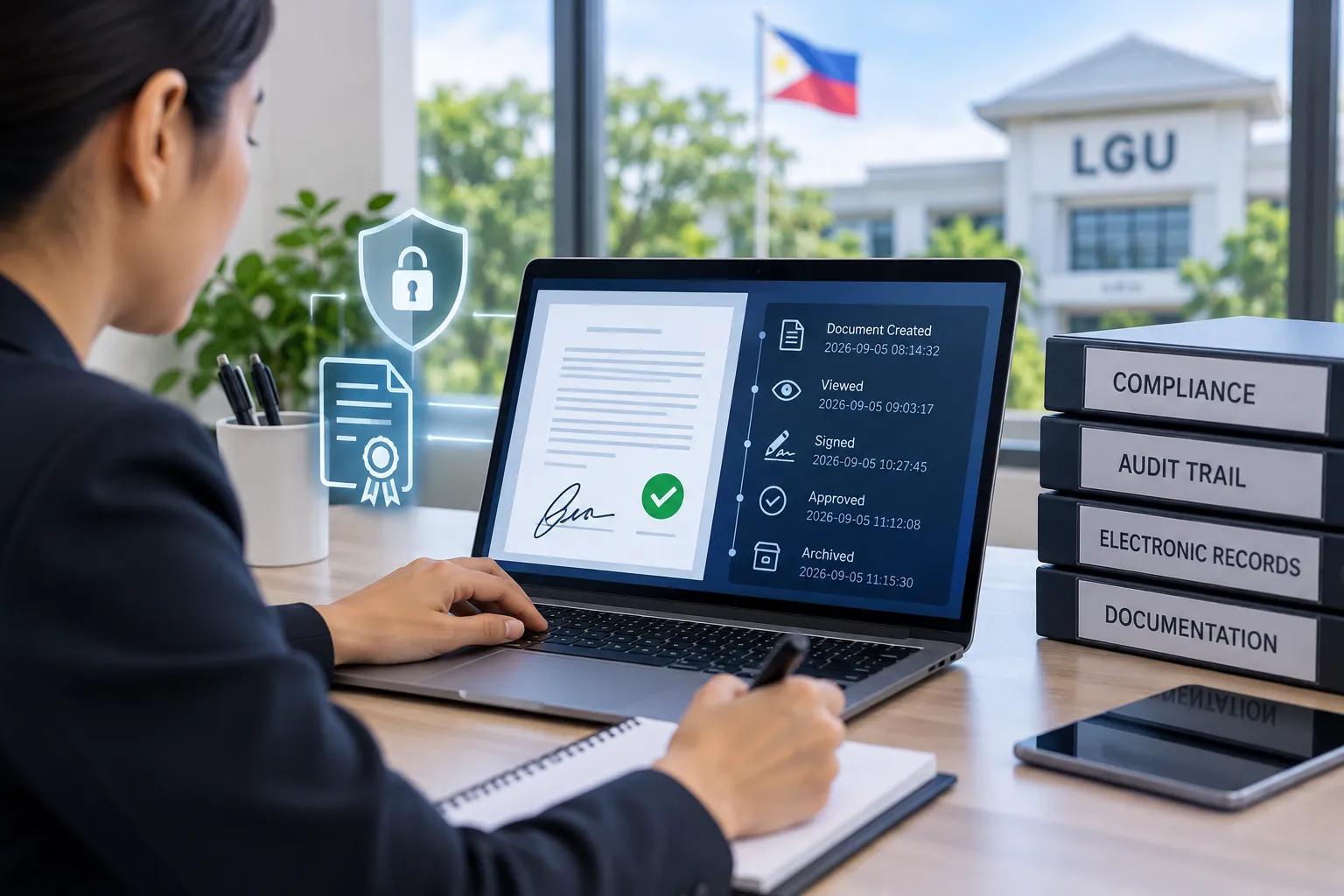
An ERP login does more than open a screen. It connects a user identity to records, actions, timestamps, and permissions. When an LGU later reviews a change, a transaction issue, or an unusual access event, the account identity becomes part of the evidence.
The 2026 Implementing Rules and Regulations of the E-Governance Act apply to LGUs and require security, privacy, and accountability controls for government digital systems. It states that access to government information systems must be limited to duly authorized officers and agents. The National Privacy Commission also recommends tying access to job duties and requiring unique identification and passwords for each person with computer access.
These rules do not prescribe one ERP account design for every LGU. They support a clear direction: identify users, restrict access to legitimate duties, and preserve traceability.
What is the difference between role-based access and a shared account?
Role-based access control assigns permissions according to an approved role or work need. Each person still signs in through an individual account. Several employees share the same approved role without sharing one username or password.
A shared account uses one set of credentials for two or more people. A department might choose one username for similar work, but the system then records activity under one identity even when different people performed the actions.
The key distinction is shared role versus shared login. Multiple named users share the same approved permissions. Multiple people using one login lose individual attribution inside the account record.
How should LGUs compare role-based access vs shared accounts?
LGUs should compare the two models against identity attribution, permission limits, staff changes, password handling, incident review, and record sensitivity.
Suppose three employees update citizen service records. Under unique user accounts, each person signs in separately under the same approved role. If a record changes at 2:15 p.m., the activity points to one account.
Under one shared login, the same change points only to the department account. Supervisors then need other evidence, such as schedules or workstation use, to identify who acted.
This is why account design should follow workflow ownership. Before an LGU expands ERP access, it helps to prepare workflows and ownership before ERP rollout, so user access reflects actual work instead of convenience.
Why are unique user accounts easier to trace?
Individual accounts improve traceability because each authorized person has a separate identity. Recorded logins, edits, or status changes then have a clearer starting point for review.
Traceability does not prove intent, wrongdoing, or fraud. An activity log records system activity associated with an account. The LGU still needs proper review and supporting records before reaching a conclusion.
Unique identification also supports cleaner user accountability. Two people who need the same permission receive separate accounts under the same authorized role.
How do shared user accounts weaken accountability?
Shared user accounts create ambiguity. If five employees know one password, the system shows which account changed a record but not which person used the credentials.
Shared credentials also make password control harder. A change affects every user, and a former team member might still know the old credential. Passing passwords through chat or paper notes creates more exposure.
For systems processing personal information, the NPC's current data-security guidance is more specific. It recommends restricting access to people who need the information for their job duties and assigning unique IDs and passwords to each person with computer access. That guidance gives LGUs a strong reason to avoid shared logins when personal data is involved.
How does role-based access control limit what each user sees or edits?
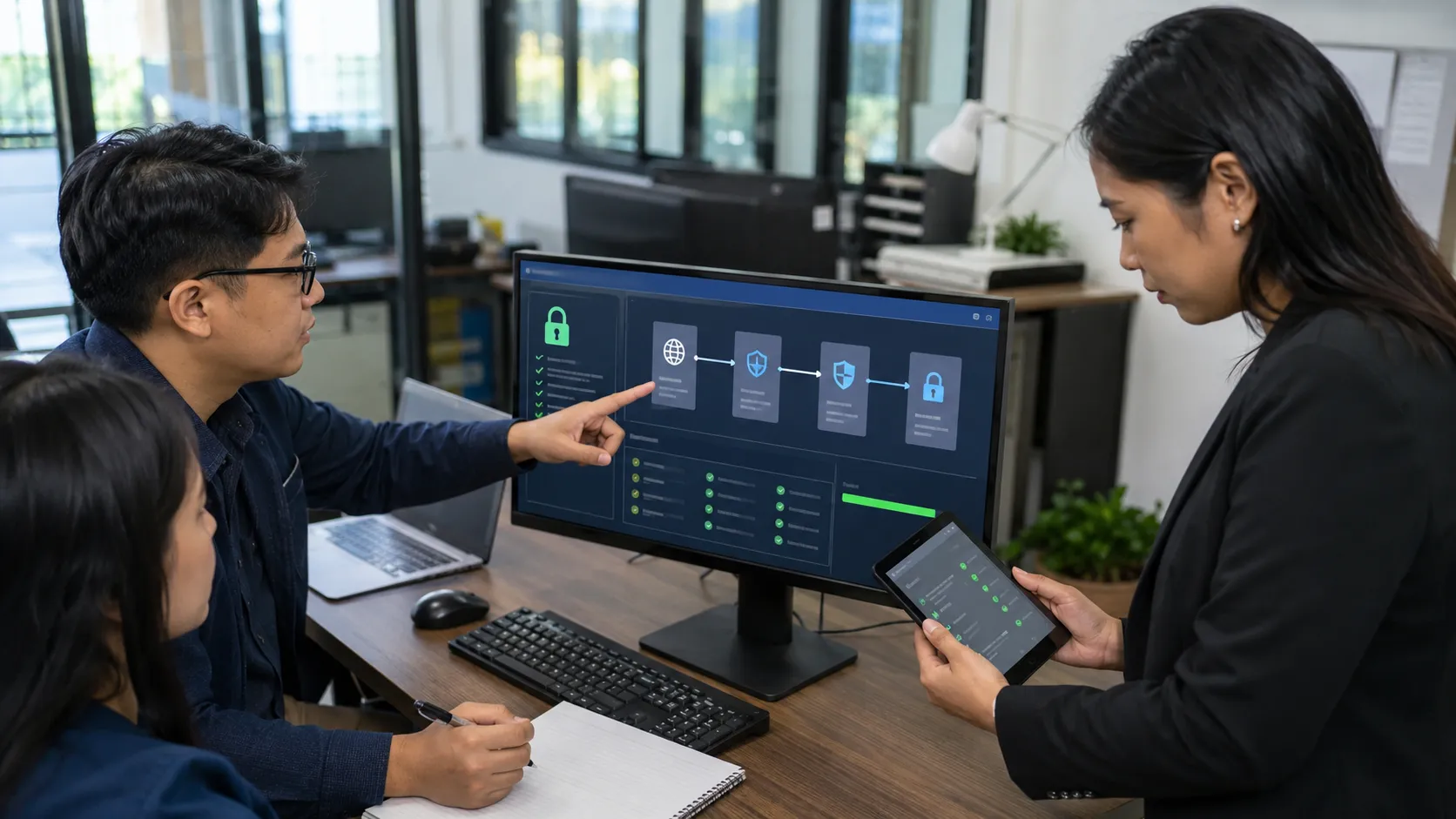
Role-based permissions separate identity from authority. The account answers who is using the system. The role answers what the user can view or do.
Two employees in the same office do not always need identical access. One might need to enter records, while another needs read-only access. A department head might need oversight without system-administration rights.
GoLGU's public ERP page states that its role-based platform helps IT administrators limit data views and edits through permissions. Public material does not verify automatic role assignment, automatic deprovisioning, automatic segregation-of-duties enforcement, or automatic shared-account detection. LGUs should treat those items as configuration or demo questions, not assumed functions.
What happens when an employee changes duties or leaves?
Staff movement exposes a major weakness of shared credentials. With individual accounts, the LGU has a clear identity to review when an employee transfers, changes duties, goes on leave, or separates from service.
With a shared login, removing one person often means changing credentials for everyone. Old and new activity also remains mixed under one account identity.
The same identity principle appears in more sensitive approval contexts. For a narrower example, see the related guide on how LGUs should review digital signing access after staff transfers. Digital signing authority is a separate topic, but the personnel-change lesson is similar: access should follow current duties, not old assignments.
Are shared accounts always prohibited?
No blanket statement should say every shared account is illegal. The legal and technical position depends on the account type, system, data, purpose, controls, and applicable rules. A human-shared ERP login is also different from a controlled machine or integration account.
For routine employee access to records and personal information, though, Philippine privacy guidance strongly favors individual identification and access tied to job duties. The E-Governance Act IRR also requires covered government entities to protect systems against unauthorized access and preserve traceability in data processing involving access or changes to personal data.
If an LGU believes a shared account is operationally necessary, it should document the reason, authorized users, access scope, review method, credential safeguards, and reassessment point. The exception process should follow approved security, privacy, and access policies.
What should an LGU check before replacing a shared login?
The goal is not to replace one shared account with many uncontrolled accounts. First confirm who performs the work, which records each person needs, and who approves access changes.
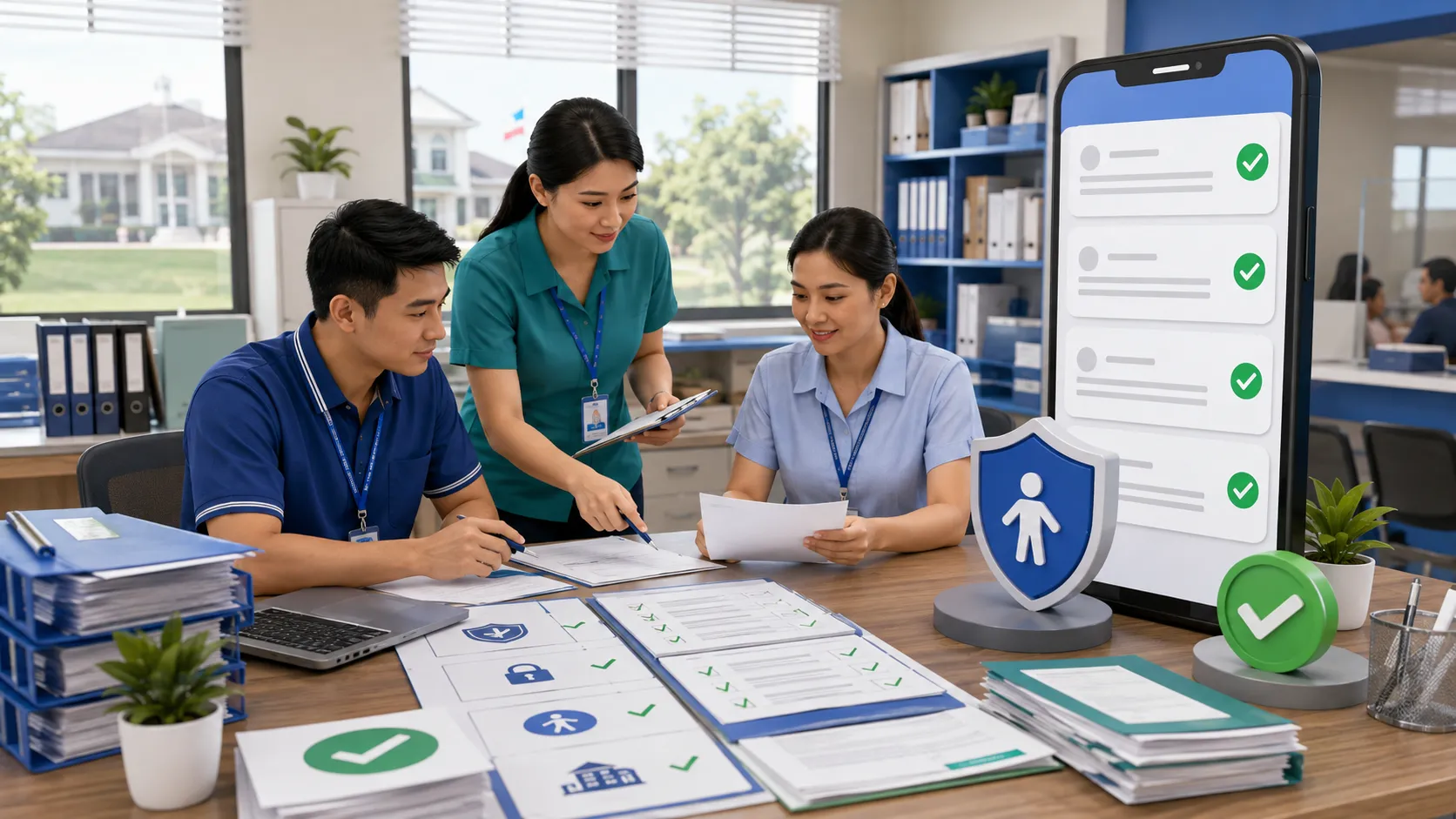
A practical review should ask who knows the shared credential, which tasks require access, whether every user needs the same rights, which records contain personal or sensitive information, and what happens when duties change.
After those answers are clear, map each authorized person to an appropriate account and role. ERP permissions should match official duties and internal policy, not create authority the user does not hold outside the system.
How should an LGU handle an access exception?
An exception should be specific and reviewable. Identify the reason, responsible owner, authorized users, access scope, review point, and compensating controls.
A temporary operational need might require broader visibility for a limited period. Do not copy another employee's full credentials. Define the narrowest approved access for the task, then review or remove it when the need ends.
This approach keeps ERP access control connected to real duties. It also prevents convenience from becoming permanent permission.
How does GoLGU fit this access decision?
GoLGU publicly describes its ERP platform as role-based and states that IT administrators limit view and edit access through permissions. This supports discussion of user identity and role boundaries during implementation.
The public ERP page does not establish every security control an LGU might require. Before deployment, ask how the setup handles account creation, role assignment, staff transfers, disabling, audit records, password controls, administrator access, and exceptions. Confirm answers against current product documentation and LGU policy.
Technology records identities and permissions. The LGU still defines legitimate duties, approval authority, privacy responsibilities, and account-management rules.
Conclusion
For ordinary human ERP use, role-based access vs shared accounts is mainly a choice between identifiable and ambiguous access. Separate named accounts with approved permissions give LGUs a clearer way to link activity to authorized users, adjust access when duties change, and limit records to work needs.
Shared human logins look easier to maintain, but they weaken attribution and make credential changes harder. They also conflict with NPC guidance when personal information is involved. The safer operational approach is to give each authorized person a unique identity and assign only the permissions needed for approved work.
If your LGU is reviewing user access, role boundaries, and ERP readiness, schedule a GoLGU consultation and include your current account structure in the discussion.
Frequently Asked Questions
What is role-based access in an LGU ERP system?
Role-based access assigns permissions based on an approved role or work need, while each person uses a unique account. The role controls permitted actions, while the user identity supports traceability.
Why are shared ERP accounts risky?
Shared accounts make several people appear under one system identity. This weakens attribution, complicates password changes, and makes it harder to review which person performed a recorded action.
Is sharing an ERP password automatically illegal?
No. A blanket legal conclusion would be inaccurate. The applicable requirements depend on the system, data, account type, purpose, and controls. For personal data access, NPC guidance supports unique identification and job-based access restrictions.
Do several employees have the same ERP role?
Yes. Several employees hold the same approved role while using separate user accounts. Sharing a role differs from sharing a username and password.
What should happen to ERP access after a staff transfer?
The LGU should review the employee's current duties and update access under its approved procedures. Old permissions should not continue only because the person held them in a previous assignment.
Does GoLGU automatically manage every access-control task?
Public GoLGU material verifies a role-based platform with view and edit permissions. It does not publicly verify every account-lifecycle, automation, or security function, so confirm specific controls during implementation or a product demo.
References
- Lawphil, 2026 Implementing Rules and Regulations of the E-Governance Act, Republic Act No. 12254
- National Privacy Commission, Data Security
- National Privacy Commission, Implementing Rules and Regulations of the Data Privacy Act of 2012
Disclaimer
This article provides general informational guidance for Philippine LGU ERP access planning. It is not legal, cybersecurity, data privacy, procurement, records management, or technical implementation advice. Each LGU should follow its approved policies, official duties, applicable laws, current government issuances, and guidance from responsible authorities when configuring accounts, permissions, and access exceptions.




























Sign in to leave a comment.