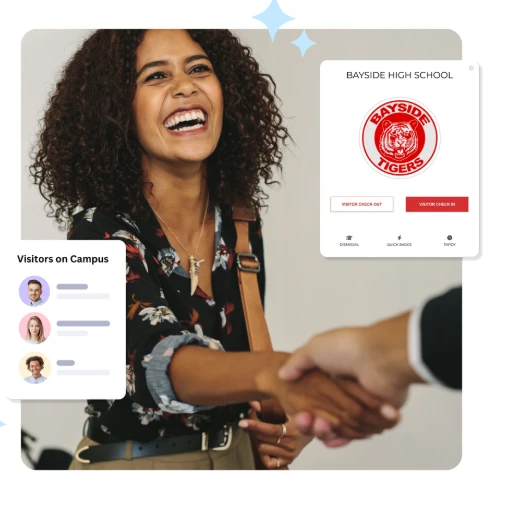

School campuses are designed to be safe, focused learning environments, but that safety is challenged when there’s no clear policy guiding who can enter, when, and how. With growing concerns around campus security, the need for a structured and enforceable visitor management policy has never been more important.
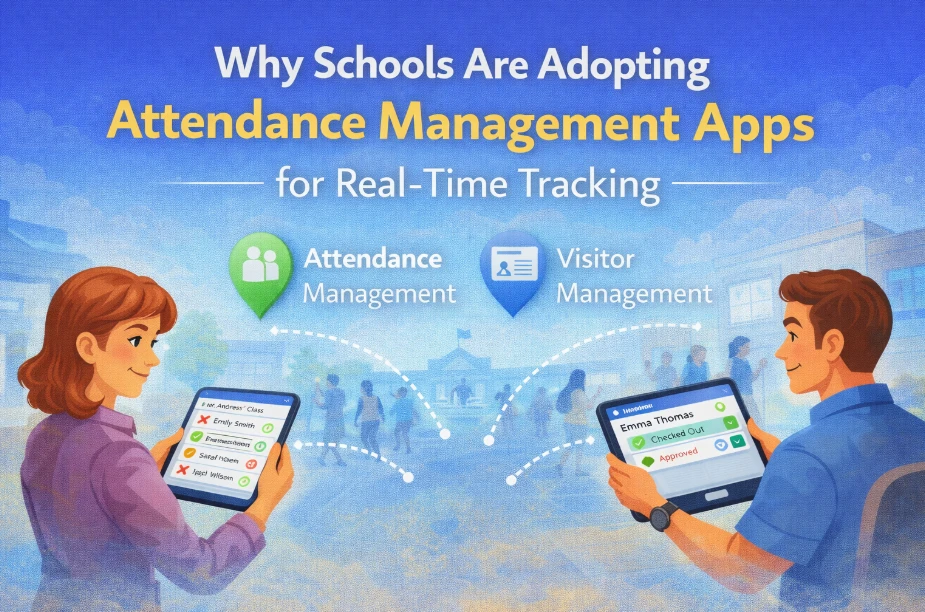
A well-defined visitor management protocol not only protects students and staff, but also supports smoother operations and builds trust among parents and the wider community. In today’s digital-first world, creating this policy involves more than a sign-in sheet at the front desk. Modern schools are adopting technology like visitor management software for schools and integrating it with student attendance management software to gain full visibility over who is on campus at any given time.
This guide walks through the essential components of a school visitor policy and how digital tools can make enforcement seamless and secure.
Why a Visitor Management Policy Is Essential
Without a structured visitor policy, schools face a number of risks: unauthorized individuals accessing the campus, inefficient sign-in procedures, missed visitors, and limited emergency accountability. Schools must manage not only parents and guardians but also vendors, volunteers, guest speakers, and community members—each with different clearance levels.
A proper policy helps school staff:
- Control and track who enters the premises
- Ensure only authorized people have access to specific areas
- Respond quickly in emergencies with an accurate visitor log
- Build a predictable, secure protocol everyone can follow
It also provides legal and procedural backup in case of incidents, making it easier to investigate or defend decisions made during a security event.
Step 1: Define Who Counts as a Visitor
Your policy should begin by defining who qualifies as a “visitor.” Not everyone who walks through the door is treated the same. Generally, you can group visitors into categories:
- Parents and guardians (for pickups, meetings, etc.)
- Volunteers or PTA members
- Vendors and maintenance workers
- Substitute teachers or temporary staff
- Community members or delivery personnel
- Emergency responders or law enforcement
Clarifying these groups in your policy helps ensure that procedures aren’t unnecessarily applied to staff or students who are already authorized in your student attendance management software.
Step 2: Establish Entry and Check-In Requirements
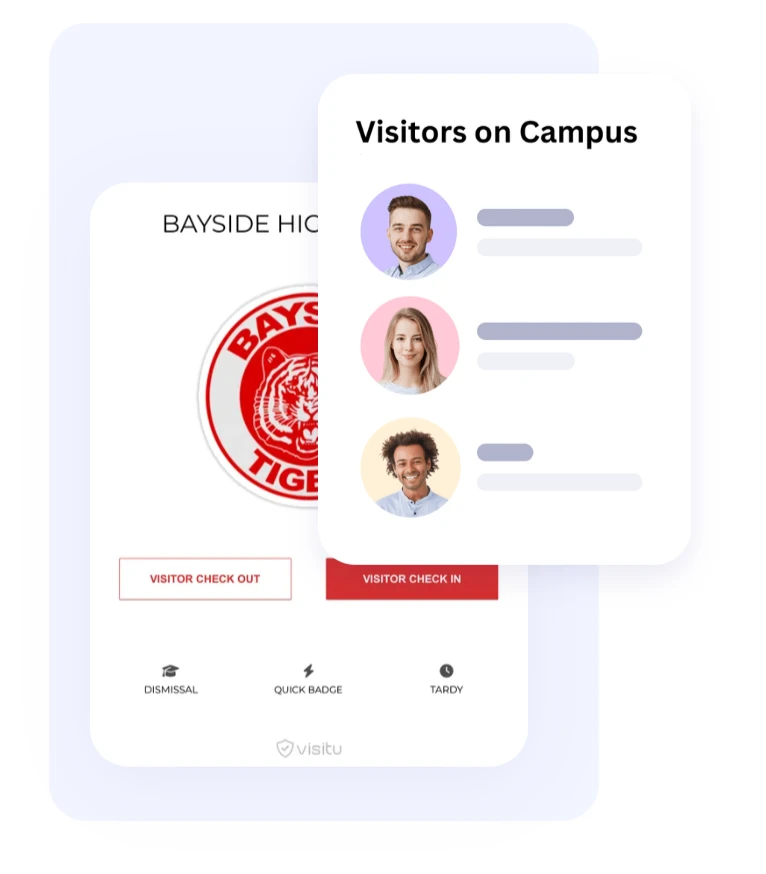
Every visitor should be required to check in at a designated point of entry—ideally the front office or security gate. This is where a visitor management software for schools becomes invaluable.
Using digital check-in systems, schools can:
- Automatically scan a visitor's government-issued ID
- Perform instant background checks if needed
- Print temporary visitor badges with photo and access info
- Log time of entry, purpose of visit, and person they’re meeting
This not only speeds up the process but ensures data is stored securely and access permissions are clearly defined. Your policy should include specifics like: “All visitors must present a valid photo ID and wear a visible visitor badge at all times.”
Step 3: Limit Access Based on Role
Not all visitors need full campus access. For example, a parent attending a classroom reading event should not be allowed into staff rooms or other unrelated areas.
Visitor management systems let you assign access levels during check-in:
- “Reception only” for drop-offs or form submissions
- “Admin block” for scheduled meetings
- “Cafeteria access” for vendors or food deliveries
- “Classroom access” with staff escort only
Automated badge systems can expire access after a set time or restrict entry to specific doors, especially when integrated with access control systems.
Step 4: Integrate with Student Attendance and Pickup Logs
Student safety extends beyond physical presence—it includes knowing when and how a student is picked up or dropped off. By connecting your visitor management system to your student attendance management software, you can automate the recording of early check-outs, unplanned absences, and authorized pickups.
This integration helps ensure:
- A student is only released to an approved contact
- Pickup times are logged and available for auditing
- Attendance records are updated in real time
This reduces manual errors, eliminates paper logs, and increases accountability during student dismissals.
Step 5: Plan for Emergency Situations
Visitor logs become critical during emergencies like fire drills, lockdowns, or evacuations. In these situations, staff must be able to access a real-time list of who is on campus—including visitors.
A digital visitor management software for schools allows instant access to visitor lists, timestamps, and check-in/check-out status. In emergencies, the system can be used to:
- Notify visitors of lockdowns or evacuations via SMS/email
- Assist first responders by identifying who may be inside
- Confirm who has safely exited the building
Include this functionality in your visitor policy so there’s no confusion during critical incidents.
Step 6: Outline Protocols for Denied Entry
Sometimes, a visitor will not meet the criteria for entry—this could be due to safety concerns, lack of identification, or presence on a banned list. Your policy must clearly state what to do in such cases.
This may include:
- Informing the visitor they cannot enter and asking them to leave
- Notifying school security or administration
- Logging the attempted visit with notes for future reference
The more clearly this process is documented, the easier it is for front office staff to enforce without escalating tension.
Step 7: Communicate the Policy to Stakeholders
Even the best policies fail if they’re not communicated. Ensure your visitor management policy is shared with:
- Staff and faculty (via training sessions and handbooks)
- Parents (during enrollment, via school website, or meetings)
- Volunteers and contractors (through onboarding or registration)
Consider creating signage at school entrances that explains the check-in process. The more transparent your school is about security procedures, the more cooperative and understanding visitors will be.
Step 8: Regularly Review and Update Your Policy
Visitor needs and technologies change over time. What works this year may not be sufficient next year, especially with growing use of mobile check-ins, QR code badges, or biometric ID.
Schedule an annual review of your visitor policy, taking into account:
- New security technologies
- Incident reports or feedback from staff
- Updates in legal or regulatory requirements
- Changes in school layout or student numbers
If you’re already using student attendance management software or visitor tools, check for new features or integrations that could enhance your policy enforcement.
Key Components to Include in Your Visitor Management Policy Document
- Purpose of the policy
- Who is considered a visitor
- Approved points of entry and check-in procedures
- ID requirements and screening
- Badge issuance and access levels
- Rules for escorts, supervision, and movement
- Procedures for student pickups
- Emergency protocols for visitors
- Denial of access process
- Data privacy and record-keeping policy
- Contact details for security personnel or administration
Final Thoughts
Building a solid visitor management policy isn’t just about compliance—it’s about protecting students, staff, and the school environment. The right policy, backed by digital tools like a visitor management software for schools, ensures that every person on campus is identified, accounted for, and authorized to be there.
When paired with student attendance management software, your school gains complete visibility and control over both planned and unplanned activity—offering peace of mind to everyone involved.
Technology can’t replace human vigilance, but it does provide the structure, accuracy, and speed needed to enforce safety with confidence. A clear visitor management protocol is no longer optional—it’s an essential part of modern school operations.





















Sign in to leave a comment.