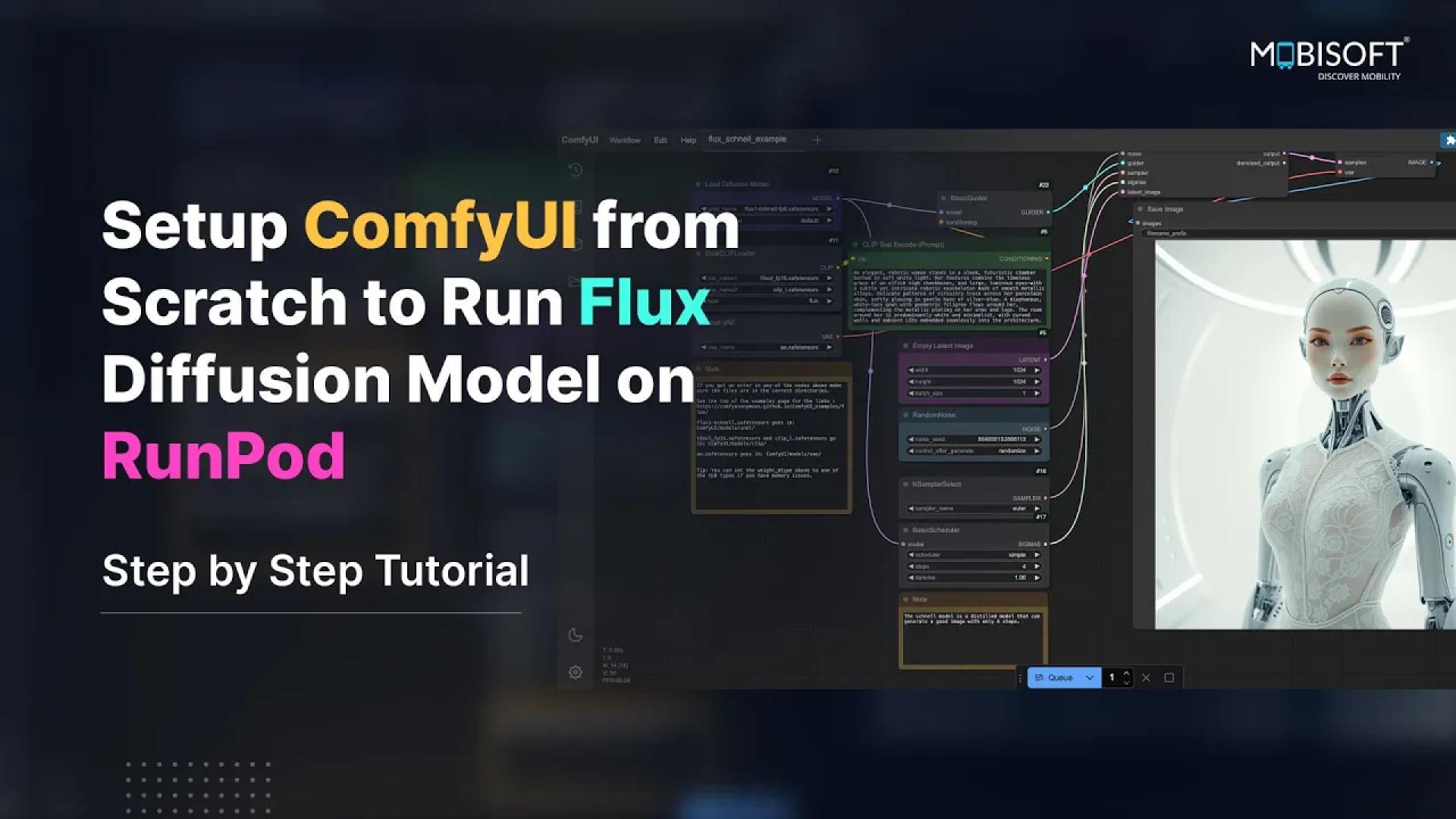

Welcome to our comprehensive, step-by-step tutorial on setting up ComfyUI to run the Flux Schnell diffusion model on RunPod! In this video, we’ll walk you through everything you need to get started—from creating a RunPod network disc and configuring a new pod, to installing ComfyUI and the ComfyUI Manager from scratch, and finally downloading the required Flux Schnell model files from HuggingFace. By the end of this tutorial, you’ll have a fully functional image-generation workflow using the Flux Schnell model!
Video
Commands
Here are the commands which are shown in the video.
apt update

mkdir /content
cd /content
git clone https://github.com/comfyanonymous/ComfyUI.git
cd ComfyUI

python -m venv venv
source venv/bin/activate

pip install torch torchvision torchaudio --index-url https://download.pytorch.org/whl/cu118
pip install -U --pre xformers
pip install -r requirements.txt

cd /content/ComfyUI/custom_nodes
git clone https://github.com/ltdrdata/ComfyUI-Manager comfyui-manager

# Download Models

mkdir -p /workspace/ComfyUI/models/checkpoints
# In the video I forgot to cd to checkpoints.
# I have adjusted the commands here so that you can just refer to these commands later
# instead of going through the whole video again and again.
cd /workspace/ComfyUI/models/checkpoints
wget https://huggingface.co/Comfy-Org/flux1-schnell/resolve/main/flux1-schnell-fp8.safetensors

mkdir -p /workspace/ComfyUI/models/clip
cd /workspace/ComfyUI/models/clip
wget https://huggingface.co/comfyanonymous/flux_text_encoders/resolve/main/clip_l.safetensors
wget https://huggingface.co/comfyanonymous/flux_text_encoders/resolve/main/t5xxl_fp16.safetensors

mkdir -p /workspace/ComfyUI/models/vae
cd /workspace/ComfyUI/models/vae
wget https://huggingface.co/black-forest-labs/FLUX.1-schnell/resolve/main/ae.safetensors

mkdir -p /workspace/ComfyUI/models/controlnet
cd /workspace/ComfyUI/models/controlnet
wget https://huggingface.co/InstantX/FLUX.1-dev-Controlnet-Union/resolve/main/diffusion_pytorch_model.safetensors

find /workspace/ComfyUI -type f -exec ls -lh {} \;

apt update
apt install rsync

rsync -ah --progress  /workspace/ComfyUI/models/controlnet/ /content/ComfyUI/models/controlnet/
rsync -ah --progress /workspace/ComfyUI/models/vae/ /content/ComfyUI/models/vae/
rsync -ah --progress /workspace/ComfyUI/models/clip/ /content/ComfyUI/models/clip/
rsync -ah --progress /workspace/ComfyUI/models/checkpoints/ /content/ComfyUI/models/checkpoints/

cd /content/ComfyUI/
# activate venv if not done already: source venv/bin/activate
python main.py --listen 0.0.0.0 --port 4000
Code language: PHP (php)
Download the flux schnell workflow from here
Source Link: Setup ComfyUI from Scratch to Run Flux diffusion model on RunPod – Step by Step Tutorial!































Sign in to leave a comment.