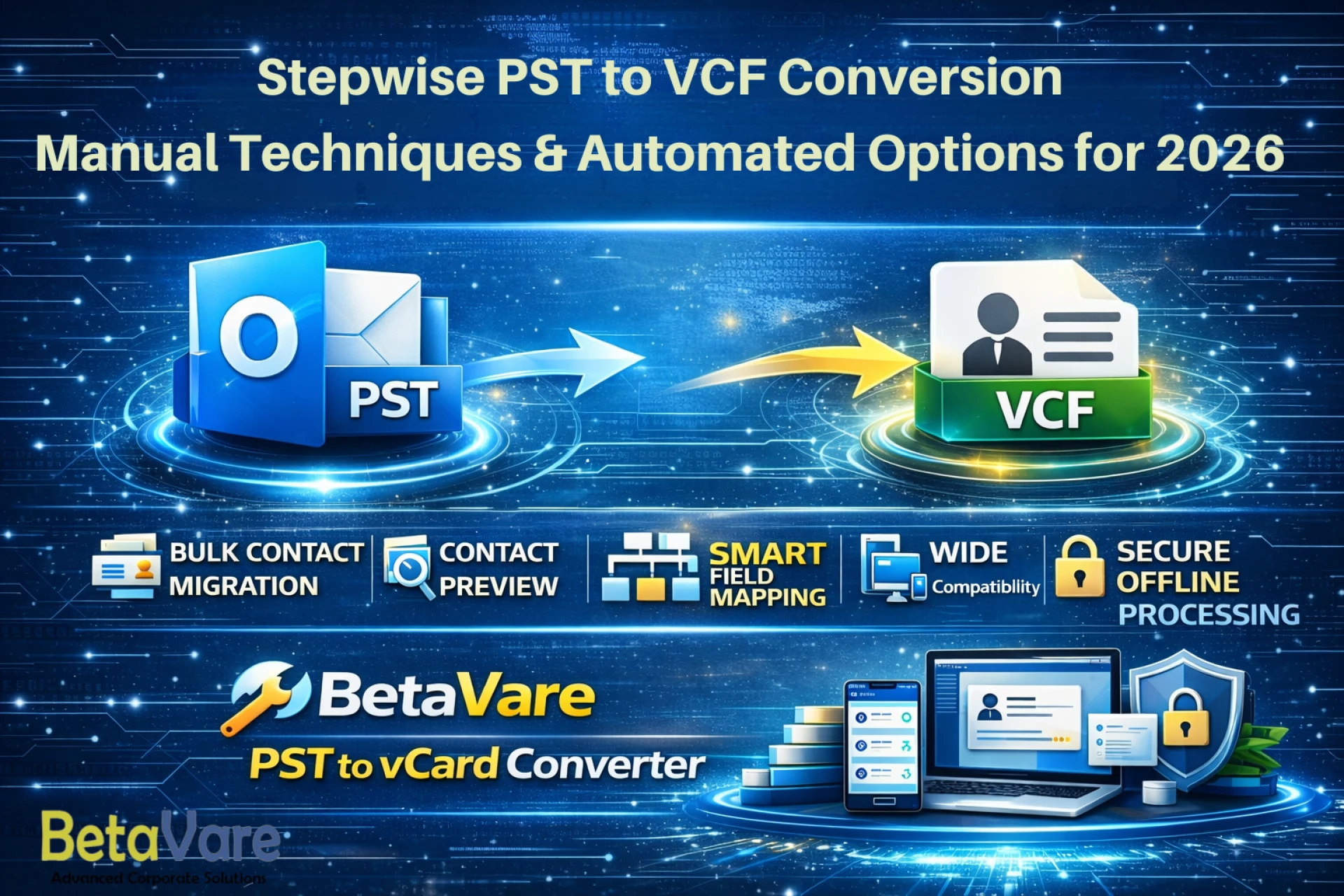
It can be challenging to manage contacts saved in Outlook PST files, particularly if you need to access them from many devices. Outlook mostly uses PST files; it's not always convenient to use those contacts outside of the software.
Converting PST contacts to VCF (vCard) format is an excellent alternative if you're trying to find a straightforward and dependable solution. You can utilize your contacts on mobile devices, email systems, and cloud services much more easily with this widely accepted format.
VCF files provide a useful answer whether you're moving to a new device or simply want to manage and back up your contacts. They make it easy for you to access, share, and move your contacts between other platforms.
Why Convert Outlook Contacts to VCF?
There are several practical reasons to Export Outlook Contacts to VCF format:
- Easy access across multiple devices
- Quick sharing of contact files
- Better backup and portability
- Compatibility with Android, iPhone, and webmail services
Using the VCF format helps you manage your contacts more efficiently without being restricted to a single platform.
Manual Method to Convert PST Contacts to VCF
PST contacts can be manually converted to VCF without the need for further software. This method works best when you have a modest number of contacts because it requires exporting each contact separately from Outlook.
The procedure can require a lot of time and effort, even though the stages are really straightforward. In fact, managing a significant number of contacts makes it even more challenging.
If you have a few contacts, you can use Outlook's manual way.
Steps to Follow:
- Open Microsoft Outlook
- Click on the Contacts section.
- Choose which contact you want to export.
- Select File > Save As.
- Pick the vCard (.vcf) format.
- Save the file to the location of your choice.
You need to repeat these steps for each contact.
Limitations of the Manual Method
Although the manual method works, it comes with several drawbacks:
- Not suitable for Batch PST to vCard Conversion
- Time-consuming when handling large amounts of data
- Requires repeating the same steps again and again
- High chances of human error
- No automation or bulk processing
Because of these issues, most users prefer using a professional solution.
Professional Guide to Export Outlook Contacts as vCard Files
You can use an accurate tool like BetaVare PST to VCF Converter to make your task easier. This software is to make the batch conversion of PST to VCF simple and safe.
It is perfect for both personal and professional use since it lets users convert several contacts at once without losing any data.
How to Use the Smart Software
- Install and launch the software.
- Add PST file(s) into the tool.
- Preview contact details
- Select VCF as the output format.
- Click on convert/export.
The tool will quickly complete the Batch PST to VCF Conversion process.
Key Features of the Software
- Supports bulk conversion of PST contacts
- Maintains original data structure and fields
- Easy-to-use interface for all users
- Compatible with all Outlook versions
- Safe and secure conversion process
This makes it a reliable PST to vCard Converter for daily use.
Free vs. Paid Version (Short Overview)
- Free PST to vCard Converter:
Allows limited conversion to test the software - Full Version:
Enables complete conversion without limitations
You can try the free version before upgrading to the full version.
Real User Reviews
Many users have shared positive experiences after using the solution for PST to VCF conversion. Here are a few real reviews that reflect its performance and usability.
Rahul Sharma – IT Manager
Rahul Sharma said that he was able to quickly and easily finish converting a sizable PST file, including several hundred contacts, thanks to this utility. His experience shows how easy it is to handle massive volumes of data.
Emily Johnson – Office Administrator
Emily Johnson says that the whole process was clear and simple to understand. She had no technical problems, showing that even non-technical people can easily handle a tool.
Amit Verma – Sales Executive
According to Amit Verma, he tried manual methods in the past, but they were very difficult and time-consuming. He was able to do the assignment more quickly and effectively after using this tactic.
Conclusion
One useful method to make your contact information readily available on various platforms and devices is to convert PST contacts into VCF format. When handling a huge number of entries, the manual technique frequently becomes slow and challenging, even though it can function effectively if you only have a few contacts.
As a result, time and effort can be saved by using a trustworthy tool. The entire process is made simpler with something like BetaVare PST to VCF Converter. In addition to maintaining the accuracy of your data, it enables you to manage mass conversions efficiently and without extra hassles.



























Sign in to leave a comment.