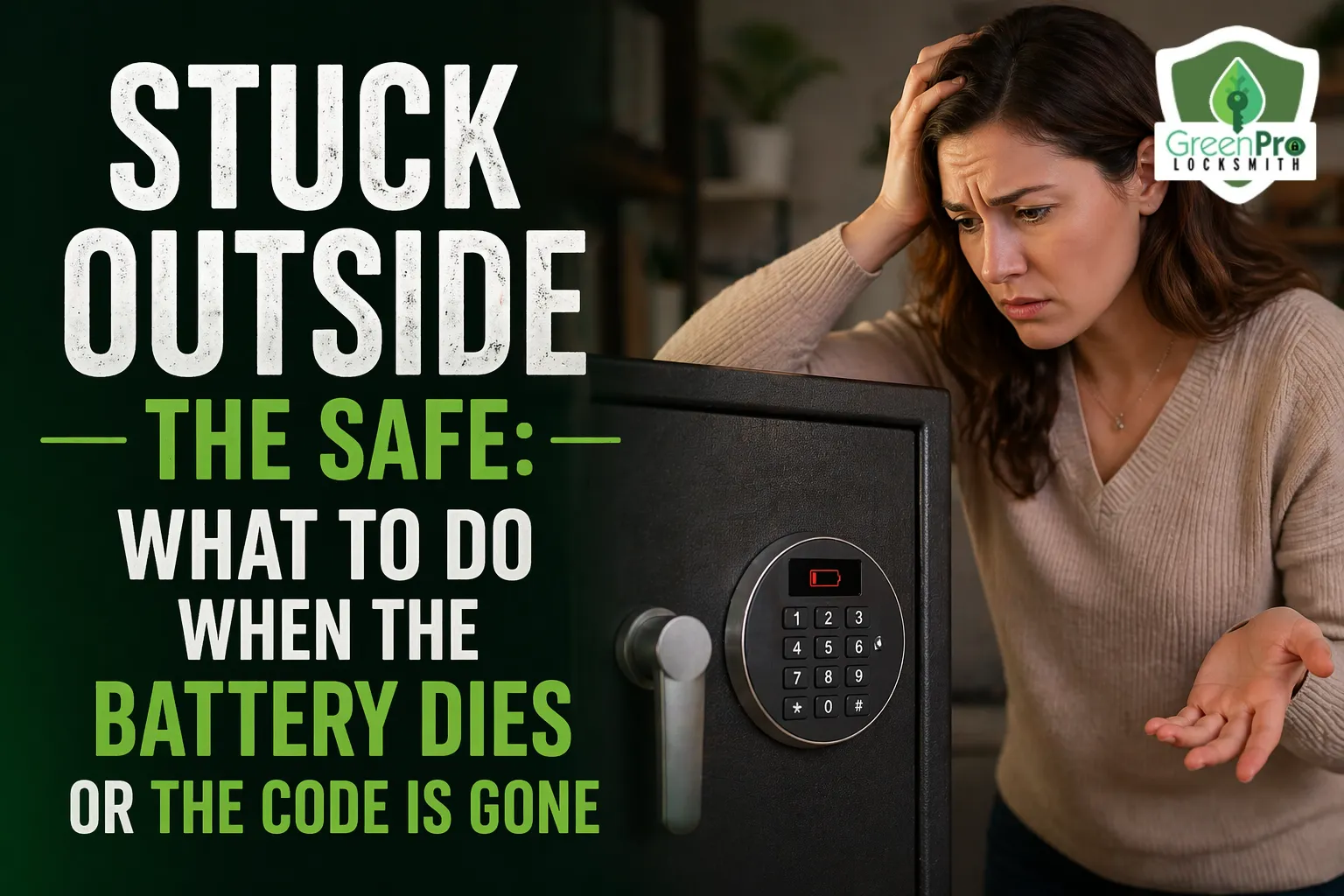

We’ve all been there. You go to grab your passport, some emergency cash, or a piece of heirloom jewelry, and… nothing. The keypad is dark, or worse, you punch in your go-to numbers and get that dreaded "Error" beep. It’s a sinking feeling, but before you reach for the heavy-duty power tools, take a deep breath. Whether you need a professional locksmith in Lawrenceville or just a bit of troubleshooting know-how, getting back into your digital safe is usually a solvable problem that doesn’t require a sledgehammer.
Digital safes are marvels of convenience, but they do rely on two things: a power source and your memory. When one of those fails, you aren’t necessarily locked out forever. This guide will walk you through the logical steps to regain access without damaging your valuables.
1. The Power Struggle: Dealing with a Dead Battery
Ninety percent of digital safe "failures" aren't failures at all- they are just hungry for juice. Unlike your phone, most safes don't give you a constant battery percentage, so they often die at the most inconvenient times.
Look for the External Power Port
Many modern digital safes are designed with the battery compartment on the inside of the door (for security). To prevent a permanent lockout, manufacturers often include a small "emergency power" port on the bottom or side of the keypad.
- The 9V Jumpstart: Look for two small metal contact points. If you hold a fresh 9V battery against these points, it should provide enough temporary power to the keypad for you to enter your code.
- The USB Bypass: Some high-tech 2026 models now feature a micro-USB or USB-C port. You can plug in a portable power bank to wake up the screen.
Check the Emergency Overide Key
When you bought your safe, it likely came with two physical "skeleton" keys. If the battery is dead and there’s no external port, this key is your golden ticket.
The Hidden Keyhole: Most digital safes hide the keyhole behind a small plastic faceplate or the logo badge near the keypad. Pop it off gently with a flathead screwdriver to reveal the manual override.
2. The Memory Gap: Forgotten Access Codes
It happens to the best of us. You haven't opened the safe in six months, and suddenly that "unforgettable" code has vanished from your brain.
Try the Factory Default (With Caution)
If you never changed the master code (which you absolutely should have!), try the factory defaults like 000000, 123456, or 888888.
Warning: Most safes have a "penalty lockout" feature. If you try three to five wrong codes, the keypad might freeze for 5 to 30 minutes. Don’t just guess wildly; you’ll be there all day.
3. The Security Question: Are Digital Locks Really Safe?
As you’re standing there frustrated, you might find yourself asking: are digital locks really safe if they can be bypassed by a battery or a hidden key? The answer is a resounding yes, but with a caveat. Digital locks provide incredible protection against "quick-grab" thieves and nosy houseguests. The "emergency" features are designed to be difficult to find or require specific tools that a common burglar won't be carrying.
In 2026, the security of a digital lock isn't just about the physical bolt; it's about the encryption and the anti-tamper logic built into the chip. A high-quality digital safe is significantly harder to "crack" than an old-fashioned dial safe for someone without professional training.
4. When All Else Fails: Professional Methods
If you’ve tried the batteries, searched for the keys, and waited out the lockout timer to no avail, it’s time to stop the DIY approach.
The "Manipulation" Technique
Professional locksmiths use specialized tools to "listen" or "feel" the internal solenoids of the lock. In some cases, they can use high-powered magnets or electronic "sniffers" to trigger the release mechanism without drilling a single hole.
The "Scope" Method
If the electronics have completely fried, a pro might drill a tiny hole- often smaller than a pencil- to insert a fiber-optic scope. This allows them to see the internal locking points and manually trip the lever. Once finished, they can plug the hole, and your safe is as good as new.
5. Prevention: Avoiding Future Lockouts
Once you finally get back inside, take these steps to ensure it never happens again:
- Change the Battery Annually: Don't wait for it to die. Mark your calendar for "Safe Battery Day" once a year.
- Use Name-Brand Alkaline Batteries: Avoid rechargeable or "heavy-duty" carbon-zinc batteries; they don't provide the consistent voltage digital locks need.
- Store the Override Keys Anywhere BUT the Safe: It sounds obvious, but you'd be surprised how many keys we find locked inside the safe they are meant to open.
Write the Code in a Password Manager: Store it in an encrypted app like 1Password or LastPass rather than on a sticky note.
Conclusion
A dead battery or a forgotten code is a major annoyance, but it isn't the end of the world. By staying calm and following the logical troubleshooting steps- starting with external power and moving to manual overrides- you can usually solve the problem yourself.
However, if you're staring at a high-security unit that just won't budge, don't risk damaging your valuables with a drill.
Call in a professional who has the tech and the touch to get you back inside safely. After all, the safe is there to protect your peace of mind- not take it away!



























Sign in to leave a comment.