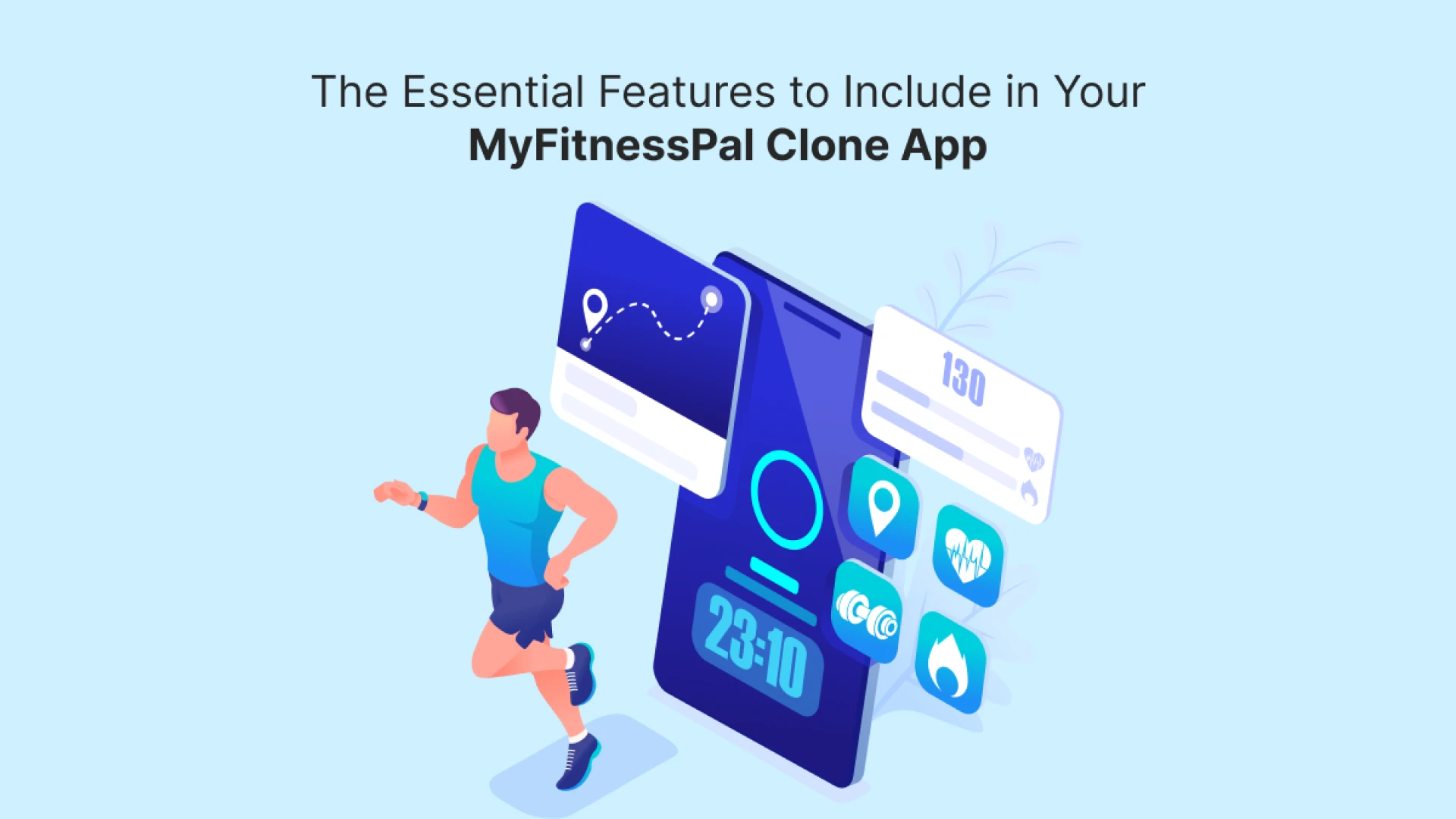

Health and fitness have become a significant part of people’s lifestyles, leading to an increased demand for fitness tracking apps. Among the popular options, MyFitnessPal stands out as a top app for tracking diet, exercise, and overall health goals. If you’re planning to create a MyFitnessPal clone app, it's important to know the essential features that can make your app successful and competitive in the market.
In this blog, we’ll explore the key features that you must include in your MyFitnessPal clone app. We’ll also discuss how these features can benefit users and enhance their fitness journey.
Understanding the Purpose of a MyFitnessPal Clone App
What is a MyFitnessPal Clone App?
A MyFitnessPal clone app is a fitness and nutrition tracking application designed to help users monitor their diet, physical activity, and overall health. The app allows users to set fitness goals, log their meals, track calorie intake, and monitor exercise routines. By replicating the core functionalities of MyFitnessPal, your app can cater to users who seek a comprehensive tool to improve their fitness levels.
Why is it Popular?
The popularity of MyFitnessPal comes from its user-friendly design, a large food database, and the ability to sync with fitness devices. People appreciate having all their health tracking tools in one place, which simplifies maintaining a healthy lifestyle.
Essential Features for a MyFitnessPal Clone App
User Registration and Profile Setup
The first step for any user is to create an account. The registration process should be simple and secure. Allow users to sign up using email, phone number, or social media accounts. During profile setup, collect information such as age, weight, height, gender, fitness goals, and activity level. This information helps personalize recommendations for each user.
Calorie and Food Tracking
One of the core features of a fitness tracking app is the ability to log daily meals. Include a vast food database that allows users to search and log their food intake easily. Provide details like calories, macronutrients (carbohydrates, protein, fat), and micronutrients (vitamins and minerals) for each item. You can also integrate barcode scanning to simplify adding packaged foods.
Exercise and Activity Tracking
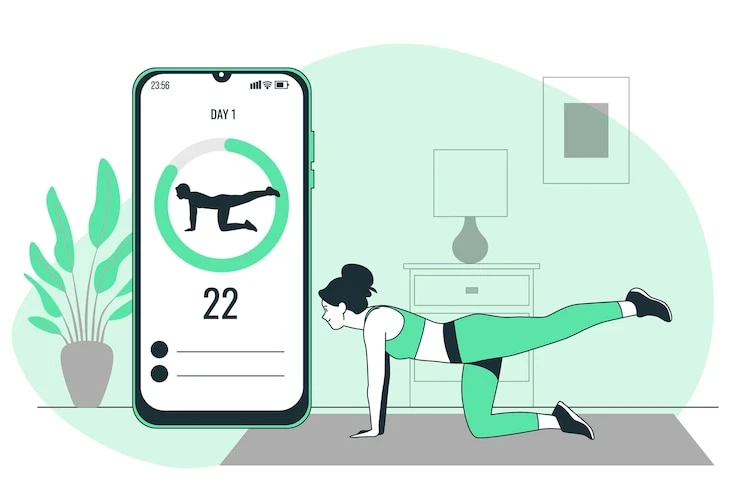
Users should be able to log their physical activities such as walking, running, cycling, yoga, and strength training. Provide options to track the duration, distance, calories burned, and other relevant metrics. Integration with fitness wearables like Fitbit, Apple Watch, and Google Fit can enhance activity tracking accuracy.
Goal Setting and Progress Tracking
Allow users to set various fitness goals, including weight loss, muscle gain, or maintaining current fitness levels. The app should provide visual progress tracking tools like charts, graphs, and statistics. This helps users stay motivated and monitor their achievements over time.
Personalized Recommendations
Offer personalized diet and workout suggestions based on the user's profile and goals. Using algorithms and data analysis, the app can recommend daily calorie intake, suitable exercises, and nutritional tips tailored to each user.
Water Intake Tracker
Staying hydrated is an essential part of health and fitness. Include a feature that helps users track their daily water consumption. You can set daily water intake goals and send reminders to encourage users to drink water regularly.
Integration with Wearable Devices
Syncing with popular fitness trackers and smartwatches allows users to import their physical activity data directly into the app. This makes it easier to keep track of steps, heart rate, calories burned, and workout intensity without manual input.
Barcode Scanner for Food Logging
A barcode scanner simplifies the process of logging packaged foods. Users can scan the barcode on food packaging to automatically retrieve nutritional information and add it to their daily log.
Read More: Custom Healthcare Software Development Solutions
Recipe Suggestions and Meal Plans
Provide users with healthy recipes and meal planning options that align with their fitness goals. This feature can help users maintain a balanced diet without having to search for ideas elsewhere. Meal plans can be customized based on dietary preferences like vegetarian, vegan, or keto.
Community and Social Features
A social component can enhance user engagement. Allow users to join communities, participate in fitness challenges, share their progress, and interact with others on similar fitness journeys. Social interaction can boost motivation and create a sense of accountability.
Notifications and Reminders
Push notifications can remind users to log their meals, drink water, complete workouts, or weigh themselves. Timely reminders help users stay consistent with their health tracking efforts.
In-App Purchases and Subscription Plans
To monetize your app, offer premium features through in-app purchases or subscription plans. Premium users can access advanced analytics, personalized coaching, exclusive meal plans, and ad-free experiences.
Data Privacy and Security
Ensure that the app complies with data privacy regulations to protect users' personal and health information. Implement security measures like data encryption, secure login, and user consent for data sharing.
Multi-Platform Accessibility
Users should be able to access the app across multiple devices, including smartphones, tablets, and web browsers. Synchronization between devices ensures a seamless experience.
Advantages of Including These Features
Providing these essential features in your MyFitnessPal clone app can deliver a comprehensive health management tool for users. By combining diet tracking, exercise logging, and social engagement, your app can help users achieve their fitness goals effectively. Personalized recommendations and easy integrations with wearables further enhance the user experience.
Conclusion
Creating a MyFitnessPal clone app requires careful planning and an understanding of what users need in their fitness journey. By including features such as calorie tracking, exercise logging, personalized recommendations, and community support, you can develop a powerful and engaging fitness app. These features not only help users improve their health but also set your app apart in a competitive market.
For entrepreneurs looking to develop a fitness tracking app, partnering with an experienced on-demand app development company is essential. An expert team can guide you through the development process, ensuring that your app is functional, user-friendly, and equipped with the latest technologies.
FAQs
What makes a MyFitnessPal clone app successful?
A successful MyFitnessPal clone app combines comprehensive features like food logging, exercise tracking, personalized recommendations, and user-friendly design to support users in their fitness journey.
Can a fitness tracking app integrate with wearable devices?
Yes, integrating with wearables like Fitbit, Apple Watch, and Google Fit enhances data accuracy and provides users with real-time tracking of their physical activities.
Is it necessary to include a food database in the app?
A large and accurate food database is crucial for users to log their meals easily and track nutritional information effectively.
How can I monetize a MyFitnessPal clone app?
You can monetize your app through in-app purchases, subscription plans, premium features, and partnerships with fitness brands.
What security measures should be implemented in a fitness app?
Implement data encryption, secure authentication, and compliance with data privacy regulations to protect users' personal and health information.



























Sign in to leave a comment.