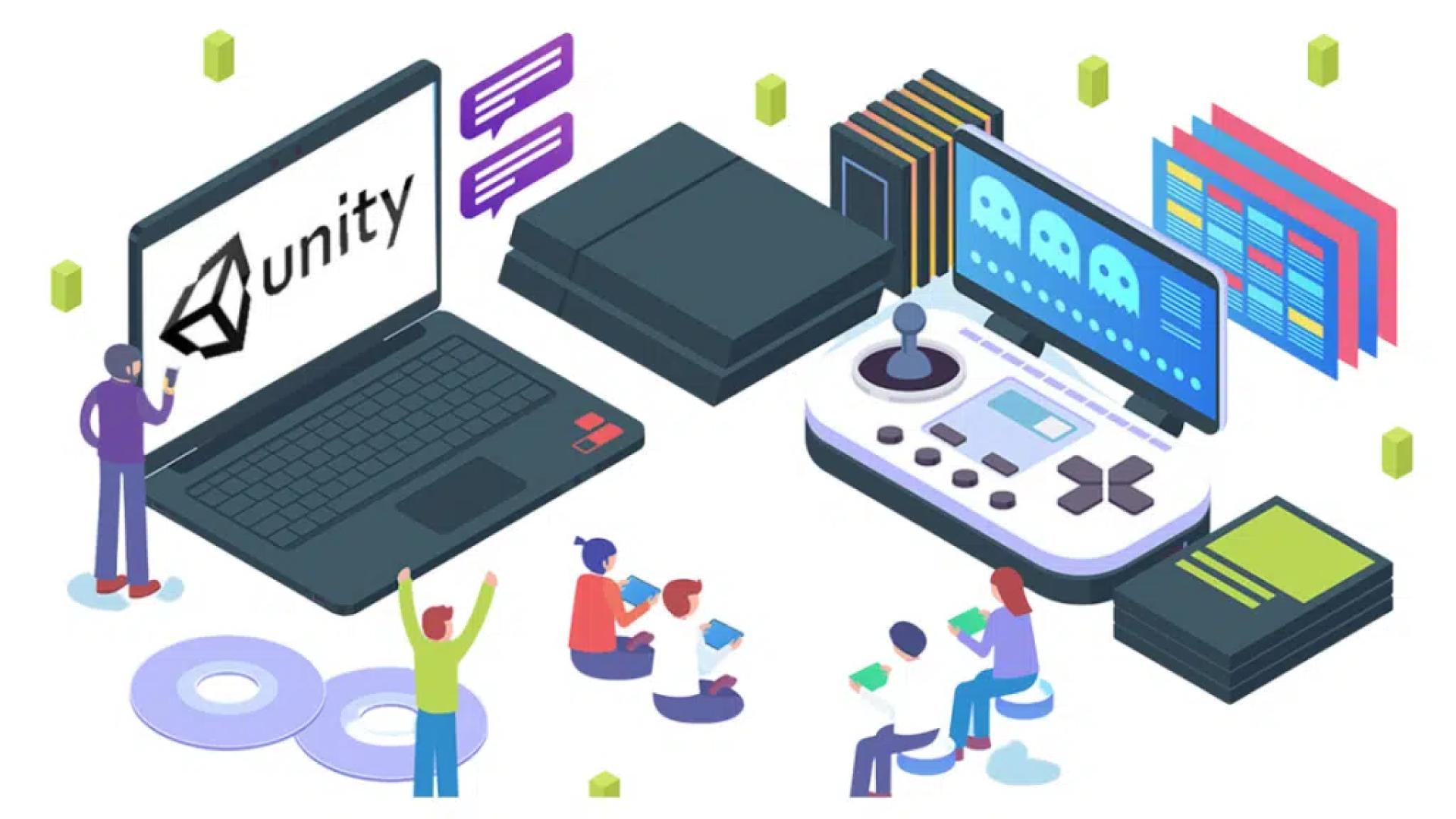

Are you interested in developing your own multiplayer game in Unity but don't know where to start? Look no further, because this Ultimate Guide is here to help you! Whether you're a seasoned game developer or a beginner, this guide will provide you with everything you need to know to create an engaging and immersive multiplayer experience. From setting up your project to designing your game mechanics and optimizing for performance, we'll cover it all. You'll learn about networking, synchronization, and how to implement multiplayer features like voice chat and matchmaking. With Unity's powerful tools and our expert guidance, you'll be well on your way to creating your own successful multiplayer game in no time. So, let's get started!
What is a multiplayer game?
A multiplayer game is a video game that allows two or more players to play together in the same game world at the same time. Multiplayer games can be played on various platforms, including consoles, PC, and mobile devices. Multiplayer games can be cooperative, where players work together to achieve a common goal, or competitive, where players compete against one another. Multiplayer games can also be categorized as local or online, depending on whether players are in the same physical location or connected over the internet.
Unity is an excellent platform for developing multiplayer games, thanks to its powerful tools and features. With Unity development, you can easily create complex multiplayer games that can run on a variety of platforms. In the next sections, we'll discuss the benefits of developing a multiplayer game and the considerations you need to keep in mind when developing a multiplayer game.
Benefits of developing a multiplayer game
Developing a multiplayer game can be a complex and challenging process, but it can also be very rewarding. Here are some of the benefits of developing a multiplayer game:
Increased engagement: Multiplayer games have the potential to keep players engaged for longer periods of time than single-player games. Players can interact with each other, compete against each other, and work together to achieve common goals, which can create a sense of community and increase engagement.Increased revenue: Multiplayer games often have a longer lifespan than single-player games, which can generate more revenue over time. Multiplayer games can also be monetized in various ways, such as through in-app purchases, subscriptions, and advertising.Improved game design: Developing a multiplayer game requires careful consideration of game mechanics, player interactions, and game balance. This can lead to better game design and more engaging gameplay.Must Read:- 20+ Best Micro SaaS Ideas For Your Next Startup
Multiplayer game development considerations
Developing a multiplayer game requires careful planning and consideration of many factors. Here are some of the key considerations you need to keep in mind when developing a multiplayer game:
Network architecture: The network architecture is the backbone of any multiplayer game. You need to decide whether to use a client-server or peer-to-peer architecture, and how to handle issues such as latency, bandwidth, and packet loss.Synchronization: In a multiplayer game, all players need to see the same game state at the same time. You need to ensure that the game state is synchronized across all clients and that any changes made by one player are propagated to all other players.Security: Multiplayer games are vulnerable to cheating and hacking. You need to implement security measures such as encryption and anti-cheat systems to prevent players from exploiting the game.In the next sections, we'll discuss how to create a game concept, design game mechanics, create game assets, develop game logic, test and debug your multiplayer game, and deploy the game on different platforms.
Creating a game concept and setting game objectives
The first step in developing a multiplayer game is to come up with a game concept and set game objectives. The game concept should be unique and engaging, and the game objectives should be challenging but achievable. Here are some tips for creating a game concept and setting game objectives:
Research the market: Before coming up with a game concept, research the market and identify gaps or opportunities. Look at other successful multiplayer games and identify what makes them popular.Define the game mechanics: The game mechanics are the rules and systems that govern the gameplay. Define the game mechanics early on and ensure that they are fun and engaging.Set achievable goals: Set achievable goals that are challenging but not impossible. This will keep players engaged and motivated to continue playing.Designing game mechanics and player interactions
Once you have a game concept and objectives, the next step is to design the game mechanics and player interactions. Game mechanics are the systems and rules that govern the gameplay, while player interactions are the ways in which players interact with each other and the game world. Here are some tips for designing game mechanics and player interactions:
Keep it simple: Game mechanics should be easy to understand but difficult to master. Avoid adding too many mechanics or making them too complex.Encourage player interactions: Encourage players to interact with each other and the game world by creating systems such as guilds, clans, and chat systems.Balance the game: Ensure that the game is balanced and fair for all players. Avoid creating overpowered items or abilities that can give certain players an unfair advantage.Creating game assets and graphics
Once you have the game mechanics and player interactions designed, the next step is to create game assets and graphics. Game assets are the visual and audio elements that make up the game world, while graphics are the visual representation of those elements. Here are some tips for creating game assets and graphics:
Keep it consistent: Ensure that the game assets and graphics are consistent with the game concept and objectives. Avoid creating assets that are out of place or don't fit with the game world.Optimize for performance: Game assets and graphics can be resource-intensive, so optimize them for performance to ensure that the game runs smoothly on all platforms.Use templates: Use templates and pre-made assets where possible to save time and ensure consistency.Developing game logic and programming
The next step in developing a multiplayer game is to develop the game's logic and programming. Game logic is the underlying code that governs the game mechanics and player interactions, while programming is the process of writing that code. Here are some tips for developing game logic and programming:
Use a coding framework: Use a coding framework such as Unity's built-in networking framework or a third-party framework such as Photon.Test early and often: Test the game logic and programming early and often to ensure that it works as intended.Optimize for performance: Optimize the game logic and programming for performance to ensure that the game runs smoothly on all platforms.Must Read:- Unity Development-The Ultimate Guide to Getting Started
Testing and debugging the multiplayer game
Once you have the game logic and programming developed, the next step is to test and debug the multiplayer game. Testing and debugging are crucial to ensure that the game works as intended and is free of bugs and glitches. Here are some tips for testing and debugging the multiplayer game:
Test on different platforms: Test the game on different platforms to ensure that it runs smoothly and is free of platform-specific issues.Use a bug tracking system: Use a bug tracking system to keep track of bugs and issues and ensure that they are addressed.Get feedback: Get feedback from players and beta testers to identify issues and areas for improvement.Deploying the game on different platforms
Once the game is tested and debugged, the final step is to deploy the game on different platforms. Deploying a game on different platforms can be a complex process, but Unity makes it easy. Here are some tips for deploying the game on different platforms:
Follow platform guidelines: Follow the guidelines and requirements of each platform to ensure that the game is accepted and approved.Optimize for each platform: Optimize the game for each platform to ensure that it runs smoothly and is free of platform-specific issues.Use a deployment tool: Use a deployment tool such as Unity's built-in deployment tool or a third-party tool such as Jenkins to automate the deployment process.Promoting the multiplayer game
Once the game is deployed, the final step is to promote the multiplayer game. Promoting a game can be a difficult and time-consuming process, but it is crucial to ensure that the game reaches its target audience. Here are some tips for promoting the multiplayer game:
Use social media: Use social media platforms such as Facebook, Twitter, and Instagram to promote the game and engage with players.Reach out to influencers: Reach out to influencers and bloggers in the gaming industry to promote the game and generate buzz.Offer incentives: Offer incentives such as in-game rewards or discounts to encourage players to promote the game.Best practices for multiplayer game development in Unity
Here are some best practices to follow when developing a multiplayer game in Unity:
Start small: Start with a small and simple multiplayer game to learn the basics and avoid getting overwhelmed.Plan ahead: Plan ahead and consider all aspects of the game, including the game concept, game mechanics, and player interactions.Test early and often: Test the game early and often to ensure that it works as intended and is free of bugs and glitches.Conclusion
Developing a multiplayer game in Unity can be a complex and challenging process, but it can also be very rewarding. By following the tips and best practices outlined in this guide, you'll be well on your way to creating your own successful multiplayer game. Remember to keep the game concept and objectives in mind, design engaging game mechanics and player interactions, create high-quality game assets and graphics, and test and debug the game thoroughly. With Unity's powerful tools and your hard work, you can create a multiplayer game that will engage and entertain players for years to come.
























Sign in to leave a comment.