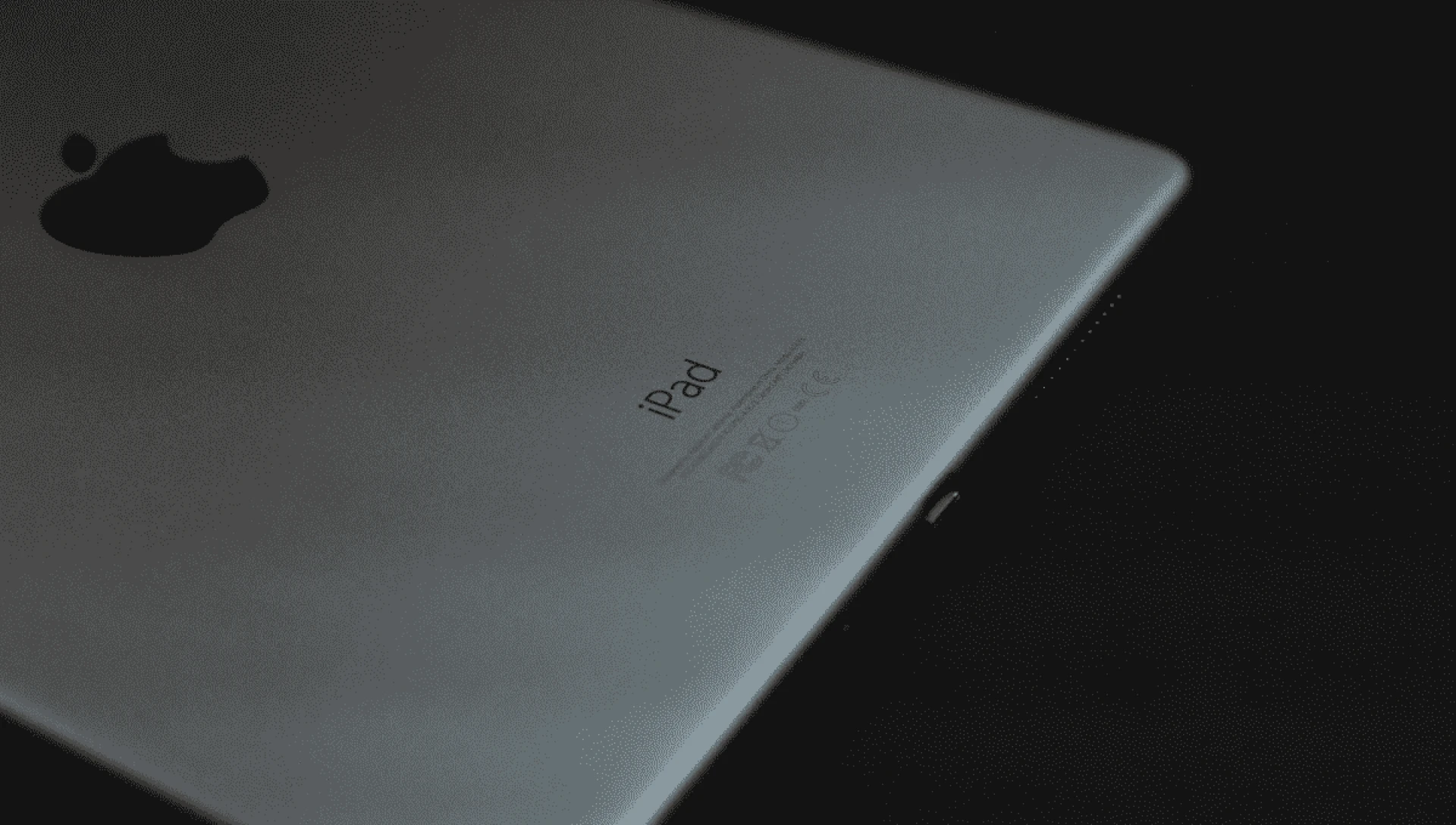

Once you are ready to upgrade to a new iPad, there is no stopping you. You will look for better features and upgrades that can enhance your experience. Instead of investing all the money in your pocket, you can consider selling your old iPad. This way, you can cover at least half the price of the iPad you have to purchase. But do you know there are certain things you need to do before you sell your iPad? Let's discuss the things you need to do before giving out to someone else. It will keep you and your information safe.
Backup now
No matter the model of iPad you have, you need to follow this step. It is important that you first backup all the data you can. Consider using iCloud for an online backup. But keep in mind iCloud backups on the server lasts only for 180 days. So, if you plan to switch to a new iPad more than 6 months after getting a backup of the old one, then you can lose all the data. This is why it is always better to have a local backup on your computer as well, where you do not immediately have to switch to a new iPad.
Sign out of apple store iCloud and iMessage
In the next step, you need to sign out of iCloud and all the other Apple services. This will ensure that the new owner can sign in to their Apple ID and successfully use their iPad without any trouble. Keep in mind that iPad OS15 and iOS 15 come with an anti-theft feature. It does not allow people to sign in or use the apple device if the previous owner hasn't erased it.
Unpair Bluetooth accessories
Make sure to unpair accessories such as gaming controllers, air pods, Bluetooth keyboards, etc. To do this, you simply have to open the settings app on your iPad and then go to Bluetooth. Here, you can check which accessories are paired. Tap on the I button next to each accessory, and you can then unpair them all.
Erase Your iPad
Now that you have successfully signed out of iCloud on your iPad, you also need to delete all the content on the device. To do this, you can go to the settings app and look for a general option. Now, moving on, you need to select transfer or reset iPad. When you do so you will get the option of erasing all content and settings. You now need to enter your password. Once you tap on Erase, it will wipe away all the content on the iPad entirely.
Remove the SIM card
This goes beyond saying that you need to remove your SIM cards before selling your device. They apply only to the cellular version of the iPad. So, if you are using WiFi only on an iPad, then you do not need to worry about it.
Remove your iPad from the list of trusted devices
If you have enabled 2-factor authentication on your Apple ID or your iOS device, then you will receive a 2-factor authentication code. Now, when you are giving away or selling your iPad, you should remove it from the list of trusted devices that receive authentication codes.
You can do this by simply going to the apple account page and then sign in using your Apple ID password. Now select the device in the left panel. Here, you will see an option for the old iPad selected, and then click on remove from account.
Find all accessories and the box
Now that you have covered all the basics, it is time to look for the accessories that the iPad comes with. This will include a charger, USB cable, earphones, and manuals. Depending on the model of your iPod, there must have been some accessories that came with the device. Now, if you have all the accessories and boxes, you can easily sell an iPad online and fetch a good price. If the device is still under warranty, then you should also look for the original invoice. It will help the new owner of the iPad. Not to mention, it can come in handy in getting a better deal.
Sell your iPad
Once you have done it all, you are ready to sell off your old iPad. You can look for online sites for the exact model name of your iPad. It will help you know about the resale value before you list it out. Make sure that the iPads on sale are in the same condition as yours before you list them out.
Conclusion
If you plan to sell your iPad online, then consider listing it on Mobile X. It is a trusted platform that can help you fetch a great price for your iPad. No matter the model, they can guarantee you sell off your iPad quickly and at a good rate. They aim to make the process hassle free for all their clients. They will guarantee you get all the assistance you need from them. Their professionals will even guide you in listing the product and completing the sale process.

























Sign in to leave a comment.