
Graphic design continues to evolve at lightning speed, with cutting-edge tools becoming more accessible and powerful than ever. Whether you're a digital artist, content creator, or a complete beginner, having the right graphic design apps can dramatically enhance your workflow and creative output. In 2025, the fusion of desktop programs with cloud-based platforms offers designers the freedom to create stunning visuals from anywhere in the world.
In this post, we’ll explore the best graphic design apps and online design tools, and highlight why Clip Studio Paint remains a fan favorite for illustrators and digital painters.
Why Choosing the Right Graphic Design App Matters
The right tool can save hours of time, unlock new creative techniques, and give your work a professional edge. But with so many apps on the market, how do you choose the right one?
Modern graphic design apps cater to a wide range of needs—some are tailored for vector illustrations, others for raster editing or 3D rendering. With a mix of desktop and browser-based tools available, users can now design high-quality graphics from their laptops, tablets, or even smartphones.
Here’s a breakdown of the best tools in 2025.
1. Clip Studio Paint – A Favorite Among Artists
When it comes to digital painting, Clip Studio Paint is still at the top of its game in 2025. Ideal for comic artists, illustrators, and animators, this software offers a rich set of features:
- Natural Brush Feel: The brush engine mimics traditional media with incredible precision.
- Vector Layers: Great for inking with cleaner lines and scalable images.
- Animation Features: Multi-frame timelines, onion skinning, and exporting in various formats.
- 3D Integration: Use 3D models for reference and scene building.
Clip Studio Paint is often compared to Adobe Photoshop, but its pricing and specialized features make it a go-to app for those focused on drawing, painting, and storytelling.
2. Canva – The Ultimate Online Design Tool
For non-designers and professionals alike, Canva remains the leading online design tool in 2025. Its drag-and-drop interface makes designing anything—from social media posts to presentations—effortless.
Key Features:
- Cloud-Based Editing: Create and save projects from any device.
- Thousands of Templates: Pre-designed assets for flyers, posters, resumes, logos, and more.
- Collaboration Tools: Teams can edit and comment on designs in real time.
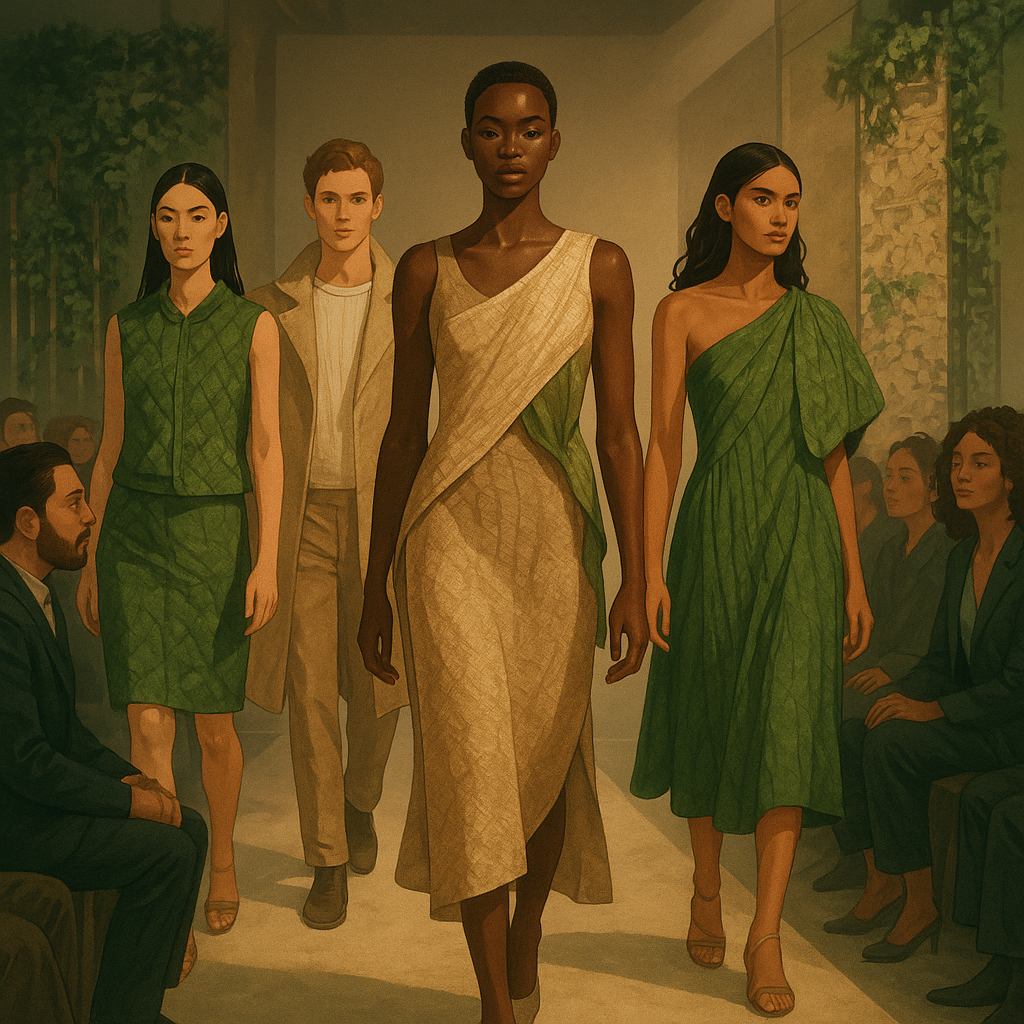
- AI Features: Smart background remover, Magic Resize, and AI design suggestions. For creators working on illustrated content or branded storytelling, Canva's AI character generator is worth exploring — it lets you generate custom illustrated figures that can be dropped straight into presentations, social posts, or marketing materials.
Whether you’re a student working on a school project or a business owner crafting ads, Canva’s simplicity and versatility make it an essential tool in your creative toolbox.
3. Adobe Illustrator – For Vector Art Professionals
Adobe Illustrator remains the industry standard for vector-based design. With updates in 2025, its integration with Adobe Sensei (AI) brings smarter auto-tracing, typography suggestions, and real-time color matching.
Although more complex than some alternatives, Illustrator is ideal for:
- Logo design
- Infographics
- Scalable artwork
- UI/UX mockups
It’s perfect for professionals who require precise control over design elements.
4. Figma – Collaborative UI/UX Design
Figma has revolutionized interface design. As a graphic design app and online design tool, it combines powerful prototyping with real-time team collaboration. Designers, developers, and clients can work in the same file simultaneously—making project workflows seamless.
Top features in 2025:
- Live collaboration
- Prototyping and animation
- Developer handoff
- Integration with FigJam for brainstorming
Whether you’re designing mobile apps or websites, Figma is the go-to tool for UI/UX teams worldwide.
5. Affinity Designer – The One-Time Purchase Alternative
For those looking for a powerful yet affordable alternative to Adobe tools, Affinity Designer continues to gain popularity. It supports both raster and vector workflows and is often praised for its speed and clean interface.
Its one-time purchase model is a big draw for freelancers and small studios that want professional-grade tools without subscription fees.
Final Thoughts: The Future of Graphic Design Tools
The world of graphic design apps and online design tools is more dynamic than ever. Whether you're using Clip Studio Paint for illustration, Canva for easy drag-and-drop design, or Figma for collaborative UI projects, there's a tool for every creative need.
Here’s how to decide what’s right for you:
- Use Clip Studio Paint if you're an artist or animator.
- Go with Canva if you need quick and beautiful designs with minimal learning curve.
- Choose Figma for real-time team collaboration on UI/UX.
- Opt for Affinity Designer or Illustrator if you need professional-level vector design.
With so many options, the key is to try out a few and see what best suits your workflow. Many of these apps offer free trials, so jump in and start creating today!




























Sign in to leave a comment.