
Most people looking for a logo maker have the same question in mind: how much will this actually cost me at the end?
This question makes total sense, as many platforms let you generate and edit logos for free, but once you click download, a payment pop-up appears.
Some platforms require a subscription, while others want a one-time payment to export simple JPG files. However, a few logo makers let you edit and save templates with a usable file without paying anything.
We tested six logo generators with pricing as our main focus. Below you'll find what each one costs, what the free tier actually includes, and whether the price matches what you get.
Pricing Comparison
| Platform | Free Download? | Paid Logo Templates | What the Paid Plans Include |
| Design.com | Yes, a wide selection of free logos with no watermark | From $3/mo | Full access to 50+ branding tools and design assets |
| BrandCrowd | Yes, wide template selection + no watermark | From $3/mo | Downloads from 50+ additional design tools |
| Logomakerr.ai | No | From $29, one-time | Multiple file formats, branding kit |
| LogoAI.com | Design free, download paid | One-time payment | Logo files, Brand Center assets |
| My Free Logo Maker | Yes, PNG only | $72, one-time | High-res files, unlimited changes, logo files |
| FreeLogoDesign | Yes, low-res and limited | Paid basic package | HD PNG, SVG, PDF, add-ons |
What to Expect from Affordable Logo Makers
While doing our research, there were a few WH questions we considered:
- What can you download without paying anything?
- What’s the pricing of the cheapest paid option?
- What else does the paid tier give you beyond the logo file?
A tool that charges $29 for a single PNG is not the same value as a tool that charges $3 a month for a full branding suite. Price alone is not enough to judge the quality of the produced logos, so we tested what’s out there behind and beyond each payment plan.
Keep reading to find out more about the core values of the 6 listed logo makers.
Design.com
Design.com is at the top of our list as it’s the most generous platform we tested. And here’s why:
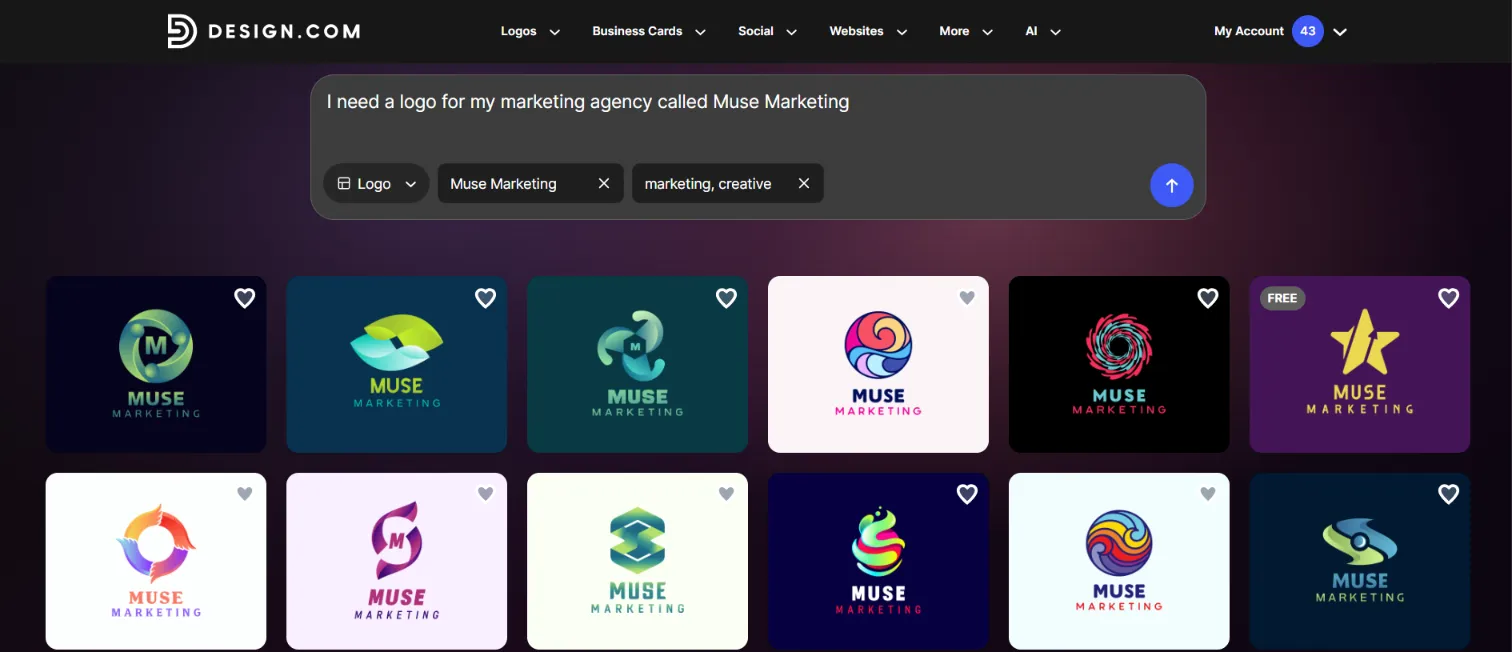
You type a prompt, and hundreds of logo concepts appear instantly. No questionnaire, no industry selection. You just type something like "I need a logo for my marketing agency called Muse Marketing," and the results appear quickly.
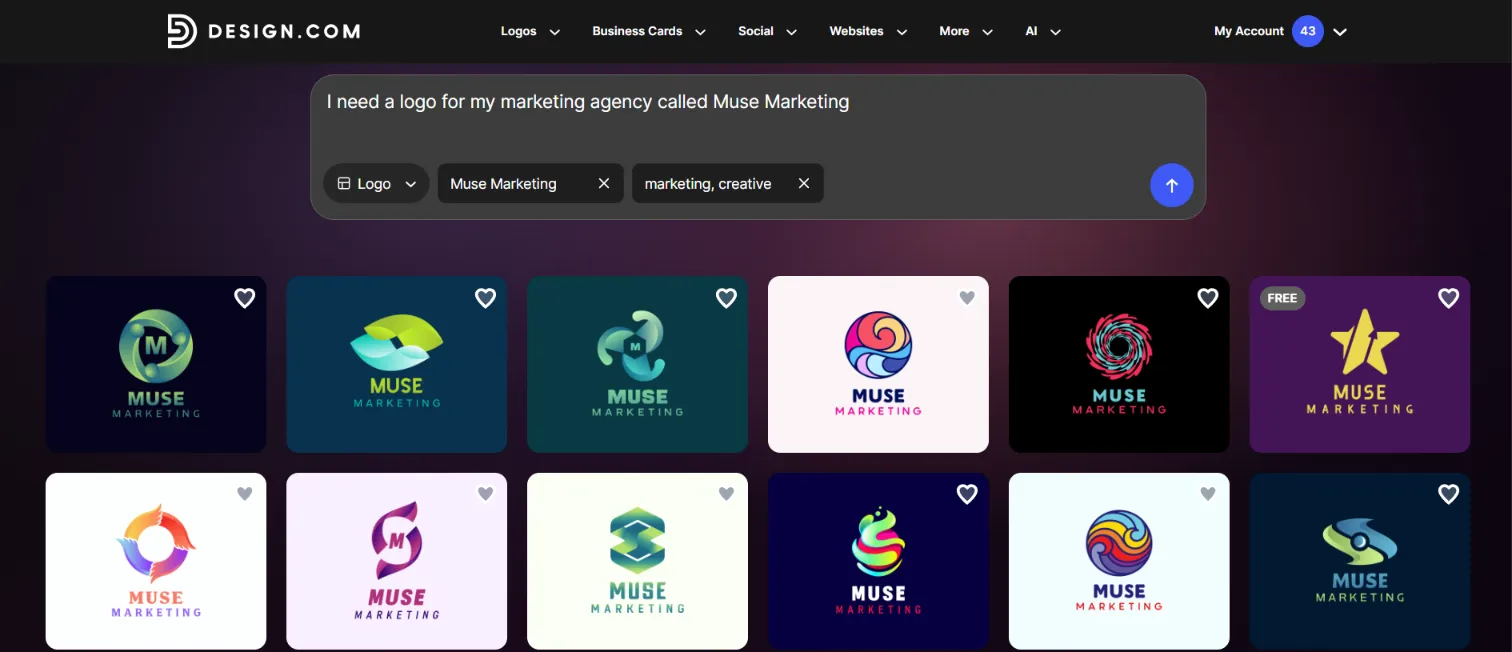
The built-in AI fully understands the prompt, and there’s no need to insert any keywords; everything is generated automatically.
- The platform generates thousands of logo templates that are 100% commercially safe
- It includes 500K+ logo templates and 50+ branding tools
- Extensive file formats, including high-res vector, raster, and animated files, and more
- A wide range of free logo templates with no watermark and high-res download options
So, as we had a choice to pick a free template, we went after it to check if the logo is actually free to download, not just customize: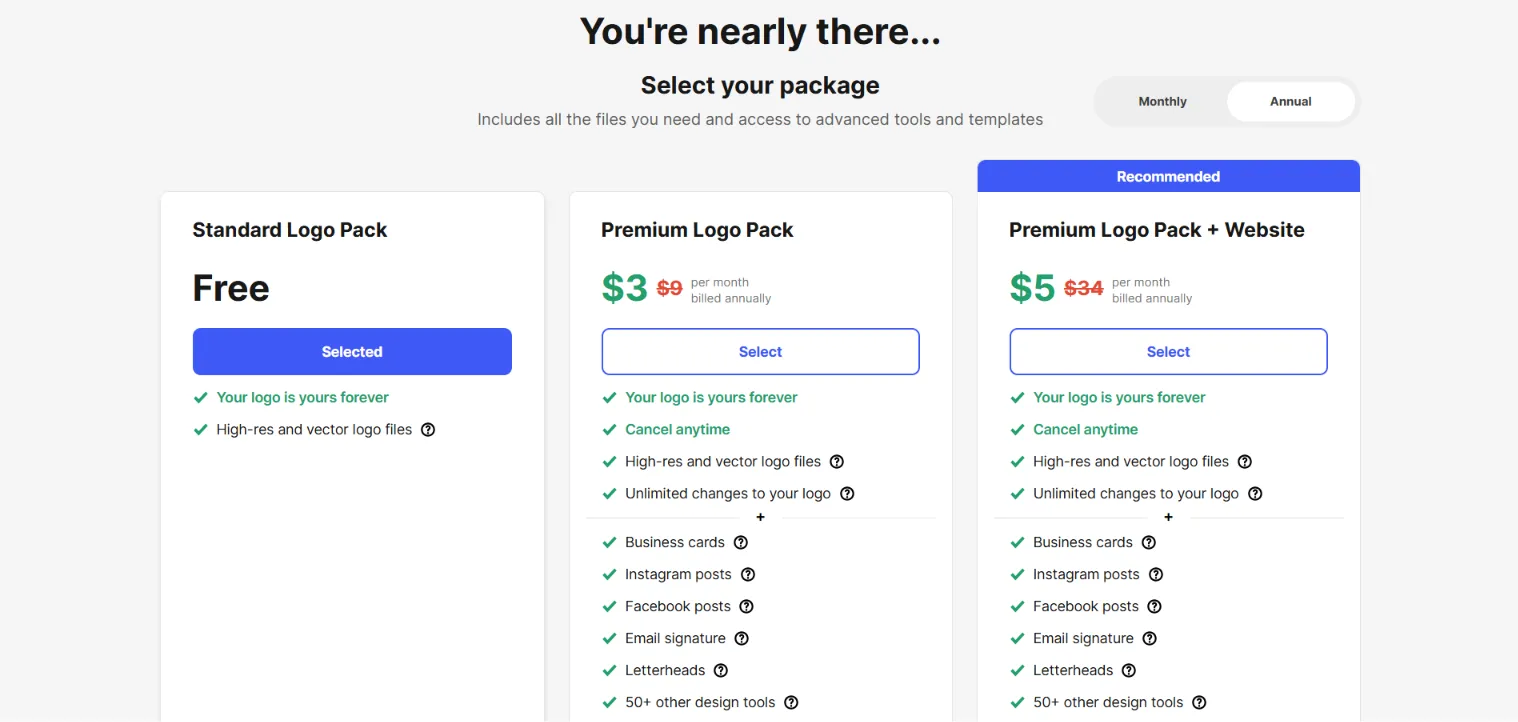
So, the Free option was actually out there; no lies. Besides, we were asked to get our logo printed on business cards, caps, mugs, and other materials with free shipping.
After downloading a free logo, we also unlocked access to their free website builder, free link-in-bio creator, and free digital business card maker. All of them could be published 100% free.

This is where Design.com separates itself from the rest of the list. After picking your favorite logo, customizing it as much as desired, and going through the checkout process, you are offered to export the logo as:
- Full logo, text-only, or icon-only versions
- Multiple file formats, including PDF, JPG, GIF, and MP4
- Solid or transparent background options
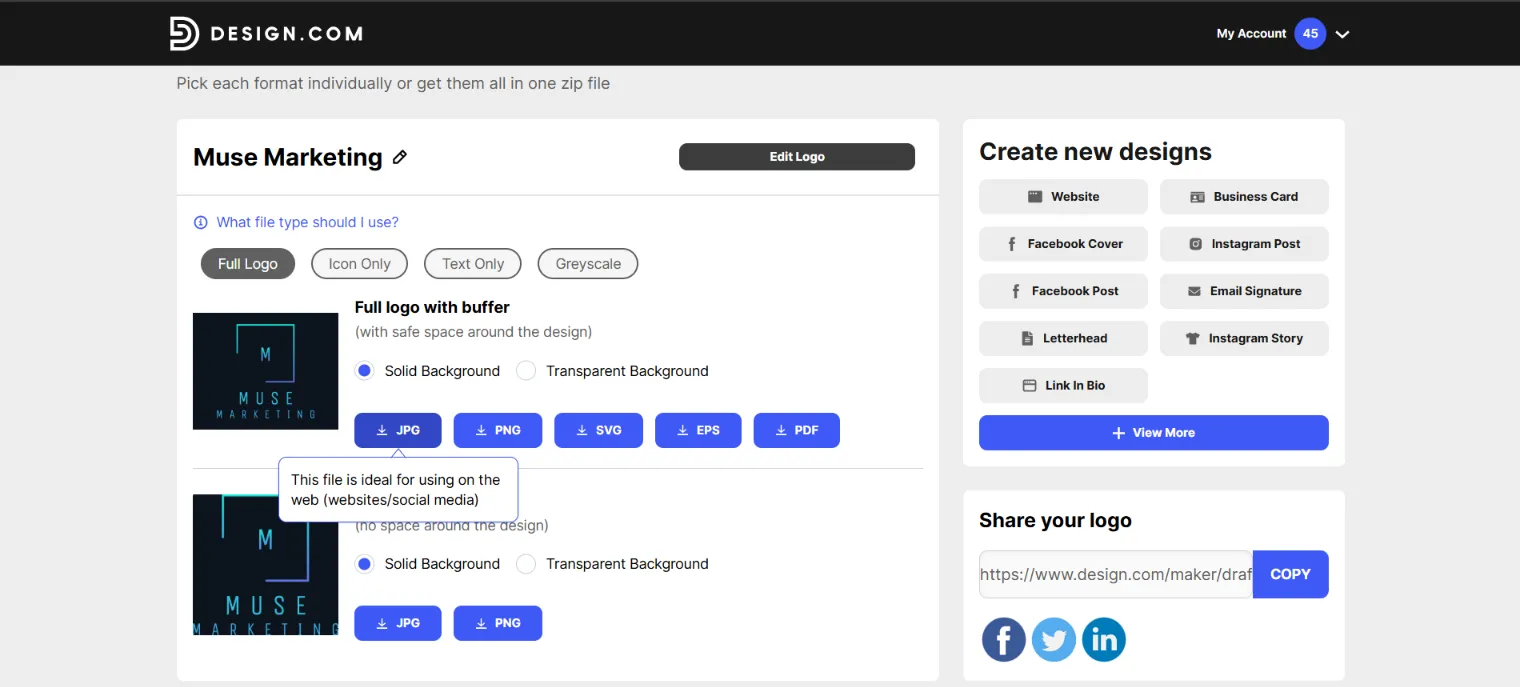
These can all be downloaded for free as long as you pick a logo template marked “free”. So, we picked the JPG file to download, and the quality of the logo surprised us; high-quality and ready for commercial use.
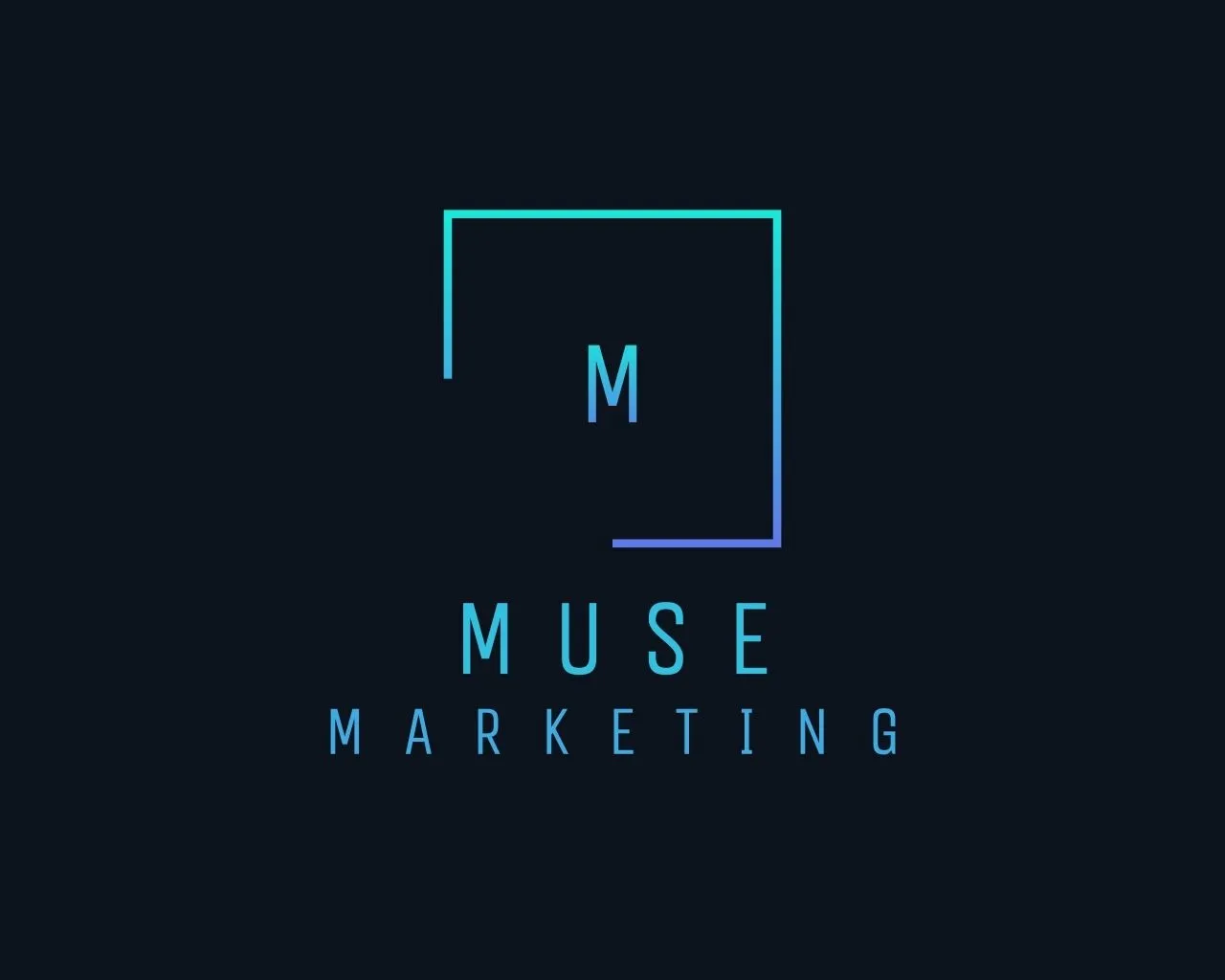
Below is the logo sample that we customized and exported:
Subscription Plans: Are They Actually Budget-Friendly?
Pricing plans start at only $3/mo, charged annually. That unlocks the wider set of 50+ branding tools: posters, presentations, business cards, menus, QR codes, and more.
The highest plan is the Premium, which is only $5/mo annually, allowing you to do unlimited edits, free cancellation, high-res and vector logo file downloads, 50+ branding tools, a website builder, a link-in-bio, and a digital business card generator.
Our Review
After testing the platform fully, we realized there were no hidden costs.
The free tier isn’t a nice-to-have option here but an actual, working option. You can build a logo, download it clean, and publish it anywhere without worrying about commercial safety.
The $3/mo plan is the cheapest entry point on this list, and it gives you access to an entire branding suite rather than one file. Compared to the platforms charging $29 to $72 as a one-time payment for a PNG, Design.com seems like the best option.
BrandCrowd.com
BrandCrowd.com is the direct alternative to Design.com, in terms of affordability and quality of the logo designs.
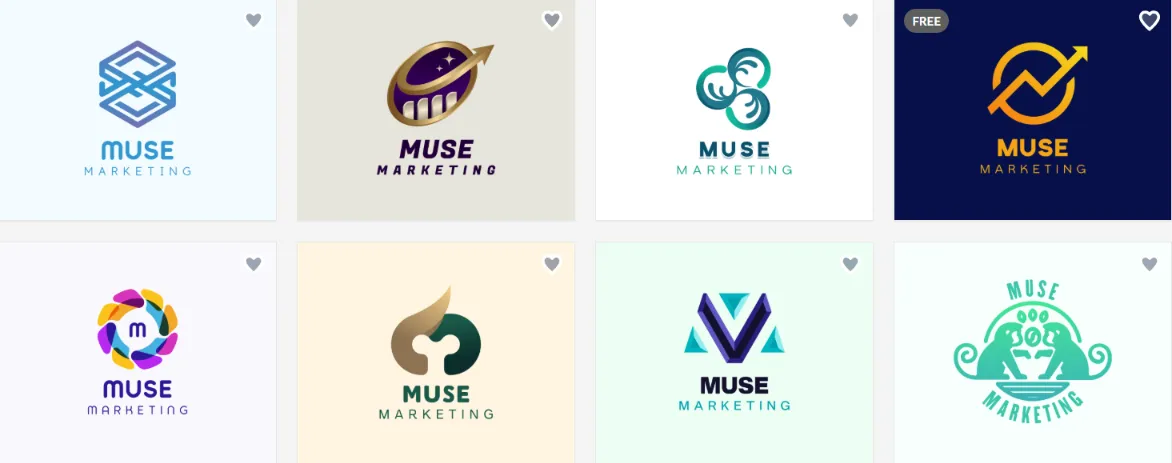
You type a business name, add a keyword or two, and the platform pulls concepts from its library of 380,000+ templates. We gave the same logo name as for Design.com, and logo samples are represented below:
The platform allows you to do unlimited edits at no cost, lets you chat with the built-in chat-based AI, and the biggest plus is that it does not require any subscription to get a usable file. Users can export JPG, SVG, EPS, and PNG without paying a penny.
While some logo templates required payment to download, we chose the free option to ensure it would work after personalizing it.
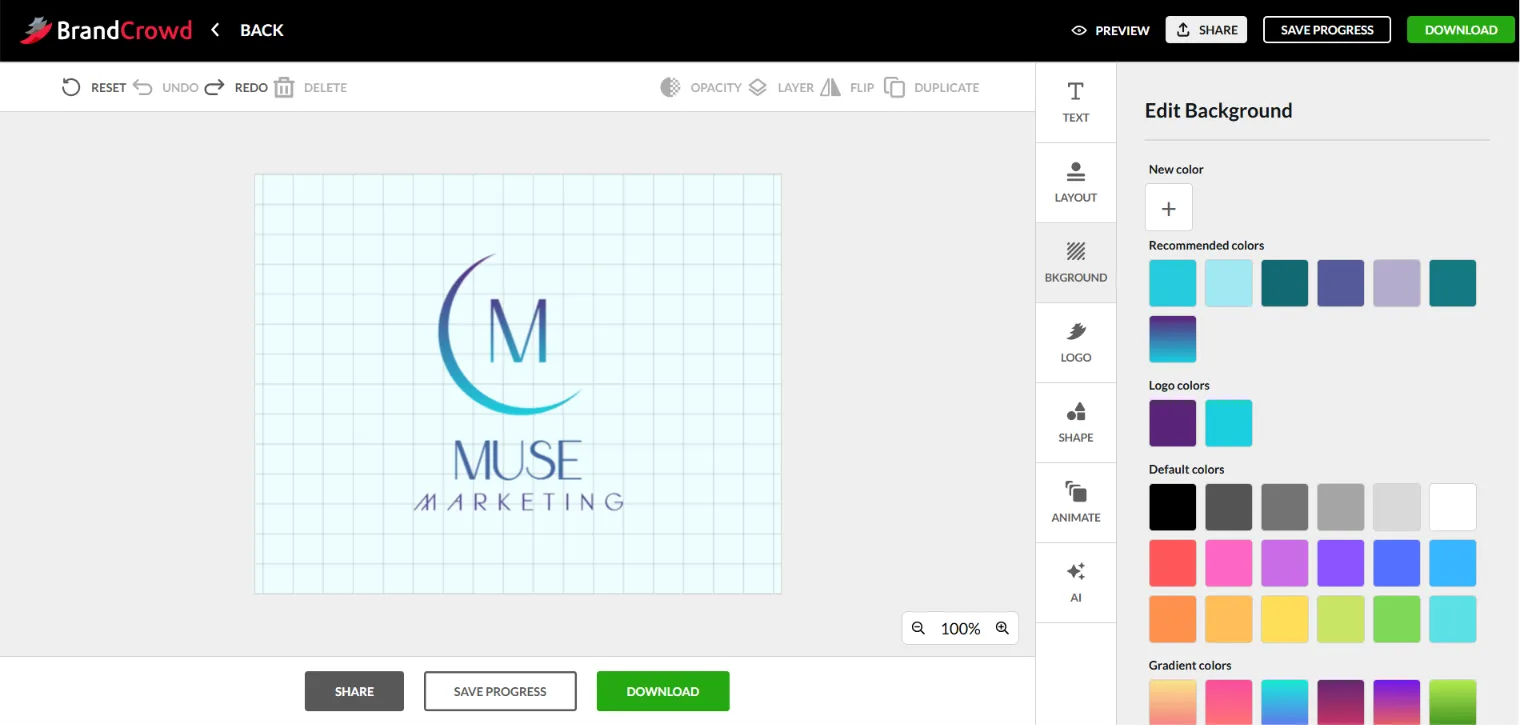
While editing, the AI gave color, style, and font recommendations based on the ready-made logo template. And the best part was that we had nothing to worry about using the logo commercially, as all of the templates come with 100% copyright safety, even the free ones.
The platform also allowed us to preview the logo on different branding materials, such as business cards, social media posts, etc.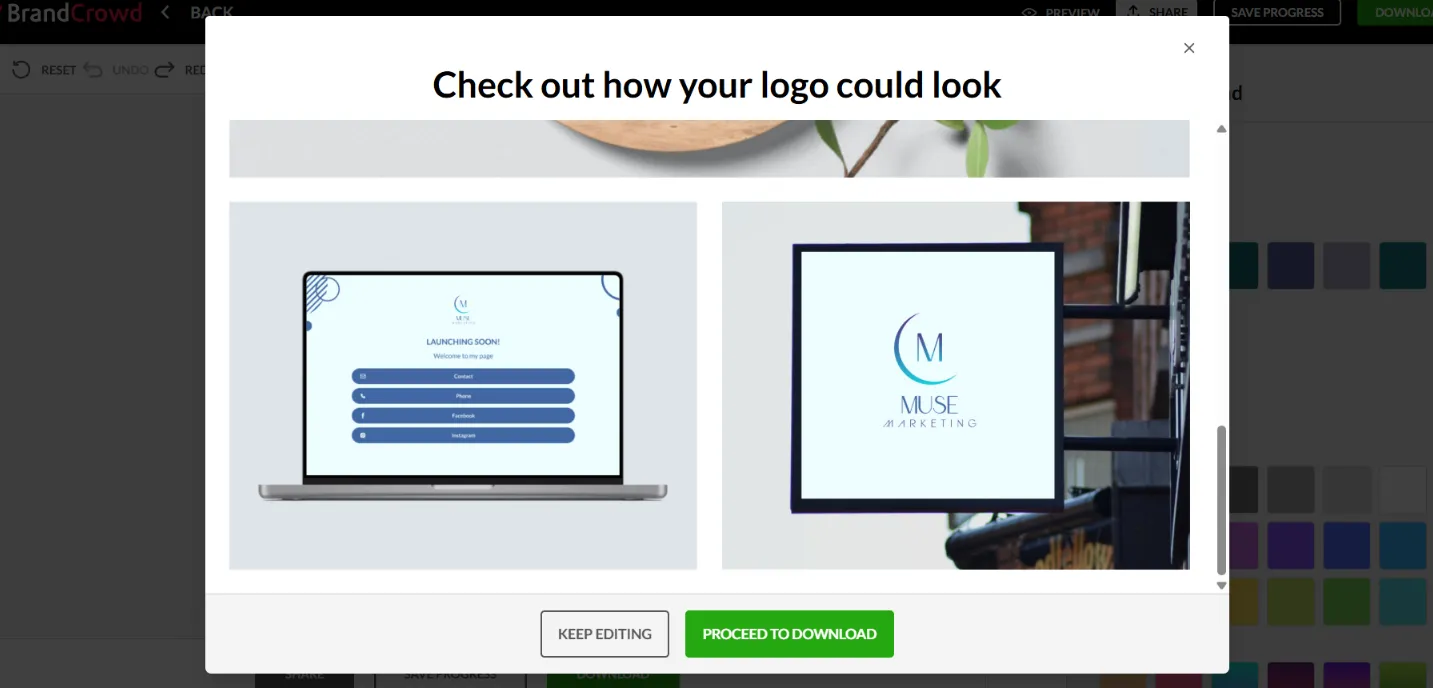
After previewing and testing the platform capabilities, we followed the steps for the checkout. This time we chose to export the file with a transparent background (JPG). The logo design felt like a professional designer actually worked on it, and it was actually before we found out that all the logo templates were a combination of human touch + AI, not solely AI-generated.
Subscription Plans: Are They Actually Budget-Friendly?
After the free download, we gained access to over 50+ additional matching design tools for flyers, posters, and business cards.
Downloading assets made with those extra tools required a subscription:
- Free tier (free logos, business cards, websites, 50+ design tools, free link-in-bio creator)
- Starter (Logo Pack): $3/mo, billed annually (unlimited edits, cancel anytime, high-res and vector logo files, 50+ other design tools, etc.)
- Value (Logo Pack + Website): $4/mo, billed annually (same as Starter + Website)
- Premium (Logo Pack + Website + More): $5/mo, billed annually (same as Value + Link-in-bio and Digital business card)
Our Review
With BrandCrowd, you can test the entire platform before spending anything. The logo comes free. The subscription only matters if you want the wider design assets in downloadable form.
Besides, logo generation is instant, the platform is user-friendly, and you can find logos for any industry; regardless of the given prompt and industry, you can find a wide range of completely free logos.
Good value for money? Exactly!
Logomakerr.ai
Logomakerr.ai works a bit differently compared with BrandCrowd and Design.com: you pick the industry, font style, and colors, then wait for concepts. So, it’s not just a prompt-based process, but a “manually clicking” one.
After waiting under a minute, the logo concept came with a watermark. Here, we also expected to see “free” option written on at least one template, but they all required payment to export.

Besides, the editing that followed was mostly manual, with no AI tools involved and the preview only let us maximize the logo, not view it on mugs or shirts.
In the editing bar, the AI only played a role in suggesting general styles, but to modify the logo, we had to do it all manually.
To download the logo, the following pricing options were suggested:
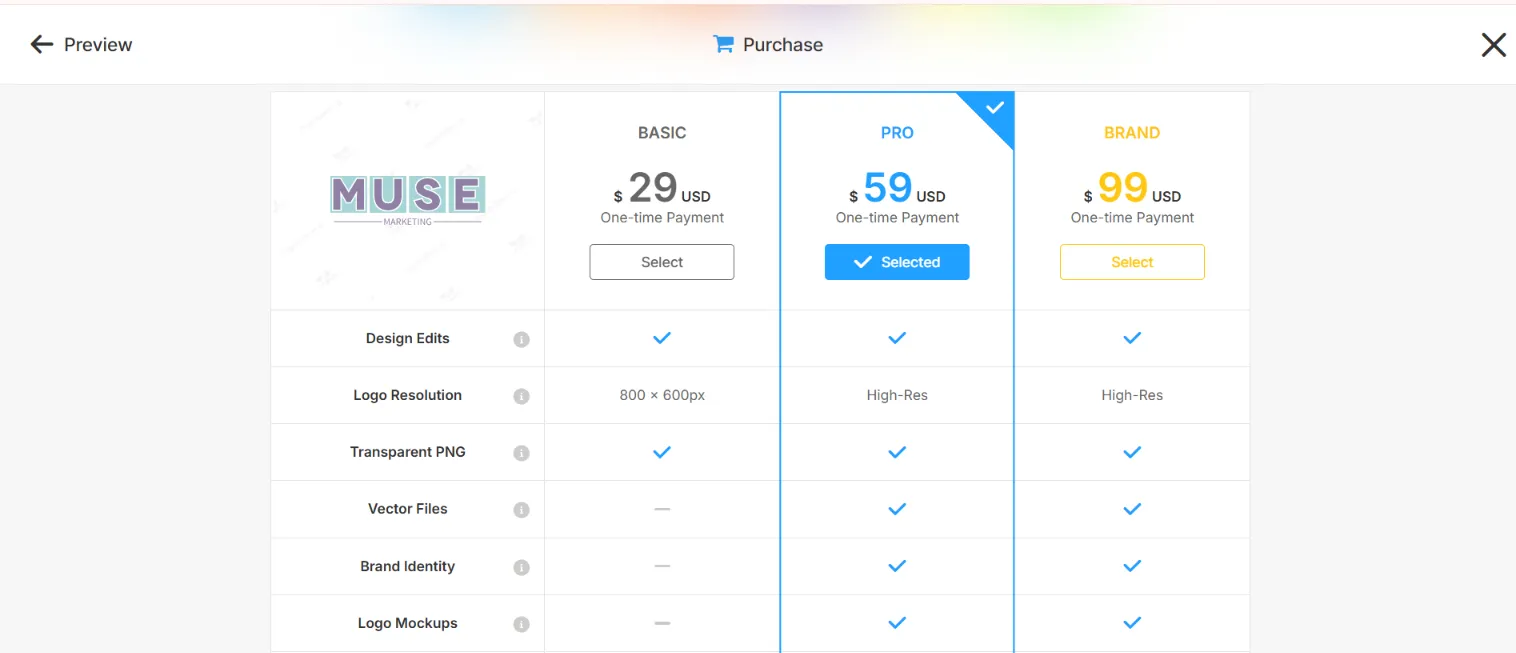
Well, there was no free tier. To download anything, you pay. Three one-time payment options are available, starting at $29. That gets you multiple file formats and a branding kit.
Our Review
When two platforms on this list hand you a clean file for nothing and charge $3/mo for everything else, the one-time fee starts to look less appealing. Per our experience, $29 for a logo isn't unreasonable on its own.
LogoAI.com
As Logomakerr, LogoAI as well uses a guided flow; insert the brand name, add keywords, select industry, color, and font, then generate. You can skip steps, but they still appear and need manual skipping.
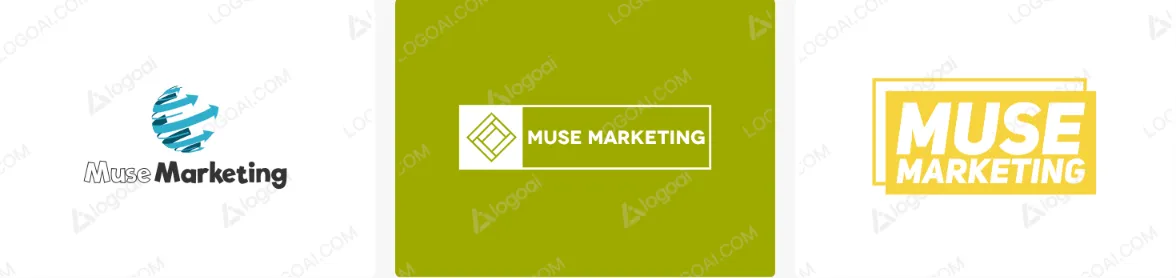
The generated logos came with watermarks. Editing is manual, not AI-powered, which slows things down if you're not comfortable adjusting elements yourself. Additionally, the preview was animated but there was no option to see it on any materials.
Selecting a logo unlocks the Brand Center, which builds matching business cards, social graphics, and posters.
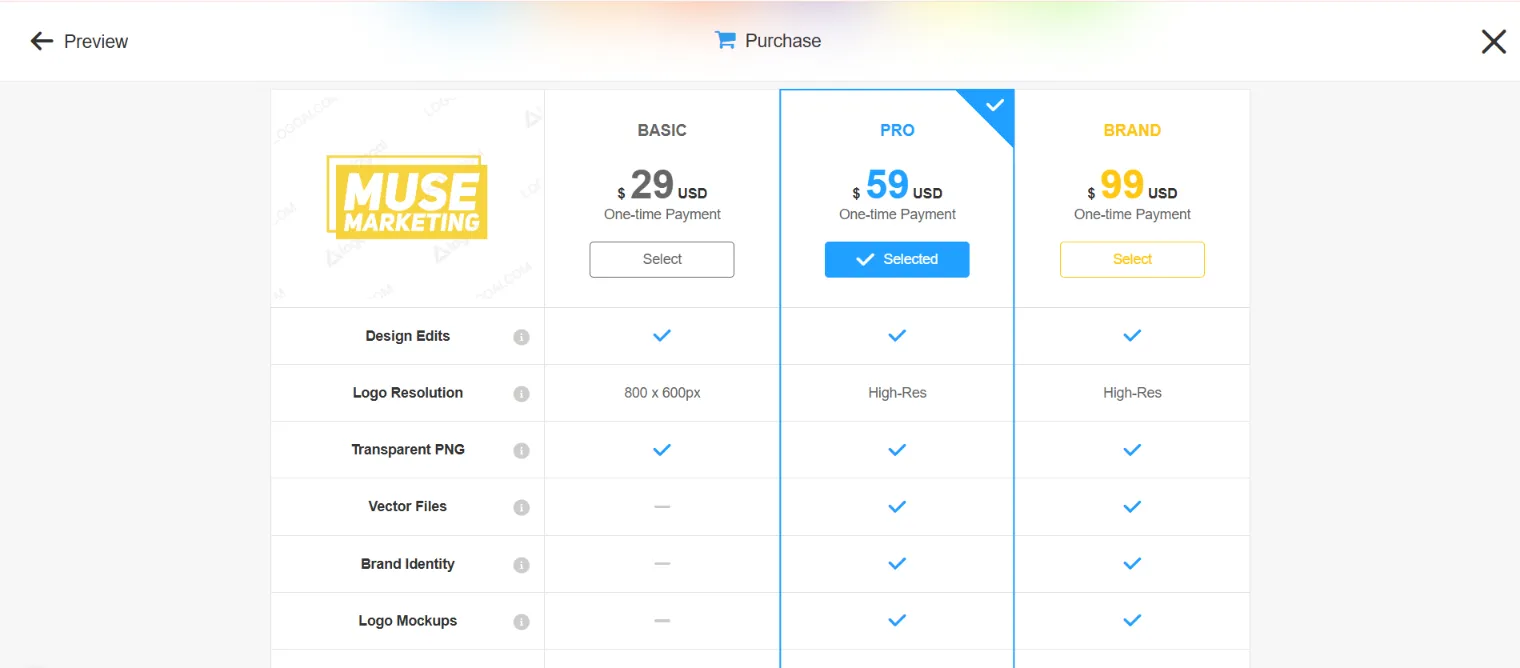
To export the chosen logo, we again were confronted with one-time pricing:
Our Review
While designing is free, downloading anything requires a one-time payment. The Brand Center is a plus; the animated logo preview is a nice option, but the starting value still felt like too much to invest if you only want to get one logo file.
My Free Logo Maker
The name of this logo maker already hints it must be affordable. Is that the reality though? Let’s find out.
After entering the company name, we picked the industry and colors. Not all questions were mandatory, so we skipped a few. Results took a moment to appear, but the customization was pretty comprehensive. We could change color palettes, ask AI for ideas, and swap logo symbols.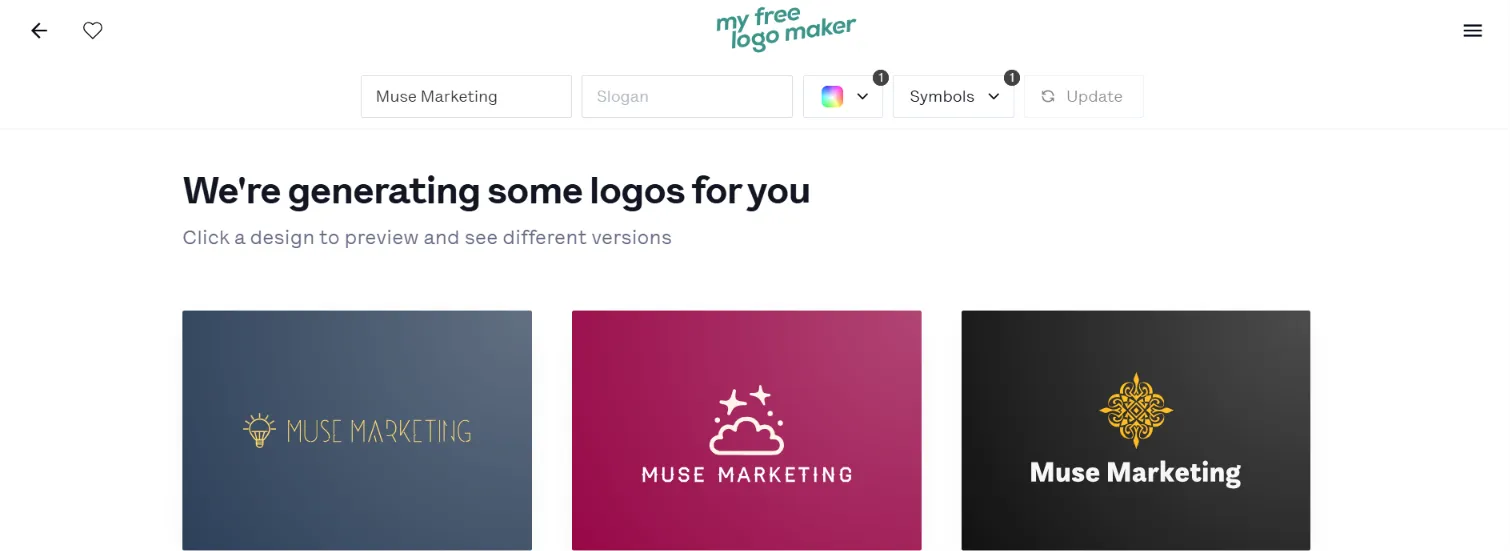
After reviewing the customization capabilities, we saw the icon “download free” and clicked on it.
Downloading the file was actually free; no extra questions, no marketing questions, just a quick download.
The logo file was automatically downloaded in JPG format, and we had no option to choose any other export options. This was a limitation per our experience with other logo makers.
To download the full brand kit, the following options were suggested:
- Premium Logo Package at $72, one-time. Multiple high-res file types, unlimited changes, lifetime technical support, full ownership.
- Brand Kit Subscription at $96/year (billed annually, marked down from $192). Everything in Premium, plus business cards, email signatures, social profiles, social covers, and letterheads.
- Brand Kit Web Subscription at $129/year (billed annually, marked down from $215). Everything in the Brand Kit, plus a multipage AI-generated website.
Our Review
While the free PNG is real, for some people that's enough. The problem is the jump. $72 is the most expensive option on this list, and it buys logo files rather than an ongoing design suite.
FreeLogoDesign.org
FreeLogoDesign asks nothing about your industry, which sounds convenient until you see the results.
We inserted the brand name and got logos with no visible connection to the industry we wanted. Only 24 results appeared. We had to customize heavily to get something resembling a marketing agency.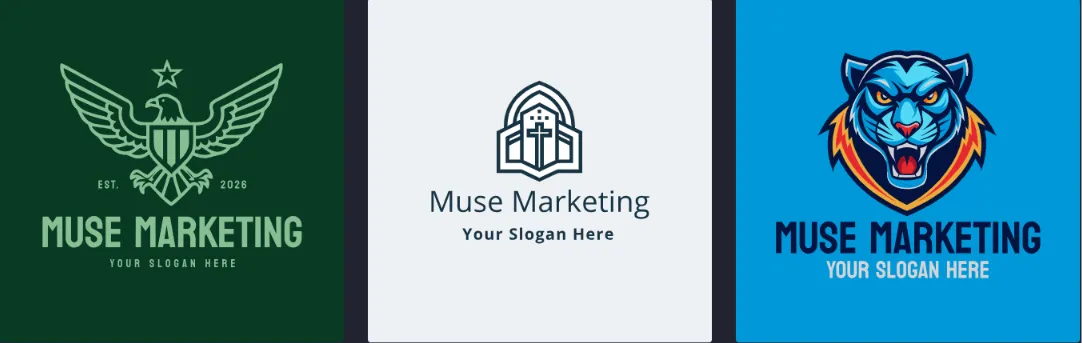
To generate and customize with AI tools, you have to pay. The free path gives you ready-made templates only.
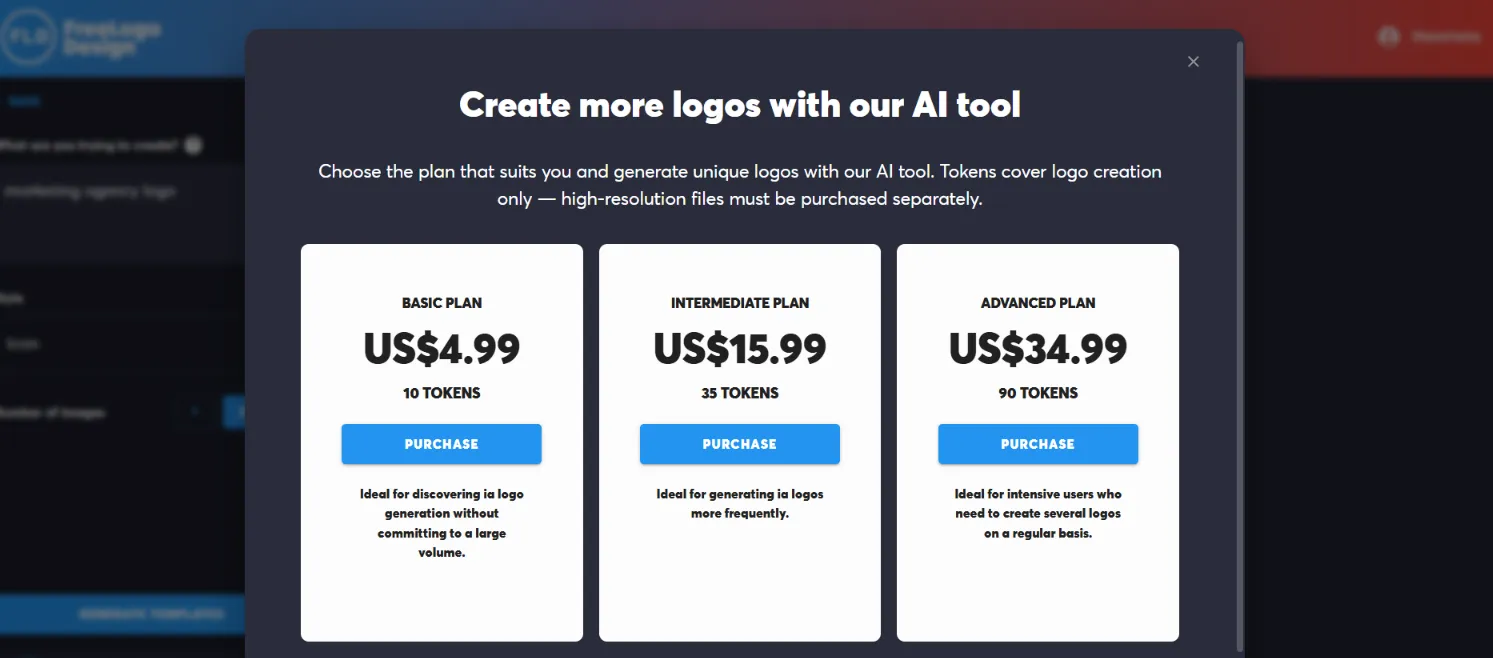
Downloading ready-made templates is free, though the files are low-res and limited. A paid basic package covers HD PNG, SVG, and PDF, with additional design tools for business cards, social kits, and a brand guide.
Our Review
For us, the most common inconvenience was the gap between the "free" positioning and what it actually costs to get a usable file. Compared to other logo makers that do not include the “free” attribute in the brand name, actually provides more free features and download options, rather than the ones that come with the free naming.
Closing Thoughts
Budget-friendly doesn't mean cheap; it means the price matches the quality, speed, and productivity of the platform.
With this thought in mind, Design.com and BrandCrowd.com clearly lead the list. The free tiers of both of the platforms give you a high-quality, downloadable logo at no cost, and the entry plans open the widest set of tools of anything we tested.
The rest ask you to pay before you leave with anything usable. That's not automatically a bad deal, but it's worth knowing before you spend an hour customizing.
FAQ
Can you actually download a logo for free?
Yes, on some platforms. Design.com gives you a watermark-free download with your choice of format and background, plus free access to a website builder, link-in-bio creator, and digital business card maker. BrandCrowd also lets you download a wide selection of templates without a subscription. My Free Logo Maker and FreeLogoDesign offer free downloads, but with format or resolution limits.
Is a one-time payment better than a subscription?
It depends on what you need after the logo. A $29 or $72 one-time payment gets you logo files and ownership. A $3/mo subscription on Design.com or BrandCrowd gets you an entire branding suite. If you only ever want one logo, the one-time fee is simpler. If you'll need business cards, posters, or a website later, the monthly plan costs less over time.
Are free logos safe to use commercially?
On Design.com, yes. The logos are exclusive to the platform and 100% commercially safe. BrandCrowd's templates are also exclusive to BrandCrowd. On template-only platforms with no AI input, commercial safety gets murkier, since another user could pick the same template with the same colors and font.






























Sign in to leave a comment.