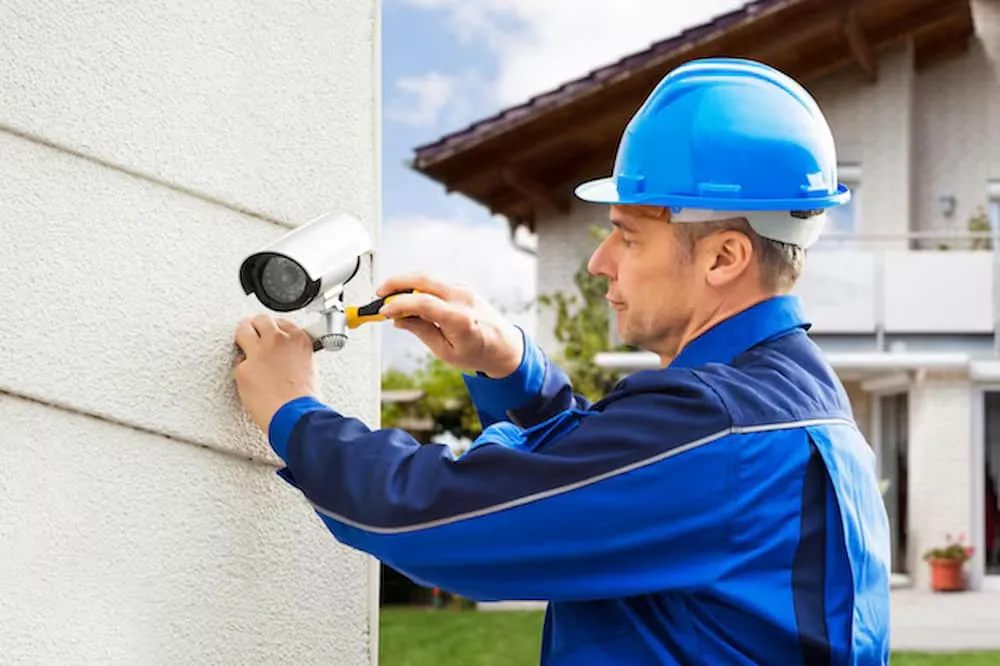

A surveillance system needs more than suitable cameras to provide dependable property monitoring. Equipment selection, camera positioning, cabling, recording storage, network connections, lighting, remote access, and ongoing maintenance all influence the final result. Understanding cctv camera and installation requirements can help property owners plan systems that provide useful coverage across residential and commercial environments. Each property has different characteristics, so camera specifications and installation methods should be selected according to actual conditions. Careful planning can reduce blind spots, improve image quality, support reliable recording, and make future servicing or expansion easier.
Assessing Property Requirements
Reviewing the Building
The first step is to understand the property's physical structure. Installers can assess entrances, exits, corridors, driveways, parking areas, storage rooms, gardens, boundaries, and other locations where monitoring may be useful. Walls, ceilings, fences, trees, and other structures can affect camera views and cable routes. The assessment should also consider how people and vehicles move through the property. A detailed review provides information needed to create a practical camera layout. It also helps identify challenges before equipment is selected or installation work begins.
Defining Security Objectives
A surveillance system should be designed around clear objectives. A home may focus on entrances, driveways, garages, and gardens, while a business may require coverage of reception areas, stock rooms, loading zones, staff entrances, and parking spaces. Each camera should have a defined purpose. This helps determine whether a wider view or greater image detail is required. Clear objectives can also prevent unnecessary equipment purchases. A system designed around actual requirements is more likely to provide useful coverage and remain manageable over time.
Selecting Cameras
Choosing Camera Designs
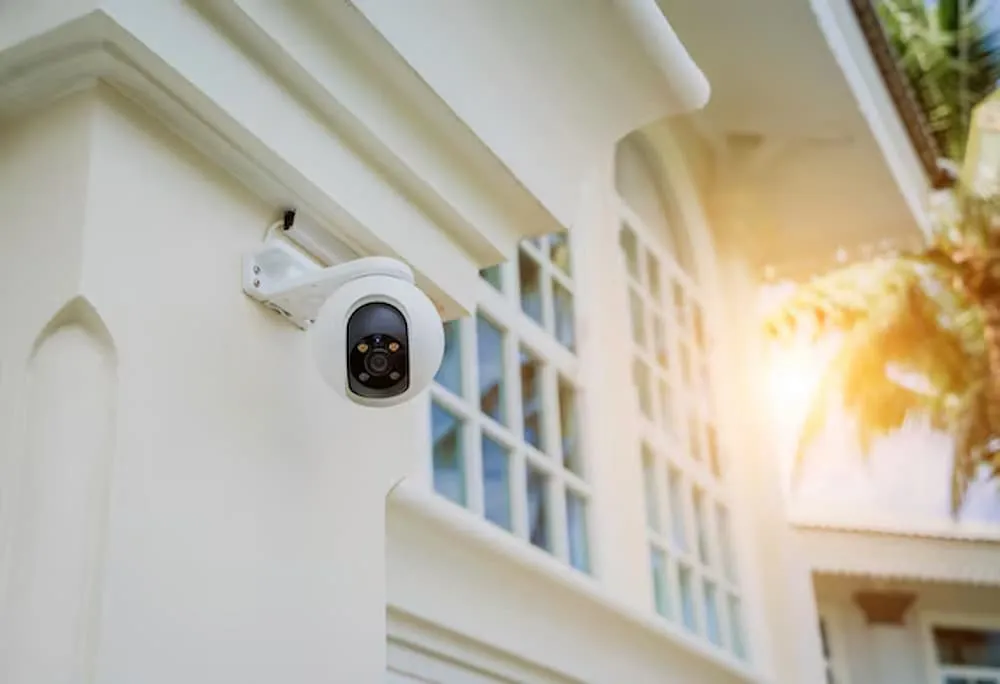
Dome, turret, bullet, and pan tilt zoom cameras can provide different practical functions. Dome cameras may suit certain indoor locations, while turret and bullet cameras can be appropriate for many external areas. Pan tilt zoom equipment may be useful for selected large spaces where adjustable viewing is required. The correct choice depends on the location, viewing distance, lighting, mounting surface, and environmental exposure. Using different camera types within one property can sometimes produce better results than installing identical devices everywhere. Equipment selection should therefore follow the system design.
Considering Technical Features
Modern cameras can offer high resolution imaging, infrared viewing, wide dynamic range, motion detection, weather resistance, and low light capabilities. These features should be selected according to the conditions in which each camera will operate. A camera exposed to direct sunlight may require different capabilities from one installed inside a dim corridor. Manufacturers such as Hikvision, Dahua, Hanwha, Uniview, Axis, and Bosch offer various equipment options. Brand selection should be considered alongside compatibility, specifications, recording requirements, application support, and installation conditions.
Planning Camera Positioning
Covering Entrances and Exits
Entrances and exits can be important locations because they provide information about people and vehicles entering or leaving a property. Cameras should be positioned to capture useful views without obstruction from doors, signs, awnings, or other structures. Mounting height and angle can affect the level of detail available. A camera intended for identification may require a different position from one used for general activity monitoring. Careful placement can improve the usefulness of recorded footage and reduce the need for unnecessary additional cameras.
Monitoring External Areas
Driveways, gardens, parking areas, loading spaces, and boundaries may require wider coverage. Camera selection should account for the size of the area and the distance from the intended subjects. Trees, fences, vehicles, and seasonal vegetation can affect visibility. External cameras should also be suitable for weather exposure. Infrared capabilities can support nighttime monitoring where visible lighting is limited. Planning these factors together can provide more consistent coverage and reduce problems caused by environmental conditions.
Planning Lighting
Managing Daylight
Sunlight can create glare, bright areas, and deep shadows within a camera's view. These conditions can affect image detail, particularly near entrances and windows. Wide dynamic range can help some cameras manage significant differences between bright and dark areas. Camera positioning can also reduce direct exposure to sunlight. Installers should consider how lighting changes throughout the day rather than evaluating only one moment. Testing during different conditions can help determine whether the selected camera and position provide consistent image quality.
Managing Nighttime Conditions
Nighttime surveillance may require infrared cameras or suitable external lighting. Vehicle headlights, street lighting, reflective surfaces, and surrounding structures can affect image quality after dark. Installers should consider these factors during system planning. Cameras can be positioned to reduce excessive glare and provide useful views of important areas. Security lighting can also complement surveillance when appropriately positioned. A combination of suitable camera technology and lighting can provide more consistent monitoring across the full day.
Planning Cabling and Power
Selecting Cable Routes
Cabling should be planned before cameras are mounted. Internal cables may be routed through ceilings, walls, or service spaces, while external connections may need additional protection. Cable routes should consider physical damage, distance, accessibility, and future maintenance. Organised cabling can make troubleshooting easier and provide a cleaner installation. Poor cable planning can make servicing difficult and may create unnecessary disruption. A professional installation should therefore consider both the technical route and the practical appearance of the finished system.
Providing Suitable Power
Cameras and recording equipment require reliable power arrangements. Network cameras may use Power over Ethernet where compatible, while other systems may use separate power connections. The number of cameras and equipment specifications influence the required infrastructure. Installers should assess these requirements before work begins. Reliable power helps reduce interruptions and supports consistent operation. Power arrangements should also be considered when cameras are positioned far from the main equipment or installed in separate buildings.
Selecting Recording Equipment
Determining Storage Requirements
Recording storage should be based on camera count, resolution, recording schedule, frame rate, compression, and desired retention period. Continuous recording can require substantial capacity, especially when several high resolution cameras are used. Motion based recording can reduce storage requirements in certain environments. The installer should explain the expected retention period and how the system handles full storage. Proper planning helps ensure that recordings remain available for an appropriate period. Storage should also allow for future expansion if additional cameras may be introduced.
Checking Playback and Export
Recorded footage needs to be accessible when an incident requires investigation. Modern systems can provide search tools based on date, time, camera, and event. Accurate timestamps and clear camera naming can simplify searches. Export functions allow selected recordings to be preserved when appropriate. Users should receive an explanation of these features before the system is handed over. Understanding playback and export can reduce delays when footage needs to be reviewed. Recording quality is therefore only one part of effective video evidence management.
Supporting Remote Access
Enabling Mobile Viewing
Many modern systems support remote viewing through compatible smartphones, tablets, and computers. Remote access can allow authorised users to check cameras while away from the property. The feature depends on suitable network infrastructure and compatible applications. Installers should configure and test remote viewing before handover. The system should also provide appropriate controls for user access. Remote monitoring can be particularly useful for property managers and businesses responsible for multiple locations.
Managing Account Security
Surveillance footage can contain sensitive information, so system access should be managed carefully. Different users may require different permissions for live viewing, playback, export, or configuration. Strong authentication and suitable account management can reduce unnecessary access. User accounts should be reviewed when responsibilities change. Software updates may also contribute to the security and compatibility of connected equipment. Protecting the surveillance system itself is an important part of responsible installation and ongoing management.
Testing the Installation
Checking Camera Performance
Every camera should be checked after installation to confirm that it provides the intended view. Testing can include focus, image clarity, camera angle, lighting performance, infrared operation, and potential obstructions. External cameras should ideally be assessed during both daytime and nighttime conditions. If a camera does not provide the expected coverage, its position or settings can be adjusted. Testing before final handover helps confirm that the system matches the original plan. It also provides an opportunity to correct issues before the system becomes part of everyday security routines.
Checking Recording
Recording functions should be tested separately from live viewing. Each camera should be confirmed as recording correctly, with accurate timestamps and appropriate storage settings. Playback should also be tested to ensure footage can be located and reviewed. Where relevant, motion detection and notifications can be checked as well. Thorough testing helps confirm that all system components are communicating correctly. This reduces the risk of discovering that a camera was not recording only after an important event has occurred.
Maintaining the System
Cleaning and Inspection
Outdoor cameras can become dirty because of dust, rain, insects, and environmental debris. Cleaning can help preserve image clarity, while mounting and cable inspections can identify physical problems. Recording equipment and network connections should also be checked periodically. Maintenance requirements vary according to equipment and environmental conditions. A suitable maintenance routine can help identify developing issues before they create significant surveillance gaps. Indoor equipment should also be reviewed periodically, even though it may experience less exposure to environmental conditions.
Planning Future Expansion
Properties can change after a surveillance system has been installed. Extensions, additional buildings, new gates, landscaping, or changed business operations can create new monitoring requirements. A scalable system can make future additions easier. Network capacity, recorder channels, storage, power, and equipment compatibility should be considered during the original design. Documentation of existing camera positions and connections can also simplify later work. Planning for future requirements does not mean installing unnecessary equipment today. It means creating a foundation that can be adapted when genuine needs arise.
Conclusion
CCTV camera and installation requirements involve much more than choosing cameras. Property assessment, security objectives, equipment selection, camera positioning, lighting, cabling, power, storage, remote access, testing, maintenance, and future expansion all influence system performance. A carefully designed installation can provide useful coverage while remaining practical to operate and maintain. Property owners can benefit from considering these factors before selecting equipment or beginning installation work. For professional surveillance planning and installation tailored to different property environments, CCTV can provide suitable solutions designed around individual monitoring requirements.
























Sign in to leave a comment.