The way professionals connect has changed. Today, people want instant, smooth, and memorable interactions—something traditional paper business cards can’t always deliver. Whether you're a consultant, entrepreneur, real estate agent, or corporate employee, your first impression matters. And in a world driven by digital efficiency, a NFC Smart Business Card is becoming the new standard.
A Smart NFC Card gives you the power to share your complete professional identity with just a tap. This modern tool eliminates the need for printing new business cards, manually sharing contact details, or asking someone to “look you up later.” If you want a smarter and more impressive way to connect at meetings, events, and client visits, QCard Enterprise provides one of the industry's most advanced NFC solutions.
What Is a Smart NFC Business Card?
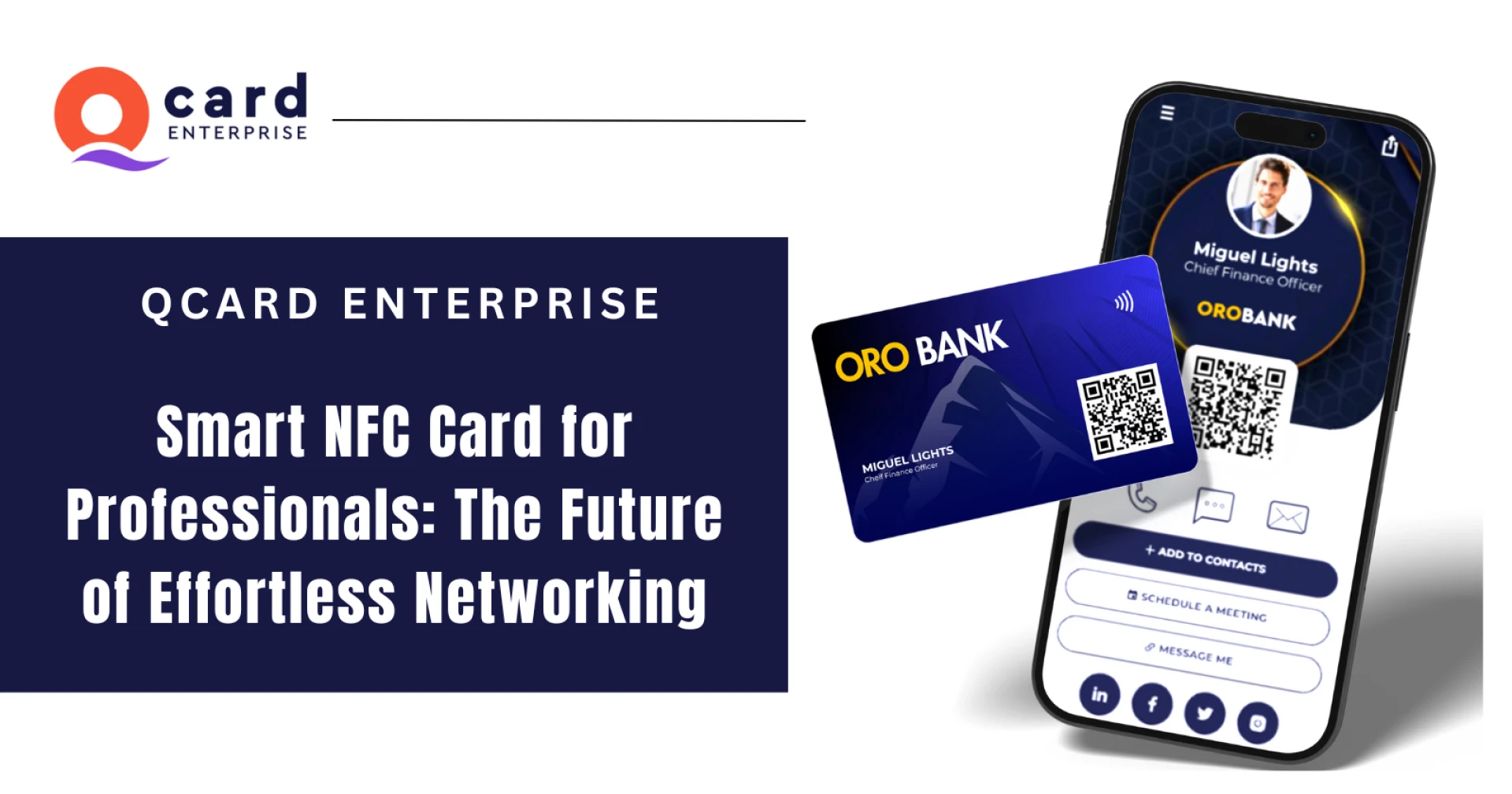
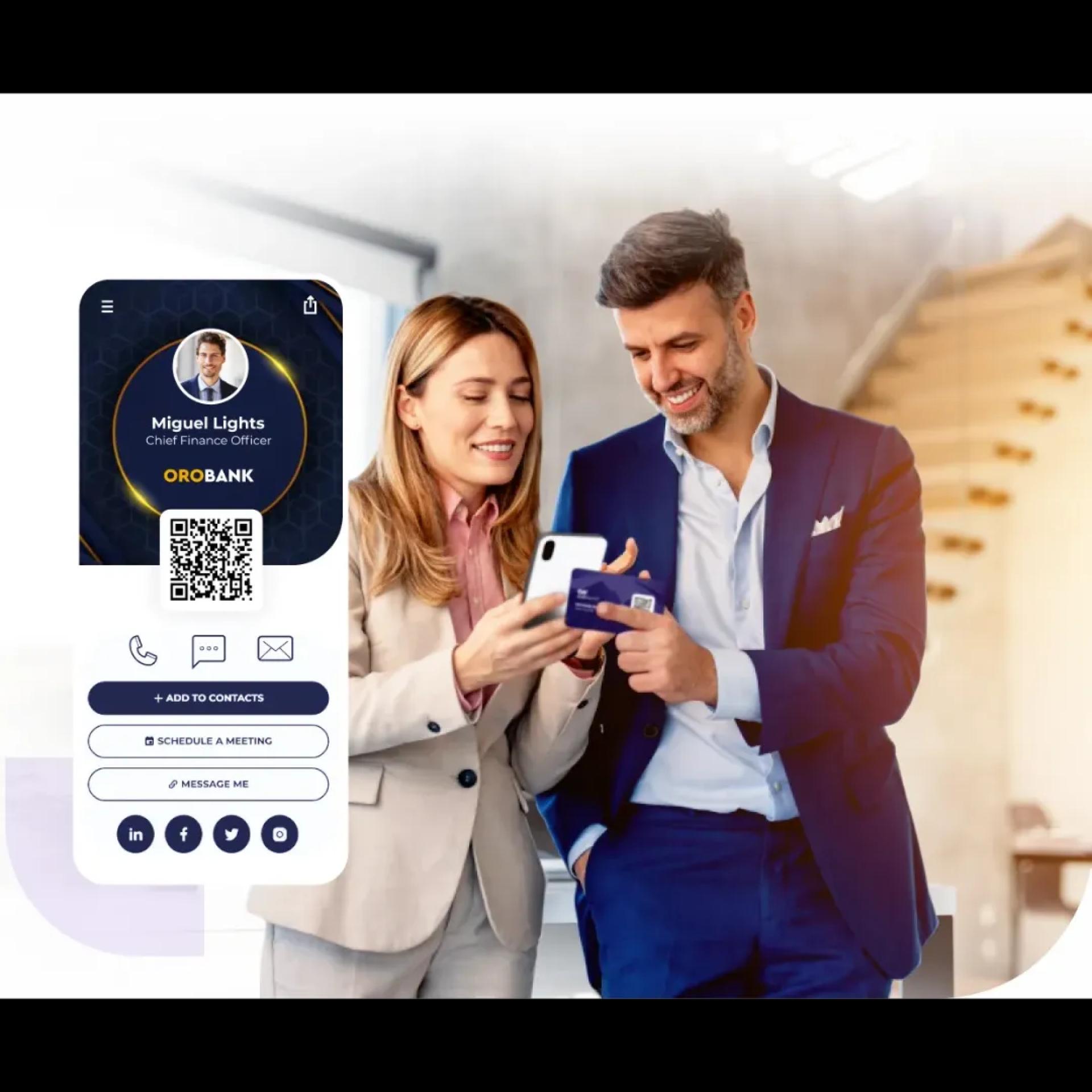
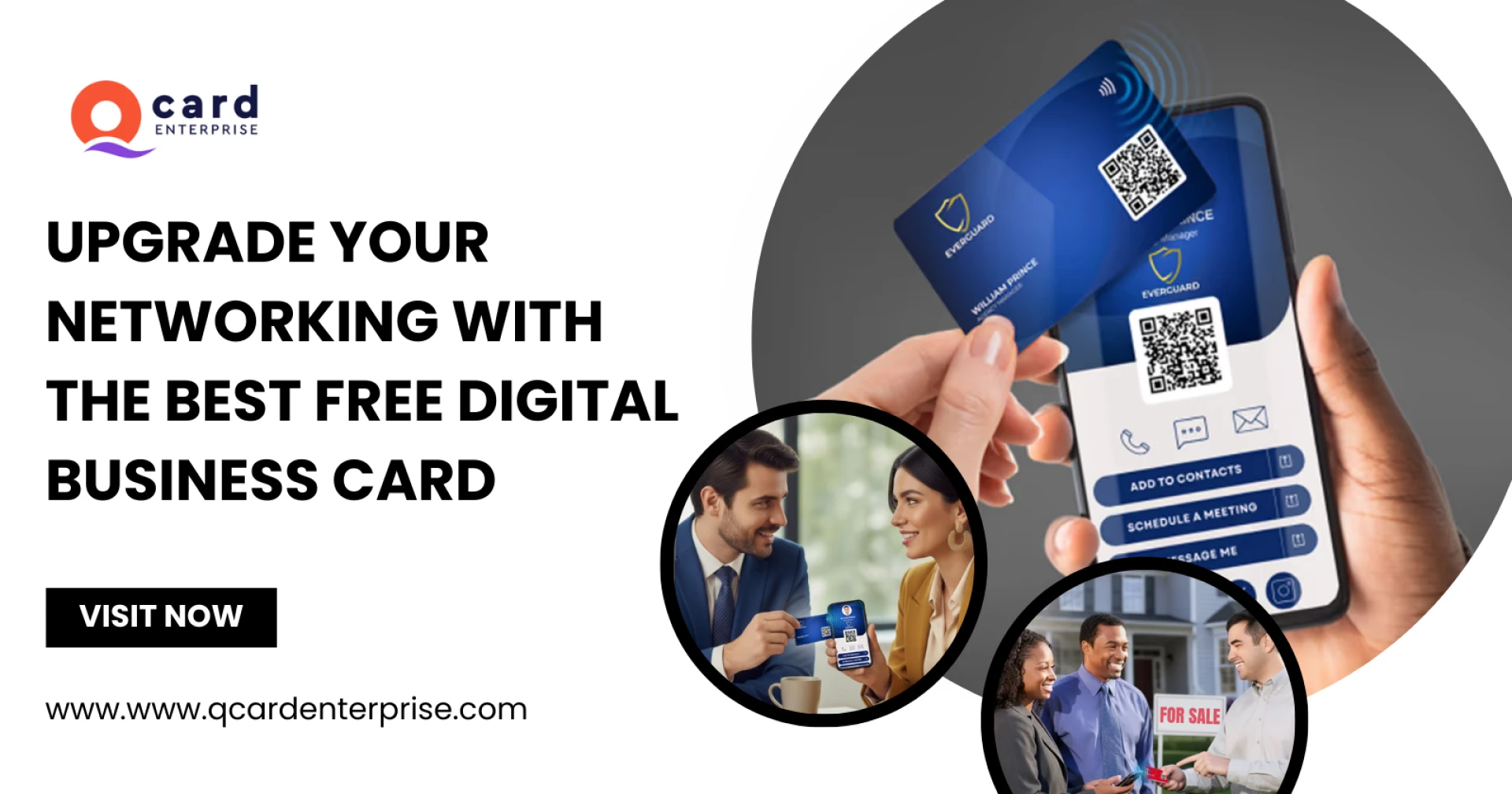
A Smart NFC Card contains a tiny chip that enables quick sharing of your digital information. When someone taps your card on their smartphone, it instantly opens your digital profile—your contact details, website, social links, videos, portfolios, and more.
There is:
- No app to install
- No manual typing
- No QR code dependency
- No confusion
Just a clean, instant, and professional interaction.
This makes the NFC business card for networking a must-have tool for modern professionals.
Why Professionals Prefer QCard NFC Cards
1. Fast and Seamless Information Sharing
A tap on any NFC-enabled smartphone opens your digital QCard profile in seconds. This includes your email, phone number, social links, website, product pages, and more.
2. Works Without Apps
Your recipients don’t need to download anything—your digital profile opens automatically.
3. One Card for Unlimited Use
Instead of carrying stacks of traditional cards, you can use one QCard indefinitely. It’s cost-effective and far more convenient.
4. Built to Last
QCard is made from high-quality PVC, ensuring durability against daily wear and tear. The embedded chip is passive and powered by the phone, so no charging or maintenance is needed.
5. Compatible With Most Smartphones
QCard works with:
- Nearly all Android phones
- All iPhones from model 7 onward
Each QCard also has a QR code printed on the card for backup access.
Powerful Features That Make QCard Stand Out
✔ Instant Tap-to-Connect
Share multiple contact methods—calls, email, messaging apps, calendar links, and social platforms.
✔ Share Brand and Product Information
Upload and share:
- Corporate videos
- Pricing sheets
- Product brochures
- YouTube links
- Articles, press features, and podcasts
- Google Drive resources
Perfect for sales teams, consultants, and business owners.
✔ Team Directory
One tap can lead to a list of your entire team. Ideal for businesses that want to make departmental connections easy.
Why Real Estate Agents Love QCard
Real estate moves fast, so tools that simplify communication give agents a big advantage. QCard is often considered the best digital business card for real estate agents, and here’s why:
- Share property listings instantly
- Connect leads directly to your website, social pages, or Zillow profile
- Enable clients to save your contact details with one click
- Use one card at open houses, client meetings, and events
It’s the perfect combination of professionalism and convenience.
FAQ: Everything You Need to Know About QCard
1. What is QCard?
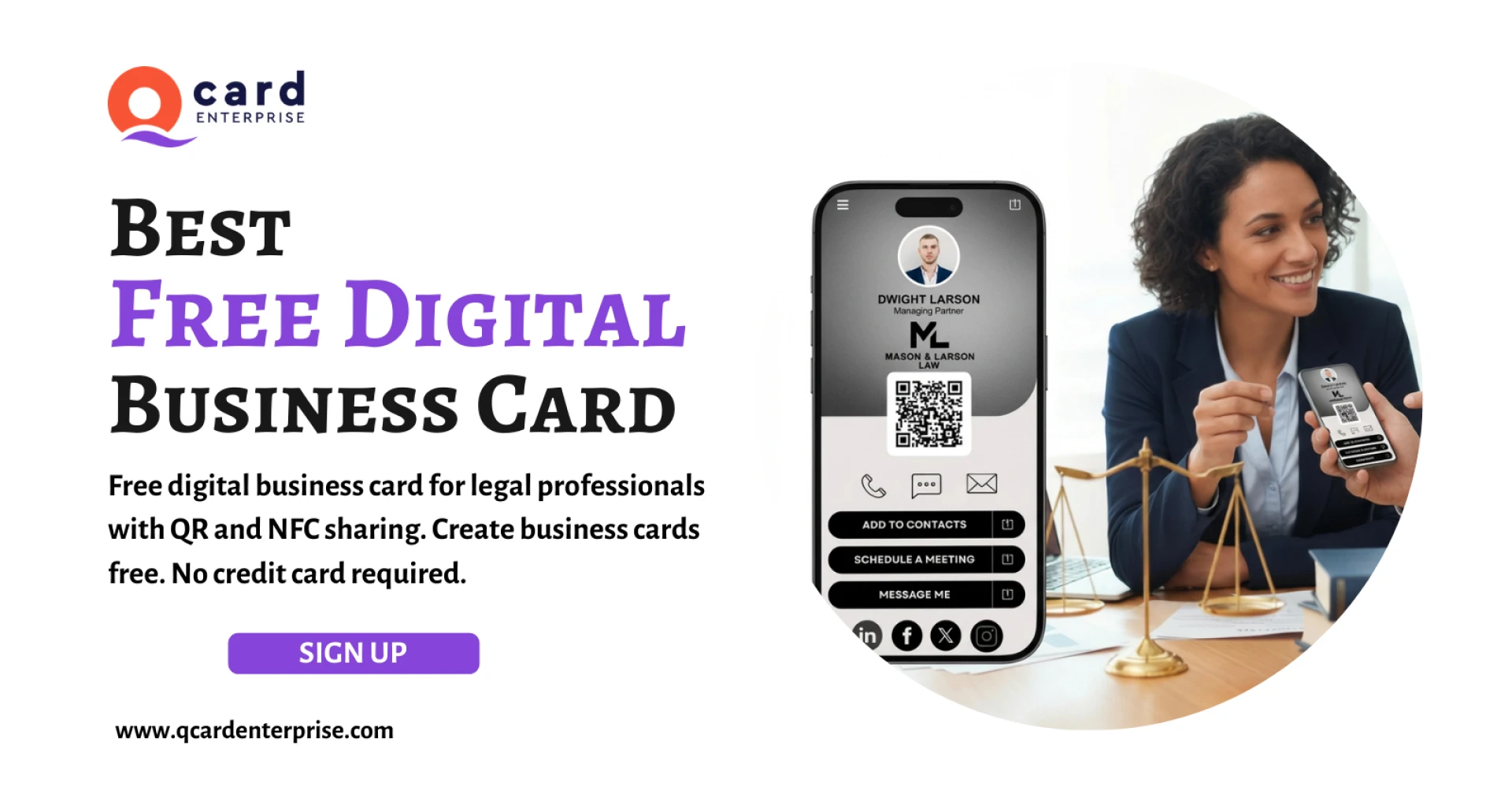
QCard is a digital identity card that works like your personal professional webpage. It displays your skills, achievements, links, photos, videos, and more—all in one place. You can share it via NFC tap, QR code, email, social media, or a unique web link.
2. How does QCard work?
Your QCard NFC card contains a smart chip. When someone taps it with their phone, it opens your digital QCard profile. You can also access your profile through the web or the QCard mobile apps for iOS and Android. Any update made on one platform syncs everywhere.
3. What devices are compatible with QCard?
QCard works with:
- Most Android smartphones
- All iPhones from iPhone 7 and newer
- QR code scanners
QCard apps are available for both iOS and Android.
4. What makes QCard different from other digital business card platforms?
QCard stands out because of:
- A smooth NFC tap experience
- App + web platform integration
- Team directory features
- Customizable professional profiles
- Support for multimedia
- Wearable device compatibility
- Offline access via the mobile app
It’s built for individuals and organizations.
5. How do I edit or update my QCard profile?
You can log in from the web or the mobile app. Once you update your details, everything syncs instantly.
6. Can I add multiple websites, phone numbers, and emails?
Yes. QCard allows you to add multiple links and contact options to your profile.
7. Can I rearrange the sections on my QCard?
Absolutely. You can reorder sections like social links, contact info, media, or about section with simple drag-and-drop controls.
8. Why did my QCard already have some information pre-filled?
If QCard was issued by your employer, they may have added your basic information during setup for convenience.
9. Is my QCard only for display?
No—your QCard is interactive. People can tap to call, email, message, visit links, or download your contact card instantly.
10. Does this mean anyone on the internet can see my information?
Your QCard is only visible to people you share it with. You control what information is public.
11. How do I share my QCard?
You can share it by:
- NFC tap
- QR code
- Text message
- Social media
- Sharing your unique QCard link
12. How do I log in again if I closed my QCard?
Visit your email inbox for the login link or use the QCard mobile app to sign in anytime.
13. Download the QCard App on iOS & Android
The mobile app unlocks advanced features like:
- Offline access
- Widgets
- Apple Watch integration
- Voice commands (Siri / Google Assistant)
- Quick sharing options
Download the app today and enjoy seamless access to your digital profile.
Upgrade Your Networking Today
If you're ready to modernize your networking experience and make stronger, faster, and smarter connections, get your Smart NFC Card from QCard Enterprise.


























Sign in to leave a comment.