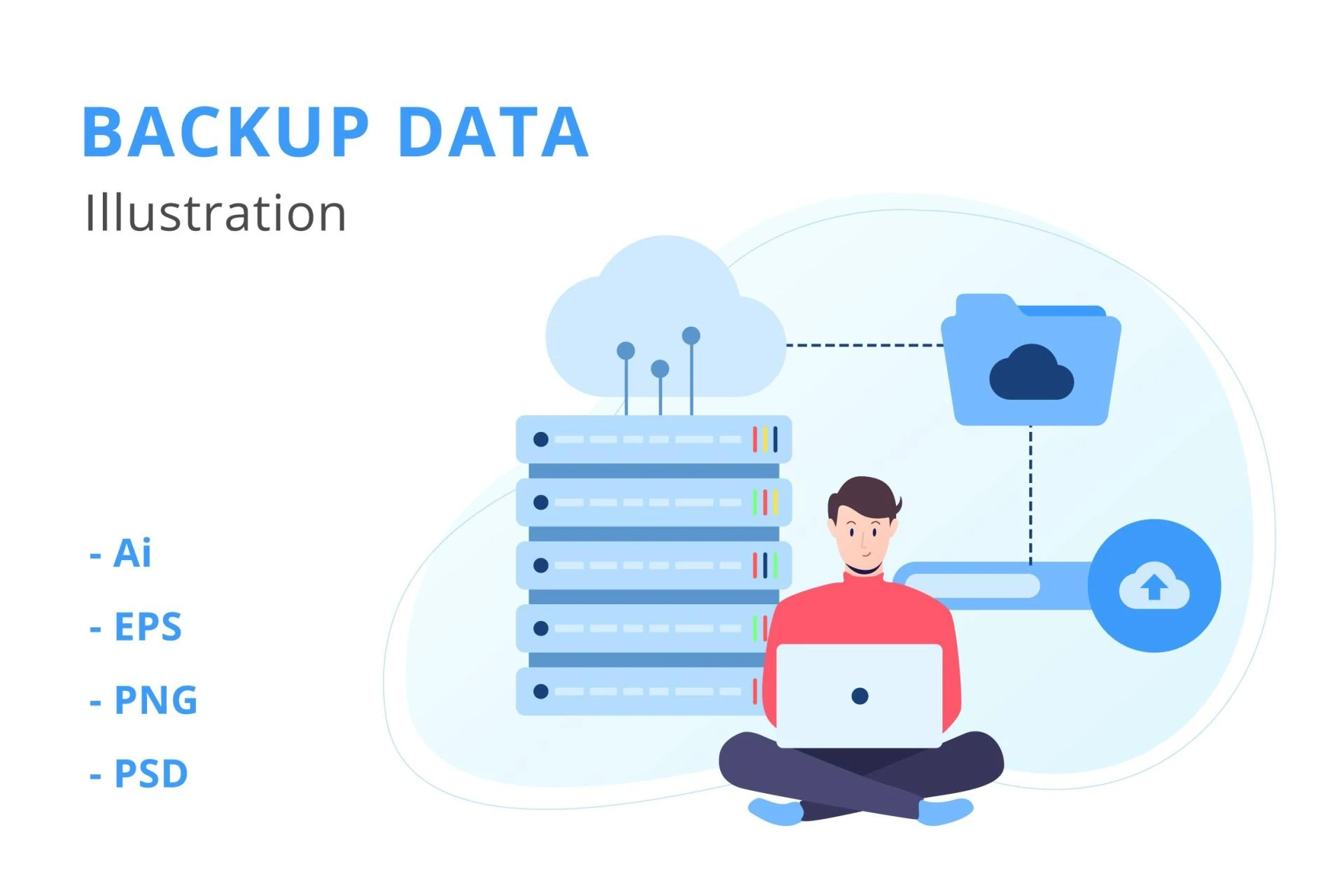

What is Data Backup? At its core, it’s the first line of defense against data loss — whether from hardware failure, human error, malware, or natural disasters. In today’s world, a comprehensive data backup strategy is essential for effective disaster recovery, long-term data loss prevention, and ensuring business continuity under any circumstances.
The Role of Data Backup in Disaster Recovery & Business Continuity
- Recovery from hardware or system failure — If servers crash or storage media fails, backups restore operations.
- Protection against human error or accidental deletion — Backups let you revert to earlier versions or restore lost files.
- Defense against cyber threats (ransomware, malware) — Backup copies, stored safely offline or off-site, allow recovery without paying ransom.
- Natural disasters, physical damage, or site failure — Off-site or cloud backups ensure data survives even if primary infrastructure is destroyed.
- Regulatory and legal resilience — Ensures compliance with data retention laws and allows reconstruction of lost records.
Building a Disaster-Ready Backup and Recovery Plan
1. Define Recovery Objectives
- Recovery Time Objective (RTO): How quickly do you need to resume operations?
- Recovery Point Objective (RPO): How much data loss is acceptable (e.g., last 5 minutes, last hour, last day)?
2. Maintain Multiple Backup Copies
- Use the 3-2-1 rule: 3 copies of data, on 2 different media, with 1 off-site (or cloud).
3. Use Immutable and Versioned Storage
- Employ WORM, snapshots, or versioning to ensure backups cannot be tampered or altered.
4. Test Backup & Restore Procedures Regularly
- Schedule periodic test restores to verify data integrity and reliability.
- Document the test results to prove readiness for audits or compliance checks.
5. Automate Backup, Monitoring & Alerts
- Automate backup jobs to avoid errors or omissions.
- Implement monitoring and alerts for failures, missed backups, or storage issues.
6. Encrypt and Secure Backups
- Use encryption in transit and at rest — especially for sensitive data.
- Implement access controls and role separation to minimize insider risk.
7. Document a Disaster Recovery & Business Continuity Plan
- Include steps to restore systems from backup.
- Maintain an inventory of all critical data and systems.
- Define roles, responsibilities, and communication processes during recovery.
Benefits of a Robust Backup-Based Disaster Recovery Plan
- Minimal downtime and data loss even in severe disasters
- Operational resilience — critical business processes remain unaffected or recover quickly
- Regulatory compliance and audit preparedness for data retention and recovery procedures
- Reduced risk of ransom payments — backups mitigate ransomware impact
- Improved organizational trust and reliability — customers, partners, and regulators see resilience and preparedness
Conclusion
Understanding What is Data Backup is only the first step. To ensure true resilience and business continuity, organizations must integrate backup into a broader disaster recovery and data loss prevention framework. With multiple copies, secure archival, automated processes, and regular restore testing — companies can protect against the unexpected and guarantee continuity under all circumstances.




























Sign in to leave a comment.