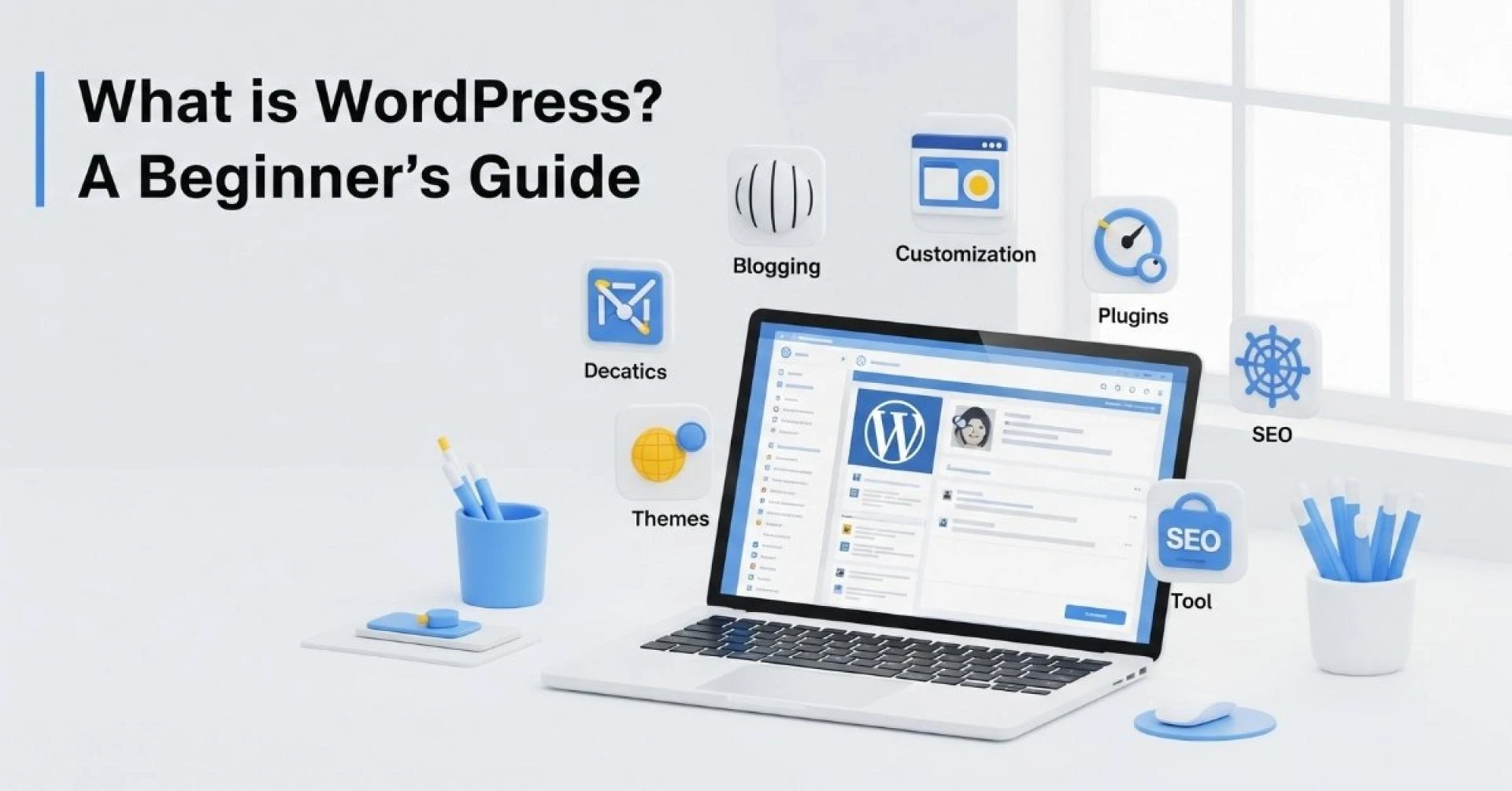

WordPress has become synonymous with website creation. Whether you want to start a personal blog, showcase your portfolio, run an online store, or build a business website, WordPress offers a flexible, user-friendly solution. In fact, nearly half of all websites on the internet are powered by WordPress, making it the most popular content management system (CMS) globally.
If you’re new to website building, this guide will walk you through everything you need to know about WordPress, why it’s so widely used, and how you can start using it efficiently with WordPress Hosting India.
What is WordPress?
WordPress is a free and open-source CMS that allows anyone to build and manage websites without extensive coding knowledge. Originally launched in 2003 as a blogging platform by Matt Mullenweg and Mike Little, WordPress has evolved into a versatile CMS capable of powering websites of all types.
The software is licensed under the GNU General Public License, which means you can use, modify, and distribute it freely. Its popularity is supported by a vibrant global community, thousands of plugins, and countless themes that make website customization easy.
What Can You Build with WordPress?
WordPress is incredibly versatile, making it suitable for:
- Personal Blogs: Easy-to-use interface for writing and managing posts.
- Portfolios: Showcase your work with professional themes and gallery plugins.
- Business Websites: Add contact forms, client testimonials, and service pages.
- E-commerce Stores: Plugins like WooCommerce transform your site into a full-featured online shop.
- Membership Sites: Manage subscriptions, paywalls, and restricted content.
- News Platforms: Publish articles, manage user roles, and update content regularly.
- Nonprofit Websites: Support donations, events, and volunteer management.
- Forums & Communities: Build interactive spaces for discussions.
- Educational Sites: Use LMS plugins for course creation and tracking.
- Event Websites: Manage ticket sales, schedules, and promotions.
Even high-profile organizations like NASA and Disney rely on WordPress to manage complex, content-rich websites effectively.
Why Use WordPress?
WordPress offers numerous benefits that make it a preferred choice for beginners and professionals alike:
- User-Friendly Interface: You can manage your site without coding skills.
- Customizable Design: Thousands of themes allow you to design a unique website.
- Extendable Functionality: Plugins enable you to add almost any feature imaginable.
- Strong Community Support: Access tutorials, forums, and documentation globally.
- SEO-Friendly: Optimized for search engines with plugins like Yoast SEO.
- Cost-Effective: Open-source software with affordable hosting options like WordPress Hosting India.
These features make WordPress ideal for small businesses, entrepreneurs, and even large enterprises.
What Are WordPress Themes and Plugins?
Themes
Themes control the look and layout of your website. They determine fonts, colors, page structure, and overall design. WordPress offers thousands of free and premium themes for every niche.
Plugins
Plugins are like apps for your website, extending its functionality. Examples include:
- SEO Plugins: Yoast SEO, Rank Math
- Security Plugins: Wordfence, Sucuri
- E-commerce Plugins: WooCommerce
- Performance Plugins: WP Rocket, W3 Total Cache
- Social Media Plugins: Smash Balloon, Social Snap
By combining themes and plugins, you can create a highly customized website tailored to your needs.
How to Start Using WordPress
Getting started with WordPress is straightforward. Here’s a step-by-step guide:
Step 1: Choose a Domain and Hosting
Your domain is your website address (e.g., www.example.com). Hosting is where your website lives online. Choosing reliable WordPress Hosting in India ensures:
- Faster page load speeds
- Better uptime reliability
- Security and backups
- Expert support
Step 2: Install WordPress
Most hosting providers offer one-click WordPress installation, making setup easy even for beginners.
Step 3: Select a Theme
Pick a theme that suits your website’s purpose. Free themes are good for beginners, while premium themes offer advanced customization.
Step 4: Install Essential Plugins
Start with:
- SEO plugins
- Security plugins
- Performance plugins
- Analytics plugins
Step 5: Customize Your Website
Modify pages, colors, fonts, and layouts. Use drag-and-drop builders like Elementor or WPBakery for visual editing.
Step 6: Add Content
Create:
- Home page
- About page
- Services or Products page
- Blog posts for engagement and SEO
Tips for Beginner WordPress Users
- Keep it Updated: Always update WordPress core, themes, and plugins.
- Backups Are Key: Use plugins or hosting features to backup your site regularly.
- Use Strong Security: Protect your website from attacks with security plugins.
- Focus on SEO: Use SEO-friendly URLs, headings, and meta descriptions.
- Optimize Performance: Compress images and use caching plugins for faster load times.
Why WebSpaceKit + WordPress Hosting India Is a Great Choice
When building your WordPress website, choosing the right hosting provider is critical. WebSpaceKit offers:
- Affordable and reliable WordPress Hosting India
- Optimized servers for speed and uptime
- Easy WordPress installation
- Security and daily backups
- Expert support tailored to beginners and professionals
By combining WordPress’s flexibility with WebSpaceKit’s robust hosting, you can create websites that are fast, secure, and scalable.
Conclusion
WordPress is the ultimate platform for building websites of all kinds — from blogs to eCommerce stores and beyond. With its rich ecosystem of themes, plugins, and strong community support, it offers endless possibilities for both beginners and experienced developers.
Starting your journey is simple:
- Choose a domain and hosting (like WordPress Hosting India).
- Install WordPress.
- Pick a theme and essential plugins.
- Customize your website.
- Add content and optimize for SEO.
Whether you want to build a personal project or grow your business online, WordPress combined with reliable hosting like WebSpaceKit makes the process seamless and efficient.

























Sign in to leave a comment.