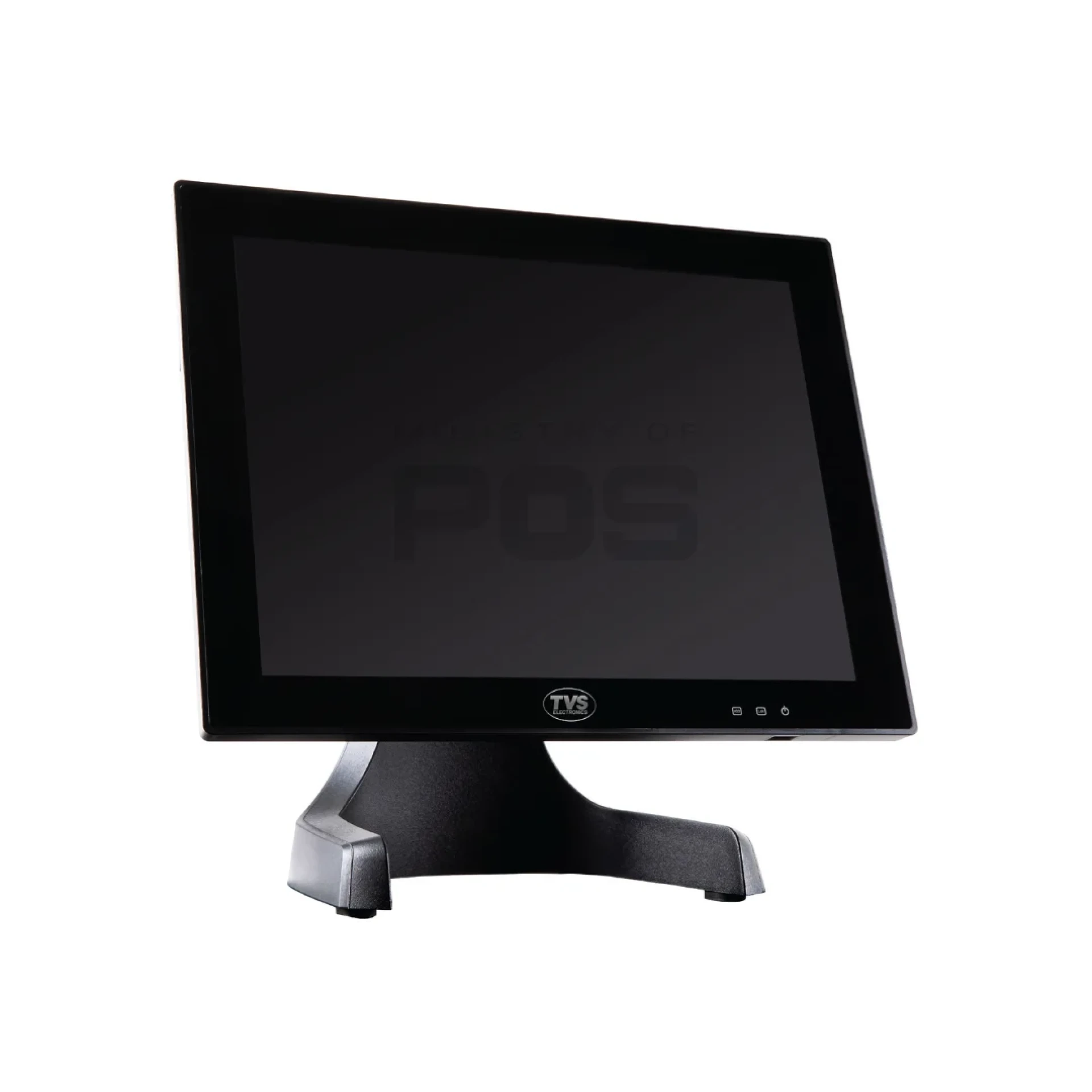
When it comes to running a smooth retail or billing operation, the TVS POS machine is a trusted solution for many businesses across India. Known for its reliability and affordability, TVS POS machines are used in supermarkets, small retail shops, restaurants, and pharmacies. But one question most people have is — what kind of software powers a TVS POS machine?
In this blog, we’ll explain the types of software typically used in TVS POS machines, how it helps businesses, and what to consider when choosing the right software.
1. What is POS Software?
Before diving into what TVS offers, let’s first understand what POS software is. A Point of Sale (POS) software is the application installed in the POS terminal (the physical machine). It helps manage sales, billing, inventory, customer data, and reporting.
For a TVS POS machine, the software acts as the brain of the system—handling everything from product scanning to printing receipts.
2. Software Compatibility in TVS POS Machines
TVS POS machines generally run on Windows or Android operating systems, depending on the model. This makes them compatible with a wide range of POS software options. Most machines come pre-loaded with basic POS software, but they are flexible enough to install custom or third-party billing software as well.
Here are the common types of software used:
3. Types of Software Used in TVS POS Machines
a) Retail Billing Software
This is the most common type of software found in a TVS POS machine. It handles:
- Product barcode scanning
- Sales transactions
- GST-compliant invoicing
- Discounts and offers
- Daily sales reports
Popular software for this includes:
- Logic ERP
- Marg ERP
- GoFrugal POS
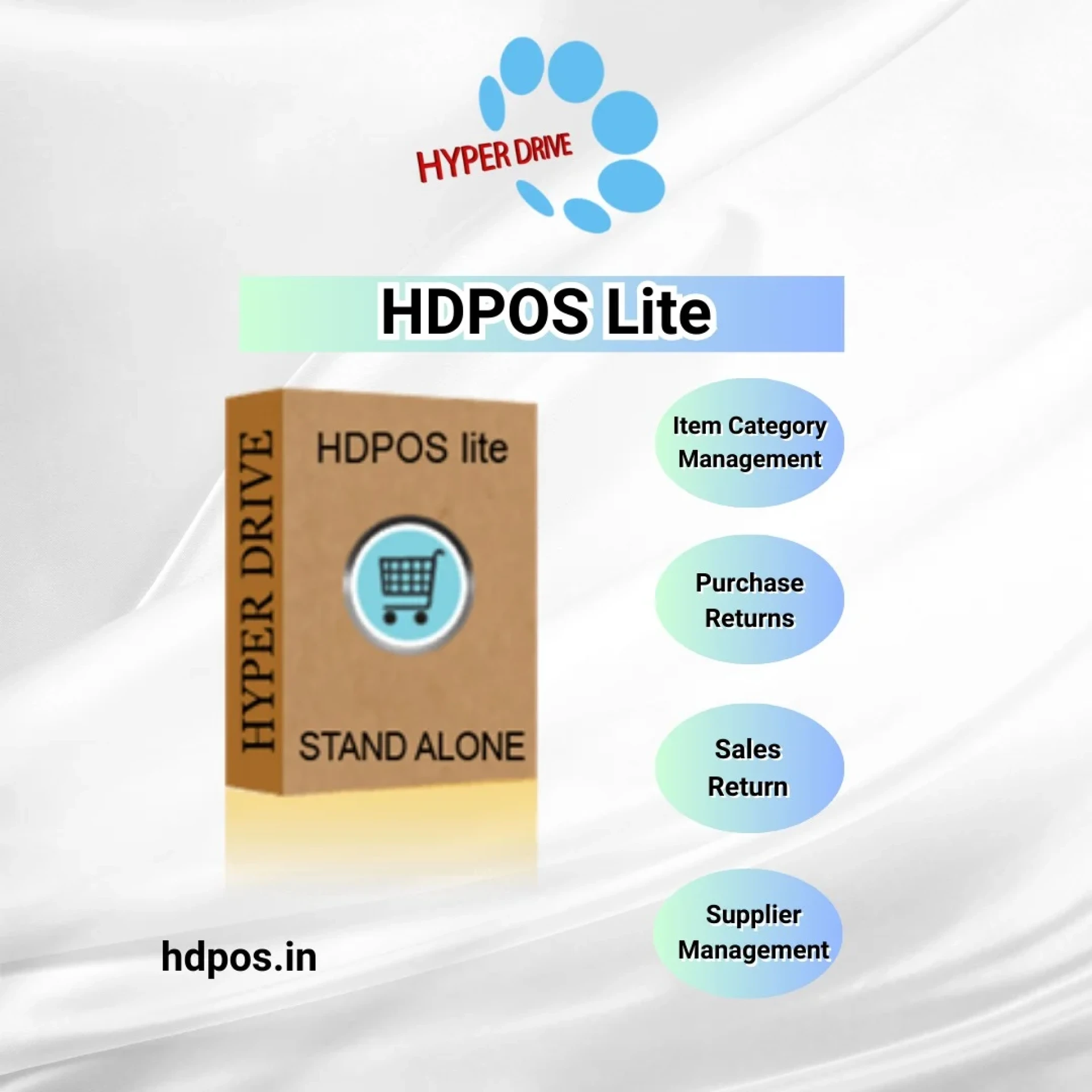
- HDPOS Smart
b) Inventory Management Software
Some advanced TVS POS setups come with software that tracks stock levels in real time. This is useful for businesses that need to monitor their inventory and get alerts when items run low.
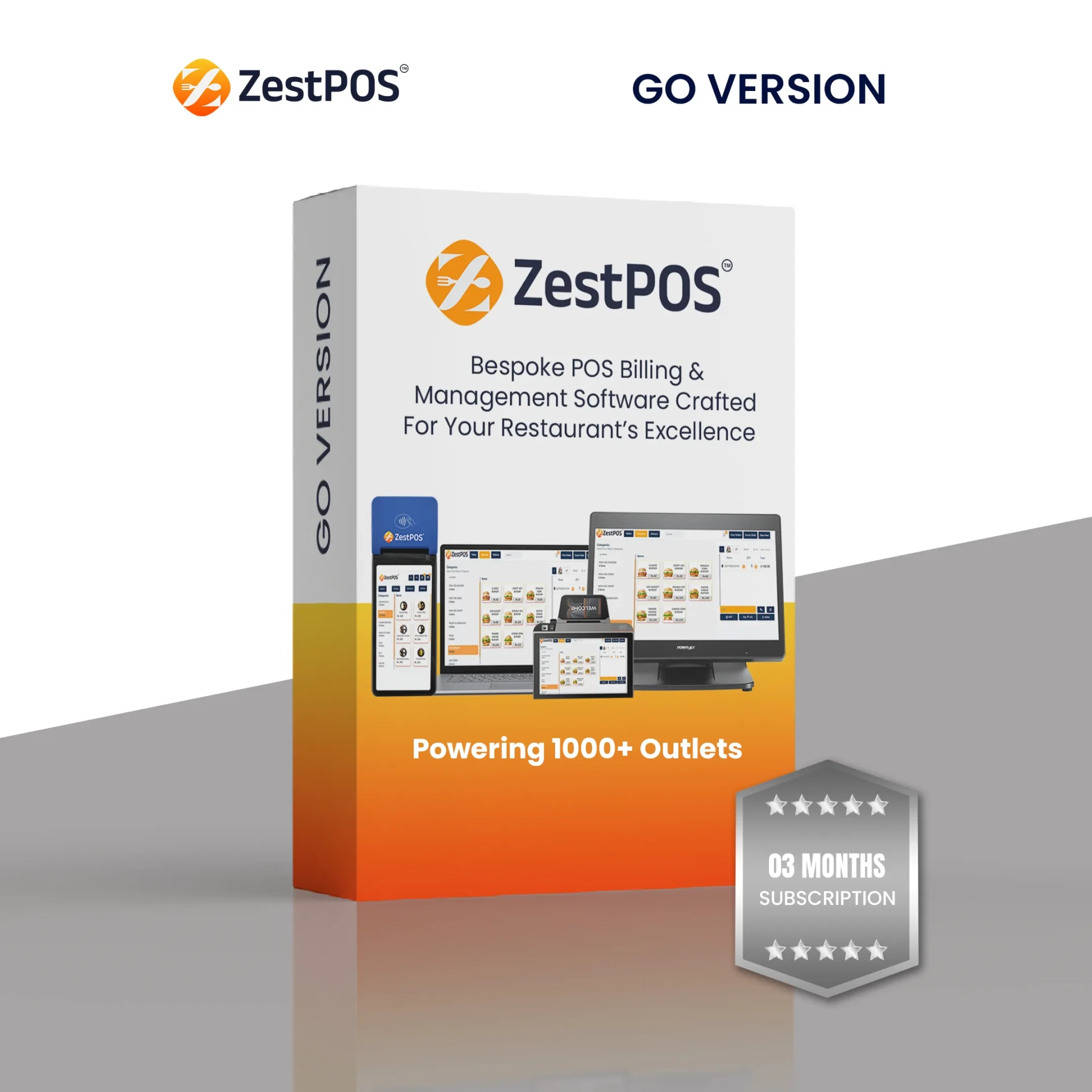
c) Restaurant POS Software
TVS POS machines used in cafes or restaurants often include features like:
- Table management
- Kitchen order printing (KOT)
- Menu customizations
- Billing with taxes and service charges
Softwares like Petpooja, POSist, or Rista POS are often installed for food businesses.
d) Custom Software by Local Vendors
Many small businesses use software developed by local vendors to meet specific needs. These custom software applications are lightweight and easy to run on TVS POS machines.
4. Cloud-Based vs. Offline Software
Another important aspect is whether the software is cloud-based or offline:
- Cloud-Based POS Software:
- Requires an internet connection and allows data access from anywhere. Good for chains with multiple branches.
- Example: GoFrugal Cloud POS.
- Offline POS Software:
- Works without the internet. All data is stored locally in the machine. Best for shops in low-network areas.
Most TVS POS machines support both, but the choice depends on your business needs.
5. Importance of Choosing the Right Software
Using the right software in your TVS POS machine makes a big difference. It helps:
- Speed up billing
- Reduce human error
- Track inventory easily
- Provide better customer service
- Generate sales and tax reports
When you choose a TVS POS machine, always ask what software comes pre-installed and if it can be updated or changed later.
6. Can You Install Other Software on a TVS POS Machine?
Yes. Most TVS POS machines, especially those with Windows OS, allow you to install third-party or custom software. Just make sure the software is compatible with the machine’s configuration (RAM, storage, processor) for smooth performance.
7. Conclusion
A TVS POS machine is only as powerful as the software running on it. Depending on your business type—retail, restaurant, or pharmacy—you can choose the right POS software that suits your operations. Whether it's a cloud-based system or a simple offline billing tool, TVS machines offer great flexibility and performance.
And with reliable options like TVS Billing Machines available at budget-friendly prices, upgrading your business operations has never been easier.
Source: https://sites.google.com/view/ministryofpos/blog/what-kind-of-software-is-used-in-tvs-pos-machines


























Sign in to leave a comment.