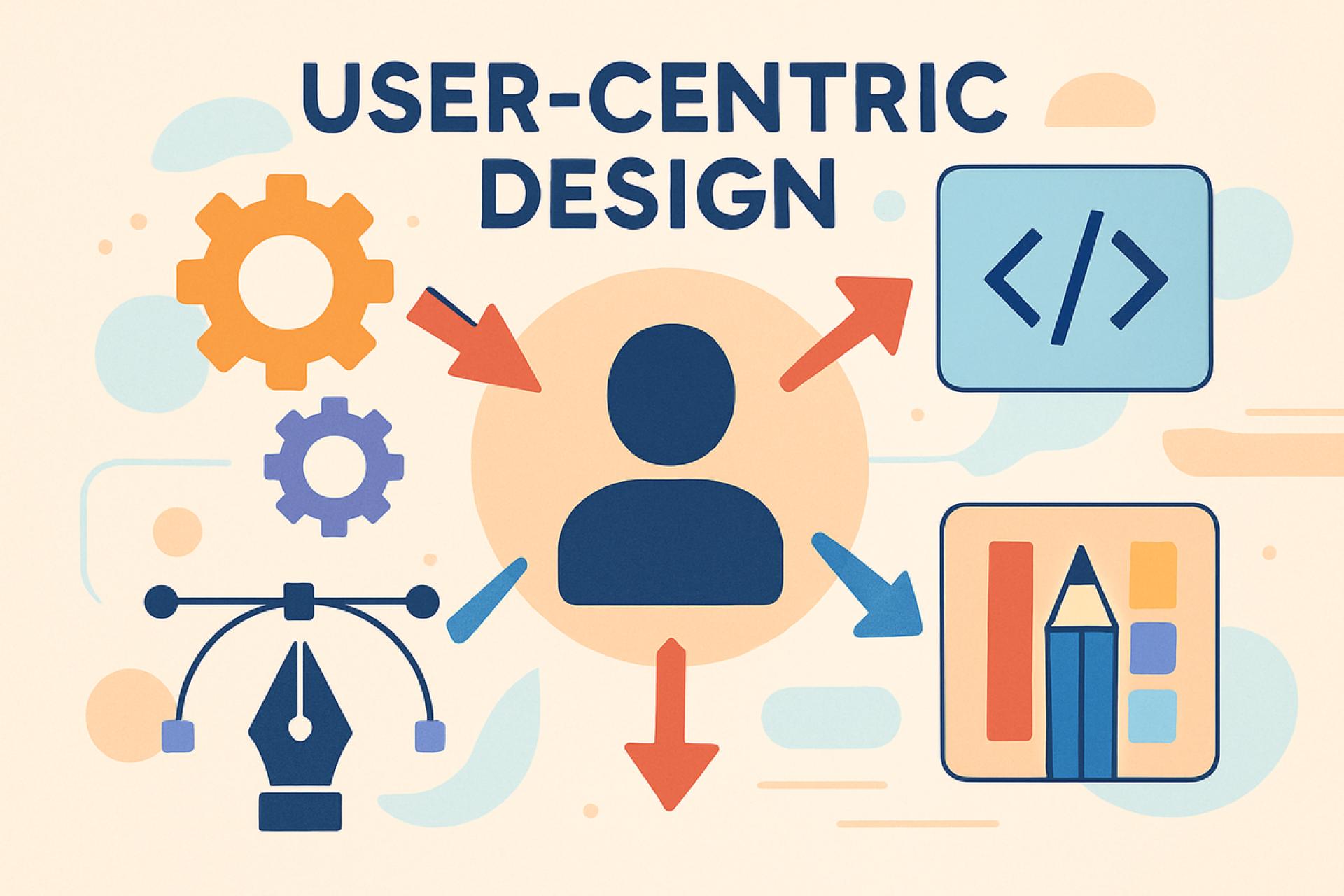
In a world overflowing with digital solutions, users have become more selective than ever. They expect software to be not just functional, but easy, intuitive, and delightful to use. This is why custom software development must prioritize user-centric design. Whether you’re building enterprise systems, sleek mobile apps, or innovative AI-powered tools, putting users at the heart of your software ensures higher adoption, satisfaction, and business success.
Below, let’s explore what user-centric design means and why it’s so crucial in custom software projects.
What is User-Centric Design?
User-centric design (UCD) is an approach to building software that starts and ends with the user’s needs. Instead of simply writing code to meet technical requirements, developers and designers focus on:
- Understanding user behavior and goals
- Designing intuitive interfaces
- Testing usability
- Improving based on feedback
In custom software development, UCD ensures that applications aren’t just tailored to business processes—they’re tailored to the real people who will use them every day.
Why User-Centric Design Matters in Custom Software Development
Let’s look at the core reasons why user-centric design is so important in custom software projects.
Drives Higher User Adoption
Even the most sophisticated custom software can fail if users don’t adopt it. When software is confusing or awkward, people simply avoid using it—or revert to old methods.
By designing with users in mind, businesses ensure their custom software:
- Feels familiar and easy to navigate
- Matches users’ real workflows
- Requires minimal explanation
For example, in mobile app development, users often judge an app within seconds. A clean, intuitive design can be the difference between an app that’s embraced and one that’s uninstalled.
Reduces Training and Support Costs
Software that’s intuitive cuts down on the need for training and support. If users understand how to use a new system without needing lengthy instruction manuals, businesses save time and money.
This is crucial in AI app development, where complex algorithms and predictions can be intimidating. User-centric design ensures that even advanced AI features are presented in a clear, approachable way, lowering barriers for non-technical users.
Boosts Productivity and Efficiency
Custom software is often built to replace outdated systems or manual processes. A user-centric approach ensures the new software fits seamlessly into daily work routines, helping users accomplish tasks faster and with fewer mistakes.
For example, a custom sales dashboard might:
- Display only relevant data for each user role
- Simplify report generation
- Automate repetitive tasks
Such thoughtful design helps employees work smarter, not harder.
Enhances Customer Satisfaction and Loyalty
When software is customer-facing—like an e-commerce platform, a mobile banking app, or a booking system—user experience directly impacts how customers perceive your brand.
Good UX leads to:
- Higher engagement
- Longer session times
- Increased trust
If a custom mobile app or AI-powered service feels clunky, users may abandon it and choose a competitor instead. User-centric design creates positive interactions that build loyalty and keep customers coming back.
Supports Accessibility and Inclusivity
User-centric design also means considering the needs of people with disabilities. Software should be usable for everyone, regardless of physical or cognitive limitations.
Accessible custom software might include:
- Screen reader compatibility
- High-contrast color options
- Large, easy-to-tap buttons in mobile apps
Designing for accessibility not only meets legal requirements but demonstrates social responsibility and expands your audience.
How to Apply User-Centric Design in Custom Software Development
Knowing why user-centric design matters is one thing—putting it into practice is another. Here’s how to integrate UCD into your custom projects.
Start with User Research
Before writing any code, learn about your users:
- Who are they?
- What are their daily tasks?
- What frustrations do they have with current tools?
Conduct interviews, surveys, and observations. For example, in mobile app development, understanding how users hold and navigate their phones helps determine optimal layouts and gestures.
Create User Personas
Personas are fictional profiles representing typical users of your software. Each persona highlights:
- Demographics
- Goals
- Pain points
- Technical skills
In AI app development, you might have separate personas for a data analyst (who wants advanced controls) and a business executive (who needs simple dashboards).
Map User Journeys
A user journey map visualizes how users move through your software to achieve goals. This helps identify:
- Friction points
- Redundant steps
- Opportunities for improvement
Mapping journeys is essential in custom projects like a healthcare app, where every step—from login to patient record retrieval—must be smooth and secure.
Prototype and Test Early
Instead of waiting until development is complete, create wireframes or prototypes early. Tools like Figma or Adobe XD let you:
- Visualize screens and flows
- Share mockups with stakeholders
- Gather feedback before coding
Early testing helps avoid expensive changes later and ensures designs align with user expectations.
Conduct Usability Testing
Put your prototypes—or even working software—in front of real users. Observe how they interact, where they get stuck, and what confuses them.
Usability testing is crucial in AI app development, where explaining AI predictions in a user-friendly way can make or break the experience.
Iterate Based on Feedback
User-centric design isn’t a one-time task—it’s an ongoing process. Collect feedback after launch, monitor usage data, and continuously refine your software. Agile methodologies are perfect for this, allowing for rapid updates that keep your software aligned with user needs.
User-Centric Design in Mobile App Development
Mobile app development demands user-centric design even more than desktop applications because:
- Screen space is limited
- Users interact with apps on the go
- Gestures replace clicks
Design considerations include:
- Large tap targets
- Simple navigation
- Offline capabilities
- Fast load times
Custom mobile apps designed with users in mind gain better reviews, higher retention, and stronger brand loyalty.
User-Centric Design in AI App Development
AI app development often involves complex technology, but user-centric design keeps it usable. Focus areas include:
- Clear explanations of AI decisions
- Visualizations that simplify data
- Controls allowing users to override AI suggestions
User-centric design ensures AI tools are not just powerful—but also trusted and widely adopted.
The Business Impact of User-Centric Custom Software Development
Businesses that prioritize user-centric design see:
- Faster software adoption
- Lower support costs
- Higher productivity
- Improved customer satisfaction
- Stronger competitive advantage
Investing in user-focused custom software ensures that your solutions are not just functional—but valued, used, and loved.
Final Thoughts
Custom software development is ultimately about people. No matter how advanced your tech stack or how impressive your features, success depends on one thing: whether users actually want to use your software.
By focusing on user-centric design, businesses create custom solutions that are intuitive, accessible, and impactful. Whether you’re building an enterprise system, a sleek mobile app, or a powerful AI application, keeping users at the heart of your process ensures your software delivers real value—and stands the test of time.






















Sign in to leave a comment.