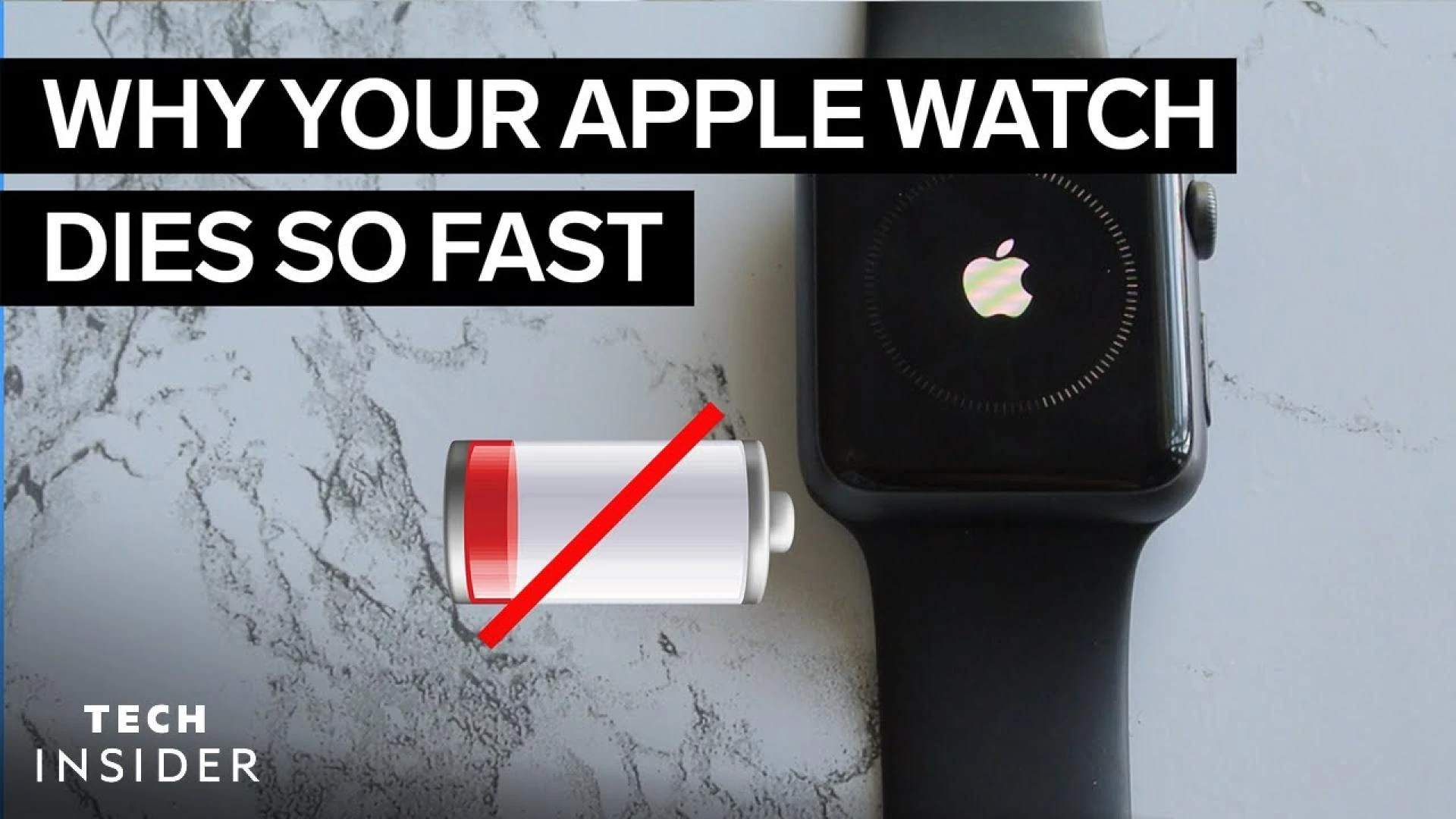

If you find yourself asking, "Why does my Apple Watch die so fast?"—you’re not alone. Battery life issues are a common concern among Apple Watch users. While Apple promises all-day battery life, real-world usage can sometimes tell a different story. Let’s explore the reasons your Apple Watch may be draining quickly and how to fix it.
1. Background Apps and Notifications
Your Apple Watch constantly runs apps and notifications in the background. These can eat up battery life faster than expected. To optimize battery usage:
- Close unused apps.
- Disable unnecessary notifications.
- Limit background app refresh in settings.
At Home Tech Nerves, we always recommend fine-tuning your settings to get the most out of your devices.
2. Display Settings
A bright display and long screen-on time can drain your battery quickly. Reduce drain by:
- Lowering screen brightness.
- Reducing the Wake Screen time.
- Using Dark Mode when possible.
Making these small changes can make a noticeable difference in battery life.
3. Frequent Cellular or GPS Use
If your Apple Watch is frequently using cellular data or GPS, it can lead to rapid battery drain. Features like workout tracking and navigation use these heavily. To extend battery life:
- Turn off GPS when not in use.
- Use Wi-Fi instead of cellular when possible.
- Download music or podcasts instead of streaming.
At Home Tech Nerves, we always stress the importance of adjusting these settings to improve battery efficiency.
4. Outdated Software
Running an old version of watchOS can lead to performance issues, including battery drain. Apple regularly releases updates with fixes and optimizations. Keep your software updated by:
- Checking for the latest watchOS version.
- Installing updates when available.
Keeping your Apple Watch up to date ensures it runs efficiently and gets the latest battery optimizations.
5. Battery Health Decline
Over time, lithium-ion batteries wear down. If your Apple Watch is more than a couple of years old, the battery may not hold a charge like it used to. To check battery health:
- Open the Watch app on your iPhone.
- Navigate to Battery settings.
- Check the battery health percentage.
If it’s significantly degraded, consider a battery replacement to restore performance.
Final Thoughts
Apple Watches are powerful devices, but they require some care to maintain battery life. By managing settings, updating software, and being mindful of power-hungry features, you can keep your watch running longer.
For more smart home and wearable tech tips, visit Home Tech Nerves. We help you make the most out of your gadgets with practical advice and easy-to-follow guides.

























Sign in to leave a comment.