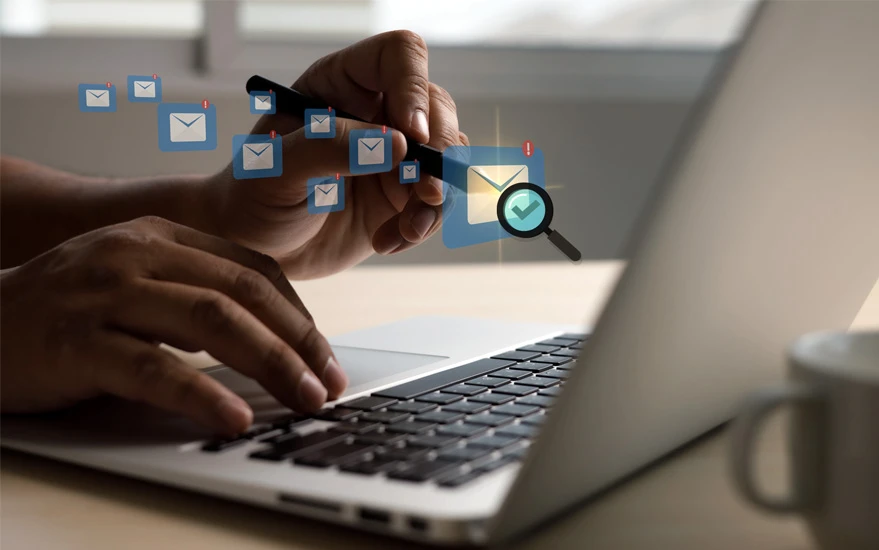

What Is Email Archiving?
Email archiving or Archiving Emails is the automated process of capturing, indexing, and storing all inbound and outbound emails in a secure, searchable repository—whether on-premise or in the cloud. It preserves critical business communications for compliance, discovery, and operational continuity.
By understanding what email archiving involves, businesses can better safeguard data, meet regulatory standards, and optimize IT resources.
1. Key Benefits of Archiving Emails
Regulatory Compliance & eDiscovery
Archiving ensures retention aligned with laws like HIPAA, GDPR, FINRA, and SOX—supporting legal requests and audits efficiently.
Cost Savings & Storage Efficiency
Offloading emails from primary servers reduces infrastructure strain and storage costs.
Business Continuity & Disaster Recovery
Archived copies enable quick recovery after outages, ransomware attacks, or accidental deletion.
Security & Tamper-Proof Auditing
Email archives include encryption, RBAC, audit logs, and immutable storage—minimizing data tampering.
Improved Search & Knowledge Management
Indexed archives allow users to find historic email conversations in seconds, supporting investigations and institutional memory.
2. Types of Email Archiving: Cloud vs On-Premise
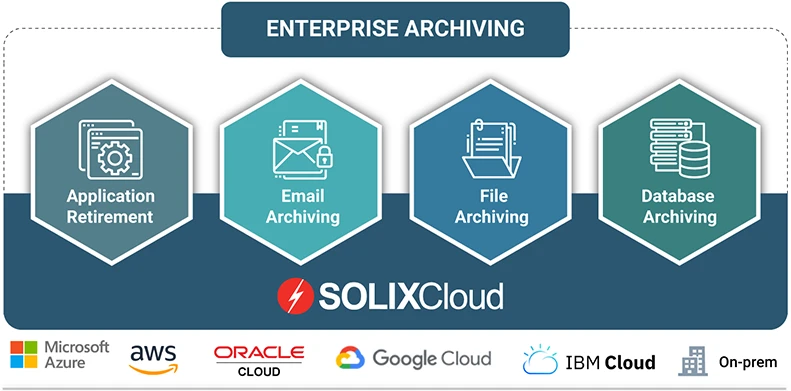
On‑Premise Archiving: Stores archived email on company servers. Offers control but requires more IT resources.
Cloud Email Archiving: Hosted in the cloud, offering scalability, simplified deployment, and reduced hardware maintenance.
Select the model that aligns best with your scalability needs, compliance requirements, and budget.
3. Best Practices for Effective Email Archiving
Archive all email types systematically to ensure no critical data is missed.
Define retention policy based on legal guidelines (e.g., FINRA, HIPAA).
Secure your archives using encryption, RBAC, and audit logs.
Enable efficient search tools for fast retrieval.
Automate policy enforcement to ensure consistency and reduce errors.
Regularly review capacity and legal updates to stay compliant.
4. Why Solix for Email Archiving?
At Solix Technologies, our platform supports both cloud and on-premise deployments. We offer:
Comprehensive retention policy controls compliant with industry standards
Encrypted, immutable archive storage with detailed audit support
Lightning-fast search and eDiscovery capabilities
Seamless integration with your IT and compliance stack
With Solix, you can confidently archive emails, ensuring compliance, solid disaster recovery, and powerful data accessibility.
5. FAQ
Q: What is email archiving used for?
A: It’s used to retain email data for compliance, legal discovery, backup, and operational efficiency.
Q: How long should emails be archived?
A: Retention varies—HIPAA/GLBA often need 7 years, FINRA around 5. Policies depend on your industry.
Q: Can archived emails be searched quickly?
A: Yes. Modern solutions index emails for fast, accurate search and retrieval.
Q: Is cloud archiving secure?
A: Absolutely—top cloud archiving includes encryption, audit trails, and compliance with standards.
Conclusion
Investing in a robust email archiving solution is vital for compliance, security, efficiency, and legal preparedness. Solix delivers a trusted, scalable archive platform that simplifies policy enforcement and disaster recovery—helping you meet today's challenges and tomorrow's regulations.


























Sign in to leave a comment.