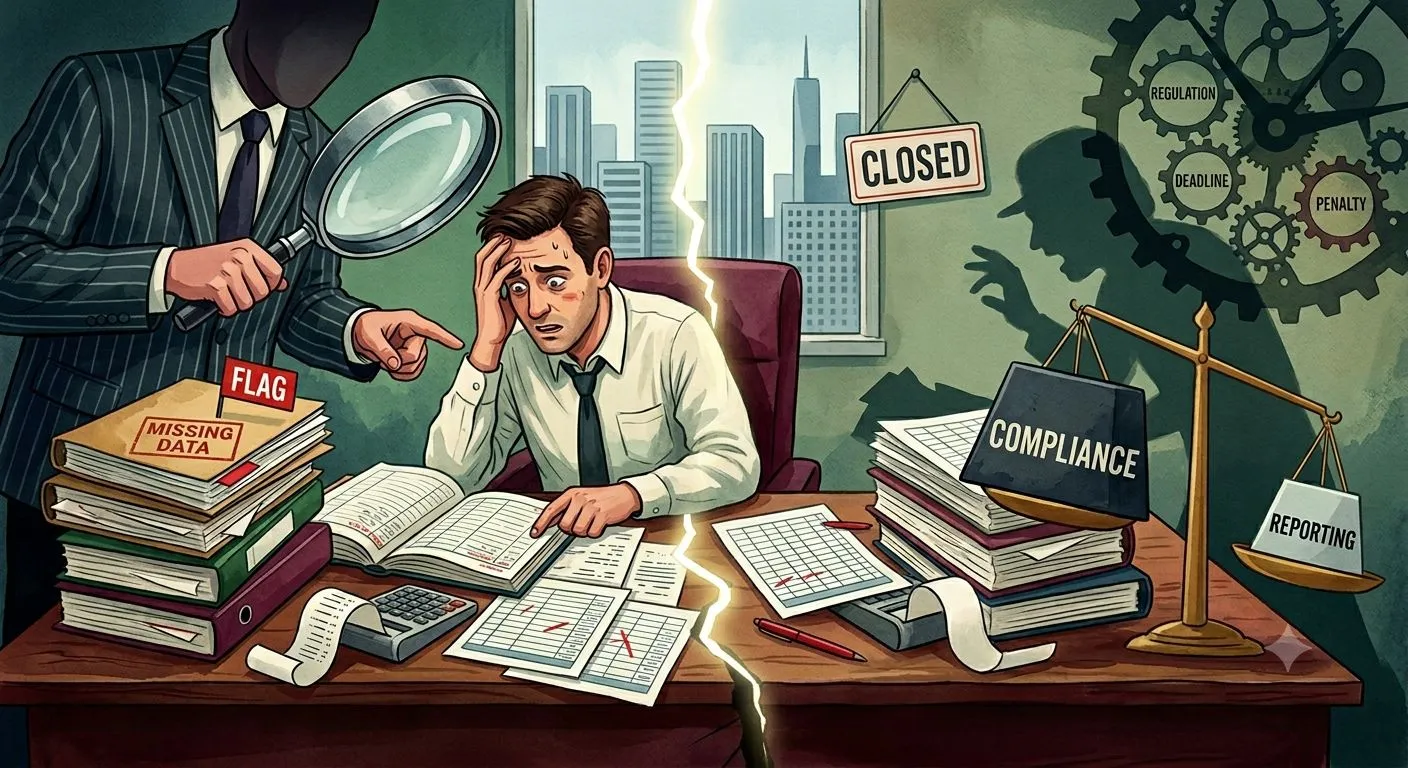

Financial reporting becomes risky when teams rely on spreadsheets, manual entries, copied data, and scattered evidence. A single wrong formula, missing approval, or outdated report version can affect financial statements, audit review, compliance checks, and management decisions. The real issue is not only slow reporting. It is the lack of traceable, verified, and review-ready data.
Manual financial reporting creates audit and compliance risks because finance teams struggle to prove where numbers came from, who reviewed them, and why changes were made. This blog explains the risks, warning signs, control gaps, and safer reporting practices finance teams should follow.
What Is Manual Financial Reporting?
Manual financial reporting is the process of preparing reports through spreadsheets, manual data pulls, email approvals, and offline checks.
Manual Financial Reporting Definition
Manual financial reporting means finance teams collect, enter, adjust, review, and share financial data by hand instead of using connected reporting workflows.
How Manual Reporting Works in Finance Teams
Teams often export data from ERP systems, update spreadsheets, adjust figures, review variances, and prepare reports manually.
Why Companies Still Use Manual Reporting Processes
Companies continue using manual reporting because older systems, familiar spreadsheets, limited integrations, and informal review habits remain common.
These manual steps may feel manageable at first, but they create risk as reporting volume and audit needs grow.
Why Manual Financial Reporting Creates Risk
Manual financial reporting creates risk because each manual step can weaken accuracy, review quality, and control evidence.
Human Error in Report Preparation
Typing errors, copied values, and missed fields can lead to wrong report outputs.
Spreadsheet Dependence Across Reporting Cycles
Spreadsheets are easy to edit, but hard to control across users, versions, and formulas.
Delayed Data Collection From Finance Systems
Late data collection can delay management reporting, close, and audit preparation.
Limited Review History for Report Changes
Manual reports often lack clear logs showing who changed a value and why.
Weak Source Traceability for Report Values
If report numbers cannot be traced to source records, audit and compliance review become harder.
This is where the role of financial process automation becomes relevant because it connects data capture, validation, approval, reporting, and review evidence in one controlled workflow.
Why Audit and Compliance Teams Care About Manual Reporting
Audit and compliance teams care because financial reports must be accurate, controlled, and supported by evidence.
Financial Reports Need Verifiable Source Data
Every report value should connect to a ledger, journal, transaction, or supporting record.
Auditors Need Clear Review Evidence
Auditors need proof of review, approval, changes, and source support.
Compliance Teams Need Control Proof
Compliance teams need evidence that policies, approval rules, and controls were followed.
Regulators Expect Accurate and Timely Reporting
Reports should be accurate, complete, and prepared within required timelines.
Manual Processes Make Evidence Harder to Defend
When evidence is scattered across files and emails, teams spend more time proving report accuracy.
Common Manual Financial Reporting Risks
Manual reporting risks usually begin with data handling, formulas, versions, approvals, and missing support.
Data Entry Errors
Manual entry can create wrong values, missing figures, or incorrect account details.
Formula Errors in Spreadsheets
Broken formulas can distort totals, ratios, and variance calculations.
Version Control Issues
Multiple versions of a report can create confusion about which file is final.
Manual Copy-Paste Mistakes
Copied data can be placed in the wrong row, account, entity, or period.
Unapproved Report Adjustments
Adjustments without approval records weaken control and audit readiness.
Missing Supporting Documents
Reports lose reliability when support files are not attached or traceable.
How Manual Reporting Affects Financial Statement Accuracy
Manual reporting affects financial statement accuracy by increasing the chance of incomplete or incorrect data.
Incorrect Trial Balance Data
Wrong trial balance data can affect final financial statements.
Misclassified Accounts
Misclassified accounts can distort assets, liabilities, revenue, expenses, and equity.
Incomplete Journal Entries
Missing journals can create incorrect balances and reporting gaps.
Wrong Period Cut-Off
Wrong cut-off can move revenue, expenses, or liabilities into the wrong reporting period.
Inconsistent Entity and Department Data
Inconsistent entity or department coding can affect consolidated reporting.
Higher Risk of Financial Misstatement
Small reporting errors can combine into larger financial misstatement risk.
Audit Risks Created by Manual Financial Reporting
Manual reporting increases audit risk when evidence, approvals, and review paths are weak.
Missing Audit Trails
Without audit trails, teams cannot easily show how values were prepared.
Unclear Review Ownership
Reports may lack clear ownership for preparation, review, and approval.
Delayed Audit Evidence Collection
Audit evidence takes longer to collect when stored in different files and inboxes.
Weak Change Tracking
Manual reports may not show when values changed or who changed them.
Poor Documentation of Adjustments
Adjustments need written reasons and approval support.
Higher Risk of Audit Findings
Weak evidence and unclear controls can lead to audit findings.
Compliance Risks Created by Manual Financial Reporting
Compliance risks appear when reporting controls are not consistent or well documented.
Incomplete Compliance Evidence
Missing approval logs, policy checks, or review notes weaken compliance proof.
Unverified Report Inputs
Report values should be checked before use in management, statutory, or regulatory outputs.
Weak Segregation of Duties
The same person should not prepare, review, and approve sensitive reporting changes.
Policy Exceptions Without Approval Records
Exceptions should include approval details and reasoning.
Delayed Regulatory Reporting
Manual delays can affect filing timelines and compliance readiness.
Control Failures During Review
Unclear review paths can cause control failures during reporting cycles.
Why Spreadsheets Increase Audit and Compliance Risk
Spreadsheets increase risk because they are flexible but difficult to govern at scale.
Hidden Formula Errors
Formula errors may remain hidden until reports are reviewed or audited.
Broken Links Across Workbooks
Linked workbooks can break when files move or source names change.
Multiple Report Versions
Different teams may work from different report versions.
Manual Access Sharing
Spreadsheet access can be shared without proper role control.
Limited Change History
Many spreadsheets do not provide enough change history for audit review.
No Direct Link to Source Systems
Report values may not connect directly to ERP, ledger, or source records.
How Manual Reporting Weakens Internal Controls
Manual reporting weakens internal controls when review steps are inconsistent or undocumented.
Lack of Standardized Review Steps
Different teams may follow different review practices.
Informal Approval Workflows
Email approvals can be missed, deleted, or hard to trace.
Manual Overrides Without Evidence
Overrides need clear reasons and approval records.
Inconsistent Control Testing
Controls become harder to test when processes vary by person or period.
Poor Visibility Into Report Preparation Status
Finance leaders may not know which reports are pending, reviewed, or approved.
Reporting Areas Most Exposed to Manual Risk
Certain reporting areas carry higher risk because they affect decisions, audits, and compliance.
Month-End Close Reports
Close reports depend on timely reconciliations, journals, and approvals.
Management Reports
Management reports guide business decisions and need accurate inputs.
Financial Statement Drafts
Draft statements must be traceable to source accounts and adjustments.
Variance Reports
Variance reports need accurate comparisons across actuals, budgets, and forecasts.
Board and Investor Reports
These reports require high confidence, review history, and clear evidence.
Compliance Reports
Compliance reports need accurate data and policy support.
How Manual Reporting Affects Month-End and Year-End Close
Manual reporting slows close because data, review, and evidence are harder to manage.
Late Data Collection
Late data delays reporting preparation and variance review.
Repeated Report Rework
Manual errors often lead to repeated edits.
Slow Variance Review
Variance review takes longer when data is scattered.
Delayed Journal Approval
Unapproved journals can delay close readiness.
Last-Minute Adjustments Before Close
Last-minute changes increase risk if they are not reviewed.
Longer Audit Preparation Time
Audit preparation takes longer when support evidence is gathered after reports are done.
How Manual Reporting Creates Data Quality Problems
Manual reporting creates data quality problems that affect accuracy and trust.
Inconsistent Account Codes
Different account codes can lead to reporting errors.
Duplicate Report Entries
Duplicate entries can overstate balances or activity.
Missing Entity Details
Missing entity details can affect consolidation and segment reporting.
Outdated Finance Data
Old extracts can lead to reports that do not reflect current records.
Unreconciled Balances Used in Reports
Unreconciled balances can create audit and reporting risk.
Data Mismatches Across Systems
Different system values can create reporting conflicts.
How Manual Reporting Affects Audit Readiness
Manual reporting weakens audit readiness by making evidence harder to find and verify.
Evidence Collected After Reports Are Prepared
Evidence should be created during the reporting process, not gathered later.
Source Documents Stored Across Emails and Folders
Scattered storage increases audit response time.
Review Notes Missing From Final Reports
Missing review notes weaken report support.
Audit Requests Taking Longer to Answer
Teams spend more time searching for proof when records are not connected.
Higher Dependence on Individual Team Members
Audit readiness suffers when only certain people know where evidence is stored.
How Manual Reporting Affects Compliance Review
Manual reporting affects compliance review by weakening proof, timing, and control testing.
Harder Policy Control Testing
Controls are harder to test when evidence is incomplete.
Inconsistent Approval Evidence
Approvals should be recorded in a consistent format.
Delayed Compliance Sign-Off
Compliance review slows when teams wait for support documents.
Poor Visibility Into High-Risk Adjustments
High-risk changes should be easy to identify and review.
Limited Proof of Reporting Controls
Compliance teams need clear proof that reporting controls worked.
Warning Signs Your Manual Reporting Process Is Creating Risk
Finance teams should watch for repeated issues that point to reporting risk.
Frequent Report Corrections
Frequent corrections show weak data checks or review gaps.
Multiple Spreadsheet Versions
Multiple versions increase the chance of using the wrong file.
Long Audit Evidence Requests
Long evidence searches show poor source organization.
Repeated Close Delays
Close delays may point to manual reporting bottlenecks.
High Manual Adjustment Volume
A high number of adjustments can signal upstream data issues.
Limited Source References in Reports
Reports without source references are harder to defend.
Manual Reporting vs Automated Financial Reporting
The difference between manual and automated reporting is control, traceability, and consistency.
Data Collection
Manual reporting relies on exports and copy-paste steps. Automated reporting collects data from connected systems.
Report Preparation
Manual preparation needs repeated updates. Automated preparation uses validated records.
Source Traceability
Manual reports may lose source links. Automated reports can retain source references.
Review and Approval History
Manual approvals may sit in emails. Automated workflows keep review history.
Audit Evidence
Manual evidence is often gathered later. Automated workflows create evidence during reporting.
Compliance Control Testing
Automated workflows make control testing easier through logs, rules, and access records.
How Financial Reporting Automation Reduces Audit Risk
Financial reporting automation reduces audit risk by making report values easier to validate, trace, and review.
Source-Linked Report Values
Report values can connect to journals, ledgers, transactions, and supporting files.
Automated Data Validation
Validation checks can catch missing fields, wrong codes, and mismatched values before reports are finalized.
Change Logs for Report Adjustments
Change logs show who changed a report value and why.
Approval History for Financial Outputs
Approval history shows who reviewed and approved reports.
Faster Audit Evidence Preparation
Audit evidence is easier to prepare when it is captured during reporting.
How Financial Reporting Automation Supports Compliance
Financial reporting automation supports compliance by standardizing controls and evidence.
Policy-Based Review Rules
Policy rules can flag reports, adjustments, or values that need review.
Role-Based Access Controls
Access can be managed by user role and data sensitivity.
Segregation of Duties
Preparation, review, and approval tasks can be separated.
Standardized Compliance Evidence
Evidence can be stored in a consistent format for review.
Timely Regulatory Reporting Support
Validated workflows help teams meet reporting deadlines.
What Finance Teams Should Fix Before Automating Reporting
Finance teams should fix data, rules, ownership, and evidence gaps before automating reporting.
Chart of Accounts Consistency
Account codes should be standardized across systems.
Journal Entry Review Rules
Journal review rules should be clear before reporting.
Reconciliation Completion Before Reporting
Reports should use reconciled balances wherever possible.
Approval Matrix for Adjustments
Adjustment approvals should follow defined limits and owners.
Source Document Organization
Source documents should be stored and linked properly.
Report Ownership and Review Paths
Each report should have a clear preparer, reviewer, and approver.
Metrics That Reveal Manual Reporting Risk
Finance teams can measure manual reporting risk through corrections, adjustments, delays, and audit issues.
Report Correction Rate
This shows how often reports need changes after preparation.
Manual Adjustment Volume
High adjustment volume may point to weak upstream controls.
Audit Evidence Request Time
This measures how long it takes to provide audit support.
Close Cycle Duration
Long close cycles may show reporting and review delays.
Compliance Review Turnaround Time
This tracks how quickly compliance checks are completed.
Number of Unresolved Reporting Exceptions
Open exceptions show items that may delay reporting or review.
Audit Finding Count
Audit findings show whether controls and evidence need improvement.
How to Build a Safer Financial Reporting Process
A safer reporting process uses standard data, validation, ownership, approvals, and audit evidence.
Standardize Report Inputs
Use consistent fields, accounts, entities, and periods.
Validate Data Before Report Preparation
Check report inputs before they enter final outputs.
Link Report Values to Source Records
Every key value should connect to its source record.
Assign Review Ownership
Each report should have named owners for preparation and review.
Keep Approval Logs for Adjustments
Adjustments should include approval records and reasons.
Prepare Audit Evidence During the Reporting Workflow
Evidence should be prepared as part of reporting, not after the fact.
End Note: Manual Financial Reporting Increases Risk When Controls Are Weak
Manual financial reporting creates audit and compliance risks when source records, approvals, review notes, and adjustments are not traceable. Spreadsheets and manual handoffs may still work for simple reports, but they become risky as reporting volume, audit needs, and compliance expectations grow.
For finance teams handling borrower statements and credit inputs, financial spreading software can support source-linked extraction, standardized financial data, ratio-ready outputs, and analyst review. Across reporting workflows, cleaner data, clear ownership, and stronger evidence help finance teams reduce audit and compliance risk.






















Sign in to leave a comment.