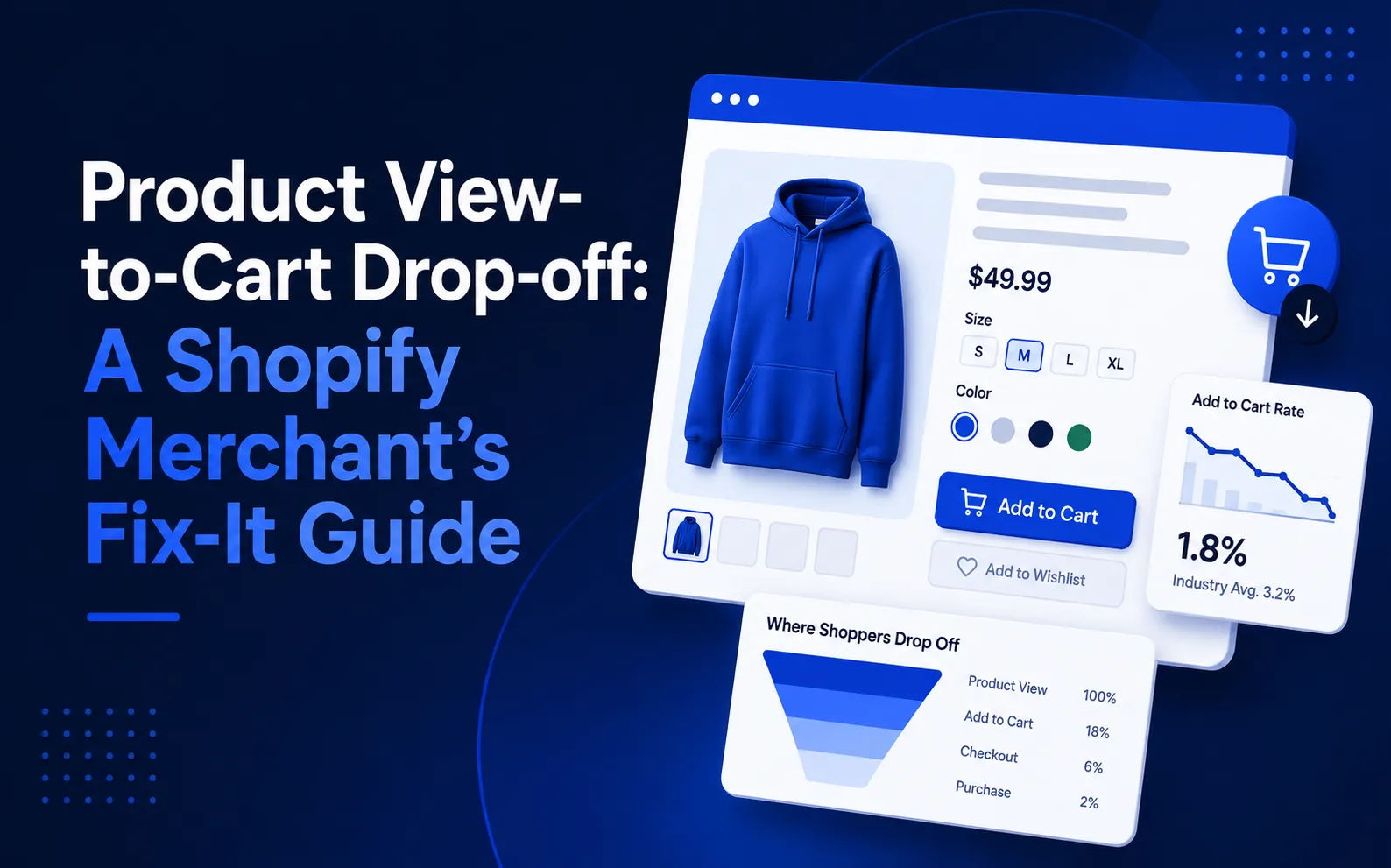

A Shopify product page can receive hundreds of visitors every day and still generate surprisingly few cart additions. At first, this can look confusing. If people are reaching the product page, why are they leaving without buying?
The answer is often hidden between product views and cart activity. Your store may be attracting the right level of traffic, but something on the product page could be creating hesitation at the exact moment a shopper is ready to act.
Traffic Is Not the Same as Buying Intent
One of the first mistakes Shopify merchants make is treating traffic, product views, add-to-carts, and purchases as the same signal. They are not.
If product-page traffic is low, you may have a visibility or traffic problem. But when a product receives plenty of views while the add-to-cart rate remains weak, the problem may be much closer to the product page itself.
This distinction matters because changing your advertising strategy will not necessarily fix a page that is confusing, slow, or missing important information.
What Makes Shoppers Leave Without Adding a Product?
Several small problems can stop an interested shopper from moving forward.
Unclear product value is one of the biggest issues. Visitors should quickly understand what the product does, who it is for, and why it is better or different from alternatives. If the strongest benefit is hidden below long descriptions, shoppers may lose interest before they find it.
Too many decisions can create another problem. Complicated variants, unclear sizes, confusing options, or competing buttons can make the buying process feel harder than it needs to be. A simple product page should make the next step obvious.
Then there is price uncertainty. A product does not necessarily need to be cheaper. Customers simply need enough context to understand what they are paying for and why the price makes sense.
Shipping can also create hesitation. If delivery costs, timing, or return information only appear later, shoppers may decide not to take the next step.
Trust and Mobile Experience Matter More Than You Think
Reviews, ratings, customer photos, guarantees, and clear return information can help answer questions that shoppers may have before purchasing.
But even strong trust signals will not help if the mobile experience is frustrating.
A large percentage of ecommerce browsing happens on mobile devices. A slow product image, difficult variant selector, or add-to-cart button that disappears while scrolling can create unnecessary friction. Small usability problems can quietly reduce the number of shoppers who continue.
There is also another possibility: the traffic itself may not match the product. For example, an ad may attract people looking for a discount, while the landing page presents a full-price product. In that situation, the page may not be the only problem. The expectation created before the click matters too.
Find the Real Problem Before Changing Everything
Instead of redesigning an entire Shopify store, start by identifying where shoppers are dropping out.
Check whether the product's main benefit is clear above the fold. Look at whether shipping information is visible early. Review your variant selection, trust signals, mobile experience, and the visibility of your add-to-cart button.
Most importantly, avoid assuming that every product has the same problem. Some products may have strong traffic but weak engagement, while others may perform well despite having similar page layouts.
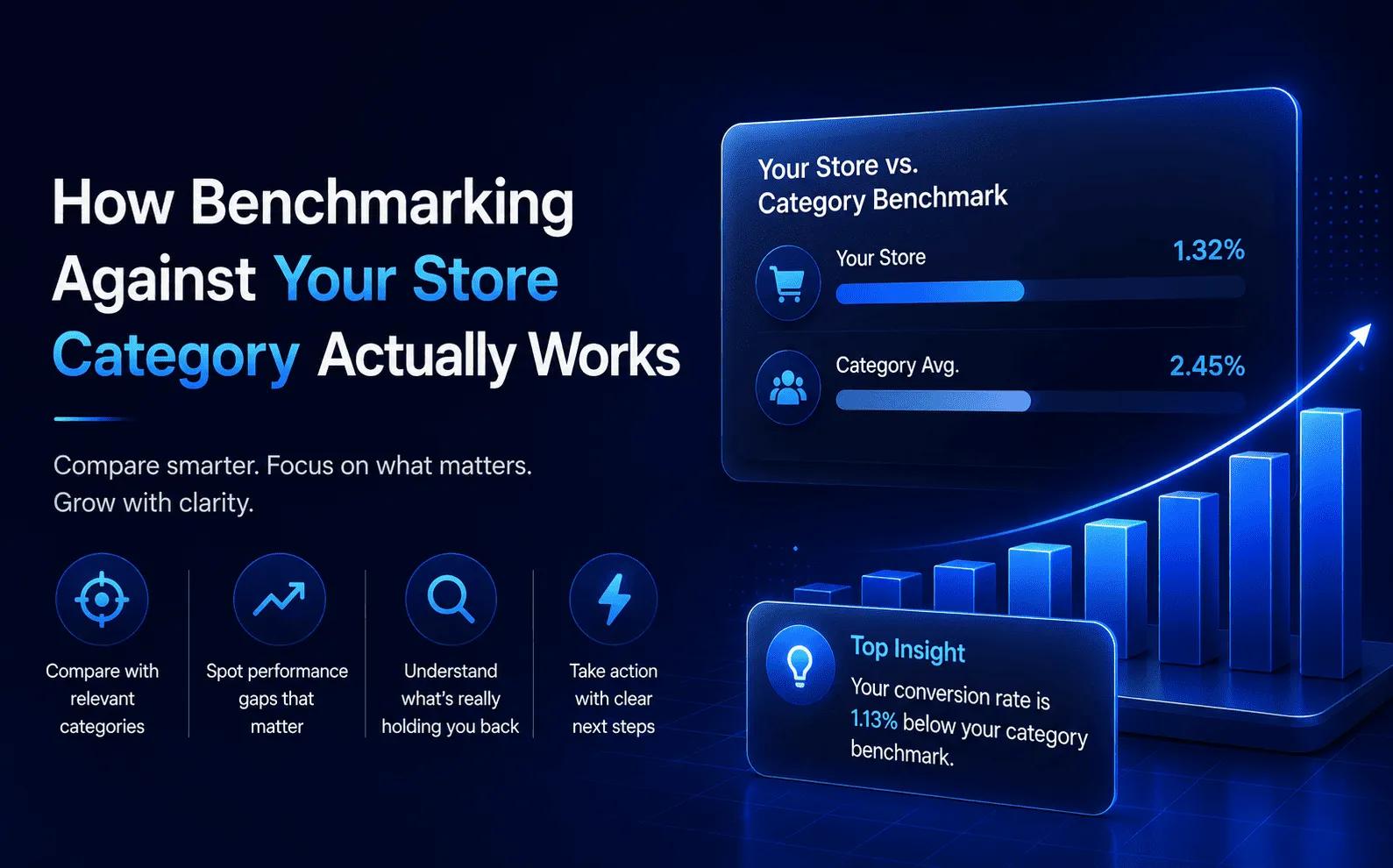
This is where benchmarking can make the diagnosis much easier.
Turn Product View Drop-Off Into an Actionable Problem
Knowing that shoppers are viewing a product but not adding it to their cart is only the beginning. The more useful question is: which products are losing the most opportunities, and what should you fix first?
QQQE helps Shopify merchants identify this gap by analysing store performance and comparing key metrics with similar stores in the same category. It can identify products receiving significant views without enough cart activity and help merchants prioritise where attention is needed.
Instead of relying on disconnected numbers, merchants can use these insights to focus on the problems that are most important for their store right now.
If your Shopify store is getting product views but those visitors are not moving toward the cart, there may be a specific conversion blocker hiding in your product pages.
Want to find out what is holding your products back? Read the full guide on Shopify Add-to-Cart Rate & Product View Drop-Off and learn how to identify the issue before spending more on traffic.



























Sign in to leave a comment.