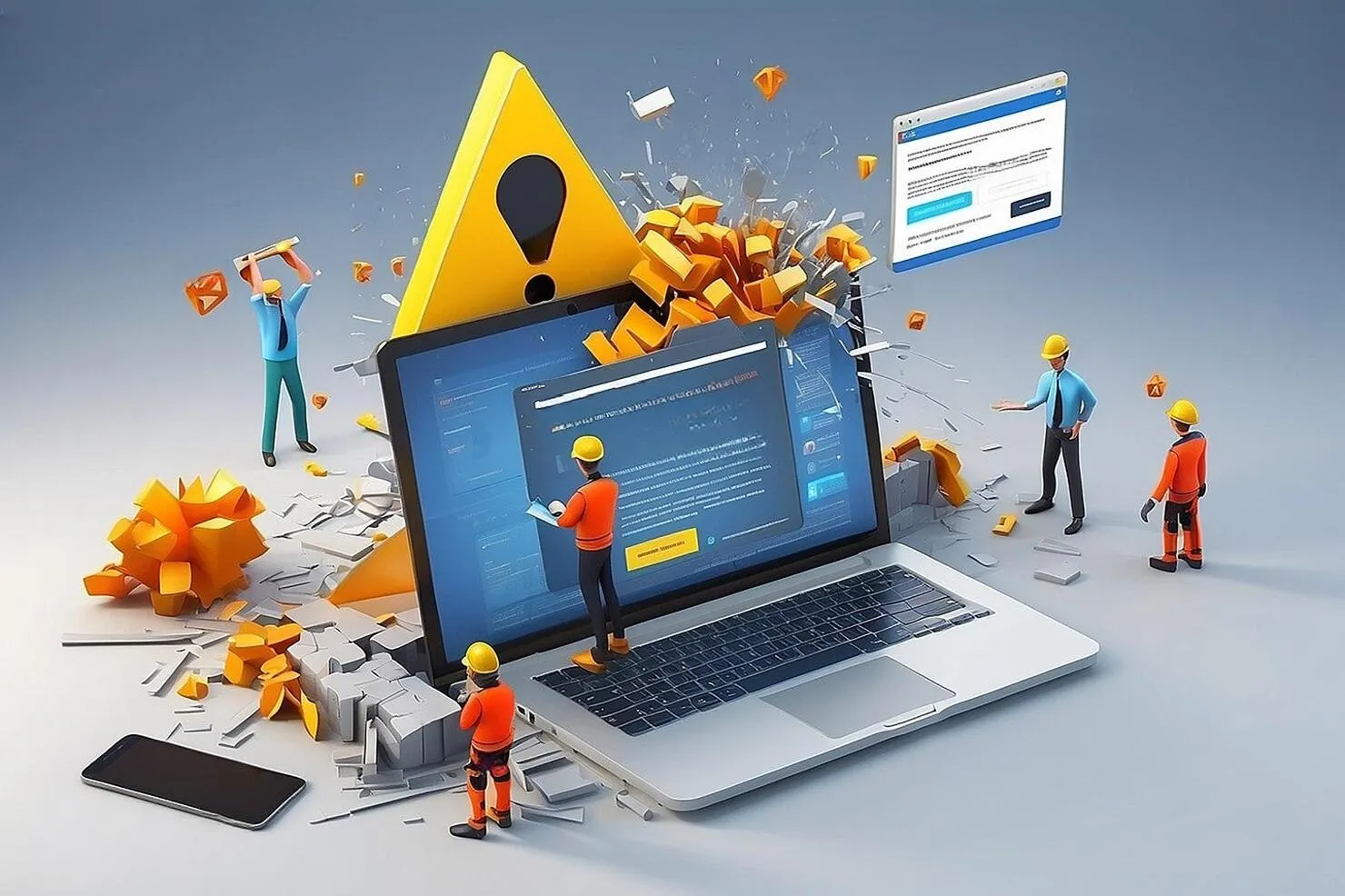

WordPress powers nearly half the internet, but that ubiquity comes with a price: it is a massive target for both security threats and technical decay. A WordPress site is not a static object; it is a living ecosystem of database queries, PHP scripts, and third-party integrations. When one piece of that puzzle shifts—whether through a core update or a server-side change—the whole structure can come crashing down.
Most site owners treat WordPress like a "set it and forget it" tool, only to be met with the "White Screen of Death" at the worst possible moment. Solving these failures requires moving beyond the "deactivate and reactivate" DIY approach. Truly resilient sites are built on a foundation of clean code and optimized architecture, which is why high-growth brands eventually hire WordPress developers to engineer out the inherent weaknesses of the platform.
1. The "Update Domino Effect" and Version Conflicts
The most common reason a WordPress site breaks is also the most ironic: an update. While staying current is vital for security, a "blind update" to the WordPress core can create a mismatch with your theme or older plugins. If your site’s code isn’t written to be "forward-compatible," an update can trigger a Fatal Error that locks you out of your own admin dashboard.
This is a primary reason to seek out professional WordPress development services. A professional doesn't just click "Update"; they run the site through a staging environment first. They look for "deprecated functions"—code that worked in the past but is no longer supported by modern PHP versions. At Digipie Technologies, we treat every update as a surgical procedure, ensuring that new features don't break the existing user experience.
2. The Heavy Price of "Plugin Bloat"
Every plugin you install adds another layer of complexity to your server’s workload. Many businesses use plugins to solve every small problem—from adding a social media icon to tweaking a font. Over time, these plugins begin to fight for resources, leading to Namespace Collisions where two different pieces of code try to perform the same task simultaneously.
When you work with a custom WordPress development company, the goal is "Plugin Consolidation." Instead of relying on twenty different third-party tools, an expert developer can hard-code those features directly into your theme’s functions.php file or build a single, lightweight custom plugin. This reduces the "PHP Memory Exhaustion" errors that cause sites to hang or crash during high-traffic periods.
3. Database "Rot" and Orphaned Data
WordPress stores everything in its database. Every time you delete a plugin, it often leaves behind "Orphaned Data"—leftover settings and rows that serve no purpose. Over years of use, your database can grow from a few megabytes to hundreds, causing the "Query Path" to slow down significantly.
A scalable site needs a clean engine. Professional WordPress development services include deep-level database optimization. This involves pruning the wp_options table and indexing data so that your server doesn't have to "hunt" for information. Without this, your site will gradually become sluggish, leading to a high "Time to First Byte" (TTFB) that kills your SEO rankings and frustrates your users.
4. Broken Layouts and DOM Depth Issues
Sometimes, a site doesn't "break" by crashing, but by "shattering" visually. This usually happens when using bloated page builders. These tools often create an "Excessive DOM Size," meaning the HTML structure is so deep and messy that the browser struggles to render it correctly on mobile devices.
A custom WordPress development company focuses on "lean" builds. By using the native Gutenberg editor or building custom blocks, developers can achieve the same visual results with 80% less code. This ensures your layout remains "pixel-perfect" across all screen sizes and prevents the "cumulative layout shift" (CLS) that Google now penalizes in its search rankings.
5. Security Breaches and Backdoor Vulnerabilities
If your site suddenly starts redirecting to a different URL or showing strange "junk" text, you haven't just had a technical failure—you’ve been breached. WordPress sites are often compromised through "Zero-Day" vulnerabilities in popular plugins.
Security isn't just about installing a "Security Plugin"; it's about "Hardening" the server. This involves changing the default database prefixes, disabling file editing within the dashboard, and implementing strict API permissions. When you hire WordPress developers, they implement these invisible "walls" that keep your data safe and your site online, even when the rest of the web is under attack.
Final Thoughts
WordPress doesn't break by accident; it breaks because of neglect or poor architecture. The difference between a site that crashes and one that scales is the quality of the foundation. By moving away from "DIY" patches and investing in custom-engineered solutions, you protect your brand's digital reputation. If you want a site that can handle the future, you have to build it with precision. At Digipie Technologies, we don't just "fix" WordPress; we engineer it to be unbreakable.
FAQs:
1. How do I fix the "White Screen of Death" without losing data?
You must access your site via FTP and manually rename the "plugins" folder to "plugins_old," which forces WordPress to deactivate everything and allows you to log back in.
2. Why is my site slow after installing a new theme?
Many themes are "feature-heavy," meaning they load dozens of scripts you don't actually need; a developer can "dequeue" these unnecessary files to restore your speed.
3. How often should a professional audit my WordPress site?
A deep-level technical audit should happen at least once a quarter to clear out database bloat, check for security patches, and optimize for new Google algorithm updates.
4. Can I move my site to a new server if it's currently broken?
Yes, but you shouldn't; it is better to fix the core errors in a staging environment first to avoid migrating "corrupted" data or malware to the new server.



















Sign in to leave a comment.