Building a website is one of the most important investments a business or individual can make today. Whether you are launching a new brand, creating an online store, or upgrading an existing site, understanding the real costs involved can help you plan smarter and avoid unpleasant surprises. WordPress is a popular choice because of its flexibility, scalability, and long-term value but costs can vary widely depending on your goals.
When it comes to wordpress website Development, pricing is not fixed or one-size-fits-all. The total cost depends on design complexity, features, customization level, and who you hire to do the work. Some websites can be built on a tight budget, while others require a larger investment to achieve professional performance, security, and scalability.
Key Factors That Influence WordPress Website Costs
The cost of a WordPress site is shaped by several components working together. Understanding these factors makes it easier to estimate your budget accurately.
Website Type and Purpose
A simple blog or personal website will cost far less than a corporate site, membership platform, or eCommerce store. More pages, integrations, and user interactions naturally increase development time and cost.
Design Requirements
Using a pre-made theme is usually more affordable, while a custom design tailored to your brand costs more. Custom layouts, animations, and UX improvements require additional planning and development hours.
Functionality and Features
Contact forms, booking systems, payment gateways, multilingual support, and advanced dashboards all add complexity. Each added feature increases both development and testing time.
Domain, Hosting, and Basic Setup Costs
Before design or development even begins, there are foundational expenses to consider.
Domain Name
A domain typically costs between $10 and $20 per year. Premium domains may cost significantly more, depending on demand and branding value.
Web Hosting
Hosting costs can range from $3 per month for shared hosting to $30–$100+ per month for managed WordPress hosting. Better hosting improves speed, security, and uptime critical for professional sites.
SSL Certificate
Most hosts offer free SSL certificates, but premium SSL options may cost extra for enhanced security and trust.
Theme and Plugin Expenses
WordPress itself is free, but themes and plugins often add to the overall cost.
Themes
Free themes are suitable for basic sites, while premium themes usually cost $40–$100 as a one-time fee. Custom themes, designed from scratch, can cost several hundred to several thousand dollars.
Plugins
Many plugins are free, but premium plugins for SEO, security, backups, or eCommerce functionality can cost $50–$300 per year. Ongoing renewals should be factored into long-term budgeting.
Development and Customization Costs.This is where costs vary the most.
DIY vs Professional Development
Building a site yourself reduces upfront expenses but requires time and technical learning. Hiring a freelancer or agency increases costs but delivers a polished, scalable result faster.
Customization Level
Minor tweaks are affordable, but custom-coded features, integrations with third-party tools, and performance optimization increase pricing.
Experience of the Developer
Junior developers charge less, while experienced professionals or agencies charge more but often deliver higher quality, security, and long-term reliability.
Mid-Range to Advanced Website Pricing
In the middle of most projects, wordpress website Development costs typically fall into predictable ranges. A small business website may cost $500–$1,500, while a fully customized corporate or eCommerce website can range from $2,000 to $10,000 or more. These prices usually include design, development, testing, and basic optimization, but advanced features and ongoing support may be extra.
Ongoing Maintenance and Hidden Costs
Many people overlook post-launch expenses, but they are essential for a healthy website.
Maintenance and Updates
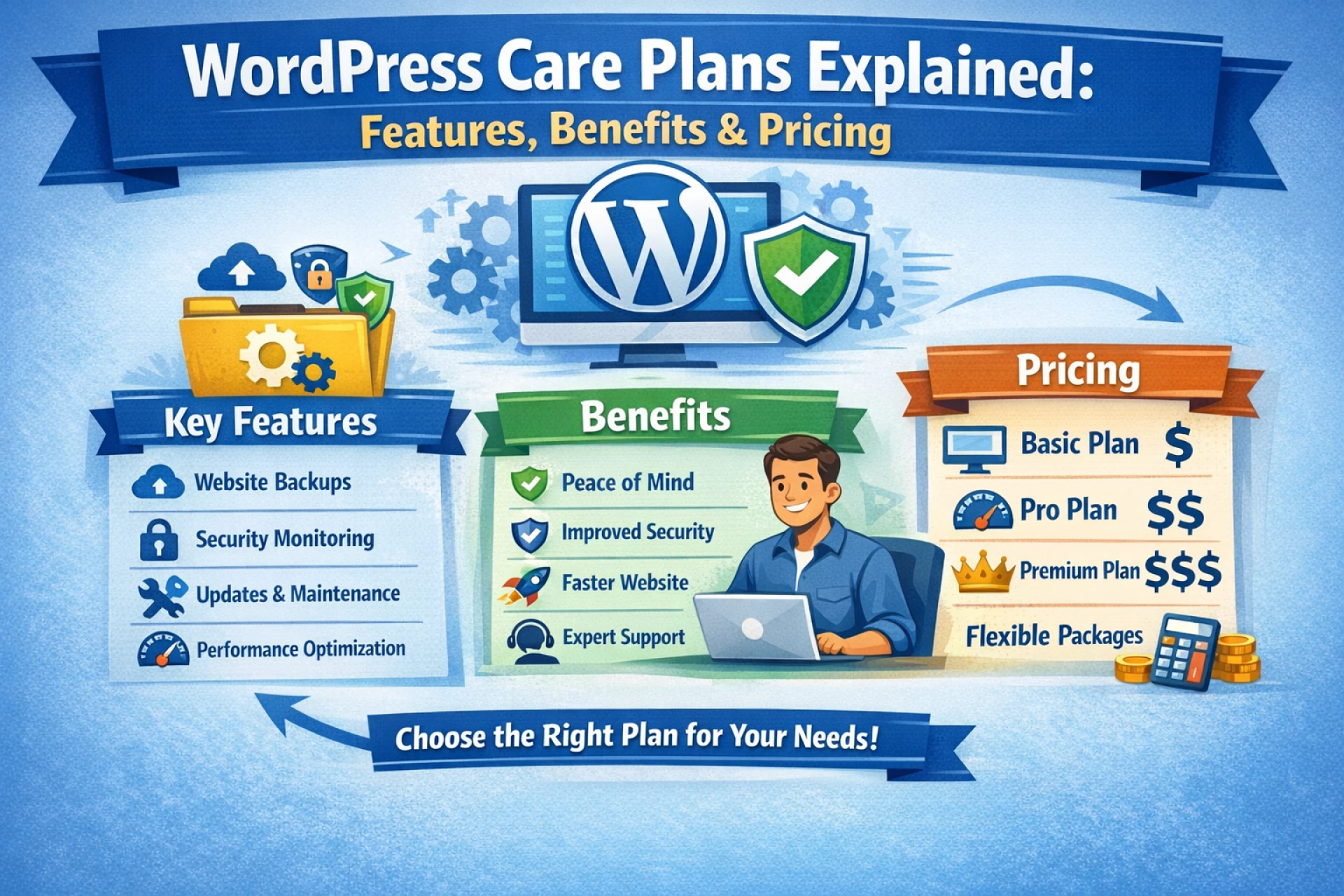
Regular updates for WordPress core, themes, and plugins are necessary for security and performance. Maintenance plans often cost $30–$100 per month.
Security and Backups
Premium security tools and automated backups may add recurring costs but protect your site from data loss and attacks.
Content and SEO
Content creation, SEO optimization, and performance monitoring are ongoing investments that help your website grow and rank over time.
How to Budget Smartly for Your WordPress Website
Start by defining your goals clearly. Ask yourself what features are essential now and which can be added later. Prioritize performance, security, and usability over flashy design elements. Getting multiple quotes from developers and understanding exactly what is included can prevent budget overruns.
Choosing scalable solutions also helps. A well-built website may cost more upfront but saves money in the long run by reducing redesigns and technical issues.
Final Thoughts
WordPress website development costs vary widely, but understanding what influences pricing gives you control and confidence. From basic setup to advanced customization and ongoing maintenance, each component plays a role in the final budget. By planning carefully and investing wisely, you can build a professional, high-performing website that supports your goals today and grows with you tomorrow.


























Sign in to leave a comment.