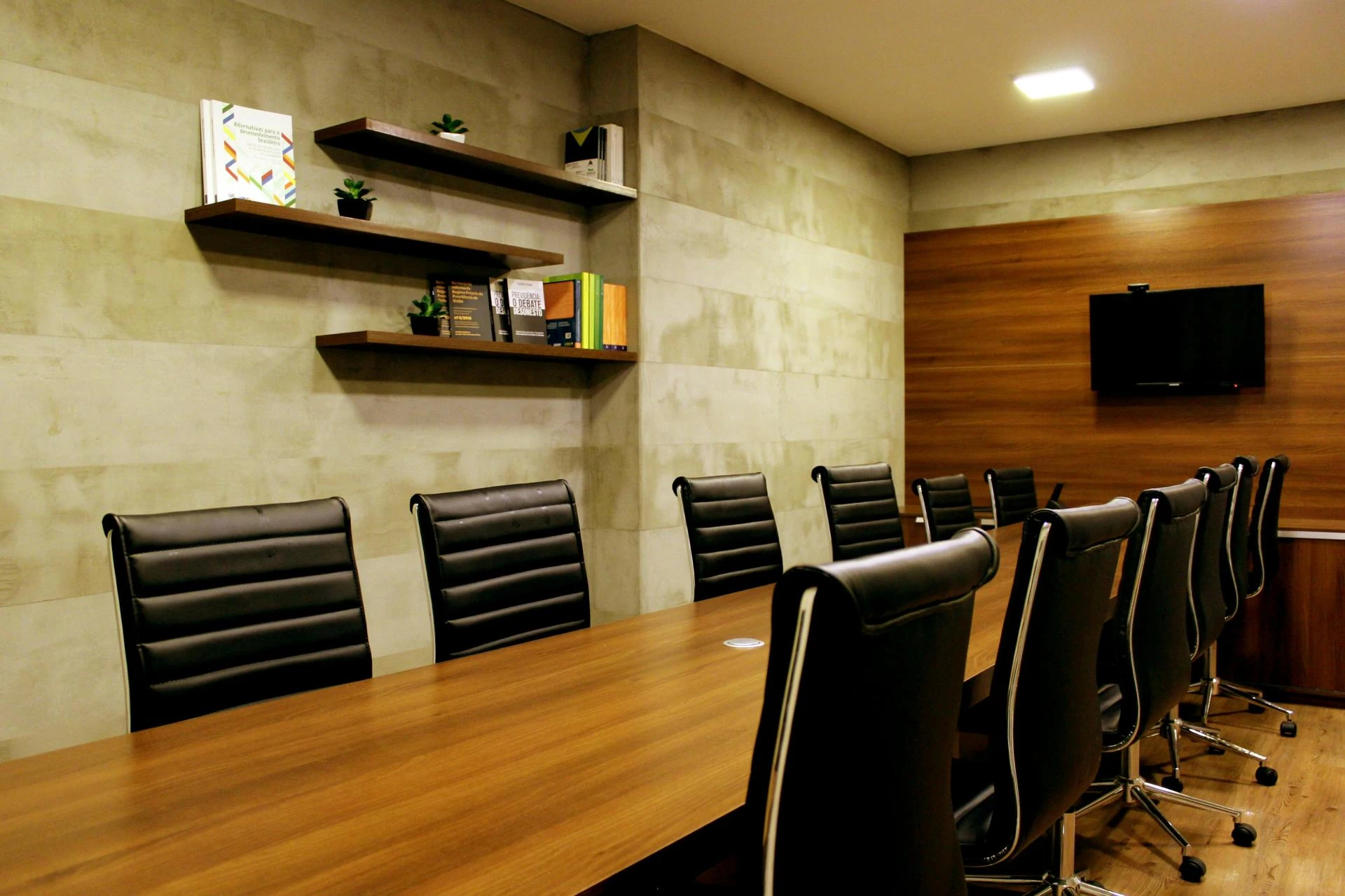

Small conference rooms are often used for collaboration, client meetings, video conferencing, and other office operations. As companies balance in-office and remote work, these rooms provide a professional setting for discussions. They also offer a cost-effective solution for businesses looking to maximize their meeting spaces efficiently.
The challenge, however, is that many businesses struggle with outdated AV equipment, leading to inefficiencies and subpar meeting experiences. While upgrading the AV technology is an obvious solution, there are also various technical considerations to take into account, each with its own advantages and drawbacks.
This article will explore essential equipment upgrades for small conference rooms to enhance communication, productivity, and user satisfaction.
All-in-One Video Bars
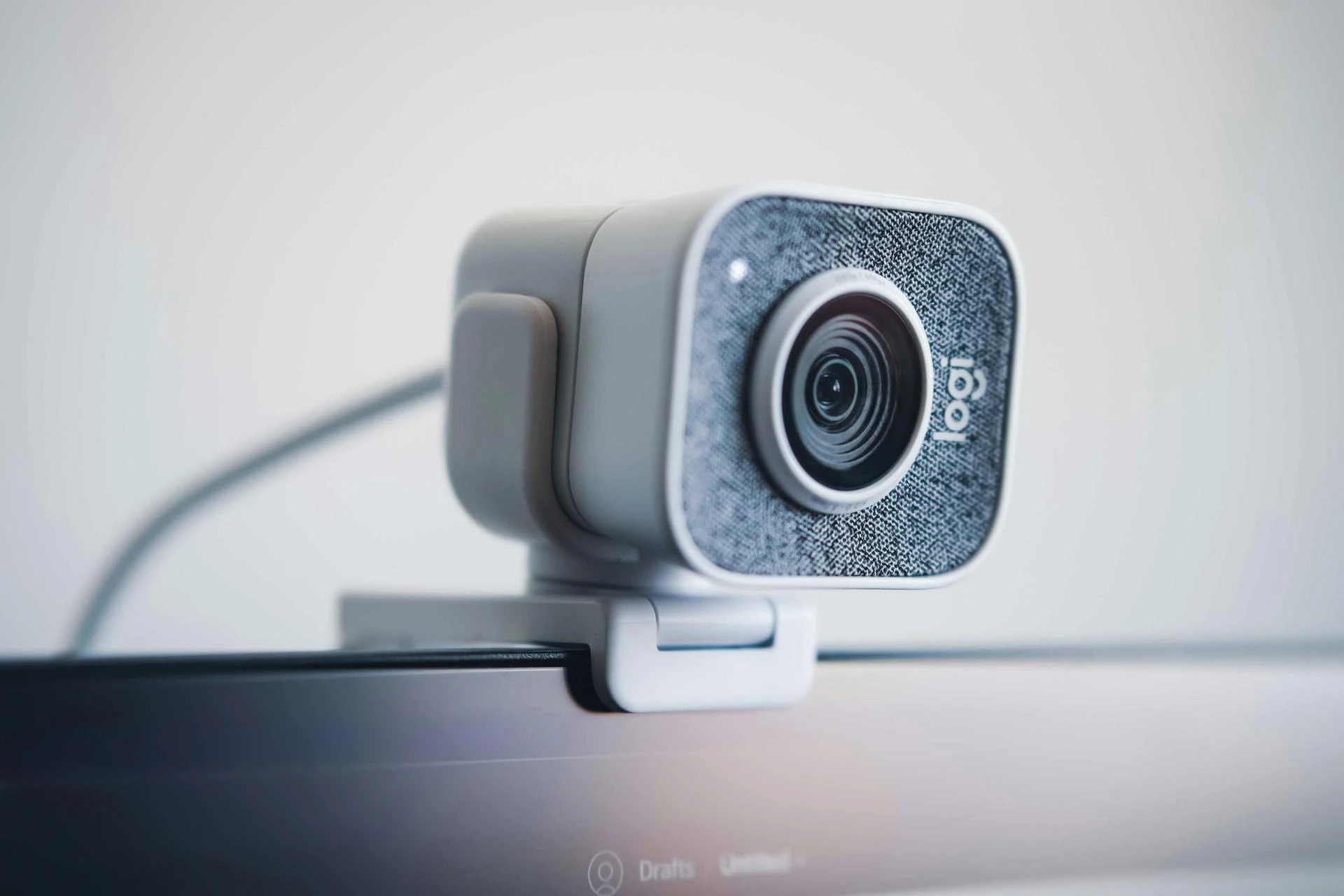
All-in-one video bars produce an effortless solution for video conferencing.
The Logitech Rally Bar is a top choice. It is an all-in-one video bar that has a 4K Ultra HD video quality, advanced noise-cancelling microphones, a 120-degree field of view, and so much more. With these features, all participants are clearly visible and audible. In addition, its compact design makes it a great option for space-constrained environments.
The Neat Bar, which is designed specifically for Microsoft Teams and Zoom, is another great alternative. This system delivers incredibly good audio and video, uses AI-powered auto-framing, and dynamically adjusts the camera to keep participants in focus. Its minimalist design also complements the typical modern office.
Although all-in-one video bars are designed for hassle-free setup, we recommend you seek professional AV installation services to configure the devices for maximum efficiency.
Microphones
A good microphone captures sound clearly, even in challenging environments.
The Crestron Flex Tabletop Microphone is a premium option that works well in small to medium-sized rooms. It uses advanced beamforming technology, which means it can pick up sound from all participants, even if they’re spread out or sitting in acoustically tricky areas.
This makes it perfect for diverse meeting environments, ensuring no voice is lost or distorted. If you are already using other Creston products, this microphone can work great since it easily integrates with Crestron control systems.
Another excellent choice is the Shure MXA710 Linear Array Microphone, known for its ability to isolate voices while reducing background noise. This microphone’s modular design gives it flexibility in terms of installation, making it adaptable to various room configurations.
Whether it’s mounted on a ceiling or wall, it provides high-quality sound capture without the clutter of traditional microphones.
Speakers
Speakers are equally important for delivering the sound from microphones in a way everyone can hear. Without high-quality speakers, even the best microphones can’t ensure an immersive meeting experience.
Extron and QSC are two of the top speaker brands known for their outstanding performance in professional environments. When paired with premium microphones, these speakers help create a full-range audio experience that’s clear and balanced, even in larger or acoustically challenging rooms.
Interactive Displays
Interactive displays, such as the Crestron Mercury and the Microsoft Surface Hub 2, leverage touchscreen technology and capacitive sensing to provide intuitive interaction.
Users can engage with the display by directly manipulating content, much like they would on a smartphone or tablet. These displays often come with high-resolution touchscreens (typically 4K or higher) for crisp visuals, which can show content in detailed formats.
- Touch Interface and Gesture Recognition: These displays typically employ advanced touch sensors and support multi-touch gestures. This allows users to zoom, scroll, drag, and drop content without the need for peripheral devices like a keyboard or mouse, increasing flexibility and ease of use.
- Real-Time Annotations: In meetings, users can annotate slides, images, or documents in real time, making it easier to highlight key points and foster discussions. These annotations are immediately visible to all participants, ensuring that everyone is aligned and that ideas can evolve as the meeting progresses.
Room Control Systems
These systems are designed to simplify the management of various technologies in spaces like conference and meeting rooms. They centralize the control of a range of AV equipment, lighting, climate control, and more in a single, user-friendly interface.
They typically have control interfaces that include:
- Touch Panels: Devices like the Extron TouchLink Pro provide a touch-based interface to control all the connected systems in the room. These panels are often installed on the wall and can feature custom-designed control layouts for different room functions (e.g., presentation mode, video conference mode).
- Smartphone/Tablet Apps: Some systems can also be controlled via apps on smartphones or tablets, making them more flexible for mobile users.
- Physical Keypads: Some systems may have physical buttons or keypads for quick access to important functions.
Elevate Your Meetings with Smart AV Upgrades
Investing in the right AV equipment can transform your small conference room into a high-functioning workspace. With just a few strategic upgrades, such as an all-in-one video bar, high-quality microphones, and interactive displays, you can set your business up for more productive and professional meetings.
A well-equipped conference room not only enhances team communication but also leaves a positive impression on your clients.




























Sign in to leave a comment.