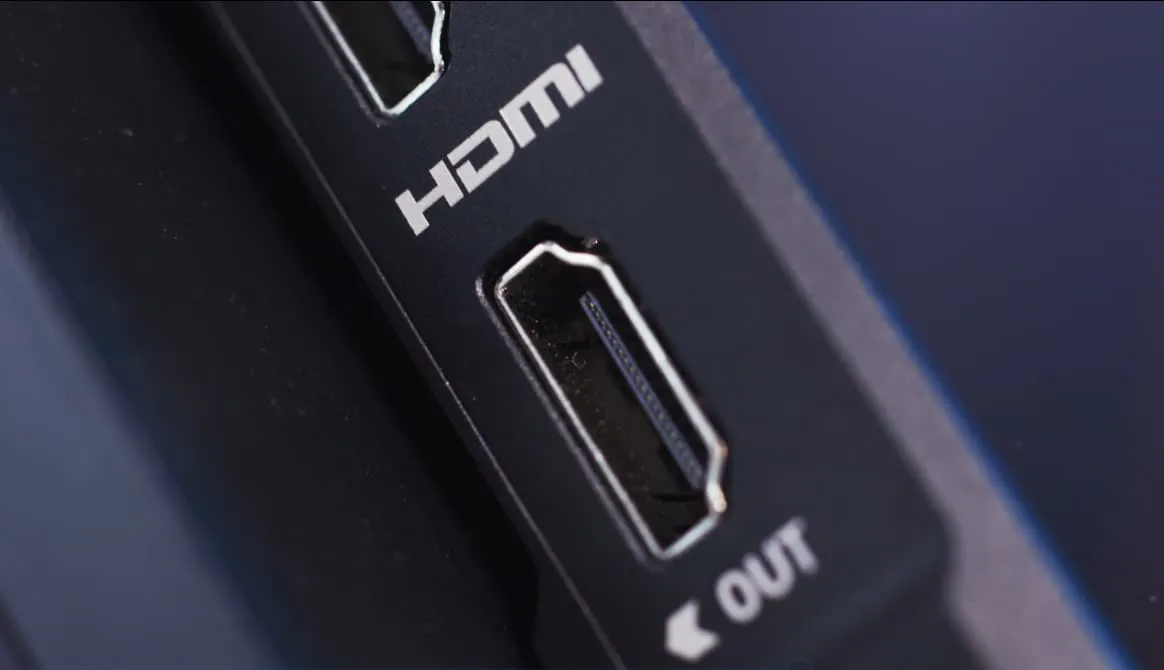

Plenty of effort and attention goes into finding the perfect smart TV, gaming monitor, or soundbar. However, as industry experts frequently warn, your high-quality entertainment system is only as strong as the cables that connect them.
Using an outdated HDMI cable on a modern 8K display is like putting bicycle tires on a Ferrari — you simply won’t get the performance you paid for. In this 2026 guide, we break down the complexities of HDMI cable standards to help you choose the right connection for your setup.
What is HDMI & HDMI Cable?
HDMI (High-Definition Multimedia Interface) is the global digital standard for transmitting uncompressed video and audio data. While “HDMI” refers to the technology and the ports on your devices, the HDMI cable is the physical pipeline that carries that data.
Since its debut, it has replaced messy analog “octopus” cables with a single-cable solution. By 2026, it has evolved into a powerhouse capable of handling massive data loads, supporting everything from basic 1080p monitors to professional-grade 16K displays and object-based surround sound like Dolby Atmos.
7 Official HDMI Cable Types
To avoid “downscaling” your quality across devices, you must match your hardware to the correct official cable category.
- Ultra96 HDMI Cable (The 16K/240Hz Standard): The new titan of the HDMI 2.2 era. Supporting a staggering 96Gbps bandwidth, this cable handles 16K resolution at 60Hz or 4K at a blistering 240Hz. It is the ultimate future-proofing choice for flagship 2026 workstations.
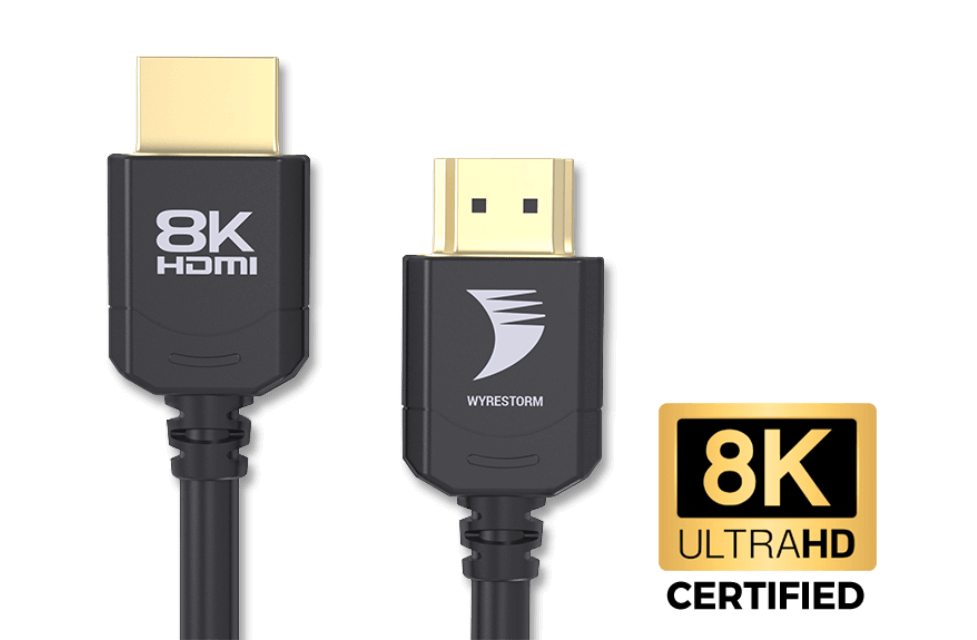
- Ultra High Speed HDMI Cable (The 48Gbps Gaming Standard): This is the mandatory 8K HDMI 2.1 cable for PS5, Xbox Series X, and high-end PC gaming. With 48Gbps bandwidth, it supports 4K at 120Hz and 8K at 60Hz. For permanent in-wall setups, an 8K 60Hz HDMI 2.1 Cable with VW-1 Rating offers high-fire resistance and maximum signal integrity.
Press enter or click to view image in full size
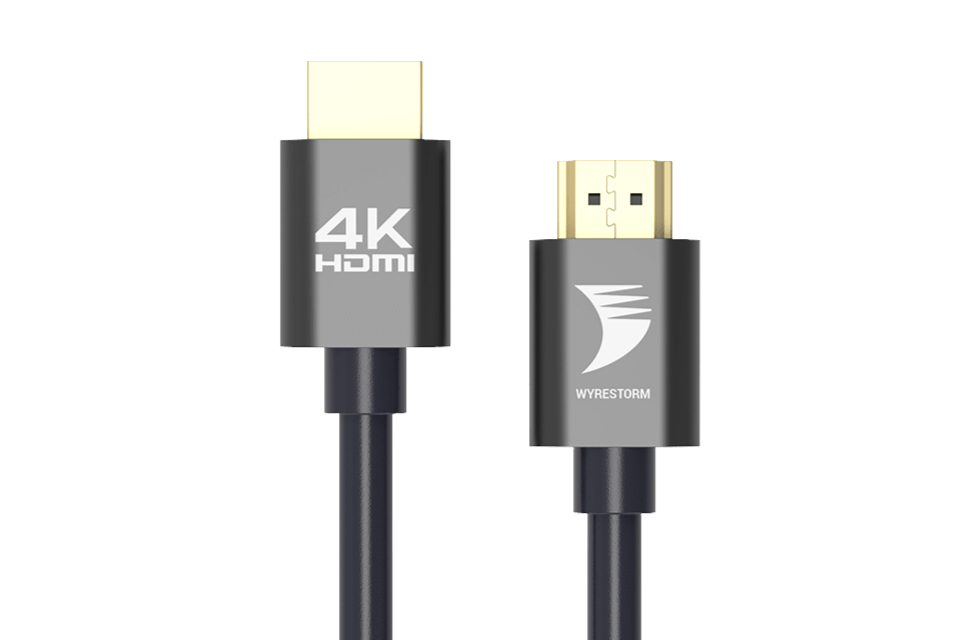
- Premium High Speed HDMI Cable (The 4K/60Hz HDR Workhorse): The most common choice for HDMI cables 4k setups. Optimized for 18Gbps, it handles 4K at 60Hz with full HDR. It is perfect for Apple TV, Roku, and UHD Blu-ray players. For true cinematic color, use a 4K HDR 4:4:4 60Hz HDMI Cable with VW-1 Rating. The 4:4:4 chroma subsampling ensures zero color compression for text and graphics.
Press enter or click to view image in full size
- High Speed HDMI Cable (Standard 1080p HD): A high speed HDMI cable from the 10.2Gbps era. It handles 1080p perfectly but lacks the bandwidth for modern HDR or high refresh rates.
- High Speed Automotive HDMI Cable (4K for Vehicles): A specialized 4K-capable cable designed for the rigorous environment of a car, featuring extra shielding against engine interference.
- Standard HDMI Cable (Legacy 720p/1080i): The original standard. In 2026, these are mostly obsolete and struggle with anything beyond basic HD signals.
- Standard Automotive HDMI Cable (Legacy In-Car Systems): Used for older built-in headrest entertainment systems that only require 720p resolution.
- Note: HDMI Cables with Ethernet
- Most modern cables include a dedicated data channel for networking, allowing your smart TV and console to share an internet connection without extra wires.
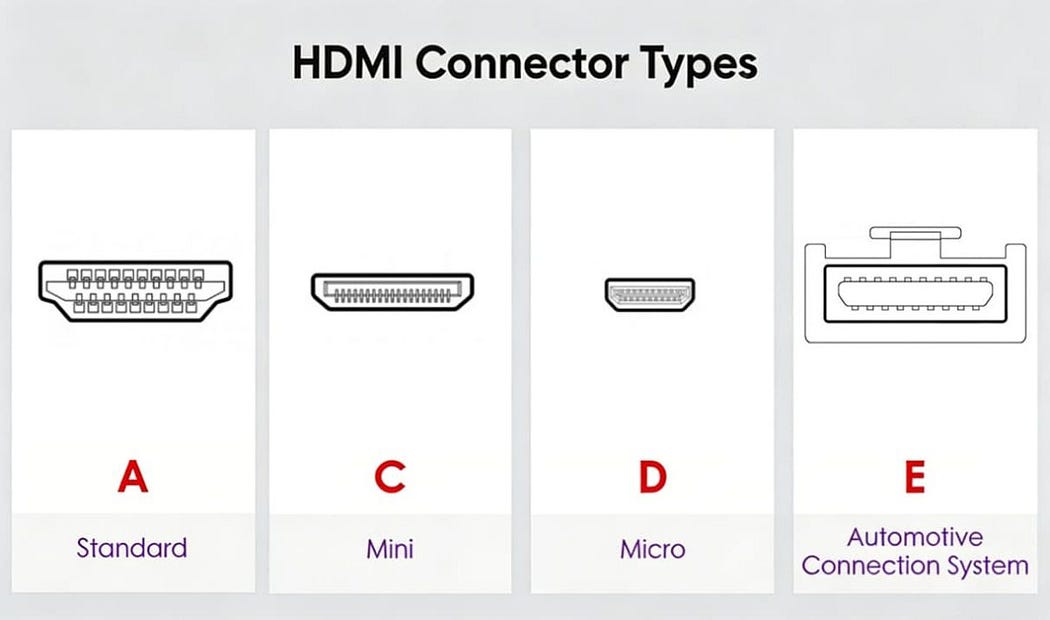
HDMI Connector Types (The Shapes)
The “speed” of the cable is internal, but the “shape” must match your device’s port.
- Regular Size (Type A): The standard 19-pin plug found on TVs, monitors, and consoles. Use this for a dual screen HDMI cable setup on most desktops.
- Mini Size (Type C): Slimmer and more compact, commonly found on tablets and DSLR cameras.
- Micro Size (Type D): The smallest consumer version, roughly the size of a phone charging port. Found on GoPros and action cams.
- Automotive (Type E): Features a unique locking tab to ensure the cable doesn’t vibrate loose while the vehicle is in motion.
Press enter or click to view image in full size
Comparison Chart: HDMI Cable Bandwidth vs. Resolution
Cable TypeBandwidthMax ResolutionPrimary Use CaseUltra9696 Gbps16K @ 60Hz / 4K @ 240Hz2026 Flagship PCsUltra High Speed48 Gbps8K @ 60Hz / 4K @ 120HzPS5, Xbox, High-End GamingPremium High Speed18 Gbps4K @ 60Hz (HDR)4K Streaming & Home TheaterHigh Speed10.2 Gbps1080p @ 60HzOffice Monitors, Older TVs
Factors to Consider When Choosing an HDMI Cable
Bandwidth Requirements
Always match your cable to your screen. If you connect an 8K HDMI 2.1 cable to a 1080p TV, it will work (thanks to backward compatibility), but using a Standard cable on an 8K TV will result in a “No Signal” error or heavy flickering.
Certification Labels
Don’t trust the box alone. Authentic cables come with a QR code from the HDMI Licensing Administrator. Scan this with your smartphone to verify the cable actually meets the 48Gbps or 96Gbps standard.
HDMI ARC and eARC
For audio, you need an HDMI ARC cable (Audio Return Channel). This allows your TV to send audio back to a soundbar through a single cord. For high-bitrate formats like Dolby Atmos, ensure you use an Ultra High Speed cable to support eARC (Enhanced ARC).
Also read: HDMI ARC vs eARC: Picking the Right HDMI Standard for Your Home Theater
Cable Length vs. Signal Loss
Passive Cables: Best for lengths under 15 feet.
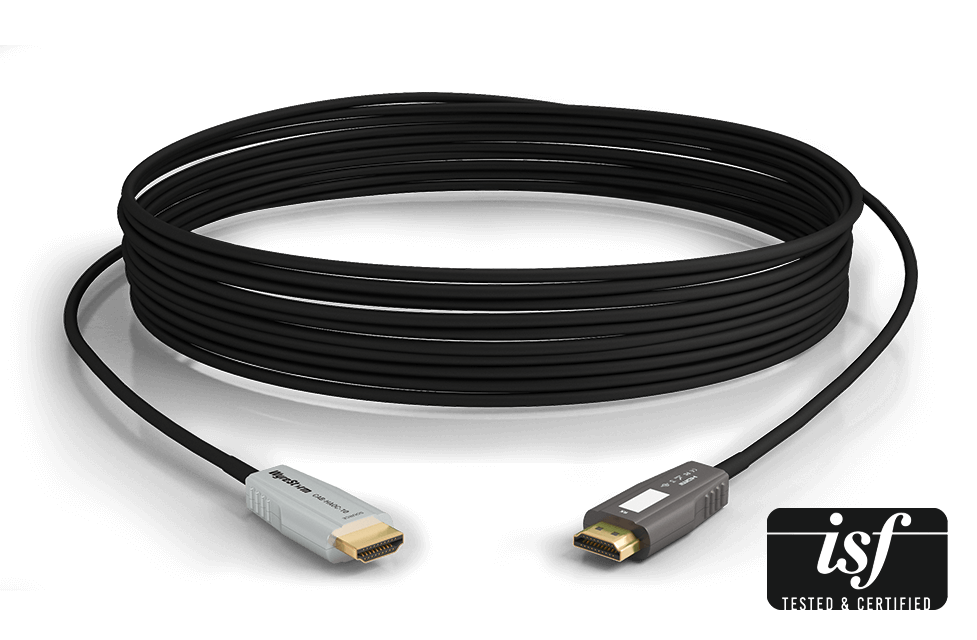
Active/Fiber Optic Cables: Necessary for runs over 25 feet to prevent signal dropouts at high resolutions.
Press enter or click to view image in full size
Conclusion
Don’t let a cheap cable bottleneck your premium hardware. Whether you need a reliable HDMI cable for your workstation or a high-performance HDMI 2.1 cable for your next-gen console, checking the bandwidth and safety ratings (like VW-1) is key.
Upgrading to the correct HDMI cable today ensures you are ready for the high-fidelity future of 2026 and beyond.
Frequently Asked Questions (FAQ)
Q: Do I need an Ultra96 cable for my 4K TV?
A: Likely not. Unless your TV supports a 240Hz refresh rate, a Premium High Speed or Ultra High Speed cable is more than sufficient.
Q: Can I use an 8K HDMI 2.1 cable with a 4K TV?
A: Yes. HDMI cables are fully backward compatible. Using an 8K HDMI 2.1 cable on a 4K TV works perfectly and often provides better signal stability and “future-proofing.”
Q: What is the “Latency Indication Protocol” (LIP) in HDMI 2.2?
A: LIP is a new 2026 feature that allows the display to communicate its exact processing lag to the source device, ensuring audio and video are perfectly synced automatically.
Q: Does an HDMI ARC cable support Dolby Atmos?
A: Standard HDMI ARC supports compressed 5.1 audio. For lossless Dolby Atmos, you need a cable that supports eARC (Enhanced Audio Return Channel), such as a Premium High Speed or Ultra High Speed HDMI cable.
About WyreStorm
WyreStorm delivers professional-grade AV over IP solutions, HDMI matrix systems, and advanced wireless presentation and conferencing systems for seamless collaboration.
Its portfolio also includes high-performance HDMI Extender and KVM Extender products designed for reliable, scalable signal distribution.
Explore more innovative solutions at WyreStorm.com and elevate your next project today.
To view the original version on Wyrestorm visit: 7 Types of HDMI Cables: Which One Do You Need?

























Sign in to leave a comment.