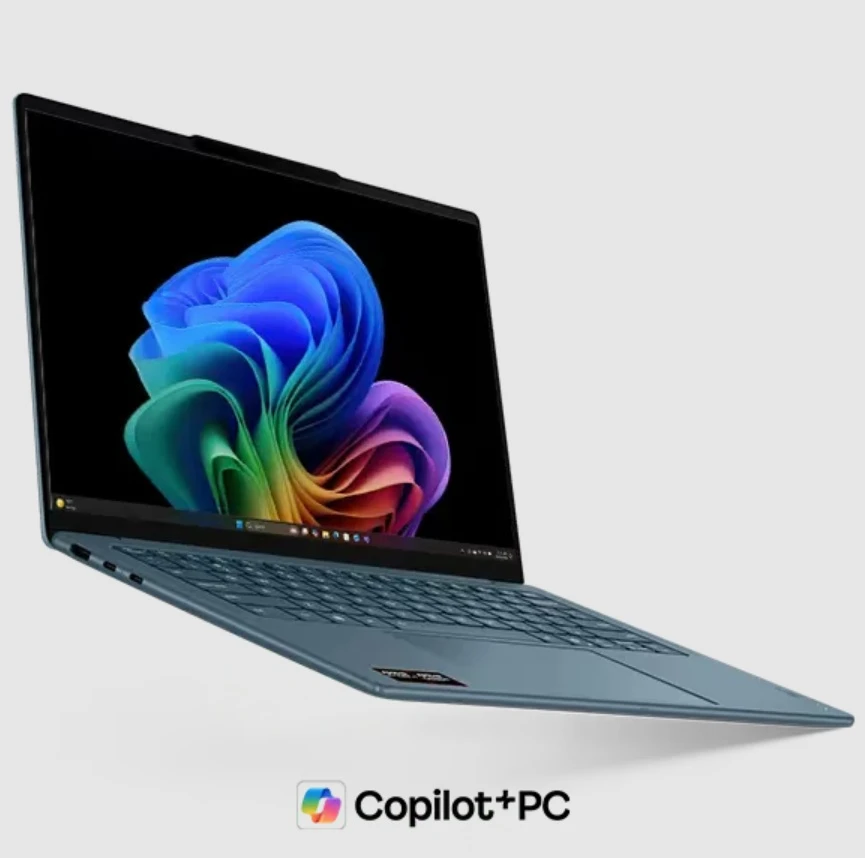

You finally bought a new laptop. It looks like your old one. It feels like your old one. But something is very different this time. It is a smart AI laptop. The speed feels instant. Your battery lasts for days instead of hours. The fan stays silent even when you work hard. This magic happens because of silicon-level integration. Engineers are no longer just making faster chips. They have brilliant brains inside the hardware.
These chips understand your habits. They predict your needs. They protect your data without slowing you down. This shift marks the biggest change in computing history. We are moving away from general tools. We are moving toward personal partners.
This article explores the eight core features that make your laptop a true AI powerhouse.
1. The NPU Takes the Lead
Most people know about the CPU and GPU. The CPU handles basic tasks. The GPU renders beautiful images. Now a third player enters the ring. The Neural Processing Unit (NPU) is the star of the show. It handles how your smart AI laptop executes on-device machine learning workloads, accelerating inference tasks while preserving battery life and system responsiveness.
This chip uses very little power. It runs your background blur on video calls. It identifies your face for logins. By moving these tasks to the NPU, the rest of the chip stays cool. This keeps your system snappy.
2. Fast Lanes for Data Flow
A fast brain is useless if the nerves are slow. Engineers now build high-speed data paths on silicon. These paths connect the memory directly to the AI cores. We call this Unified Memory Architecture. This design removes the middleman. Data does not have to travel far. This reduces heat. It also stops lag. Your apps open before you finish clicking.
Smart Paths and Instant Memory
The silicon layout prioritizes AI data. It creates an "express lane" for your most-used apps. This ensures the AI always has the info it needs.
Unified memory makes the laptop feel like one single unit. This seamless flow is vital for the next step, which is keeping things cool.
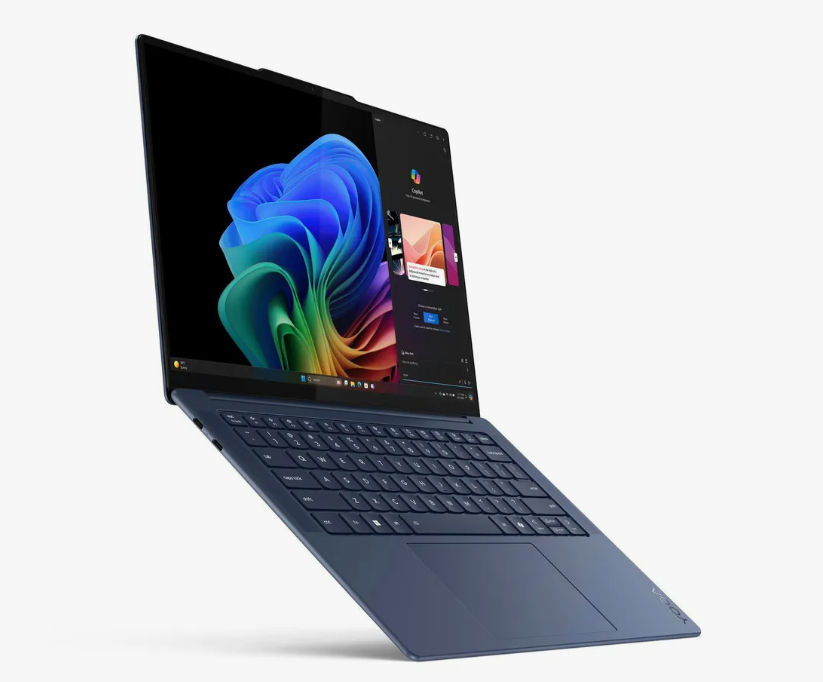
Image Source: Pinterest
3. Power Management Through Math
Old laptops got hot and loud. A smart AI laptop stays cool because it is smart. The silicon monitors every milliwatt of power. It uses Dynamic Voltage Scaling to adjust energy use. The chip knows if you are typing a doc or editing a 4k video. It sends just enough power to get the job done. This prevents wasted energy. Your laptop stays thin because it does not need massive fans.
Efficiency is great, but speed is what we crave. This brings us to how the hardware learns your specific style.
With the growing use of AI PCs worldwide, their market is continuously rising. The global share is expected to surpass $ 992 billion by 2035
4. Personal Learning Engines
Your laptop learns your routine at the silicon level. It tracks which apps you open at 9 AM. It notices when you usually take a break. The On-Device Learning block stores this info locally. It does not send your habits to the cloud. The hardware predicts your next move. It pre-loads your favorite software. This makes the machine feel like it has a soul.
Learning your habits is cool but keeping those habits private is even better.
5. Hardware-Level Privacy Vaults
Security is no longer just a software trick. A smart AI laptop comes with a Secure Enclave etched into the metal. This vault stores your biometrics and passwords. Even if a virus hits, it cannot enter this vault. The AI monitors the system for weird behavior. It shuts down threats in milliseconds. This happens at the gatekeeper level. You get peace of mind without needing heavy antivirus software.
The Digital Guard at the Gate
The silicon acts as a physical shield. It checks every line of code before execution.
This invisible shield protects you while you create new things. Creating content requires a special kind of visual power.
6. AI-Enhanced Image Signals
The camera on your laptop is getting a huge upgrade. A dedicated Image Signal Processor (ISP) works with the AI cores. It cleans up grainy video in low light. It follows your eyes to maintain "eye contact" during calls. This happens inside the chip before the video even reaches your screen. You look professional even in a dark room. The silicon handles the heavy lifting of pixels.
Better visuals are great for meetings. But the AI also helps with the words you speak.
7. Sound Cleaning Circuits
Background noise is the enemy of productivity. New silicon includes Audio DSPs tuned for AI. These circuits identify your voice pattern. They filter out barking dogs and crying babies. This is not a simple filter. It is a smart reconstruction of your voice. The chip uses "noise modeling" to keep your audio crisp. You can work from a coffee shop and sound like you are in a studio.
Clean sound and clear video make for a great experience. All of this depends on the physical size of the components.
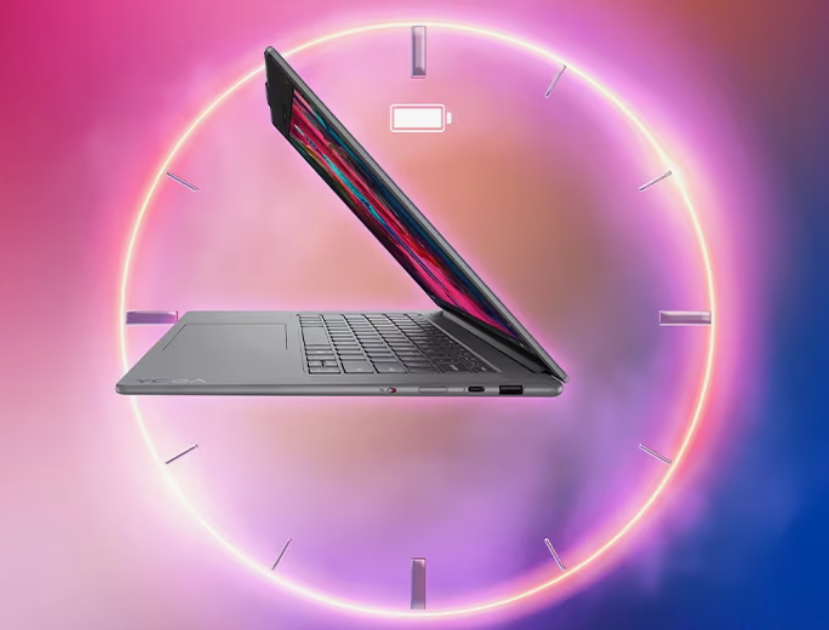
Image Source: Yandex
8. The Rise of System on a Chip
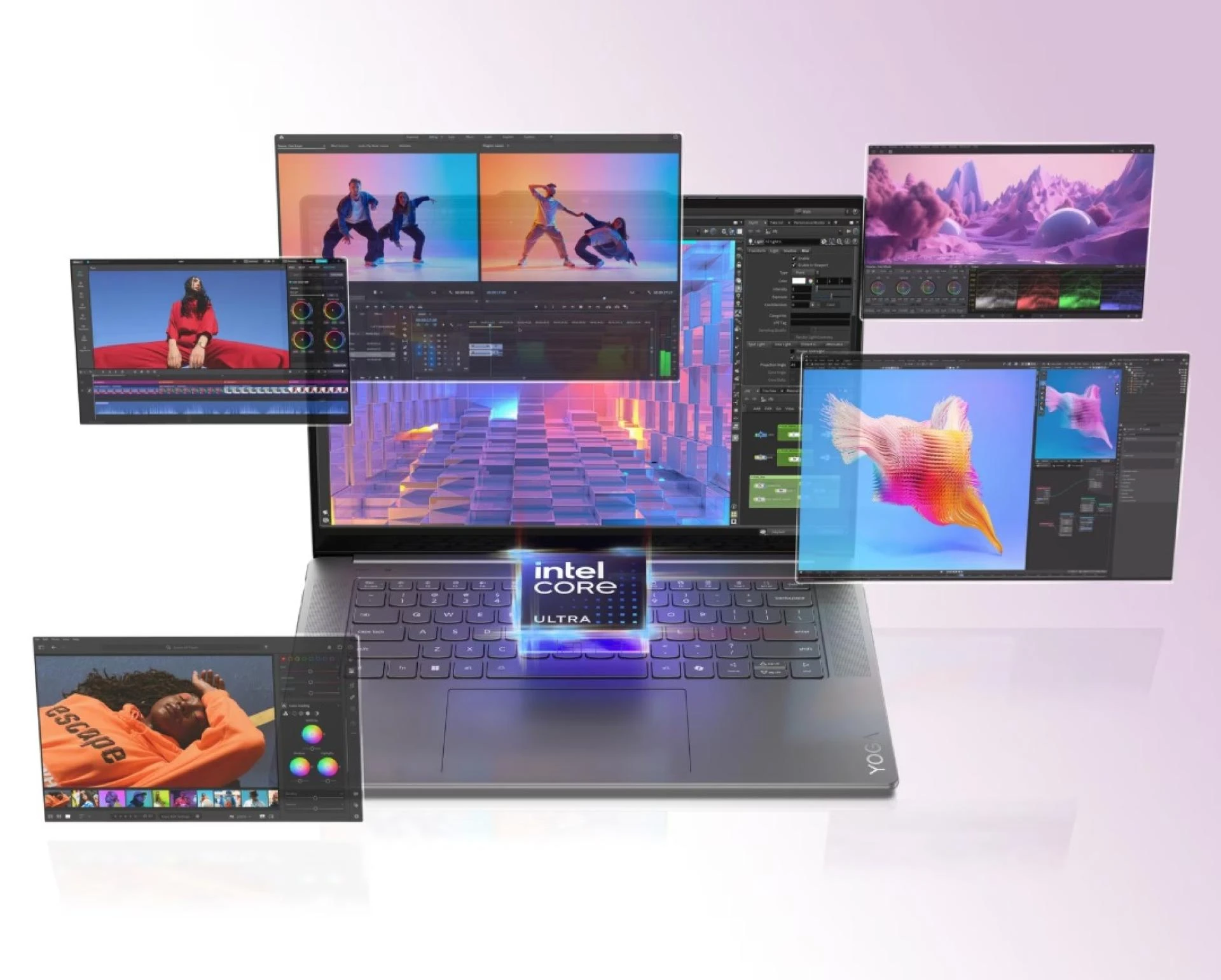
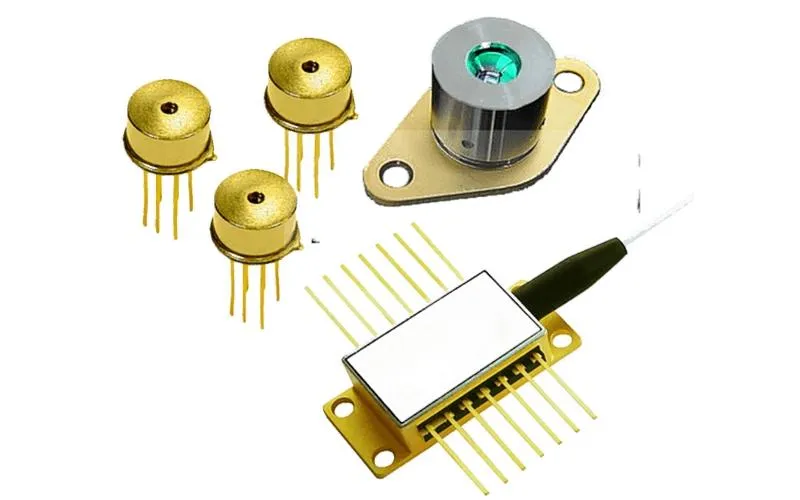
The biggest integration is putting everything on one piece of silicon. We call this an SoC (System on a Chip). In the past, these parts lived on separate boards. Putting them together makes them lightning fast. It reduces the distance signals must travel. This is why AI laptops can be so thin. The SoC is the ultimate evolution of computer hardware. It combines power and beauty into one small square of silicon.
Conclusion
The smart AI laptop is not just a marketing term. It is a total rebuild of how computers function. These eight integrations change your daily life. You get more work done. You charge your device less often. Your data stays where it belongs. The silicon is finally as smart as the software it runs. This technology will only get better from here. You are holding the future in your hands. Embrace the speed and the smarts of your new partner.

























Sign in to leave a comment.