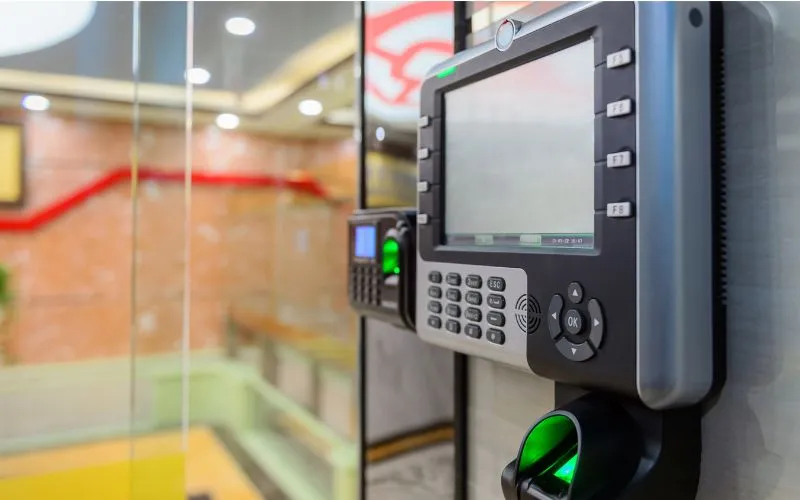

Most Melbourne offices are well managed during business hours. After 6PM, the picture changes entirely.
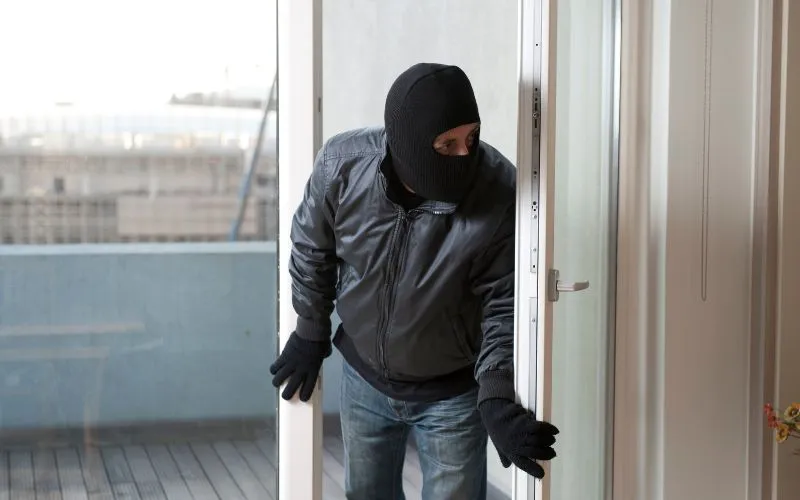
Cleaners, contractors, late-working staff, and delivery personnel move through commercial buildings outside of monitored hours every day. In most cases, there is no visual record, no identity confirmation, and no way to know precisely who was inside and when. The access log, if one exists at all, shows a credential was used. Not who used it.
This guide covers why after-hours access is the highest-risk window for Melbourne offices, what office access control systems close that gap, what digital door lock installation changes at the entry point, and what to confirm before upgrading.
Why After-Hours Is the Weakest Point in Your Office Access Control System
During business hours, offices have passive deterrents — reception staff, colleagues, visible activity. These are not formal security measures, but they create friction for anyone who does not belong. After hours, that friction disappears entirely.
What remains is whatever the office access control system can enforce on its own. For most Melbourne offices, that means a standard lock on the front door and, at best, a swipe card reader that logs a credential number rather than a confirmed identity. Neither tells you who was inside. Neither triggers an alert if something goes wrong.
What Melbourne Offices Have No Record Of After 6PM
The gaps in most after-hours access records are consistent across commercial buildings in Melbourne. They include:
- Cleaning staff entering on a master credential shared across a team
- Contractors accessing areas beyond the scope of their visit
- Former staff whose credentials were never deactivated
- Tailgating through secured doors behind authorised personnel
- No timestamp or image tied to specific internal zones
None of these require forced entry. All of them are invisible in a standard access log. And all of them become significantly harder to manage without a properly configured office access control system that captures identity, not just credential use.
How Office Access Control Systems Close the After-Hours Window
A modern office access control system in Melbourne does more than lock and unlock doors. It ties every access event to a verified identity, logs the time and location, and can trigger alerts when activity falls outside defined parameters.
For after-hours management specifically, this means:
- Time-restricted credentials that expire automatically outside approved hours
- Instant alerts when access is attempted outside a set window
- Zone-level access so cleaners reach common areas, not server rooms
- Remote lock and unlock capability for building managers off-site
- A complete, identity-linked audit trail available the following morning
The result is not just better security. It is a record that can actually be used for incident investigation, insurance claims, or compliance review
What Digital Door Lock Installation Changes at Every Entry Point
Physical keys and standard card readers share a fundamental limitation. They confirm possession of a credential, not the identity of the person holding it. Digital door lock installation replaces that limitation with a smarter entry mechanism that can be centrally managed, remotely controlled, and integrated with the broader access control system.
What changes at the entry point after installation:
- Credentials are managed digitally — issued and revoked instantly
- No physical key to copy, lose, or fail to return
- Access schedules set per user, per door, per time window
- Every entry event logged with user identity and timestamp
For Melbourne offices with multiple entry points, a single platform manages all locks simultaneously. A contractor's access can be activated for Tuesday morning and automatically expire by midday, without anyone needing to be on-site.
What to Confirm Before Upgrading Your Office Access Control System
Upgrading delivers its full value only when the system is correctly scoped before installation. The most common issue is discovering mid-project that existing door hardware, cabling, or network infrastructure needs replacement alongside the locks.
Confirm these before starting:
- Door hardware compatibility with chosen digital lock models
- Network or power availability at each entry point
- Number of users, credential types, and access zones required
- Integration requirements with existing CCTV or alarm systems
After-Hours Security Is Not a Feature. It Is a Baseline.
A Melbourne office that manages access well during business hours but has no reliable system after 6PM has not solved its security problem. It has only deferred it to the hours when nobody is watching.
Office access control systems built for after-hours management, paired with properly installed digital door locks, close that window. The access log stops being a record of credentials and becomes a record of people.
After-Hours Access Checklist
- All after-hours users identified and credentialed individually
- Time-restricted access windows configured per user
- Zone-level access set for cleaning and contractor staff
- Inactive credentials audited and deactivated
- After-hours alert thresholds defined and tested
- Remote lock and unlock access confirmed for building manager
- Identity-linked audit trail reviewed weekly























Sign in to leave a comment.