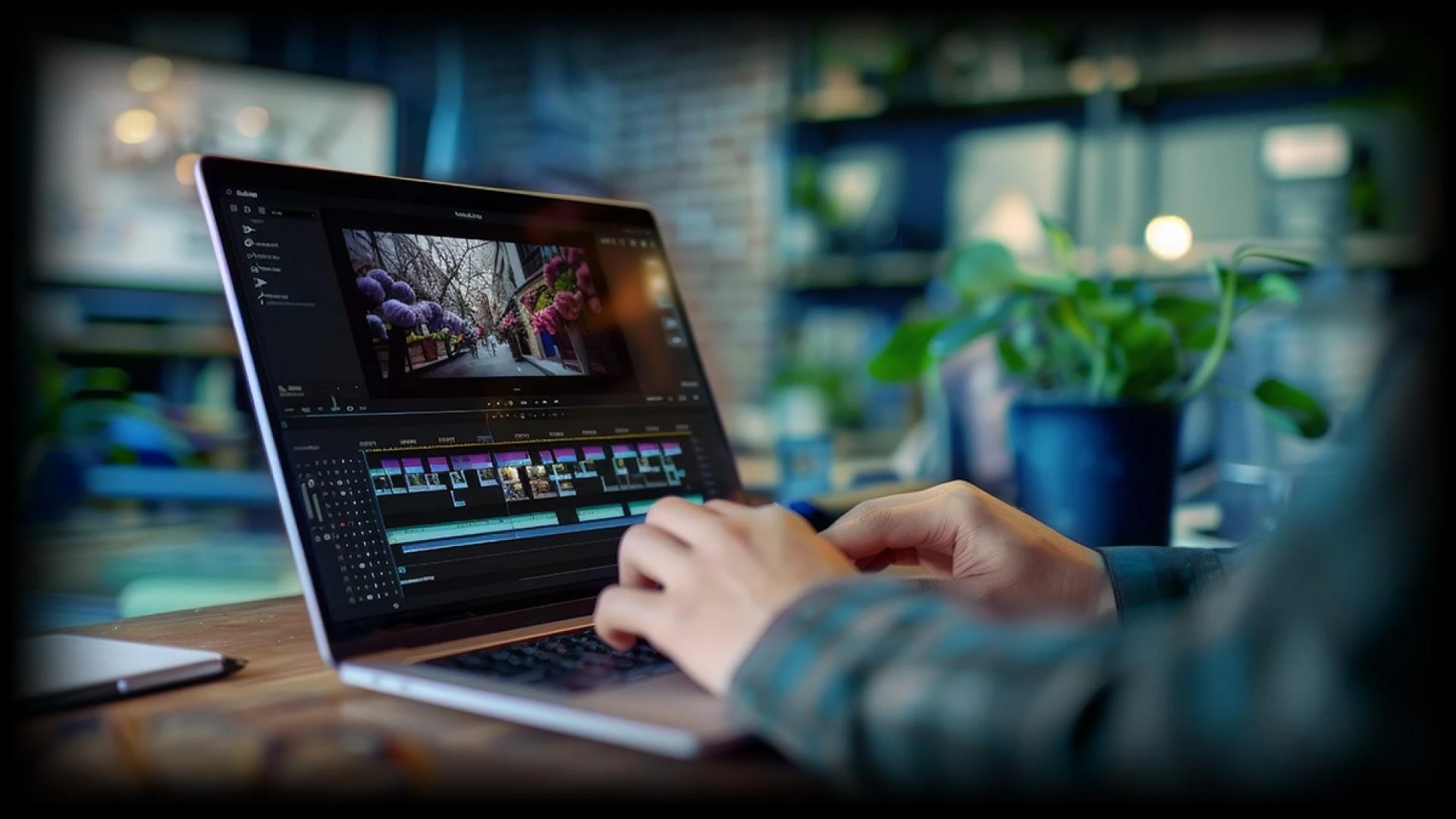

Modern workplaces now depend on speed, clarity, and confidence when handling daily tasks. Professionals no longer work with static systems that only respond to commands. They expect systems that understand patterns to adapt to needs and support better outcomes.
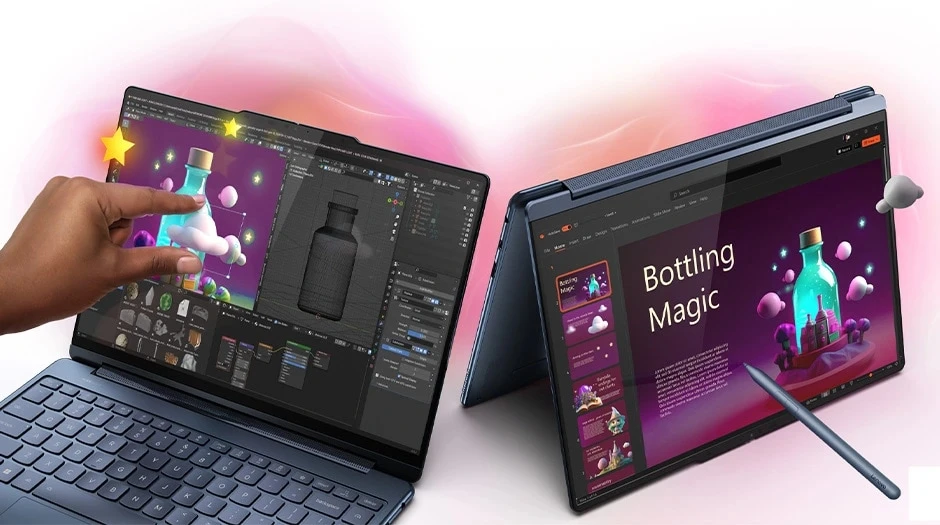
This shift explains why the conversation around AI PC vs traditional PC now feels more urgent and practical. A traditional PC still handles documents, emails, and meetings well. An AI PC goes further by learning from how people work and by supporting smarter decisions during the day.
AI-driven systems now answer this need with a more human-centered approach to computing. As work becomes more data-heavy and time sensitive, professionals want tools that feel supportive instead of demanding.
This article explains five critical differences that help professionals understand how an AI PC changes everyday work compared to a traditional PC.
1. How AI PCs Handle Workloads Differently
Traditional PCs rely on fixed performance rules. They allocate power, memory, and resources the same way each time a task runs. This approach works, but it often wastes energy or slows response during busy moments.
The best AI PC observes patterns across daily usage and adjusts performance in real time by recognizing when a professional prepares reports, joins meetings, or works with creative features. They adjust system behavior to match those needs smoothly. As a result, work continues without sudden slowdowns or manual system changes.
Key workload handling traits
- AI PCs balance performance based on task importance
- Traditional PCs follow preset performance paths
- AI PCs reduce slowdowns during peak work hours
- Traditional PCs depend on manual optimization
This difference matters because professionals value consistency without constant system tuning. AI PCs help maintain a steady work rhythm throughout the day.
2. Intelligence Built Into the System Experience
A traditional PC operates as a reactive tool. It waits for input and then delivers output. An AI PC behaves more like an assistant that understands context and intent. This intelligence lives within the system rather than inside individual applications.
AI PCs support adaptive power usage, smarter background processing, and contextual assistance. These changes improve daily efficiency while keeping the experience simple and natural for professionals.
How intelligence shows up daily
- AI PCs learn usage habits over time
- Traditional PCs require user-driven adjustments
- AI PCs anticipate needs during active work periods
- Traditional PCs respond only after commands
This approach allows professionals to focus deeply on work without constantly managing system settings.
3. Performance Efficiency and Energy Awareness
Energy efficiency matters for professionals who work long hours or travel often. Traditional PCs deliver steady performance, but they often drain power faster during demanding tasks. AI PCs manage energy with awareness of workload intensity and timing.
AI-based systems shift resources intelligently to extend battery life while keeping the system responsive. This balance supports productivity without adding stress during long workdays.
Efficiency benefits professionals notice
- AI PCs extend battery life through smart optimization
- Traditional PCs drain power evenly across tasks
- AI PCs adjust performance based on activity level
- Traditional PCs treat all workloads the same
This difference creates a calmer workday where technology feels dependable and balanced.
4. Security and Data Awareness
Security plays a critical role in professional environments. Traditional PCs rely on software-driven protection layers that respond after threats appear. AI PCs strengthen security by analyzing behavior patterns across the system.
AI-based security detects unusual activity earlier and helps prevent risks before they grow. This approach protects sensitive data while reducing pressure on IT teams.
Security approach comparison
- AI PCs identify abnormal behavior patterns
- Traditional PCs depend on signature-based detection
- AI PCs adapt security responses in real time
- Traditional PCs update protection through scheduled scans
Professionals benefit from protection that works quietly in the background without disrupting work.
5. Long Term Value for Professional Growth
Traditional PCs meet current needs but struggle to adapt as work evolves. AI PCs improve over time as they learn more about workflows and preferences. This learning creates lasting value instead of short-term benefits.
Many organizations now view the best AI PCs as long-term partners that support productivity, learning, and collaboration across teams. These systems align better with future business needs.
Value over time comparison
- AI PCs grow smarter with continued use
- Traditional PCs remain static over their lifespan
- AI PCs support future-ready workflows
- Traditional PCs require frequent upgrades
This difference matters because professionals want stability, growth, and confidence in their tools.
Conclusion
Choosing between an AI PC and a traditional PC now feels less about hardware and more about experience. Traditional PCs still perform reliable tasks well and remain useful for many roles. AI PCs introduce a more responsive and supportive way to work that matches modern professional expectations.
They adapt, protect, and optimize quietly while allowing people to focus on meaningful work. The real difference lies in how technology shows up each day, either as a tool that waits or as a system that understands.
As professionals manage growing workloads and faster decisions, this understanding creates confidence and calm. The right choice supports not just work but the way people want to work every day.






















Sign in to leave a comment.