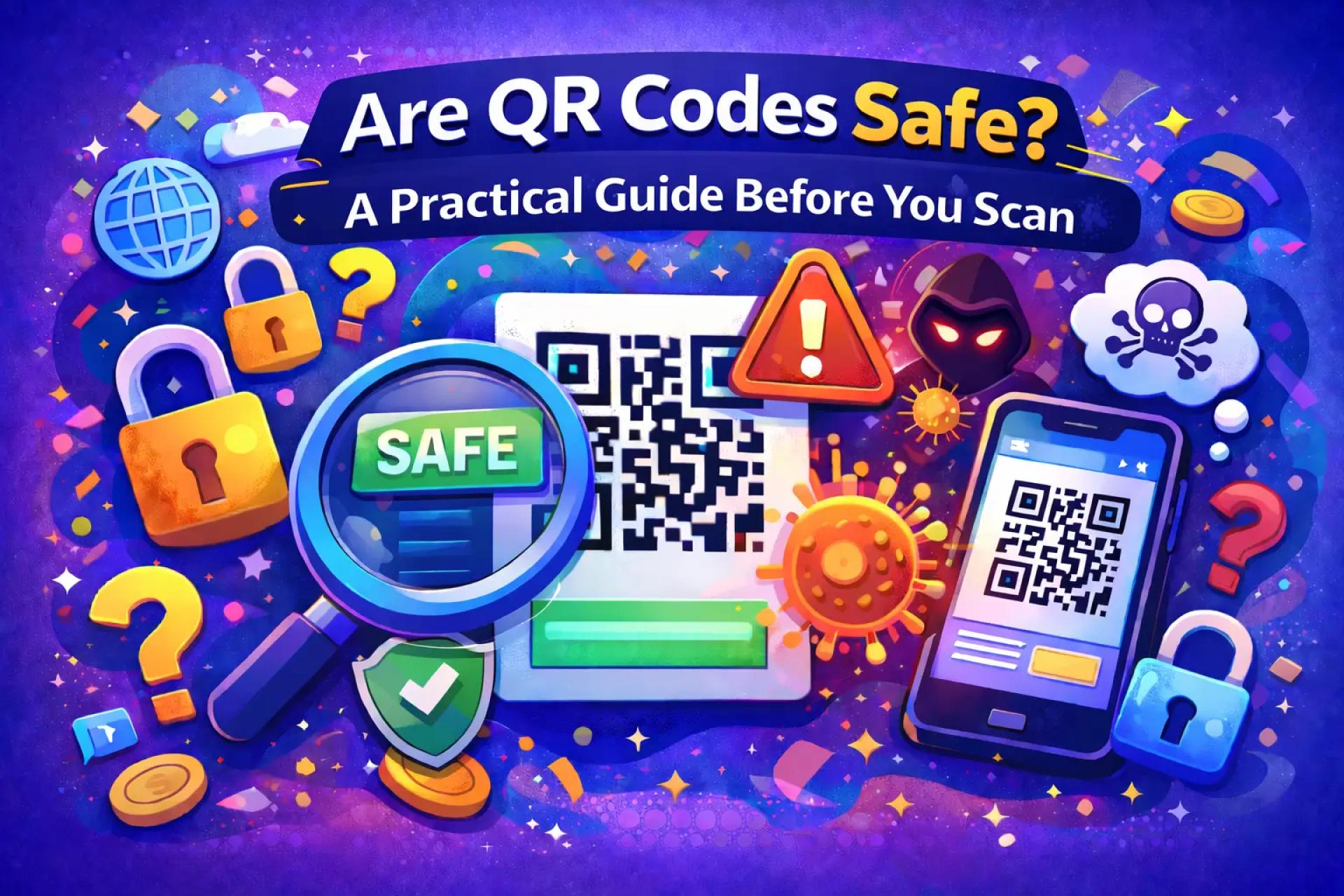

QR codes have become one of the easiest ways to move from the physical world to the digital one. Instead of typing long website addresses, users simply scan a code and instantly access information, menus, downloads, or online services.
As their popularity grows, many people naturally ask:
Is it safe to scan QR codes?
The simple answer is yes — QR codes are generally safe, but understanding how they work helps you recognize when extra caution is needed.
What Happens When You Scan a QR Code
A QR code is not software or an application. It’s a visual format used to store data that smartphones can quickly read.
After scanning, your phone may:
- Open a website
- Display product or event information
- Connect to Wi-Fi
- Show contact details
- Start a download
- Redirect to a payment page
The important detail is that a QR code itself cannot harm your device. It only points your phone toward a destination.
The Real Safety Concern: Unknown Links
The main risk connected to QR codes is similar to clicking unfamiliar links online.
Some QR codes may lead to websites created to mislead users. These pages might imitate legitimate platforms or request sensitive information.
Examples include:
- Fake account login pages
- Unofficial payment portals
- Pages requesting personal data
- Suspicious downloads
Because QR codes hide the link until scanning, users sometimes trust them without verification.
How to Scan QR Codes More Safely
Using QR codes safely usually comes down to a few simple habits.
Check the destination first
Most modern phones show a preview of the link before opening it. Always take a second to confirm the website looks legitimate.
Pay attention in public locations
In crowded areas, fake QR stickers can occasionally be placed over original ones. If something looks altered or poorly attached, avoid scanning.
Don’t rush into entering information
If a website immediately asks for passwords or payment details, verify that you’re on the correct site before continuing.
Why Most QR Codes Are Trustworthy
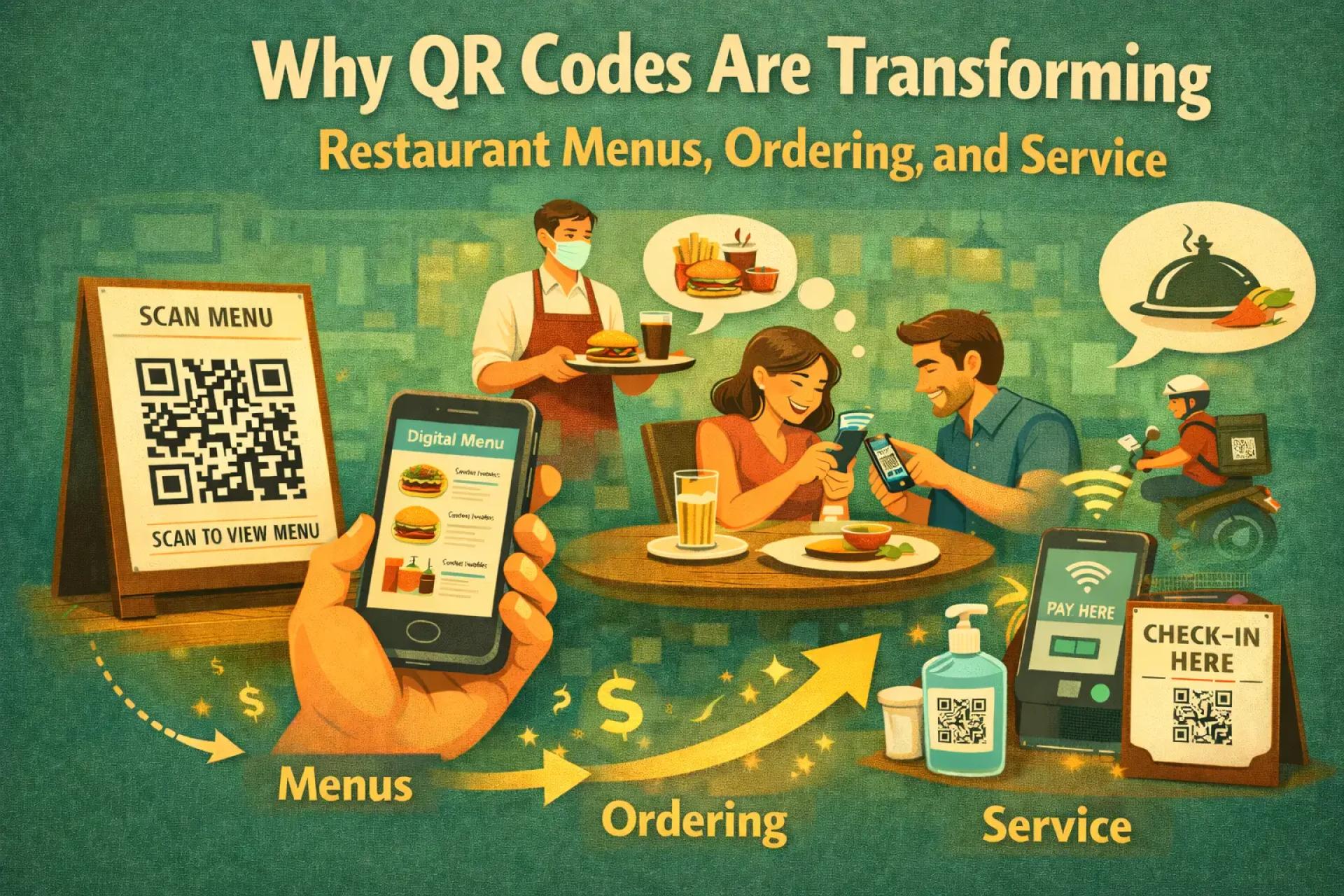
Businesses and organizations use QR codes because they simplify access for customers and visitors. Common uses include digital menus, product instructions, promotions, registrations, and customer support pages.
When QR codes are created through reliable generators such as https://qrcolor.com, they are typically linked to clearly managed destinations intended for legitimate interaction.
For everyday users, the vast majority of QR codes encountered in normal settings are safe.
Built-In Protection on Modern Devices
Today’s smartphones already include multiple security features designed to protect users, including:
- Unsafe website warnings
- Secure browsing systems
- Download approval requirements
- Permission controls for apps and files
These safeguards significantly reduce the chances of accidental harm.
When It’s Best Not to Scan
You may want to avoid scanning a QR code if:
- The source seems unofficial
- The code appears tampered with
- You are asked for urgent payment
- The preview link looks unfamiliar
- The situation feels suspicious
Applying normal internet safety awareness is usually enough.
Clearing Up a Common Misconception
A frequent myth is that scanning a QR code can instantly infect a phone.
In reality:
- Scanning alone cannot install malware
- Devices require confirmation before downloads
- Users must interact with content before risks appear
QR codes are simply access points — not threats by design.
Final Thoughts
QR codes continue to grow in popularity because they make accessing digital content faster and easier. With basic awareness and a quick verification step, they remain a safe and convenient technology.
A good rule to follow is simple:
Scan when it makes sense, verify where the link leads, and interact only with trusted sources.
Used responsibly, QR codes are one of the most practical tools connecting offline experiences with the online world.


Sign in to leave a comment.