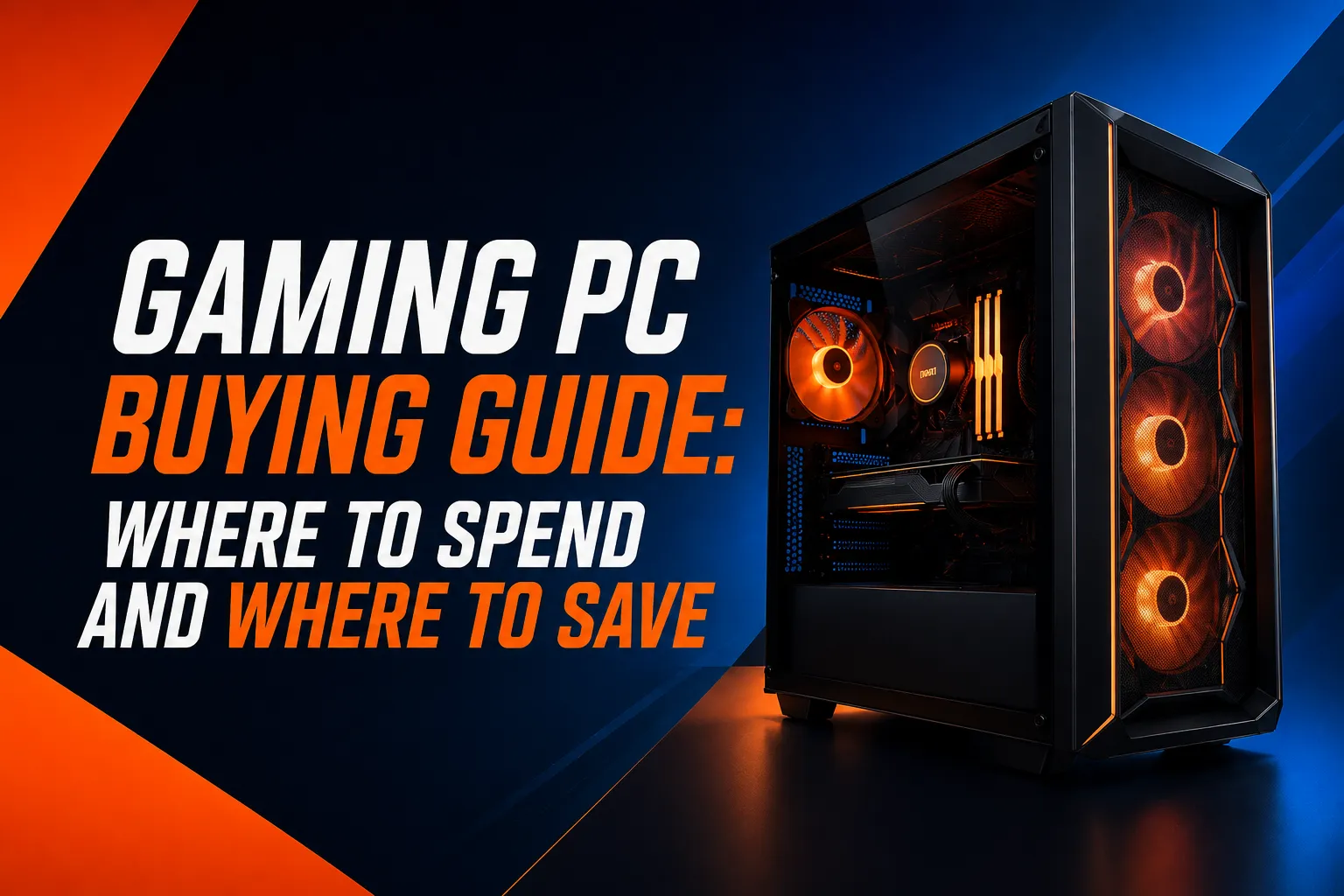

Buying the best budget gaming PC doesn't mean you have to settle for a poor gaming experience. With so many PCs available at different prices, it can be hard to tell which features are actually worth paying for and where you can cut costs.
The right choice comes down to the games you play, the performance you want, and your overall budget. Some components have a much bigger impact on gaming than others, while certain features may look appealing without adding much value. This guide explains where to spend more, where to save, and what to check before buying.
What Should You Look for in a Gaming PC?
A gaming PC needs balanced components. A powerful graphics card paired with insufficient RAM, limited storage, or poor supporting hardware can still leave you with an underwhelming system.
The main components to consider are the GPU, CPU, RAM, storage, power supply, and cooling.
Graphics Card
The graphics card, or GPU, has a major impact on gaming performance. It handles much of the work involved in rendering game visuals, so it should receive a significant portion of your budget.
The right GPU depends on how you plan to play. Someone gaming at 1080p does not necessarily need the same graphics card as someone targeting higher resolutions or demanding graphical settings.
Rather than choosing a PC because it has a particular GPU name, consider the games you play, the resolution of your monitor, and the frame rates you want to achieve.
Processor
The CPU handles many of the calculations that keep games and other applications running. While it is important, buying the most expensive processor available is rarely the best use of a limited gaming budget.
A better approach is to choose a processor that works well with your graphics card and the type of games you play.
For a gaming-focused system, a balanced CPU and GPU combination is generally more useful than spending heavily on one component while leaving another noticeably weaker.
RAM
RAM affects how well your system handles games and other applications at the same time.
Modern games can be demanding, and having enough memory can also help if you keep browsers, voice chat, streaming software, or other programs open while playing.
When comparing PCs, look beyond the amount of RAM and consider whether the system gives you a practical upgrade path for the future.
Storage
An SSD can make a noticeable difference to everyday use, including system startup and game loading times.
Storage capacity is also worth considering. Modern games can take up a substantial amount of space, so a system with limited storage may quickly leave you searching for an upgrade.
If you are trying to keep the initial cost down, choosing a sensible amount of SSD storage and adding more later can be a practical way to manage your budget.
Where Should You Spend More on a Gaming PC?
Not every upgrade provides the same benefit.
If gaming performance is your priority, the graphics card is usually one of the first areas worth considering when deciding where to allocate more of your budget.
You may also want to spend more on:
- A suitable CPU that keeps up with the rest of the system
- More RAM if you play demanding games or multitask
- Additional SSD storage if you have a large game library
- A reliable power supply that can support the system and future upgrades
- Better cooling when the hardware requires it
The key is to spend more where the upgrade produces a meaningful difference.
A more expensive case, additional RGB lighting, or premium cosmetic features may look impressive, but they do not necessarily improve gaming performance.
Where Can You Save Money?
Saving money does not mean buying the weakest components available. It means avoiding features that do not provide enough value for your particular needs.
You may be able to save on:
- RGB lighting and decorative accessories
- Premium cases with features you will not use
- Excessively powerful CPUs
- More storage than you currently need
- High-end cooling for a modest system
- Accessories you already own
For example, if you already have a good monitor, keyboard, and mouse, there is little reason to pay extra for a bundle containing replacements.
The goal is to put more of your budget toward the hardware that directly affects the way you play.
How Much Should You Spend on a Gaming PC?
There is no single price that works for every gamer.
Your ideal budget depends on the games you play, your monitor, your preferred graphics settings, and how long you want the PC to remain useful.
Entry-Level Gaming
An entry-level system can work well for lighter games and competitive titles, particularly if you are comfortable with sensible graphics settings.
This can be a good starting point for casual gamers or someone buying their first gaming PC.
Mid-Range Gaming
A mid-range system offers a better balance for people who want strong performance across a wider selection of games.
This is often the sweet spot for buyers who want good 1080p performance without moving into expensive high-end hardware.
Higher-End Gaming
Higher-end systems make more sense when you want higher resolutions, high refresh rates, demanding graphical settings, or enough performance for more intensive workloads alongside gaming.
The important thing is to avoid paying for performance you will not use.
Is a Cheap Gaming PC Actually Worth Buying?
A cheap gaming PC can be worth considering, but the headline price should not be the only thing you look at.
A very low-cost system may achieve its price by using weaker supporting components, limited storage, insufficient RAM, or hardware that is difficult to upgrade.
Before buying, check the complete specification.
Look at:
- Exact CPU model
- Exact GPU model
- RAM capacity
- SSD capacity
- Power supply
- Motherboard
- Cooling
- Available upgrade options
Two PCs can have similar-looking specifications while offering very different overall value.
A good low-cost PC should cut unnecessary expenses without cutting corners on the components that matter.
Should You Buy a Prebuilt or Build Your Own PC?
This is one of the biggest decisions for a new gaming PC buyer.
Benefits of a Prebuilt Gaming PC
A prebuilt system can be convenient if you do not want to select and assemble individual components.
You get a complete system that is ready to use, and buying everything together can also simplify warranty and support.
A prebuilt can be particularly useful for first-time PC gamers who would rather spend their time playing than researching component compatibility.
Benefits of Building Your Own
Building your own PC gives you greater control over every component.
You can decide exactly where to spend your money, select individual parts, and plan the system around your specific needs.
It can also make future upgrades easier because you know exactly what hardware is inside the system.
Which Option Makes More Sense?
Neither option is automatically better.
Building your own can make sense if you enjoy researching components and want complete control. A prebuilt can make more sense if convenience, support, and simplicity are more important to you.
It is also worth comparing the complete cost rather than assuming that building yourself will always be cheaper.
What to Check Before Buying a Prebuilt Gaming PC
If you are comparing options from a prebuilt gaming PC store, do not judge the system based only on its processor or graphics card.
Check the full specification before making a decision.
1. Check the Exact GPU
Make sure you know which graphics card is included and what level of gaming performance it is designed to provide.
2. Check the CPU
Look at the exact processor rather than simply relying on a broad label such as "gaming processor."
3. Check the RAM
Make sure the system has enough memory for your games and other applications, with room for future expansion if possible.
4. Check the SSD
Look at both the type and capacity of the storage. A fast drive with very little available space may become inconvenient sooner than expected.
5. Check the Power Supply
The PSU is easy to overlook because it does not directly appear in game benchmarks. However, it is an important part of a reliable and upgradeable system.
6. Check Cooling and Airflow
Powerful components generate heat. Make sure the system has appropriate cooling and sensible airflow rather than focusing only on the headline specifications.
7. Check Upgrade Options
A gaming PC that can accept additional RAM, storage, or a future graphics card can provide more flexibility as your needs change.
Are Gaming Bundle Deals Worth It?
Gaming bundle deals can be useful if you are starting from scratch.
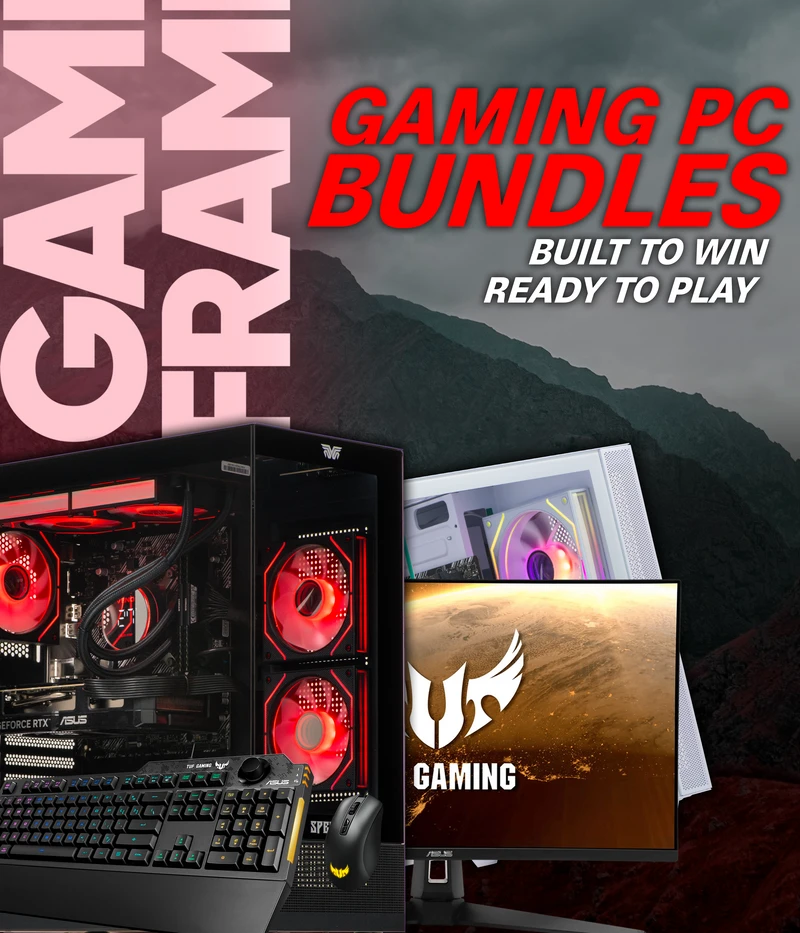
Some bundles combine a gaming PC with a monitor, keyboard, mouse, headset, or other accessories. Buying everything together can be convenient and may reduce the total cost compared with purchasing each item separately.
However, compare what you are actually getting.
A bundle may not be worthwhile if you already own some of the accessories or if the included peripherals are basic products that you would replace later.
Before choosing a bundle, compare the price of the PC on its own with the individual cost of the included accessories.
Convenience is valuable, but it should not come at the expense of the hardware you care about most.
How to Choose the Right PC for the Games You Play
The best PC for you depends heavily on your gaming habits.
Start by asking a few simple questions:
- Which games do you play most often?
- Do you mainly play competitive or demanding AAA titles?
- Are you gaming at 1080p or a higher resolution?
- Do you use a high-refresh-rate monitor?
- Do you stream while gaming?
- Do you plan to edit videos or perform other demanding tasks?
- How long do you want to use the PC before upgrading?
Someone who mainly plays competitive games may have different requirements from someone who spends most of their time playing graphically demanding single-player titles.
That is why there is no universal answer to which system is the best budget gaming PC. The right choice is the one that provides the performance you need without making you pay for hardware you will not use.
How to Make Your Gaming PC Last Longer
A little planning can make a budget system much easier to upgrade later.
Choose components that leave room for additional storage or memory. Make sure the power supply can handle potential upgrades, and avoid filling your budget with features that cannot be upgraded or reused.
Good airflow also matters. Keeping the system clean and maintaining sensible temperatures can help the hardware operate reliably over time.
You do not need to buy high-end components just because you want a future-proof PC. Instead, look for a balanced system with a practical upgrade path.
Common Mistakes to Avoid When Buying a Gaming PC
Buying Based on One Component
A powerful-looking GPU or CPU does not tell you everything about a PC. Always check the complete specification.
Choosing the Cheapest Possible Power Supply
The PSU supports the entire system, so it should not be treated as an afterthought.
Ignoring Storage
A PC may perform well initially but become frustrating if you constantly run out of space for games.
Paying Too Much for Appearance
RGB lighting and premium cases can improve the look of a setup, but they should not take priority over performance when your budget is limited.
Assuming DIY Is Always Cheaper
Compare current component prices with complete systems before deciding. The better option can change depending on available deals.
Ignoring Upgradeability
A slightly more flexible system may be a better long-term purchase than a cheaper PC that leaves little room for expansion.
How to Find the Best Value Gaming PC
Finding the best value is about more than choosing the lowest-priced system. Consider the games you play, the performance you expect, and how long you want the PC to remain useful. Compare the complete specifications, including the GPU, CPU, RAM, storage, power supply, and cooling. A well-balanced system can offer better gaming performance and make future upgrades easier.
Final Thoughts
Buying a gaming PC on a budget does not mean you have to settle for poor performance. The key is to spend more on components that directly affect gaming while saving on features that have little impact on how you play. Consider your current needs, available budget, and potential upgrades before making a decision.
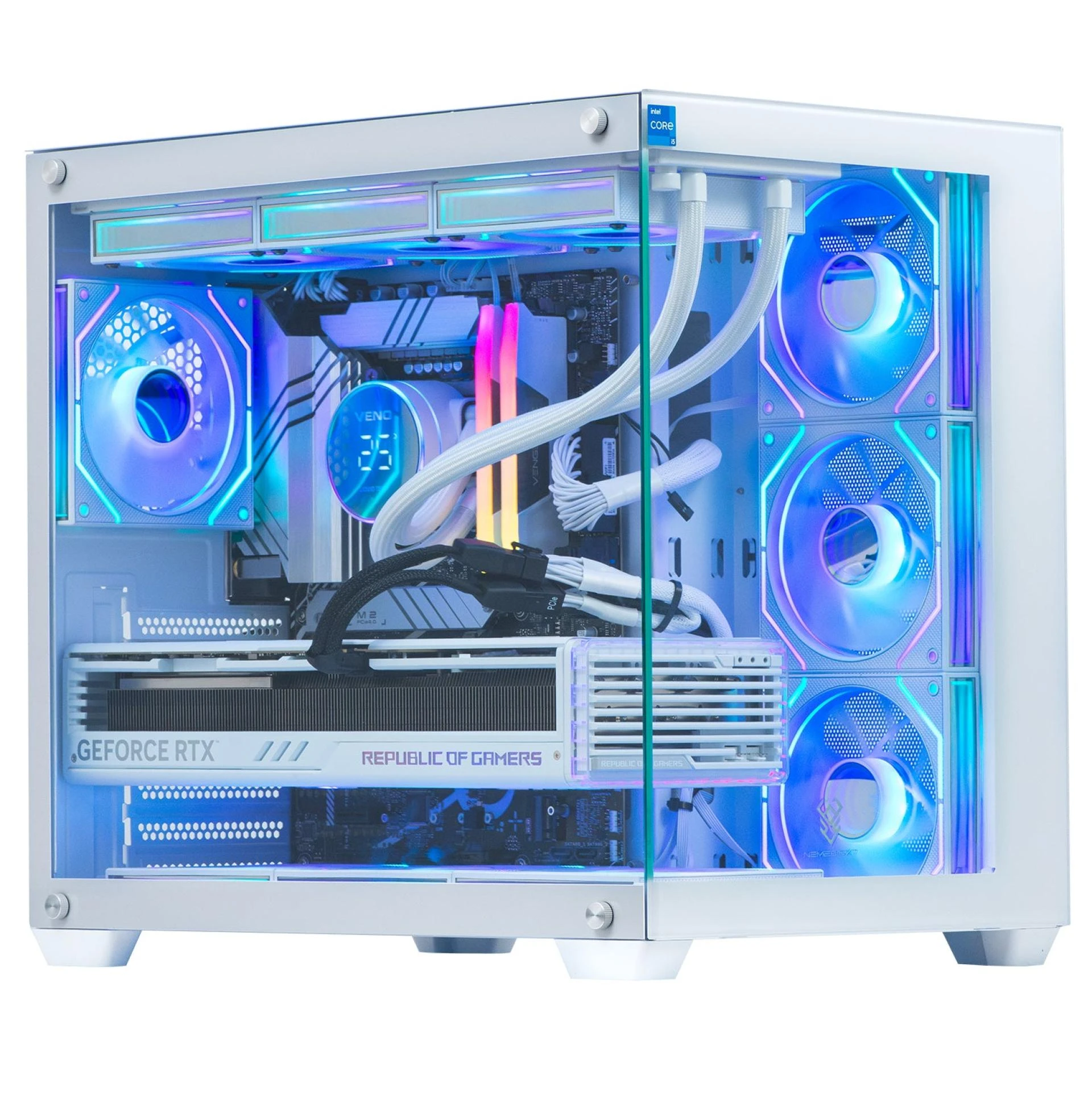
Whether you choose a prebuilt or build your own system, compare the overall value rather than focusing on one impressive specification. Veno Scorp can be one option to consider when comparing gaming PCs based on your requirements and budget.
Frequently Asked Questions
What is the best budget gaming PC?
The right choice depends on your games, resolution, desired frame rate, and budget. Instead of choosing based solely on price, compare the GPU, CPU, RAM, storage, power supply, cooling, and upgrade options as a complete system.
How much should I spend on a gaming PC?
There is no universal budget. Entry-level systems can suit lighter gaming, while mid-range PCs provide a stronger balance for demanding games. Higher budgets make more sense for high-resolution or high-refresh-rate gaming.
Is it cheaper to build or buy a gaming PC?
It depends on current component prices, discounts, and the specific system. Building gives you more control, while a prebuilt offers convenience and a complete system. Compare the total cost before deciding.
Is a cheap gaming PC good for modern games?
It can be, provided the components are properly balanced. Check the graphics card, processor, RAM, storage, and power supply rather than judging the PC by its price alone.
How much RAM does a gaming PC need?
The right amount depends on the games and other applications you use. It is also worth considering whether the system allows you to add more memory later.
Is a prebuilt gaming PC worth buying?
A prebuilt can be a good choice if you want a ready-to-use system, simpler support, and less hassle with component selection and assembly. Just make sure the complete specification offers good value.
Are gaming PC bundles worth it?
They can be worthwhile when you need the included monitor and peripherals and the combined price represents good value. If you already own those accessories, buying a PC separately may make more sense.
What should I upgrade first on a gaming PC?
The best upgrade depends on the system and what is limiting performance. For gaming, the graphics card is often an important upgrade, but additional RAM or storage may make more sense if those are the actual limitations.

























Sign in to leave a comment.