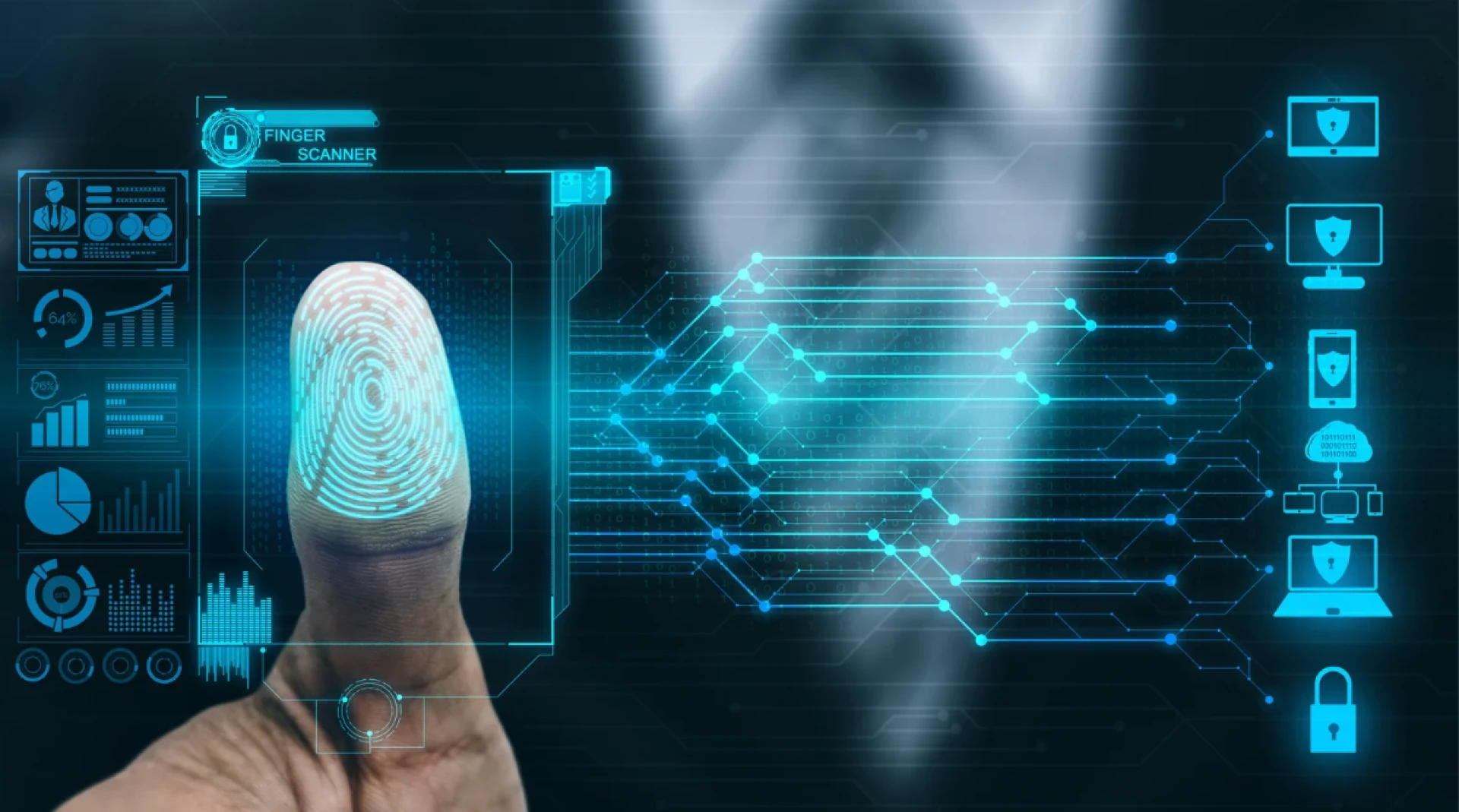

In today’s evolving security landscape, protecting the workplace is no longer just about keeping doors locked. From cyber threats to physical intrusions, businesses face a growing number of risks that demand smarter, more reliable security solutions. Traditional access control systems like keys, PIN codes, and swipe cards have served their purpose, but they’re increasingly vulnerable to duplication, loss, and misuse.
Enter biometric access control — a technology that uses unique biological traits such as fingerprints, facial features, or iris patterns to verify identity. Unlike a plastic card that can be stolen or a password that can be guessed, biometric credentials are inherently tied to the individual. This makes them far more difficult to forge and significantly improves security.
This article explores how biometric access control works, why it’s becoming a cornerstone of workplace security, the challenges it addresses, and how organizations can successfully implement it while safeguarding privacy.
The Need for Stronger Workplace Security
Workplace security is no longer a “nice-to-have” — it’s a business necessity. The rise of insider threats, corporate espionage, and unauthorized physical access has placed additional strain on traditional security systems.
Common Threats Include:
- Lost or stolen access cards: These can be used by unauthorized individuals to gain entry.
- PIN sharing: Employees sometimes share access codes for convenience, bypassing individual accountability.
- Tailgating: Unwanted visitors entering secure areas by following authorized personnel.
The weaknesses of traditional access control systems boil down to one issue: the credentials they use (cards, codes, keys) are transferable. If someone gets hold of them, they can act as the legitimate user.
Biometric systems eliminate this loophole by linking access rights directly to the individual, ensuring that only the authorized person can gain entry — regardless of whether someone else has their ID badge or password.
What is Biometric Access Control?
Biometric access control verifies a person’s identity using their unique physical or behavioral traits. These traits are recorded, encrypted, and stored as a digital template within a secure database. When a person attempts access, the system scans their biometric characteristic, compares it to the stored template, and either grants or denies entry.
Common Biometric Modalities:
- Fingerprint Recognition – The most widely used method; cost-effective and accurate.
- Facial Recognition – Uses AI to map facial features; ideal for touchless entry.
- Iris or Retina Scanning – Extremely accurate, used in high-security facilities.
- Palm Vein Recognition – Maps vein patterns using infrared light; difficult to replicate.
- Voice Recognition – Often used for remote authentication.
Key Components of a Biometric System:
- Sensor/Scanner: Captures the biometric data (fingerprint reader, facial camera, iris scanner).
- Software: Processes and matches the data to stored templates.
- Database: Securely stores encrypted biometric templates.
- Control Panel: Determines whether to unlock doors or deny entry.
Key Advantages of Biometric Access Control for Workplace Security
Biometric access control offers a powerful combination of accuracy, convenience, and accountability, making it one of the most effective solutions for strengthening workplace security.
1. Eliminates Risks of Lost Credentials
With biometrics, there are no cards to misplace, keys to copy, or PINs to forget. An employee’s credential is always with them.
2. High Accuracy & Fraud Prevention
Biometric identifiers are unique to each person, making impersonation nearly impossible. Fingerprints, for example, have a one-in-64-billion chance of duplication.
3. Real-Time Monitoring & Audit Trails
Every access attempt is logged with the exact date, time, and identity of the person. This helps with incident investigations and compliance audits.
4. Integration with Other Security Systems
Biometric systems can link with CCTV cameras, alarm systems, and HR attendance software, creating a unified security ecosystem.
5. Scalable for Multi-Site Operations
A centralized system can manage biometric access across multiple office branches, ensuring consistent security policies.
Addressing Privacy and Security Concerns
Biometric systems often face skepticism around privacy, particularly regarding how personal data is stored and used.
Best Practices for Data Security:
- Template Storage, Not Raw Images: Systems store mathematical representations of biometric data, not the actual images.
- Encryption: Data is encrypted in storage and during transmission.
- Compliance with Privacy Laws: Systems should adhere to GDPR, CCPA, or other regional data protection regulations.
Transparency with Employees:
Clearly communicate how biometric data is collected, stored, and used. Obtain informed consent and provide opt-out options where legally required.
Myth-Busting:
A common myth is that biometric databases can be “hacked” to recreate someone’s fingerprint or face. In reality, the stored templates cannot be reverse-engineered into raw biometric images.
Real-World Applications in the Workplace
Biometric access control is highly adaptable across industries:
- Corporate Offices: Restrict entry to executive suites, server rooms, or financial records storage.
- Industrial & Manufacturing: Control access to hazardous zones or sensitive production areas.
- Healthcare: Secure patient records, controlled substances, and sterile environments.
- Government Facilities: Protect classified information and high-clearance zones.
- Data Centers: Ensure that only authorized IT personnel can access server racks.
These systems not only prevent unauthorized entry but also streamline daily operations, especially in high-traffic facilities.
Implementation Considerations
Rolling out biometric access control requires planning to ensure smooth adoption:
- Security Needs Assessment
- Identify high-risk areas and determine the required level of security.
- Choosing the Right Modality
- Match biometric type to the environment — e.g., iris scans for dusty factories where fingerprints may be harder to capture.
- Integration with Existing Infrastructure
- Ensure compatibility with current access control panels, alarm systems, and software platforms.
- Employee Training & Policies
- Provide training on how to use the system and outline policies for enrollment, usage, and data handling.
- Vendor Selection
- Work with a reputable provider that offers strong technical support, system warranties, and compliance-ready solutions.
Cost vs. ROI of Biometric Systems
The initial investment for biometric access control includes hardware (scanners, cameras), software licensing, installation, and training. While upfront costs are higher than traditional systems, the long-term ROI is compelling:
- No Card Replacement Costs: Cards can cost $5–$50 each; biometrics eliminate this expense.
- Reduced Security Staff Dependence: Automation lowers staffing requirements.
- Loss Prevention: A single prevented breach can offset the system cost.
- Productivity Gains: Faster entry reduces time lost during shift changes.
For most organizations, the payback period ranges from 12 to 24 months.
Future Trends in Biometric Access Control
The field of biometrics is evolving rapidly:
- AI-Powered Recognition: Enhances accuracy by adapting to changes in appearance (e.g., aging, facial hair).
- Multi-Modal Systems: Combining two or more biometric methods for higher security.
- Touchless Biometrics: Growing in demand for hygiene-conscious workplaces post-COVID.
- Integration with IoT: Smart building automation where lighting, climate control, and access adjust based on who enters.
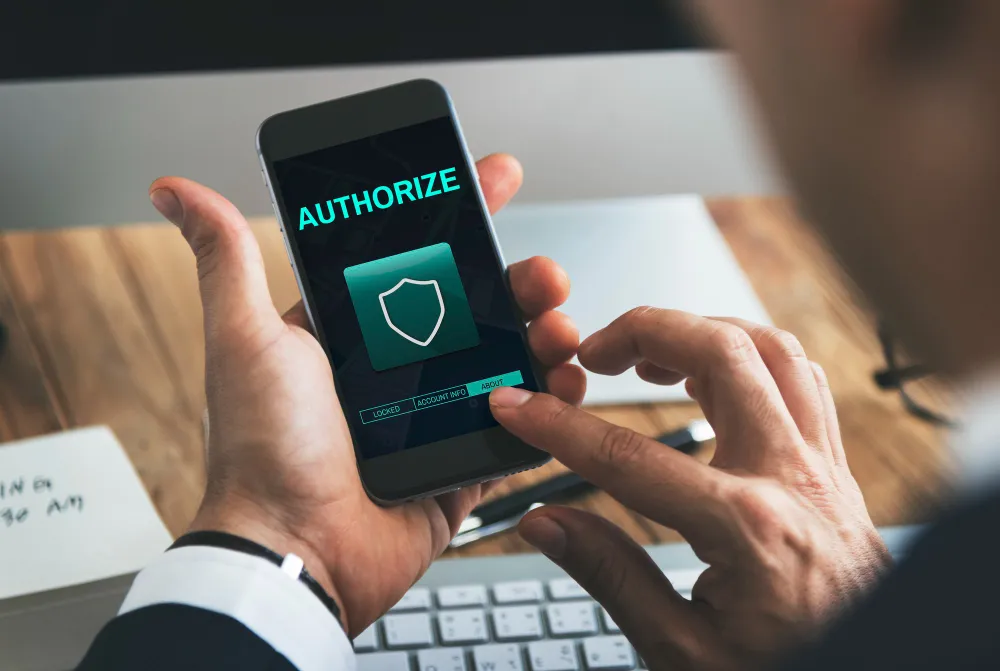
- Mobile-Based Biometrics: Using smartphones for facial or fingerprint authentication before granting entry.
Professional Installation: Why It Matters
While biometric systems are powerful, their effectiveness depends heavily on correct installation and configuration. Choosing a professional installer ensures the system operates at peak performance and remains secure.
Benefits of Professional Installation:
- Custom System Design – Tailored solutions based on building layout, security needs, and traffic patterns.
- Proper Integration – Seamless connection with existing access control, alarm, and CCTV systems.
- Optimal Device Placement – Avoiding blind spots and ensuring scanners are positioned for reliable readings.
- Regulatory Compliance – Meeting building codes, safety regulations, and privacy laws.
- Technical Expertise – Ensuring accurate calibration, secure wiring, and firmware configuration.
- Ongoing Support & Maintenance – Troubleshooting, software updates, and system expansion.
Why DIY Installations Can Fail:
- Poor placement leading to false rejections.
- Weak security from incorrect database configuration.
- No compliance checks or proper encryption setup.
- Lack of warranty or post-installation support.
Professional installers ensure that the investment in biometric technology delivers maximum ROI and minimal downtime.
Conclusion & Key Takeaways
Biometric access control is transforming how businesses protect their people, assets, and information. By tying access rights to unique human characteristics, organizations eliminate the vulnerabilities of keys, cards, and passwords.
The benefits — accuracy, accountability, scalability, and integration — make biometrics a strong choice for modern workplace security. While privacy concerns are valid, proper encryption, compliance, and transparency can address these effectively.
As technology advances, biometric access control will become even more intelligent, touchless, and seamlessly integrated with broader building management systems. Forward-thinking companies that adopt these solutions today will be better positioned to stay ahead of security threats tomorrow.
Frequently Asked Questions (FAQs)
1. Is biometric access control safe for employees?
Yes. Biometric systems store encrypted templates, not raw images, making it impossible to recreate the original biometric data.
2. How accurate are biometric scanners?
Modern scanners offer accuracy rates above 99%, with false acceptance rates (FAR) and false rejection rates (FRR) minimized through AI algorithms.
3. What happens if the system fails or power goes out?
Most systems have backup power supplies and fail-safe or fail-secure modes. Some also offer secondary authentication methods.
4. Can biometric data be hacked?
While no system is 100% hack-proof, encryption and secure storage make biometric data far harder to compromise than traditional credentials.
5. How much does biometric access control cost for small businesses?
Costs vary by system type, but small-scale setups can start around $1,000–$2,500 per door, including hardware and software.
6. Is biometric security better than keycards?
Yes, because biometrics cannot be lost, stolen, or shared, reducing unauthorized access risks.
7. Do biometric systems work for remote and hybrid work setups?
Yes. Some systems integrate with cloud platforms, allowing mobile or remote biometric authentication for flexible workplaces.


























Sign in to leave a comment.