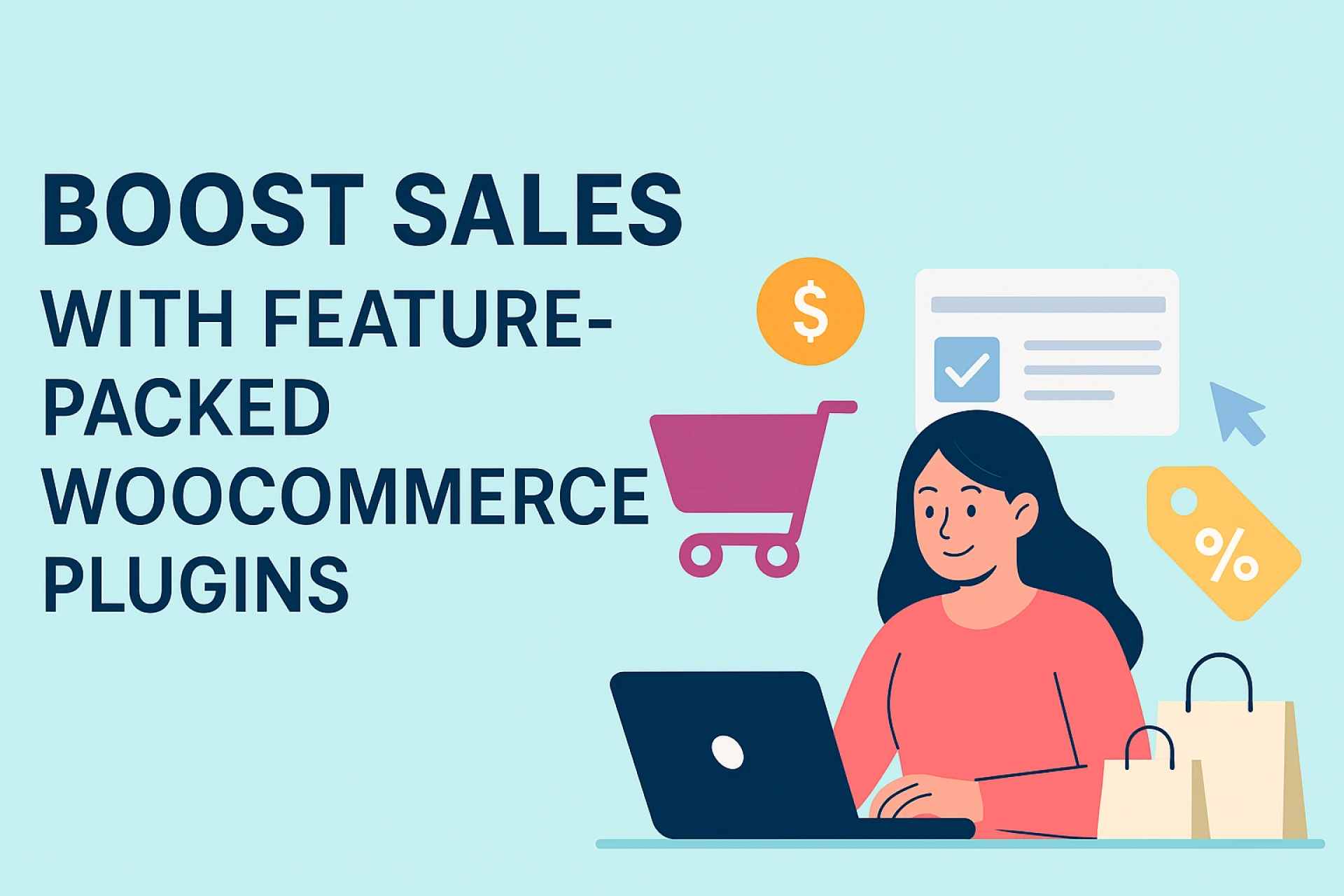

Running an online store today is about more than just having products to sell. The real challenge lies in creating a smooth shopping experience, attracting customers, and encouraging them to come back.
WooCommerce, one of the most popular eCommerce platforms for WordPress, offers a strong foundation for building your online business. But to truly stand out and maximize your sales potential, you need to extend its functionality with the right set of plugins.
Feature-packed WooCommerce plugins can transform a basic store into a fully optimized, revenue-generating platform. From improving customer engagement to streamlining checkout, these tools can help your store meet the demands of modern shoppers.
Let’s explore how these plugins can boost your sales and enhance the overall shopping experience.
1. Why Plugins Matter for Sales Growth
WooCommerce by itself offers all the essentials for creating an online store. However, shoppers today expect faster checkout, personalized recommendations, mobile optimization, and easy payment options. Plugins add these extra layers of functionality, helping you:
- Reduce cart abandonment with quick checkout
- Increase order value with upselling and cross-selling
- Improve product visibility with better search and filtering
- Enhance customer trust with reviews and social proof
- Automate marketing and follow-ups
Simply put, plugins can bridge the gap between an average store and a sales-focused powerhouse.
2. Types of Feature-Packed WooCommerce Plugins That Boost Sales
Let’s break down some categories of plugins that can make a big impact.
a) Marketing & Promotions Plugins
Discounts and promotions are a tried-and-true way to drive sales. Plugins that allow you to create targeted coupons, run flash sales, or offer “buy one, get one” deals can grab customer attention. Advanced marketing plugins can also integrate email campaigns, abandoned cart recovery, and loyalty programs.
b) Product Recommendation & Personalization Plugins
Shoppers are more likely to buy when they see relevant products. Recommendation plugins use customer browsing and purchase history to suggest related or complementary items, increasing your average order value.
c) Checkout Optimization Plugins
The checkout process is a critical stage where many potential sales are lost. Plugins that simplify checkout into one page, support multiple payment gateways, and offer guest checkout can dramatically reduce abandonment rates.
d) SEO & Search Plugins
If customers can’t find your products, they can’t buy them. SEO plugins optimize your store for search engines, while enhanced search and filter plugins make it easier for visitors to locate what they want quickly.
e) Multichannel Selling Plugins
Selling only through your website limits your reach. Multichannel plugins allow you to integrate your store with marketplaces like Amazon, eBay, or social media platforms, expanding your audience and sales opportunities.
3. Key Features to Look For
Not all plugins are created equal. When looking for feature-packed WooCommerce plugins, prioritize:
- Ease of integration with your current store
- Mobile responsiveness for shoppers on the go
- Performance optimization to avoid slowing down your site
- Scalability, so the plugin can grow with your business
- Ongoing updates and support to stay compatible with the latest WooCommerce versions
4. Examples of Plugins That Can Drive Sales
Here are some types of plugins that store owners often find valuable:
- Dynamic Pricing Plugins: Offer volume discounts or special rates for certain user groups.
- Abandoned Cart Recovery: Automatically emails shoppers who left items in their cart.
- Upsell & Cross-Sell Tools: Display related products at checkout or on product pages.
- Live Chat & Chatbot Plugins: Answer customer questions instantly and remove purchase hesitation.
- Subscription Management Plugins: Turn one-time buyers into recurring customers.
By combining several of these tools, you can address different aspects of the customer journey—from discovery to checkout.
5. Best Practices for Using WooCommerce Plugins
While plugins can significantly boost sales, using too many without a strategy can harm your store’s performance. Keep these best practices in mind:
- Choose quality over quantity: Focus on high-rated, well-supported plugins instead of adding dozens of tools.
- Test before going live: Try new plugins in a staging environment to prevent conflicts.
- Track performance: Use analytics to measure how each plugin impacts sales.
- Keep them updated: Outdated plugins can create security vulnerabilities.
6. How Plugins Improve the Customer Experience
Sales growth isn’t just about pushing more products; it’s about making the shopping journey enjoyable. Plugins can help you:
- Provide faster load times for better user satisfaction
- Offer secure payment methods to build trust
- Give personalized shopping experiences that encourage repeat visits
- Enable multi-language and multi-currency options for global reach
When customers have a smooth, enjoyable experience, they are more likely to make larger purchases and return in the future.
7. Final Thoughts
WooCommerce gives you the basic framework for running an online store, but feature-packed plugins are what take your business to the next level. The right tools can help you attract more visitors, convert them into customers, and keep them coming back.
By focusing on marketing automation, personalization, checkout optimization, and multichannel sales, you can create a robust, future-ready store. Remember, the key is to choose plugins that work well together, enhance your store’s performance, and align with your long-term business goals.
With thoughtful selection and consistent optimization, feature-packed WooCommerce plugins can do more than just improve your store; they can help you unlock its full sales potential.
























Sign in to leave a comment.