
Before reaching for the WhatsApp Business API, a lot of small businesses and solo marketers start with something already sitting in their pocket: WhatsApp's native Broadcast Lists feature, available in both the regular WhatsApp app and WhatsApp Business app. It's free, requires no integration, and technically does send the same message to many contacts at once. So why does virtually every serious WhatsApp marketing operation eventually move to the Business API instead?
The answer comes down to fundamental architectural differences in how each mechanism actually delivers messages — not just feature checklists. If you're a developer being asked to evaluate this for your team, or building tooling around either approach, it's worth understanding what's actually happening under the hood in each case.
How Broadcast Lists Actually Work
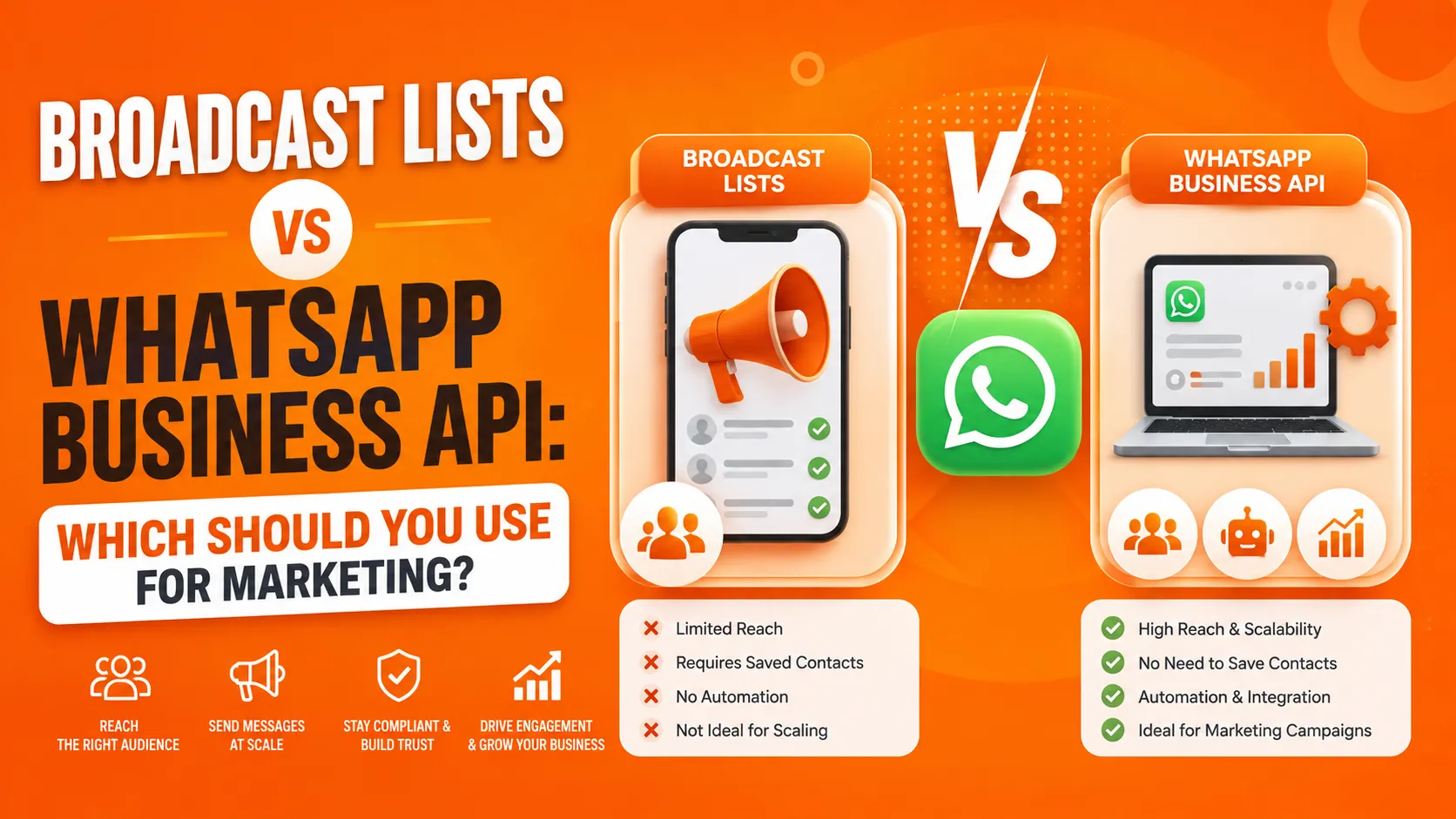
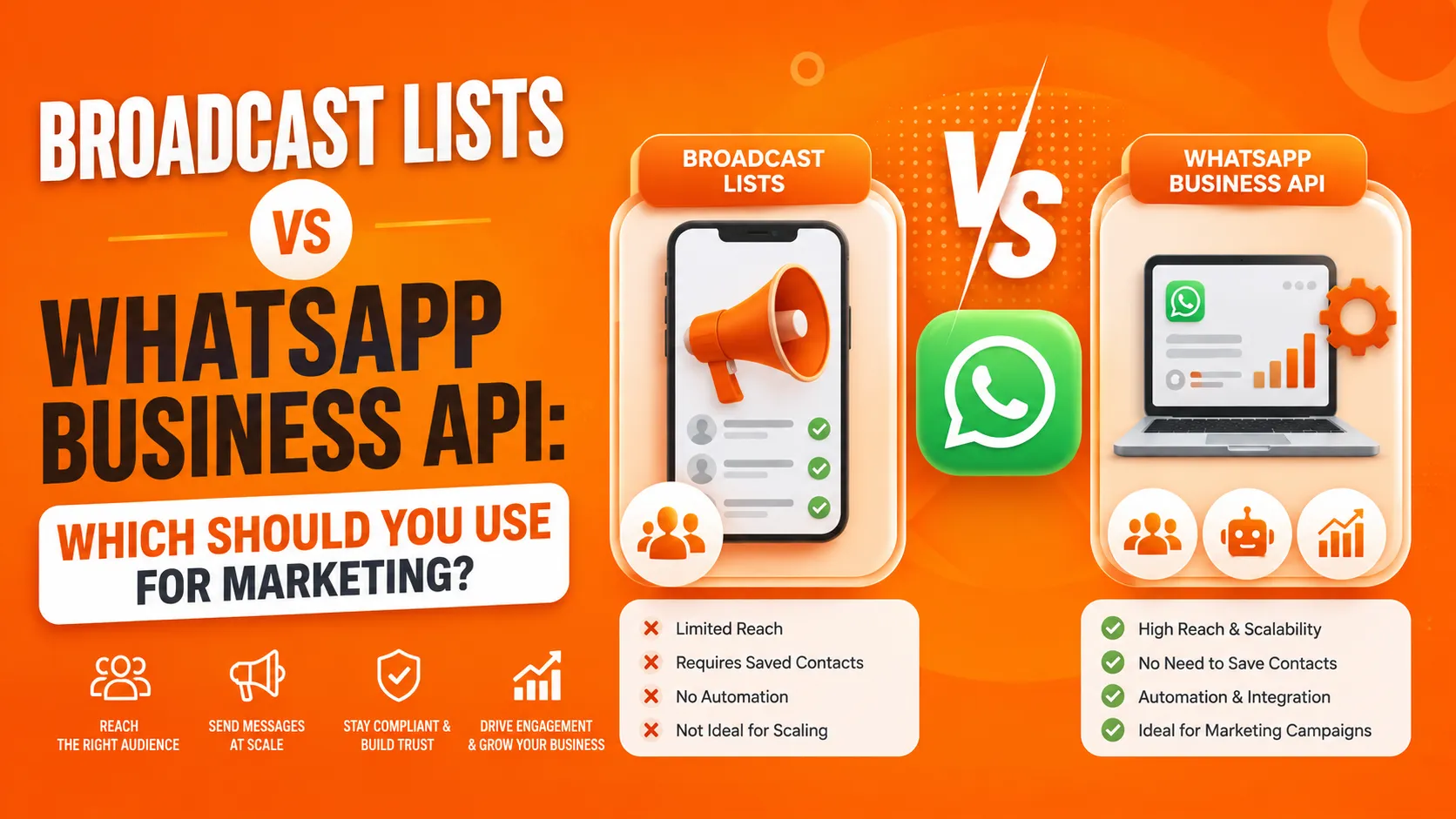
A WhatsApp Broadcast List is a native client-side feature: you select a group of contacts, compose a message, and send it. Technically, WhatsApp delivers this as a set of individual one-to-one messages — each recipient receives it as a normal DM, not as part of a visible group — but critically, the recipient must already have your number saved in their contacts for the broadcast message to actually reach them. If they haven't saved your number, the message silently fails to deliver to that specific contact, with no error surfaced to you as the sender.
This single constraint is the architectural crux of why Broadcast Lists don't scale as a marketing mechanism. There's no opt-in mechanism beyond mutual contact-saving, no API to programmatically manage list membership at scale, no delivery or read receipts aggregated across the list, and a hard cap on list size (currently 256 contacts per list in the standard WhatsApp app). Every one of these is a direct consequence of the feature being built as a personal messaging convenience, not a business messaging infrastructure.
How the WhatsApp Business API Actually Works
The Business API — accessed either directly via Meta's Cloud API or through a Business Solution Provider (BSP) built on top of it — is a fundamentally different architecture: a programmatic, server-to-server messaging system built specifically for businesses to send and receive messages at scale, with Meta's infrastructure handling delivery, rate limiting, and compliance enforcement server-side.
Key architectural differences worth understanding:
No contact-saving requirement. Because the Business API operates through registered business numbers with proper opt-in tracking, recipients don't need to have saved your number for messages to deliver — delivery is governed by the platform's own consent and template rules, not by whether the recipient happened to save your contact.
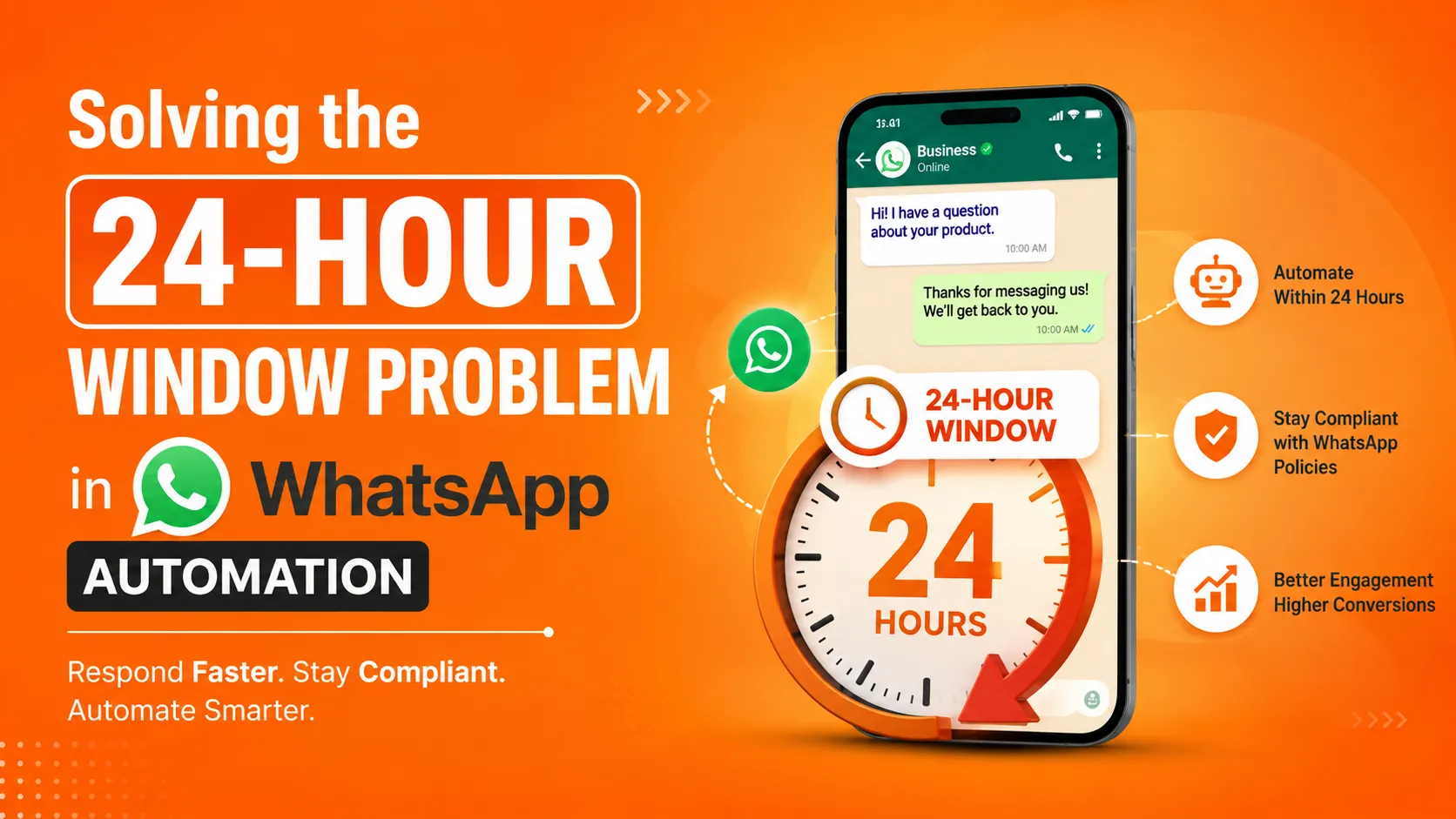
Template-based messaging outside active conversations. Any message sent outside a 24-hour window since the recipient's last message must use a pre-approved template — a genuinely different sending model than Broadcast Lists' unrestricted free-form messaging, and one that requires actual API integration to manage template submission, approval, and variable substitution.
Programmatic list and campaign management. Since this is an API, contact segmentation, campaign scheduling, and audience targeting are all things you build or configure programmatically, rather than manually curating a fixed 256-contact list inside a chat app.
Delivery, read, and engagement tracking via webhooks. The Business API sends delivery status updates (sent, delivered, read, failed) back to your system via webhooks, giving you actual, structured visibility into campaign performance — something Broadcast Lists simply have no mechanism to provide.
Quality rating and rate limits enforced server-side. Your business phone number carries a quality rating based on recipient engagement, which governs your daily messaging tier — a formal, platform-enforced system that doesn't exist at all for Broadcast Lists, which have no analogous scaling mechanism because they were never built to scale.
Comparing the Two Directly
Delivery Reliability
Broadcast Lists deliver only to recipients who've saved your number — meaning any list built from inbound leads, purchased contacts, or contacts who haven't proactively saved you will see silent, partial delivery failure with no way to detect which contacts didn't receive the message.
Business API delivery isn't contingent on contact-saving at all. Delivery status is explicitly tracked and reported back via webhook, so you have programmatic visibility into exactly which messages succeeded, failed, or were read.
Scale
Broadcast Lists are hard-capped at 256 contacts per list in the standard client, and sending to multiple lists doesn't meaningfully solve this — it just multiplies manual list management overhead without addressing the underlying contact-saving constraint.
Business API has no comparable hard cap on audience size; your sending capacity scales according to your quality rating and messaging tier, which itself scales up as your number demonstrates good engagement over time.
Integration and Automation
Broadcast Lists are entirely manual — there's no API to programmatically manage them, trigger sends based on backend events, or integrate with a CRM. Every send is a manual action inside the WhatsApp client itself.
Business API is, by definition, an API — it integrates directly with your backend systems, CRM, e-commerce platform, or marketing automation tooling, enabling triggered, event-driven messaging (an order confirmation, a cart-abandonment reminder) that Broadcast Lists have no mechanism to support at all.
Compliance and Risk
Broadcast Lists operate under WhatsApp's standard personal-use terms, and heavy, repeated use for marketing at any real volume risks the same detection and ban mechanisms that flag automated or spam-like behavior on a regular WhatsApp account — even though you're technically using a built-in feature rather than a third-party automation tool.
Business API usage is explicitly sanctioned for business messaging, with the platform's own template review and quality-rating systems built specifically to keep business messaging compliant and sustainable at scale — you're operating within infrastructure designed for exactly this use case, rather than stretching a personal-messaging feature beyond its intended scope.
When Broadcast Lists Are Actually Fine
It's worth being fair to Broadcast Lists rather than dismissing them outright — they have a legitimate, if narrow, use case. For a very small business or solo operator with a genuinely small, highly engaged contact list — under 256 people who have all explicitly saved your number because they actively want updates from you — Broadcast Lists can work adequately as a lightweight, zero-cost communication tool. Think a small local business notifying a loyal, personally-known customer base about a new product, not a scaled marketing operation reaching cold or semi-warm leads.
The moment your audience exceeds that scale, includes contacts who haven't saved your number, or needs any kind of automation, segmentation, or measurable delivery tracking, Broadcast Lists stop being a viable mechanism — not because of a policy limitation, but because of the fundamental architecture described above.
What This Means for Implementation
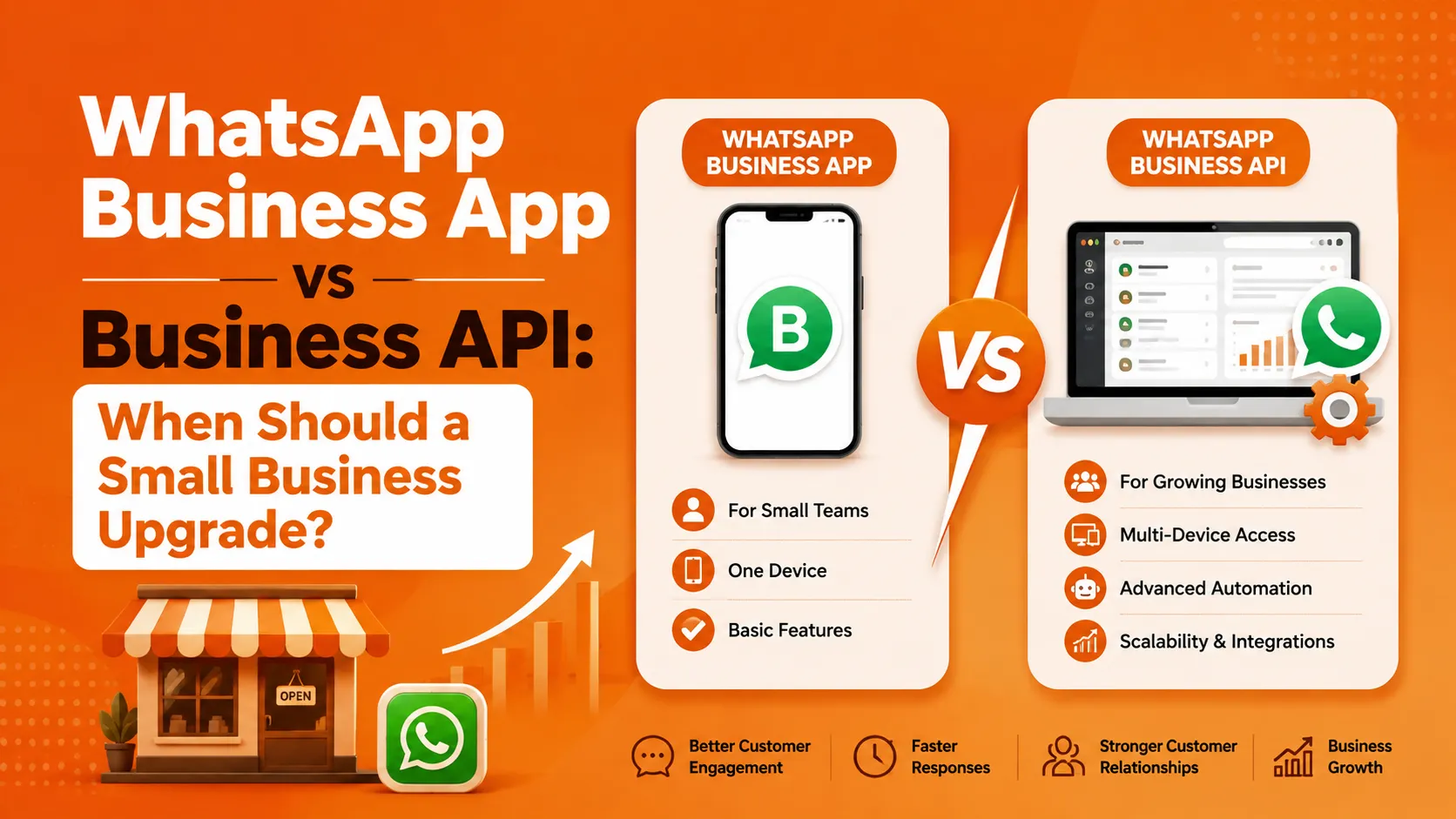
If you're building or recommending WhatsApp marketing infrastructure for a team, the practical guidance is straightforward: Broadcast Lists aren't really a "smaller version" of the Business API that you graduate from as you scale — they're a different feature entirely, built for different use cases, with a hard architectural ceiling that has nothing to do with subscription tiers or feature gating. There's no incremental upgrade path from one to the other; moving to the Business API means a genuine integration project, not a settings change.
For teams evaluating where to start, the Business API is the correct choice for essentially any operation planning to send marketing or transactional messages at meaningful scale, to contacts who haven't necessarily saved the business's number, with any need for delivery visibility or automation. Reaching for Broadcast Lists as a stopgap "we'll upgrade later" solution often means rebuilding contact management and messaging logic from scratch once the actual API integration happens, rather than incrementally extending anything already in place.
A Practical Note on Tooling
For teams that want Business API access without building the integration layer themselves — template management, campaign scheduling, delivery tracking dashboards — a Business Solution Provider handles that tooling on top of the same underlying Cloud API. ItTalk by Imbibe Tech is one example built specifically around this need for the Indian SME market, offering no-code campaign management and broadcast tooling built on the official Business API rather than the native app's Broadcast List feature — which matters specifically because it inherits all the delivery reliability, scale, and compliance characteristics of the API architecture described above, rather than the contact-saving constraint that limits native Broadcast Lists.
The Bottom Line
Broadcast Lists and the WhatsApp Business API aren't two points on the same scale — they're architecturally distinct mechanisms with fundamentally different delivery models. Broadcast Lists depend on the recipient having saved your contact, cap out at 256 contacts, and offer no programmatic control or delivery visibility, because they were built as a personal-messaging convenience feature, not business infrastructure. The Business API is purpose-built for scaled, integrated, trackable business messaging, with delivery, compliance, and rate-limiting handled server-side.
For any real marketing operation past the smallest, most personally-engaged contact list, the Business API isn't just the better option — it's the only one architecturally capable of doing what a genuine marketing channel actually requires.



























Sign in to leave a comment.